If you are signing up for threat intelligence software free trials, a temporary email generator is a practical way to get verification links and product access without giving every vendor your permanent inbox on day one.
It works best for early research, demo unlocks, and side-by-side CTI comparisons—then you can switch shortlisted vendors to your main address once you actually want ongoing contact.
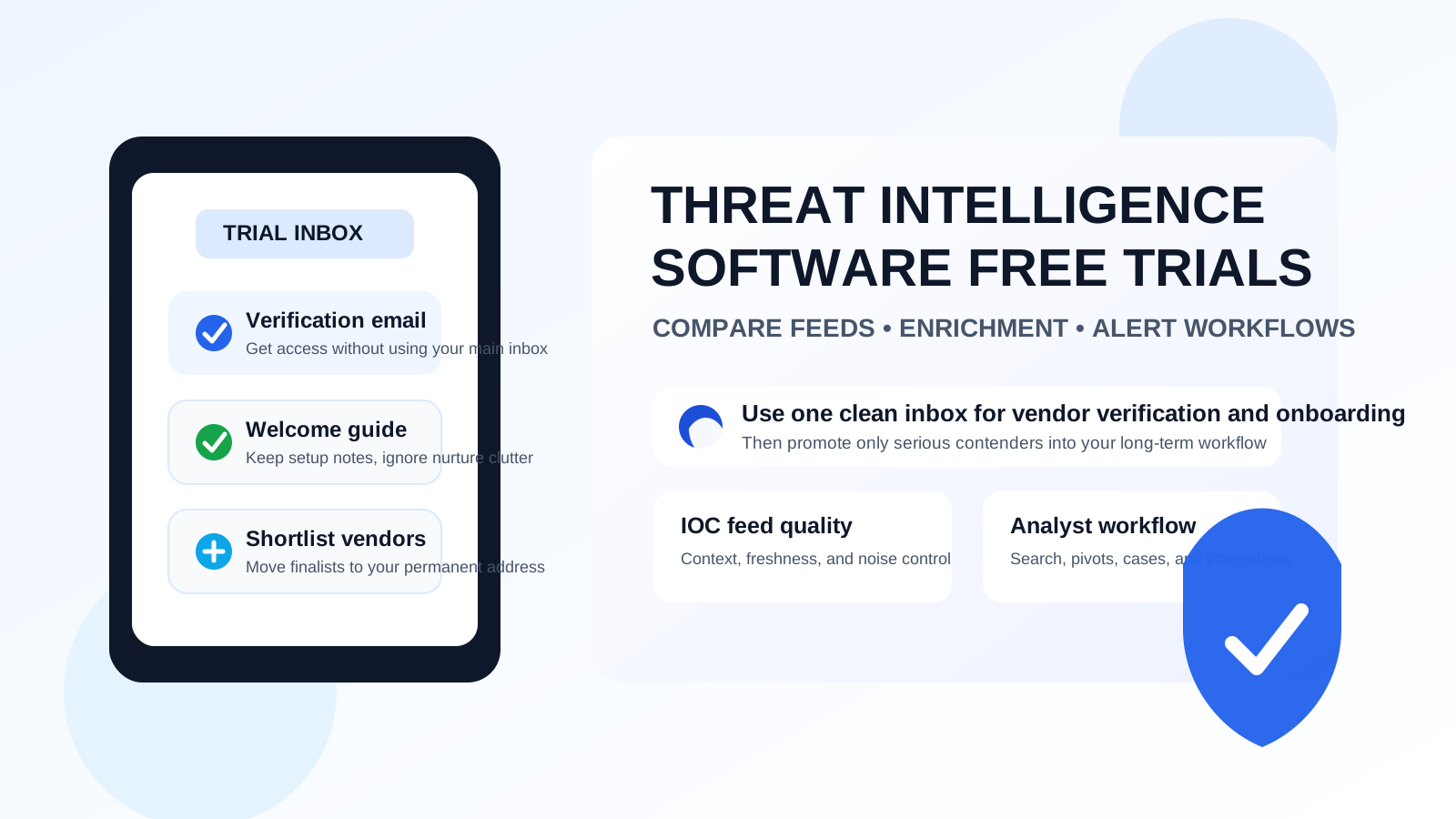
Threat intelligence trials can get noisy fast. Even if you only want to compare a few products, vendors often ask for a work email before they unlock threat feeds, enrichment lookups, analyst dashboards, browser extensions, or guided demos. That is normal, but the email stream that follows usually includes product tours, follow-up campaigns, webinar invites, “book a demo” nudges, pricing check-ins, and sales handoffs that keep landing long after you decided a tool was not a fit.
That is why a temporary email generator for threat intelligence software free trials can be genuinely useful. It gives you a clean inbox for verification and early onboarding, keeps your main mailbox from getting stuffed with nurture sequences, and helps you evaluate tools on their actual quality instead of on how aggressively they chase you after signup.
The goal is not to hide forever. It is to keep the first stage of evaluation tidy. If a platform becomes a serious contender, you can move the relationship to the permanent address your security team, procurement lead, or SOC manager actually wants tied to the account.
Why this use case makes sense
Threat intelligence software often sits in a crowded buying process. Teams may compare multiple products at once for feed breadth, context depth, enrichment quality, integration support, analyst workflow, and alert tuning. That means one evaluation can trigger a lot of email from several vendors at the same time.
A temporary inbox helps when you want to:
- Unlock a trial quickly without committing your long-term inbox to every vendor immediately
- Keep early-stage product comparisons separate from real operational email
- Test several CTI tools side by side without losing track of verification messages
- Reduce long-term sales follow-up from tools that never make the shortlist
- Give analysts or researchers a lightweight way to test a platform before procurement gets involved
That is especially useful when your team is still deciding whether you need a standalone threat intelligence platform, a lighter enrichment tool, or a feature set already bundled into a broader security stack.
When a temporary inbox is appropriate—and when it is not
A temporary inbox is strongest at the very beginning of the process. Think access emails, welcome messages, first-run setup links, and the initial orientation period where you are just trying to answer, “Is this tool worth deeper time?”
It is usually appropriate when you are:
- Testing user experience, search speed, or feed coverage
- Comparing dashboard layouts, enrichment views, or investigative workflow
- Checking whether a vendor even offers the capabilities they claim
- Trying to avoid clutter while you narrow a broad list of options
It is less appropriate once the trial becomes a real internal project. If you are inviting teammates, wiring in production-style integrations, or starting procurement, you usually want to move to a durable shared or team-owned address. The same goes for any stage where auditability, continuity, or contract ownership matters more than inbox separation.
How to use a temporary email generator for threat intelligence software free trials
1. Create the inbox before you open vendor tabs
Start with the inbox, not the signup forms. That way every confirmation message, welcome sequence, and follow-up lands in one place from the beginning. If you use Anonibox, generate the address first and keep that tab handy while you test multiple vendors.
2. Use it only for early evaluation tasks
Use the temporary address to verify the trial, read the getting-started guide, and collect the first useful materials. If you discover a product is not relevant, you can simply move on without turning your main inbox into a long-running vendor marketing list.
3. Save the messages that actually matter
You do not need to keep everything. What matters is usually just a small set of emails:
- The original verification link
- Any trial activation instructions
- Product setup notes or quick-start docs
- Integration or API reference links you want to review later
- Any message that explains trial limits, expiration dates, or feature caps
Capture those early. The rest can stay in the temporary inbox while you focus on the product itself.
4. Judge the tool by operational value, not email pressure
Once you are inside the trial, the real evaluation should move away from email and toward the product. Ask questions like:
- How useful and current are the indicators and threat feeds?
- Does the platform add context you would actually use during investigations?
- Can analysts pivot quickly between IOCs, entities, campaigns, and cases?
- How noisy is the interface, and how easy is it to find what matters?
- Are reporting, tagging, and collaboration features good enough for your team?
- Do integrations with SIEM, SOAR, TIP, ticketing, or enrichment workflows look realistic?
Those questions matter far more than whether the vendor has a polished nurture sequence.
What to compare across CTI trials
If you want the article to be useful rather than fluffy, it helps to know what a serious comparison looks like. Threat intelligence tools vary widely, so a practical trial review usually focuses on a handful of categories.
Feed quality and relevance
Some platforms promise huge data volumes but still deliver limited practical value. Look at freshness, attribution, noise levels, and whether the intelligence is actually relevant to your environment rather than merely abundant.
Context and enrichment
A good platform should help you move beyond raw indicators. Check whether domains, IPs, hashes, and identities are supported by useful context, not just a wall of data points with little investigative meaning.
Search and analyst workflow
If analysts cannot find what they need quickly, the tool will become shelfware. Search speed, filters, pivots, saved views, and case workflows all matter in real use.
Integrations and export options
Even a strong standalone interface can disappoint if it does not fit your broader workflow. Look at integrations with the tools your team already uses and whether those integrations appear mature or merely present on a marketing checklist.
Alerting and operational noise
The best threat intelligence tool is not the one that generates the most alerts. It is the one that produces signals your team can actually act on. During the trial, pay attention to whether the platform seems designed to reduce noise or simply produce activity.
The biggest benefits of using a temporary inbox here
- Less inbox clutter: your permanent mailbox stays cleaner while you compare several vendors.
- Better privacy: you do not have to hand out a long-term address to every product you test.
- Cleaner evaluation workflow: verification links and onboarding notes stay grouped together.
- Easier shortlist handoff: once a vendor proves worthwhile, you can move only that vendor to your team-owned email workflow.
Common mistakes to avoid
Using one temporary inbox for too many unrelated projects
If you are evaluating threat intelligence tools, keep that inbox for that project. Mixing unrelated trials makes it harder to track what belongs to which workflow.
Forgetting to save expiration details
Some trials are short. Save the activation email, date window, and any feature-limit notes before you get busy comparing products.
Keeping a temporary address attached too long
If a platform moves from casual testing to serious internal review, migrate to the real address you want tied to the relationship. A temporary inbox is a filter, not a permanent ownership model.
Confusing privacy with invisibility
A temporary inbox can reduce inbox spam, but it does not make a weak trial suddenly useful. You still need to verify the vendor, assess the platform honestly, and use normal security judgment.
A practical handoff point
One simple rule works well: keep the temporary inbox through verification, orientation, and first comparison; switch to your permanent address when a product becomes a genuine finalist. That is often the moment when you want demos, pricing conversations, procurement continuity, shared team access, or deeper technical follow-up.
Using that handoff point keeps the workflow clean. You get privacy and inbox control at the start, then continuity and accountability when the evaluation becomes real.
Final takeaway
A temporary email generator for threat intelligence software free trials is a practical way to compare CTI tools without turning your main inbox into a permanent vendor follow-up channel. You still receive the verification links and onboarding notes you need, but you avoid giving every early-stage trial a direct path into your long-term mailbox.
For security teams, analysts, and researchers evaluating multiple products, that small workflow change can make trial comparisons calmer, cleaner, and easier to manage. Use the temporary inbox for the first pass, save the messages that matter, and switch shortlisted vendors to a real permanent address when the relationship deserves it.