Use a temporary inbox to verify survey software free trials, compare survey platforms, and keep vendor follow-up out of your main work inbox.
If you need a temporary email generator for survey software free trials, use it during early evaluation so you can activate accounts, collect setup emails, and avoid months of demo reminders from tools that never make the shortlist.
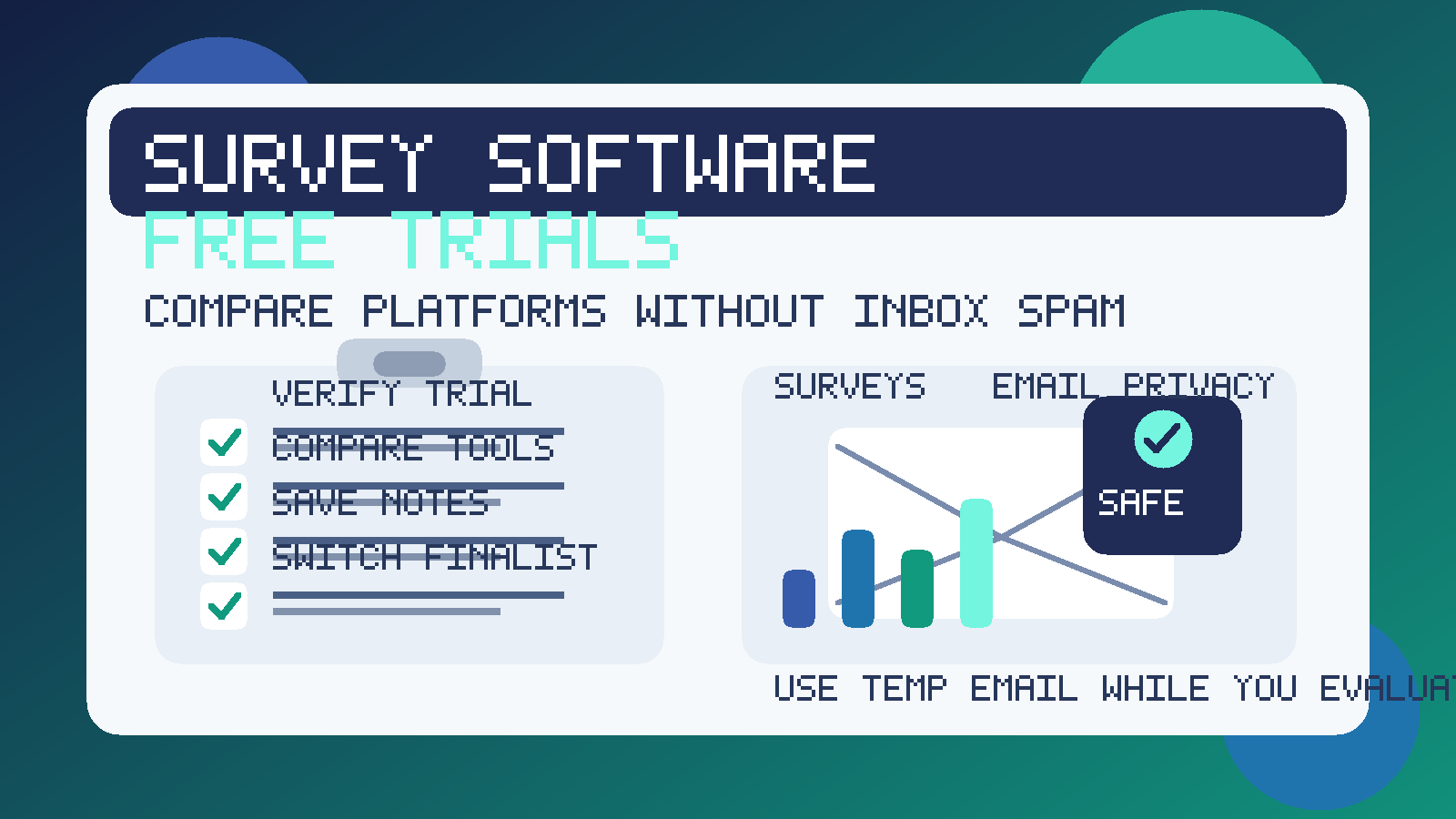
That matters more than it sounds. Survey tools often sit at the intersection of research, marketing, product, customer experience, HR, and operations. A single trial can trigger onboarding emails, webinar invites, template libraries, benchmark reports, pricing nudges, follow-up from sales reps, and repeated prompts to book a demo. If you are evaluating several platforms in the same week, your main inbox gets noisy fast.
A temporary inbox gives you some breathing room. You still receive the verification email and the first setup messages you actually need, but you do not have to hand your permanent work address to every vendor on day one. A service like Anonibox fits that early research stage well because it helps you separate exploratory signups from the inbox you rely on for real work.
Why survey software trials are a good use case for temporary email
Survey software is usually evaluated before a team is ready to commit. Someone wants to test templates, compare reporting, try logic branching, inspect integrations, or see whether a platform can handle customer feedback, employee pulse surveys, product research, or event follow-up. That is useful work, but it does not always mean a buying decision is close.
During that early stage, the main goal is access. You need to confirm the account, open the dashboard, maybe import a sample project, and judge whether the tool is worth deeper attention. What you do not need is long-term promotional email from every platform that looked interesting for fifteen minutes and then lost the comparison.
A temporary inbox is helpful when:
- you are comparing multiple survey platforms at once
- you want to inspect the interface before involving procurement or a larger team
- you need the verification email but do not want a permanent sales sequence yet
- you are testing a niche use case, like employee engagement, NPS, market research, or product feedback
- you want to keep experimental signups separate from your main work communication
How to use a temporary email generator for survey software free trials
1. Create the inbox before you start registering
Set up the temporary address first. That keeps the entire evaluation contained from the first signup form onward. If you wait until after you begin registering, some of the follow-up will already be tied to your permanent address.
2. Decide how much separation you want
If you are testing only one platform, a single temporary inbox may be enough. If you are doing a side-by-side comparison, one inbox per vendor can make the process easier to track. Verification messages, getting-started guides, and trial reminders stay neatly separated instead of blending together.
3. Use the temporary inbox for activation and first-touch onboarding
The best use of temporary email is the research phase: confirming the account, reviewing setup instructions, opening sample surveys, and seeing how the first-run experience feels. That usually gives you plenty of information to judge whether the software deserves more time.
4. Save the important details somewhere permanent
A temporary inbox is a filter, not a project-management system. Save the trial URL, expiration date, template notes, reporting impressions, integration limitations, and any pricing observations in your own document or spreadsheet. That way, if the inbox expires later, your evaluation does not disappear with it.
5. Switch serious finalists to a durable work address
Once a platform becomes a real contender, move it to a permanent business email your team can control. That is the right point for security reviews, stakeholder access, contract conversations, handoff, and long-term ownership. Temporary email is for screening and comparison, not for running a production survey program forever.
What to evaluate inside a survey software trial
If a temporary inbox keeps your attention clean, spend that attention on the product itself. A useful trial should answer whether the platform helps you create, send, and analyze surveys efficiently, not just whether the vendor has polished marketing emails.
Survey builder and authoring speed
Start with the basics: how easy is it to create a real survey? Look at the question types, editing flow, templates, theme controls, and preview experience. Some tools feel fast and intuitive; others make even a simple questionnaire feel heavier than it should. If the builder is awkward during a short trial, day-to-day use probably will not feel better later.
Logic, branching, and targeting
Many teams outgrow basic forms quickly. If your use case depends on skip logic, conditional follow-up, hidden fields, quotas, or audience segmentation, test those flows directly. A platform may look clean on the surface but become frustrating when the survey needs to adapt to different respondents.
Distribution workflows
Check how the software handles survey links, embedded forms, email invitations, reminders, and channel-specific sharing. You do not need to blast a real audience during the trial, but you should understand whether the distribution workflow fits your process. A tool built mainly for simple links may not meet the needs of customer experience teams or researchers running more structured campaigns.
Reporting and analysis
The survey is only half the job. See whether the platform makes results easy to interpret. Review dashboards, filters, exports, response-level detail, charts, text analysis, and summary views. If you cannot turn answers into usable insight quickly, the prettiest builder in the world will not save the platform.
Integrations and handoff
If results need to flow into a CRM, help desk, spreadsheet, data warehouse, or collaboration tool, inspect those paths early. It is common for a survey platform to look great in isolation but become much less attractive once you discover that your downstream workflow needs manual exports or awkward workarounds.
Permissions, governance, and team fit
Think about who will own the tool after the trial. Will it be used by marketing, product, HR, researchers, or client-facing teams? Can multiple people collaborate without stepping on each other? Are templates, workspaces, or permissions easy to understand? Trials do not always expose everything, but they should reveal whether the platform feels manageable as a shared system rather than a single-user toy.
Benefits of using temporary email during survey platform evaluation
- Less inbox clutter: you avoid extended nurture sequences from tools that never survive the shortlist.
- Cleaner comparisons: vendor emails stay segmented, which makes it easier to remember who sent what.
- Better privacy: your main work address does not need to go everywhere immediately.
- Faster first-pass testing: you can verify, log in, and judge the product with less communication overhead.
Common mistakes to avoid
- Using one temporary inbox for every vendor: that defeats a lot of the organizational benefit.
- Forgetting to save key links or notes: trial details still matter even if the inbox is disposable.
- Evaluating the vendor by its follow-up campaign: a strong drip sequence does not guarantee a strong survey workflow.
- Staying temporary for too long: once a platform is serious, move it to a team-controlled address.
- Assuming every service will accept disposable email: some platforms may restrict certain addresses, so be ready to switch if the trial becomes important.
When a temporary inbox is the wrong tool
If you are already inviting teammates, collecting important internal data, negotiating contracts, or setting up an account that needs durable ownership, use a permanent work email instead. Temporary email is best for early exploration, not for long-term administration.
The goal is not to hide from vendors forever. The goal is to keep the research phase clean until a platform earns deeper involvement from your team.
Final takeaway
A temporary email generator for survey software free trials is a practical way to compare survey platforms without filling your main inbox with follow-up before you know which tool is worth real attention. You still receive the activation email and onboarding steps you need, but you keep low-commitment evaluation separate from long-term work communication.
Use temporary email during the shortlist stage, save the details that matter, and move serious finalists to a permanent address when the evaluation becomes real. That small workflow change can make survey software research cleaner, easier to manage, and much less distracting.