Yes — you can use a temp email for DeskTime if you only want to open the trial, verify the account, and compare the product without sending every early-stage signup email into your main inbox.
No — you should not keep a disposable inbox attached once the account starts holding real time logs, productivity reports, manager access, recurring notifications, or team ownership.
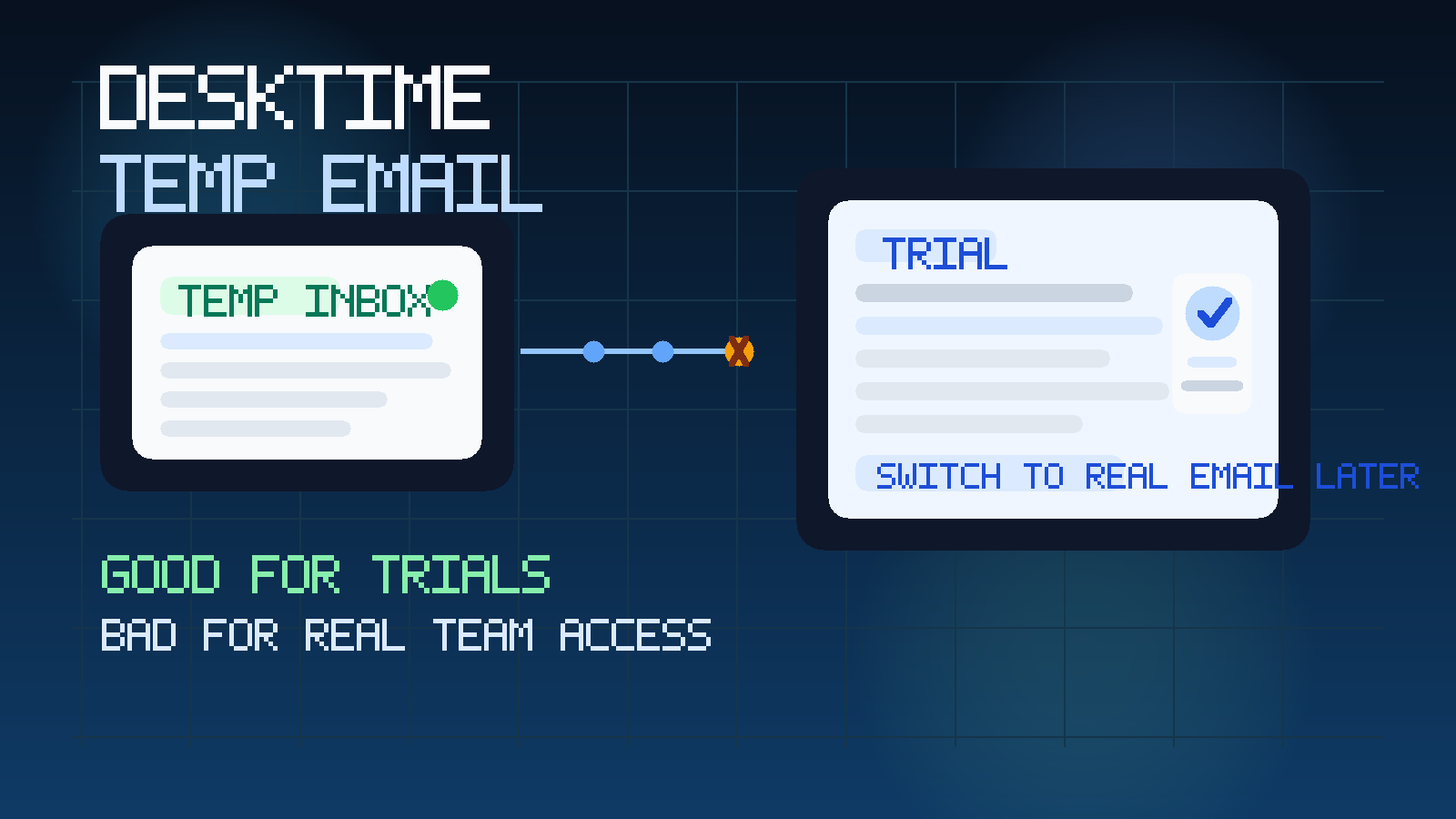
That is the simple answer, but the useful answer depends on when you are using DeskTime. A temporary inbox can be a clean fit at the evaluation stage. It is much less useful once the account becomes part of actual work. Time-tracking tools stop being “just a trial” very quickly. One signup can turn into the place where your team stores work hours, attendance patterns, project notes, manager views, and weekly reporting. The inbox tied to that account matters more than people think.
If you are still comparing options, a service like Anonibox can help you test the signup flow, open the verification message, and keep your main address out of one more onboarding sequence. But if DeskTime is becoming a real operating tool, you want a stable inbox you control for account recovery, admin changes, and long-term communication.
Why people look for a temp email for DeskTime
Most people searching this keyword are not trying to game the system. They usually want a practical buffer while they evaluate another software tool. Time-tracking products often trigger welcome emails, setup tips, trial reminders, “book a demo” prompts, and follow-up messages as soon as you register. That is not unusual, but it gets noisy fast if you are comparing several tools at once.
DeskTime also sits in a category where buyers often review multiple nearby options before deciding what to keep. Someone checking DeskTime may also be looking at Clockify, Hubstaff, Time Doctor, Toggl Track, or the broader time tracking software free-trial comparison workflow. In that context, a temporary inbox is less about secrecy and more about keeping vendor noise separated from real work.
When a temp email for DeskTime makes sense
A disposable inbox is usually reasonable in the earliest phase of evaluation, when you still do not know whether the tool deserves a permanent place in your stack.
1. You only want to inspect the trial
If the goal is to see the interface, review the setup flow, and understand the basic product shape, a temp inbox is fine. You need the verification link and maybe the first onboarding message, not a long-term identity.
2. You are comparing several time-tracking tools at once
Trialing multiple vendors in the same week is exactly the kind of situation where temporary email helps. It keeps each vendor’s messages in a separate lane so you can focus on the product rather than sorting mixed welcome campaigns in your main inbox.
3. You are doing short internal research before involving the wider team
Sometimes one manager, founder, or operations lead wants to explore a product privately before inviting teammates or asking finance, HR, or IT to pay attention. In that stage, a temp inbox can keep the research lightweight.
4. You want to avoid long-tail trial follow-up
Even if you only spend twenty minutes testing a tool, the emails can keep coming for weeks. A temporary inbox prevents that early curiosity from turning into permanent clutter.
When a temp email becomes a bad idea
The moment DeskTime stops being a disposable test, the disposable inbox stops being a smart choice too.
Real time data is now attached to the account
If the account begins collecting actual work hours, project data, employee names, attendance patterns, or reporting history, the inbox tied to it becomes important. Losing access later is no longer a minor inconvenience.
Other people are involved
Once managers, coworkers, or admins are invited, the account becomes part of a shared workflow. Shared workflows need durable ownership. A throwaway inbox is the opposite of durable ownership.
Reports and notifications start to matter
Time-tracking tools often become part of weekly routines. If you care about reminders, summaries, manager updates, or workflow notices, those messages should land in an inbox you actually plan to keep.
Recovery and admin control matter now
Password resets, account changes, role updates, and billing-adjacent communication are all reasons to stop using a temp inbox. A tool that matters operationally should never depend on an inbox you might lose or ignore.
What the real risk looks like
The biggest mistake is not using temporary email in the first place. The biggest mistake is forgetting to switch away from it after the trial becomes real.
That happens more often than you might expect. Someone opens a quick DeskTime account to test it. The product feels useful. A couple of people get invited. A team starts logging hours. A manager begins relying on the reports. Weeks later, the original inbox is either gone, forgotten, or impossible to use for reliable recovery. What started as a harmless shortcut becomes an avoidable ownership problem.
That is why the right question is not “Can a temp email work?” It usually can. The better question is “Would losing this inbox later create pain?” If the answer is yes, move the account to a stable address now rather than later.
How to use a temp email for DeskTime safely
Start with a clear evaluation goal
Know what you want from the trial before you sign up. Are you checking the timer flow? Testing reporting? Seeing whether the interface fits your team? A clear goal makes it easier to keep the trial short and contained.
Use the temporary inbox for verification and first access only
The strongest use case is early access: open the signup email, confirm the account, and inspect the product. That is the point where disposable email gives you the most benefit with the least risk.
Save the details you may need
If the trial email contains a login URL, setup note, or other useful reference, save it somewhere you control. Temporary inboxes are convenient, but they are not your long-term filing system.
Switch early if the platform makes the shortlist
Do not wait until the account feels critical. If DeskTime is clearly a serious candidate, move the login to a real inbox immediately. That reduces the chance that recovery, permissions, or communication become messy later.
Keep trial inboxes separate when comparing tools
If you are reviewing several vendors, using one temporary inbox per vendor is cleaner than stuffing every trial into the same address. That makes it easier to compare onboarding quality and keep messages organized.
What to evaluate while you are inside the trial
If a temporary inbox buys you a cleaner test, use that attention on the product itself.
How fast can someone start tracking time?
The first-run experience should feel easy enough that a new user understands where to begin without too much friction. If basic time logging already feels awkward, adoption may be harder than the sales page suggests.
Does the reporting view feel useful?
Look beyond the timer and inspect how understandable the reporting is. Managers and operators care about more than raw hours. They need reports that make sense quickly and support real decisions.
Is the product suitable for individual use, team use, or both?
Some tools feel fine for one person and messy for a group. If you expect shared usage, pay attention to what the workflow suggests about roles, visibility, and day-to-day administration.
Will this create more oversight than your team actually wants?
Time-tracking and productivity tools always involve a culture question. Even if the feature set is strong, it is worth asking whether the monitoring style fits how your team wants to work.
How much value do the emails actually add?
One underrated advantage of temporary email is that it lets you observe how much of the vendor relationship is real product value versus automated follow-up. Helpful guidance is fine. Constant low-value prompting is worth noticing too.
Common mistakes to avoid
- Keeping the temp inbox attached after the trial becomes real: this is the most common and most avoidable error.
- Judging the tool by the email campaign: polished follow-up does not necessarily mean polished reporting or team workflow.
- Using your main inbox for every low-stakes signup: that creates unnecessary long-term clutter.
- Failing to save key links or notes: convenience still needs a little discipline.
- Inviting teammates too early: shared access should usually come after you know the product is worth keeping.
A simple decision rule
Use a temp email for DeskTime if the account is temporary. Do not use one if the account is becoming important.
That sounds almost too obvious, but it is the cleanest rule available. If the login is only there to help you inspect the product, a disposable inbox is practical. If the login is starting to anchor real work, real people, or real reporting, it should belong to a permanent address you control.
Final takeaway
A temp email for DeskTime is a good fit for short evaluations, basic signup verification, and side-by-side comparison with other time-tracking tools. It helps you keep your main inbox cleaner while you decide whether the product is worth deeper attention.
It becomes the wrong tool once DeskTime starts handling real time logs, manager visibility, recurring reporting, or shared team access. Use the temp inbox during the trial stage, then switch to a stable address the moment the account becomes important. That gives you the privacy and clutter-control benefits of temporary email without creating a predictable recovery problem later.