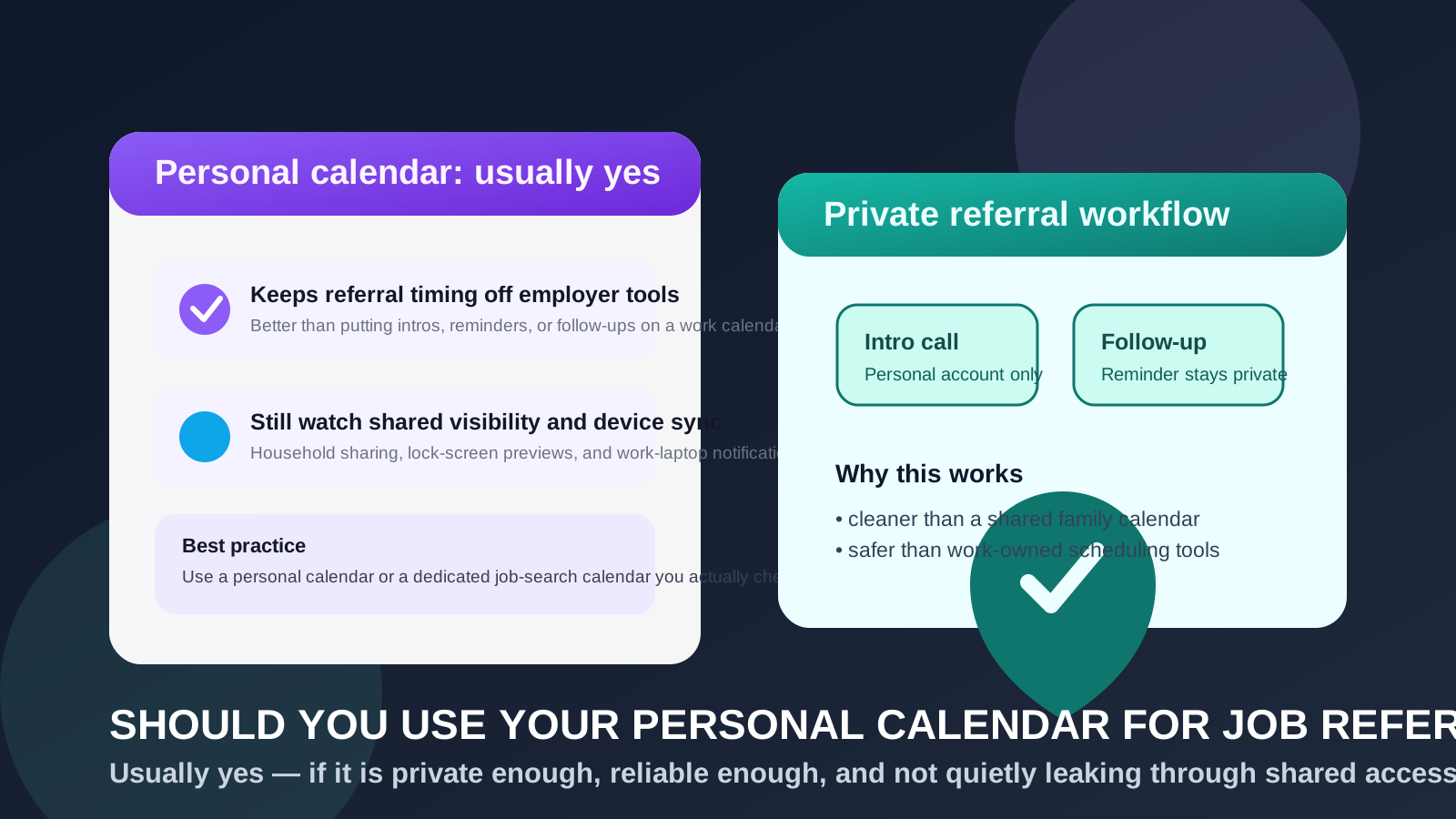
Usually yes. A personal calendar is generally a better place for job-referral reminders and intro-call scheduling than a work calendar, because you control the account and the devices it touches.
But it is not automatically private. If your personal calendar is shared with family, visible on work-managed devices, or full of overly specific reminders, it can still expose more of your search than you intended.
Job referrals feel informal, which is exactly why people often overlook the privacy side of them. A friend says they can introduce you to a hiring manager. A former coworker offers to pass along your resume. Someone inside the company suggests a quick coffee chat, a fifteen-minute intro call, or a follow-up next week. None of that feels like a full interview loop yet, but it still creates a trail of timing, reminders, notes, and scheduling details.
That trail has to live somewhere. If it lives on your employer’s calendar, that is usually a mistake. If it lives on a personal calendar you actually control, that is usually fine. The real issue is whether your personal setup is private enough, organized enough, and reliable enough for a search that may become more serious very quickly.
Why a personal calendar is usually the best default
The biggest advantage is ownership. Your personal calendar belongs to you, not your employer. That means referral timing, reminder names, guest details, and event notes are less likely to sit inside company-administered systems, company-retained logs, or work-device notifications.
For most job seekers, that alone makes a personal calendar the strongest simple answer. It is usually safer than a work calendar and easier to manage than building a separate system from scratch. If the referral is legitimate and time-sensitive, you also want to use a calendar you already check regularly. Privacy only helps if you still show up to the call.
A personal calendar also fits the real rhythm of job referrals better than many people expect. Referrals are often unpredictable. You may hear nothing for days, then get a message asking if you are free tomorrow morning. A calendar you already trust and monitor is usually better than a clever but fragile setup you forget to open.
What makes job referrals different from ordinary job applications?
Applications are often one-way at first. You submit a form, get a confirmation email, and wait. Referrals are more conversational. They can create a quick chain of follow-ups like:
- send your resume to the person making the introduction
- follow up in three business days if they have not replied
- hold time for a short recruiter intro
- prepare questions for an internal employee chat
- circle back after an employee says they will “check with the team”
That is why a calendar matters earlier in the process. Even before you are interviewing formally, referral activity can produce a meaningful scheduling trail. Managing that trail on the right calendar helps you stay organized without advertising your search to the wrong audience.
When using your personal calendar makes perfect sense
A personal calendar is usually a strong choice when:
- you are the only person who can see full event details
- notifications stay on personal devices you control
- you already check the calendar every day
- your referral activity is active enough to need reminders but not so large that it deserves a totally separate system
- you want a practical setup without work-system exposure
In that situation, a personal calendar is often the sweet spot. It is private enough for most people, easy enough to maintain, and much safer than relying on tools your employer controls.
What can still go wrong on a personal calendar?
Calling something “personal” does not make it invisible. It just changes the type of risk.
1. Shared calendars can reveal more than you think
Many people share their calendar with a spouse, partner, assistant, or family account. That can be perfectly normal, but it matters if your job search is supposed to stay quiet. A referral event with a company name, recruiter note, or recurring follow-up reminder may reveal more than you wanted to share.
This is not always a security issue. Sometimes it is simply a boundaries issue. You may not want every exploratory career conversation visible to other people before it becomes serious.
2. Work-device sync can quietly undo the privacy benefit
Some people keep their personal calendar on a work laptop or employer-managed phone for convenience. That partly defeats the point. Reminder banners, side-panel previews, browser notifications, and lock-screen alerts can all surface referral activity on devices you do not fully control.
If you are trying to keep a referral search discreet, a personal calendar should ideally stay on personal devices. Otherwise, you are moving the data off the work calendar but still letting work-managed screens show the clues.
3. Your main calendar can become cluttered fast
Even a small referral search creates more timing tasks than people expect. Follow up Friday. Review resume Sunday. Hold lunch hour for intro call. Check if employee contact heard back. If all of that lands in the same space as birthdays, school pickups, medical appointments, trips, and bills, things get noisy fast.
This is less about secrecy and more about usability. A cluttered calendar makes it easier to miss a referral window or lose track of who promised what.
4. Event titles can be more specific than they need to be
You do not need to write vague nonsense like “Thing” or “Meeting,” but you also do not need event titles that read like diary entries. A label such as “Referral follow-up,” “Private call,” or “Career chat” is often enough. The calendar should help you, not expose extra detail for no reason.
When a separate calendar is better than your normal personal one
A personal calendar is often fine. A separate calendar becomes better when your search is active, sensitive, or operationally messy.
You may want a separate job-search or referral calendar if:
- you share your main personal calendar with other people
- your referral activity is increasing and starting to bury everyday events
- you want a different notification style just for career-related reminders
- you are running a confidential search and want tighter separation
- you plan to combine referrals, applications, and interviews in one cleaner workflow
That does not necessarily mean a whole new account. Sometimes a dedicated sub-calendar inside your existing personal account is enough. The goal is separation without making the system so isolated that you miss messages or forget to check it.
How to use a personal calendar for job referrals without creating new privacy problems
Keep the real details off work tools
If you need to protect time during the workday, a neutral busy block on your work calendar may be understandable. But the actual referral details should stay on the personal side: names, links, company notes, and follow-up reminders.
Review sharing settings before your search gets busy
This is one of the easiest wins. Many people forget who can see their personal calendar or how much detail is visible. A two-minute review can prevent a lot of accidental visibility later.
Limit reminders to devices you trust
The biggest leaks are often mundane: phone banners, desktop popups, smartwatch taps, or side widgets. If your personal calendar is helping you search privately, make sure its reminders are not showing up somewhere awkward.
Use the notes field for context, not the title
The title should help you recognize the event quickly. Deeper details such as who referred you, the role, the company, the meeting link, or what you want to ask can live in the notes section instead of the event name itself.
Set reminders that support follow-through
Referrals are easy to lose because they often start casually. One good reminder to prepare and one closer to the event is usually enough. You are trying to stay dependable, not surround yourself with notification noise.
Where Anonibox fits into this workflow
A personal calendar solves the scheduling side of privacy. It does not solve inbox exposure on its own. If you are exploring job boards, gated resources, or low-trust signups where long-term contact may not matter yet, a tool like Anonibox can help reduce clutter and keep your main address from spreading too widely.
But once a real person is referring you to a real opportunity, reliability matters more than maximum throwaway separation. That usually means using a stable personal email or alias for the actual conversation and keeping the timing on a personal or dedicated job-search calendar you trust. In other words, temporary inboxes can help at the edge of the funnel, while real referral scheduling usually belongs in a dependable long-term setup.
A simple setup that works well for most people
- Use a personal calendar, not your employer’s calendar.
- If needed, create a dedicated referral or job-search sub-calendar.
- Keep event titles clear but not overly revealing.
- Store real details in notes, not in notification-heavy fields.
- Make sure reminders stay on personal devices.
That setup is usually enough to keep referral timing organized without creating unnecessary exposure.
Quick decision checklist
- Do I fully control this calendar account?
- Who else can see the event titles or details?
- Will reminders appear on any work-managed device?
- Is my main personal calendar too crowded for a growing referral workflow?
- Would a dedicated sub-calendar make the process cleaner with very little extra effort?
If those answers look good, a personal calendar is probably the right choice. If they reveal shared access, sync overlap, or too much clutter, a separate calendar becomes the better move.
Final answer
Yes, you usually should use your personal calendar for job referrals instead of your work calendar. It is normally the safer and more practical default because it keeps referral timing under your control instead of inside employer-managed tools.
Just remember that personal does not always mean private enough. If the calendar is shared, noisy, or visible on work devices, tighten the setup or create a dedicated referral calendar. The goal is to stay organized, reachable, and discreet without making your workflow so complicated that you miss a good opportunity.