A temp email for SimplyBook.me is fine for a quick trial, a low-stakes booking-page test, or an early tool comparison.
It becomes a weak setup once reminders, staff schedules, repeat customers, or real appointments depend on that inbox.
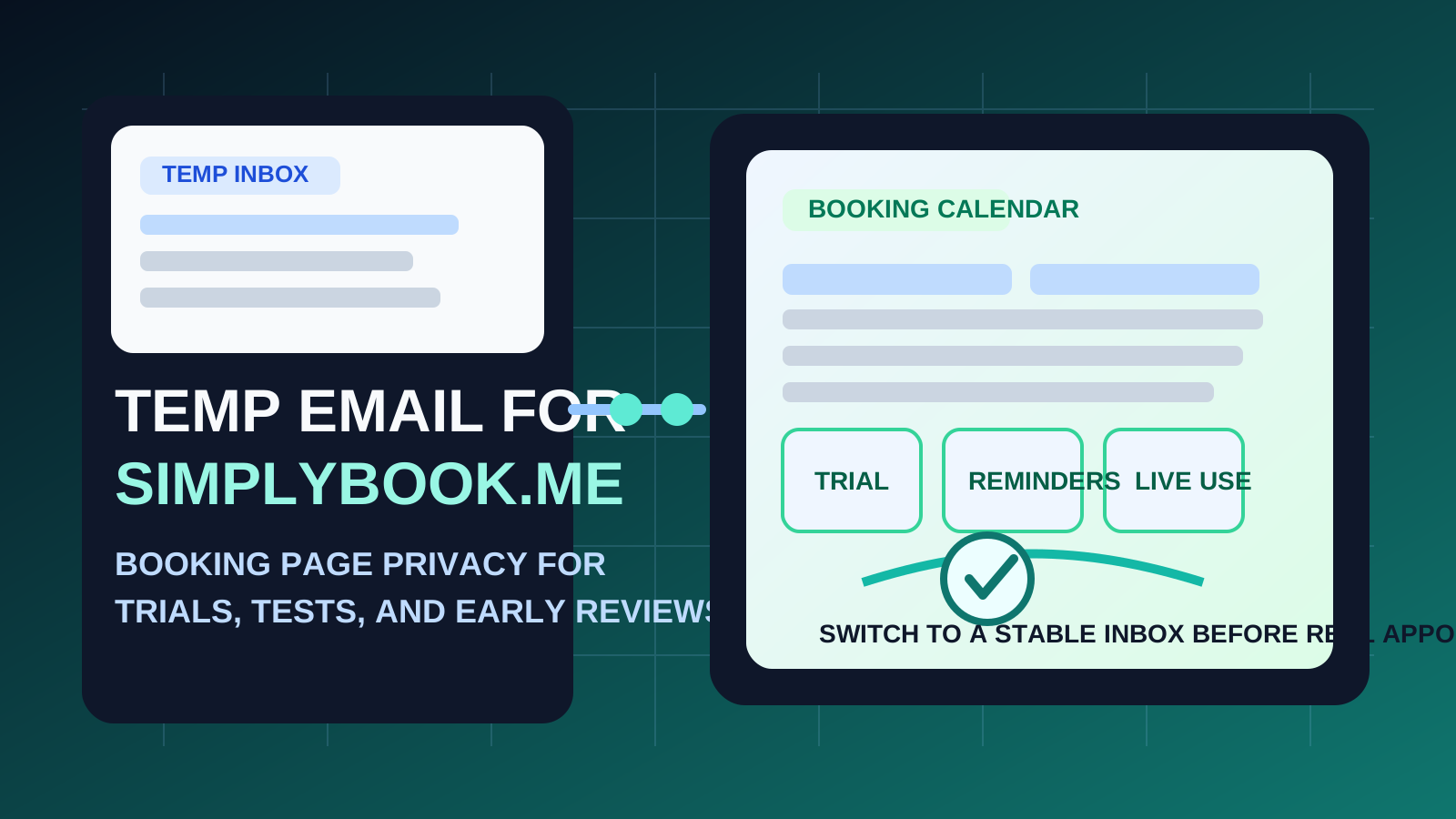
If you are checking out SimplyBook.me, the appeal of a temporary email is easy to understand. Scheduling tools often ask for an address before you can explore the dashboard, test the booking page, or see how confirmations and reminders work. If you are comparing multiple appointment platforms at once, that can turn your main inbox into a dumping ground for onboarding sequences, demo nudges, and follow-up marketing before you have even decided which tool is worth keeping.
That is where a service like Anonibox can help. A temporary inbox gives you a clean way to verify the signup, read the first setup emails, and decide whether the platform fits your needs without handing over your long-term address too early. But scheduling software is also the kind of product where email continuity starts to matter fast. Once the account touches live appointments, customer notifications, staff calendars, or account recovery, disposable email stops feeling clever and starts feeling fragile.
When a temp email for SimplyBook.me makes sense
There are a few situations where using a temporary inbox is practical.
- First-pass product evaluation: you want to see the setup flow, interface, and welcome emails before giving out your primary address.
- Trial signups: you are checking whether the platform suits your business before committing to a real rollout.
- Booking-page testing: you want to understand what the customer-facing flow looks like from the outside.
- Side-by-side comparisons: you are reviewing SimplyBook.me alongside tools like Calendly, Setmore, OnceHub, or Microsoft Bookings and want to keep the follow-up separated.
- Low-stakes internal testing: you only need the account long enough to inspect forms, service settings, or reminder behavior.
That is the sweet spot. The inbox is temporary, and the account is temporary too. You are not trying to build your long-term booking operations on top of it. You are just reducing noise while you evaluate the tool.
Why temporary email becomes risky faster in scheduling software
SimplyBook.me is not a generic app where the only important email is the welcome message. Once the product moves from testing to live use, email becomes part of the operating system behind your appointments.
1. Reminder emails matter more than the first verification link
People often focus on the signup step because it is the first thing they see. In practice, the more important messages usually arrive later: reminders, reschedules, cancellations, and service updates. If the inbox attached to the account is disposable or no longer monitored, that weak point shows up at exactly the wrong time.
2. Staff and customer scheduling needs continuity
SimplyBook.me is often used for real-world appointment workflows: salons, clinics, consultants, coaches, repair businesses, training sessions, and other service-based scheduling. Once multiple staff members, locations, or customer touchpoints are involved, the account email is no longer just a private testing detail. It becomes part of an operational chain.
3. Account recovery becomes harder
If you ever need to reset access, confirm a change, or recover the account later, a temporary inbox becomes a liability. Disposable email is only safe when the account itself is disposable. If you might care about the account next week, next month, or after a break in usage, a stable inbox is the better foundation.
4. Missed messages create real friction
With scheduling tools, missing one message can do more damage than missing ten marketing emails in some other SaaS category. A missed appointment notice or update can create awkwardness for customers, staff, or both.
A practical rule of thumb
Use a temp email for SimplyBook.me when you are evaluating the platform, not when people will rely on it.
If you are only testing the product, disposable email can be a smart privacy and inbox-hygiene move. If you are publishing booking pages, connecting staff calendars, or expecting customers to book real services, you should switch to a permanent email before launch.
How to use a temp email for SimplyBook.me without causing problems later
1. Decide whether this is a trial or a real rollout
Be honest about the stage you are in. Are you simply exploring the dashboard and testing the flow? Or are you already halfway committed to using the tool in production? If it is a real rollout, skipping the disposable step may save you time and confusion.
2. Save the few messages that actually matter
If you use a temporary inbox, do not treat it as long-term storage. During testing, the messages you usually want to capture are:
- the verification email
- initial setup instructions
- welcome emails that explain important configuration steps
- notes about how reminders or booking notifications behave during your test
That way, if the temporary inbox expires or you abandon it on purpose, you still keep the useful information from the trial.
3. Run the test in one focused session
Temporary inboxes work best when you use them intentionally. Instead of opening a trial and forgetting about it for a week, move through a short checklist in one sitting:
- How easy is it to create services and availability?
- Does the booking page feel clear from a customer perspective?
- How do confirmation and reminder emails look?
- Can you understand the staff or multi-service setup without too much friction?
- Do you actually prefer this workflow over the alternatives?
This makes the temporary email useful as a decision tool rather than a half-managed second identity that lingers in the background.
4. Switch to a stable inbox before anything goes live
The best moment to switch is earlier than many people expect. If you are about to connect calendars, add staff, publish a booking page, or let real customers schedule with you, change the email first. Do not wait until appointment traffic is already flowing through a throwaway inbox.
When you should skip temporary email entirely
There are situations where using a disposable inbox for SimplyBook.me is more trouble than it is worth from day one.
- You are launching live customer appointments right away.
- You need staff scheduling and handoffs to stay dependable.
- You expect to keep the account long term.
- You may need to recover or manage the account later.
- You want a stable communication chain for reminders, changes, and follow-ups.
In those cases, the privacy upside of a temporary inbox is smaller than the operational downside of using an address you do not plan to keep checking.
Real-world examples
Example 1: comparing scheduling platforms for a small business
If you are deciding between SimplyBook.me, Square Appointments, and YouCanBookMe, a temporary inbox is perfectly reasonable. You can test the welcome flow, inspect the booking page, and keep the inevitable follow-up emails out of your main address while you compare options.
Example 2: reviewing the customer-side booking experience
If you want to see how service selection, confirmations, and reminder messages behave in a controlled test, disposable email works well. You are evaluating the experience, not yet committing to live operations.
Example 3: setting up bookings for an actual service business
This is where the disposable approach stops making sense. Once customers are booking real appointments, reliability beats inbox cleanliness. A stable inbox is the adult version of the setup.
Common mistakes to avoid
- Using a throwaway inbox for an account you already know you will keep: this only delays the inevitable switch and raises the chance of missing something important.
- Thinking only about signup privacy: the more important messages are often the reminders and updates that come later.
- Leaving trials half-finished: temporary inboxes work best for short, deliberate evaluations.
- Ignoring account recovery: if you might need the account later, plan like you will.
- Confusing low-stakes testing with live operations: the right email strategy depends on the stage.
A better middle-ground approach
If you want privacy without sabotaging reliability, use this workflow:
- Create a temporary inbox for first-pass evaluation.
- Verify the account and save the small set of setup messages that matter.
- Test the booking flow quickly and deliberately.
- Decide whether SimplyBook.me is worth keeping.
- Move to a permanent inbox before live appointments, staff scheduling, or customer reminders depend on the account.
This gives you the best part of temporary email — less long-term inbox clutter — without pretending it is the right answer for every stage of a scheduling workflow.
Final takeaway
A temp email for SimplyBook.me is useful when you want to test the signup flow, inspect booking pages, and compare scheduling tools without committing your main inbox too early.
It is not the right long-term setup once reminders, repeat customers, staff calendars, and real service appointments start to matter. Use temporary email for evaluation, then switch to a stable inbox before the workflow becomes something real people depend on.