Yes — a temp email for ManyChat can be useful when you only want to verify signup, test the dashboard, and explore chat automation without giving another platform permanent access to your main inbox. No — it is a poor long-term address once real leads, live Instagram or Facebook conversations, client work, team access, or account recovery depend on that login.
That distinction matters because ManyChat can start as a quick trial and turn into something operational surprisingly fast. A disposable inbox is helpful while you are still evaluating flows and separating vendor emails from your real work. It becomes risky the moment your account starts touching real conversations, real automations, or real ownership.
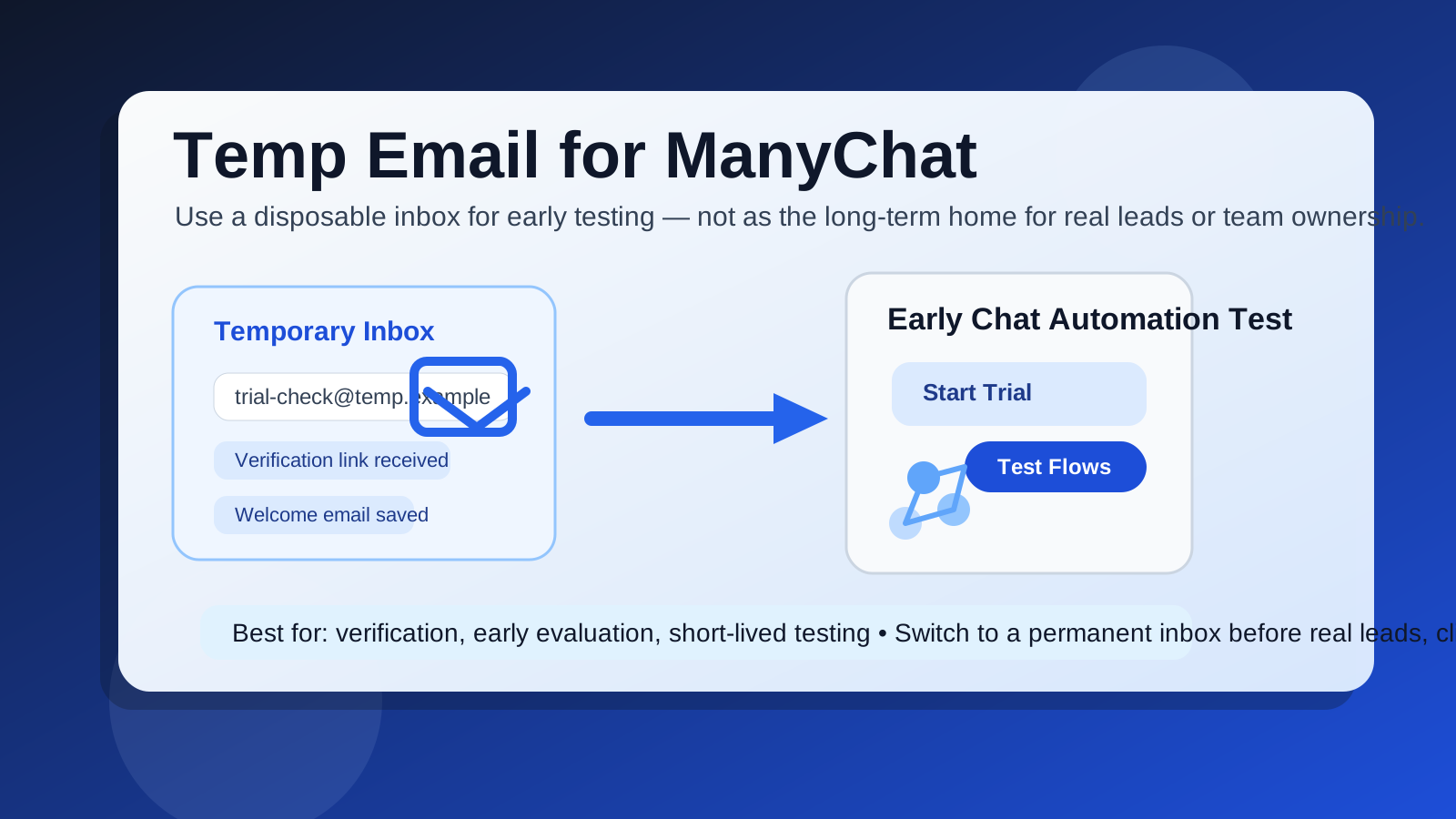
Why people look for a temp email for ManyChat
Most software trials begin with the same small tradeoff: you want access to the product, but you do not necessarily want months of follow-up email if the tool never makes the shortlist. ManyChat fits that pattern well. Someone may want to open the platform to inspect the flow builder, test a few automations, see how broadcasts and triggers are organized, or compare it with other chat and marketing tools before committing their normal inbox.
That is a reasonable use case. Early evaluation often creates more email than useful work. You may get verification messages, welcome sequences, onboarding checklists, feature announcements, webinar invites, demo prompts, and sales nudges before you even decide whether the platform is right for you. Using a disposable address keeps that first phase cleaner.
It is also common for people to separate trial activity from their everyday business inbox on purpose. If you are comparing several tools in one week, a temporary inbox can stop everything from blending together. You can verify the account, save the messages that matter, and move on without letting every trial become a permanent source of inbox noise.
When a temporary email makes sense for ManyChat
A temp email for ManyChat makes the most sense during the low-stakes phase, when you are still gathering information rather than running something real.
- Early product evaluation: You want to see how the interface feels before handing over a permanent business inbox.
- Short comparison projects: You are testing ManyChat next to other chat, CRM, or marketing automation tools.
- One-off research: You need access to documentation, setup emails, or onboarding prompts during a quick review.
- Temporary client exploration: You are checking whether the platform could fit a future workflow, but nothing important is live yet.
- Inbox separation: You want trial-related messages isolated from real customer, hiring, or business communication.
In those cases, a tool like Anonibox can be a practical first step. It gives you an inbox for verification and early access without forcing you to hand your permanent address to every platform too early.
Where it gets risky fast
The problem is not whether a disposable inbox works for the first login. It usually does. The problem is how quickly “just testing” turns into “this account now matters.” ManyChat is the kind of platform where that line can move fast.
Real leads and live conversations
Once an account is tied to live lead capture, ongoing chat flows, or customer messaging, the email on the account stops being a throwaway detail. It may receive notices about channel changes, conversation issues, approvals, login activity, or important account updates. If the inbox disappears or becomes unmonitored, you can miss something that matters.
Team invites and shared ownership
As soon as more than one person is involved, a temporary address becomes much weaker. Teams need stable ownership. If a disposable inbox is the original anchor for an account, handoffs get messy later. The question is no longer just “can I still receive the next message?” It becomes “who actually controls this workspace if something changes?”
Client work and agency use
If you are setting something up for a client, short-term convenience is a bad reason to keep a throwaway inbox attached. Client-facing systems should not depend on an address that was only created to dodge trial spam. Even if the platform itself works perfectly, the account foundation is fragile if key notifications go to an inbox nobody monitors long term.
Recovery and security friction
Temporary inboxes are also weak recovery anchors. If you ever need to reset access, confirm a suspicious login, or prove account ownership, an expired or forgotten disposable inbox is a headache. That does not mean temp email is never useful. It means you should treat it as a staging tool, not a permanent control point.
A practical way to use a temp email for ManyChat without getting burned
If you want the benefits without the obvious downside, the safest approach is simple: use temporary email only during the earliest evaluation window, then switch before anything valuable depends on it.
- Create the temporary inbox before signup. Keep the trial isolated from your everyday work email from the start.
- Use it for verification and first access only. Confirm the account, open the dashboard, and review the first setup sequence.
- Test structure, not production. Explore the builder, logic, menus, and early settings without treating the account like a live system.
- Save any messages you actually need. If there is a useful setup email or onboarding checklist, keep it before the temporary inbox disappears.
- Switch to a permanent monitored inbox early. Do this before live leads, client messaging, billing, or teammate access depend on the account.
That last step is the important one. People usually do not get into trouble because they used temporary email for the first hour. They get into trouble because they left it in place for weeks after the account became important.
Signs it is time to move off the disposable inbox
If any of the situations below are true, you have probably outgrown the temp-email stage:
- You connected real customer-facing channels.
- You created flows that affect real leads or clients.
- You invited teammates or shared access with collaborators.
- You started storing business-critical settings in the account.
- You expect to keep the platform beyond a short evaluation window.
- You would be frustrated or exposed if you missed an account-related email tomorrow.
Once you reach that point, move the login to an inbox you control and monitor consistently. A dedicated work alias or evaluation inbox is usually better than a disposable one for this stage.
Common mistakes people make
Using the temp inbox for too long
This is the big one. A throwaway inbox is fine for low-stakes verification. It is not fine as the unnoticed foundation of a system that now matters to your business.
Confusing inbox privacy with account safety
Reducing spam is helpful, but it does not solve every operational risk. Even if a disposable inbox kept your main address cleaner, you still need a stable contact point for anything tied to production work or shared access.
Letting the first admin remain disposable
Initial ownership matters. If the original admin address is temporary and nobody replaces it quickly, recovery and handoff become harder than they need to be.
Forgetting that trial habits often become permanent habits
People rarely plan to leave a temporary inbox attached forever. They just get busy. The safest move is to change the address as soon as the account survives the first evaluation stage.
Better long-term alternatives than staying disposable forever
If your real goal is separation, not secrecy, you have better options once the tool proves useful.
- A dedicated evaluation inbox: Good when your team reviews lots of software but still needs a monitored address.
- An email alias: Useful if you want filtering and organization without giving out your primary address everywhere.
- A role-based team inbox: Better for tools that may be shared across a business or agency.
- A permanent project inbox: Smart when one client, campaign, or brand should have its own account trail.
Those options preserve the main benefit people want from temp email, which is separation, while avoiding the obvious weakness of an inbox that may not remain available when you need it most.
Final answer: should you use a temp email for ManyChat?
Yes, if you are in the first phase of testing and only need account verification, early product access, and a cleaner main inbox. No, if the account is becoming tied to real leads, client communication, team access, or account recovery.
The sensible middle ground is to use a temp email for ManyChat as a short-lived evaluation tool, not as a permanent operating setup. If you like the platform, switch early to a real monitored inbox before the account becomes part of live work. That gives you the privacy upside of a disposable address without letting a temporary shortcut become a long-term weakness.