A temp email for Tines is fine for a quick signup, first-pass workflow testing, and one-off product evaluation.
It becomes a bad idea once your stories send real alerts, involve teammates, or need reliable account recovery.
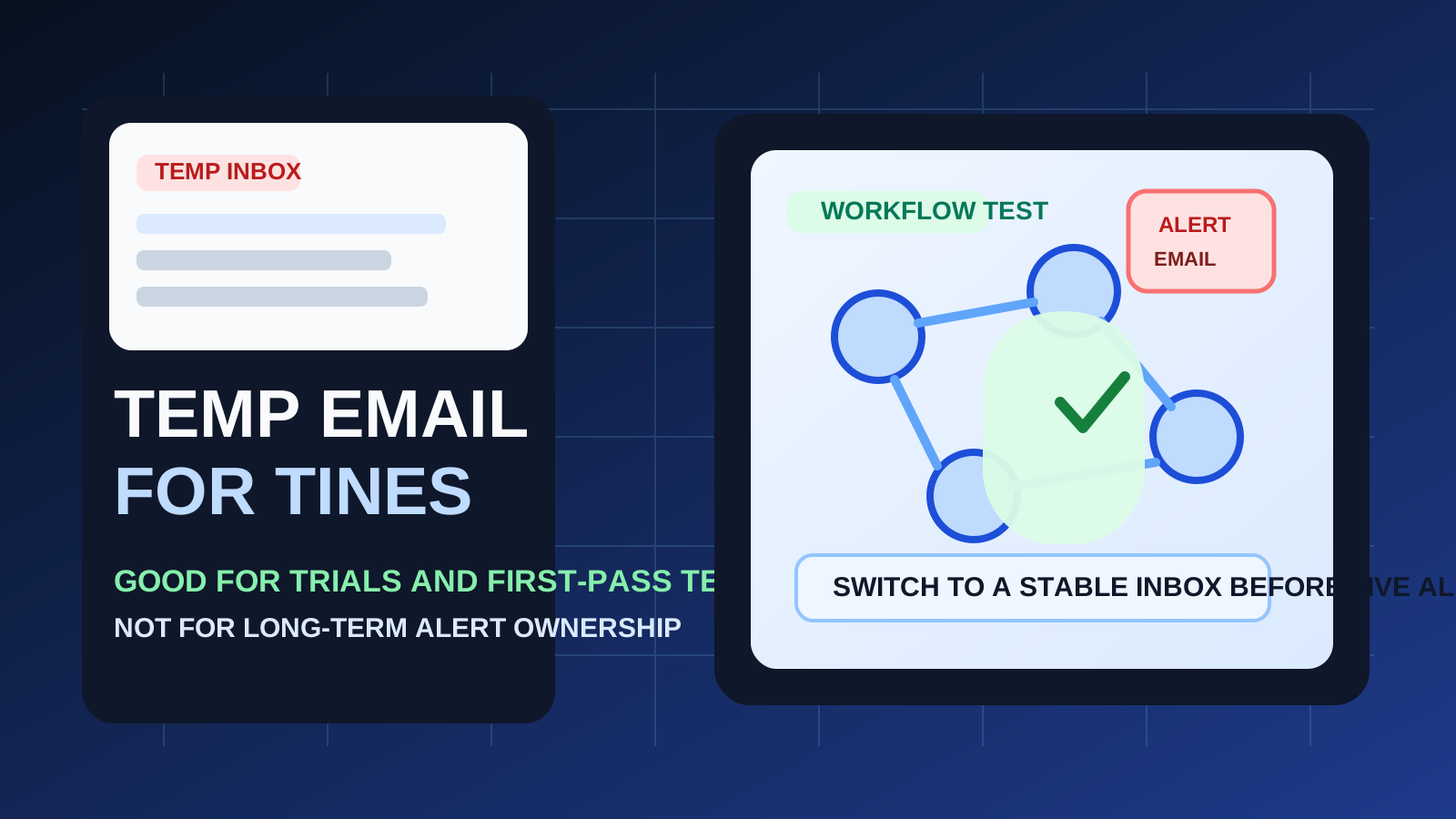
If you are evaluating Tines, a disposable inbox can be a practical way to separate product research from your everyday email. Workflow automation platforms tend to trigger a lot of follow-up: verification links, onboarding checklists, demo nudges, release notes, sales outreach, and “want help building your first workflow?” emails. When you are only trying to understand the product, that noise is not necessarily worth sending to your permanent address.
That is the good use case. The bad use case is pretending a throwaway inbox is still good enough after the account starts mattering. Tines sits close to real operational work: alerts, approvals, shared workflows, incident response, internal automation, and account ownership. Once the platform moves beyond casual evaluation, the email address attached to the account stops being a minor detail. It becomes part of a workflow you may actually depend on.
A tool like Anonibox can help you protect your main inbox during the earliest stage, but the smart move is to treat temporary email as a short evaluation tool, not as the long-term home for anything important.
When a temp email for Tines makes sense
There are several situations where using a disposable address is perfectly reasonable.
- Quick trial signup: you want to see the dashboard, onboarding flow, and workflow builder before deciding whether the platform deserves more time.
- Vendor comparison: you are reviewing Tines alongside tools such as n8n, Pipedream, Workato, or Make.com and do not want every product trial sharing the same inbox.
- Low-stakes sandbox testing: you are experimenting with toy workflows, dummy alerts, or proof-of-concept ideas that will be thrown away afterward.
- Inbox hygiene: you want to avoid months of automated follow-up emails from a trial that may never become a real deployment.
In those cases, a temp address helps you verify the account, read the welcome materials, and judge the product without committing your main work inbox to every experiment.
Why disposable email gets risky fast with Tines
Tines is not the same as signing up for a simple newsletter or downloading a one-time PDF. It is a platform that often becomes part of real workflows. That changes the risk profile.
1. Alerts matter more than the original signup email
The first email is just the beginning. In real use, the important message may arrive later: an alert summary, an ownership notice, a workflow error, an invitation, a policy update, or a reset link when something goes wrong. If the inbox was only meant to live for a short time, those later messages can disappear exactly when they matter most.
2. Team access changes everything
A disposable inbox can be acceptable for solo evaluation. It becomes much weaker once teammates join. Shared automation work usually depends on continuity, handoffs, and clarity around who owns the account. A throwaway address adds fragility right where you want trust and predictability.
3. Admin recovery is not optional forever
It is easy to ignore account recovery when the goal is “just test it for an hour.” But if the platform survives the first test, the email address becomes part of your safety net. Losing access to a meaningful account because it was tied to a temporary inbox is a stupid problem to create for yourself.
4. Operational messages can be easy to miss
Temporary inboxes are great at reducing clutter. They are also easy to stop checking. That is fine when you are dealing with disposable accounts. It is a bad habit once you are depending on alerts, invites, or admin messages that affect real work.
A simple rule: use temp email for evaluation, not ownership
If you only need to inspect the platform, a temp inbox is reasonable. If you expect the account to become part of a real automation workflow, use a stable email address before that handoff happens.
That is the clean dividing line. Early curiosity is temporary. Ownership is not.
How to use a temp email for Tines without creating a mess
1. Decide upfront whether this is a throwaway trial
Before you sign up, be honest about the goal. Are you checking whether the interface makes sense? Comparing a few products? Looking at how easy it is to create stories or connect services? If yes, a disposable inbox is fine. If you already think this account may become the real one, skip the temporary email and start with a permanent address.
2. Save the few messages that actually matter
Even during a short trial, there are usually a handful of emails worth keeping:
- verification links
- welcome or quick-start instructions
- docs or onboarding resources you want to compare later
- any trial limits or plan details that affect your decision
Grab what you need while the inbox is still live. Temporary email works best when you are intentional about what you keep and what you ignore.
3. Test the important workflow questions in one focused session
Do not create a trial, get distracted, and come back a week later expecting everything to still be tidy. Move through the important questions while you are there:
- Can you understand the workflow builder quickly?
- Does the logic model fit the kind of automations you want to create?
- How easy is it to trace steps, retries, or failures?
- Does the onboarding help you get to a real test fast?
- Would your team actually want to maintain automations here?
A temp inbox is most useful when it supports a focused evaluation, not a vague half-trial that drifts into accidental production.
4. Switch to a permanent inbox before real workflows depend on it
This is the step people delay too long. If the product is clearly staying, move the account to a stable email address before you attach important workflows, add teammates, or rely on alerts. Do not wait until after the account has become inconvenient to change.
When you should start with a permanent email instead
Skip the disposable inbox from day one if any of these are true:
- you already know the account will be kept
- the workflows will support real operations, monitoring, or incident response
- multiple teammates will need access or visibility
- you care about dependable admin notices and password recovery
- the account may become the basis for a production deployment
In those situations, privacy is still important, but stability matters more. The answer is not “never protect your inbox.” The answer is to use a controlled, durable address rather than a disposable one.
Practical examples
Example 1: comparing workflow tools
If you are testing Tines alongside Zapier, Make.com, Workato, or Tray.io, a temporary inbox makes a lot of sense. You get the confirmation emails, the product tour, and the sales follow-ups without handing your permanent inbox to every vendor on your shortlist.
Example 2: building a proof of concept for internal research
If the workflow is fake, the data is fake, and the account will probably be discarded, a temp email is still a good fit. The account itself is disposable, so the inbox can be disposable too.
Example 3: setting up a real alerting or team automation flow
This is where the temp setup stops being smart. Once the platform is connected to live work, important messages are no longer optional. Team invites, changes in ownership, failed run notices, and recovery steps need a stable inbox behind them.
Common mistakes to avoid
- Letting a trial quietly become production: what starts as a harmless test can turn into a real dependency faster than people expect.
- Forgetting that the important email may come later: the real risk is often not signup verification but alert and recovery continuity.
- Adding teammates before switching email ownership: that creates confusion around control and access.
- Assuming “I can change it later” without checking: later is usually when the account is more tangled and the change is more annoying.
- Using the same disposable inbox for multiple vendor trials: that makes comparison harder and defeats half the organizational value.
A cleaner evaluation workflow
- Use a temporary inbox for the first-pass Tines evaluation.
- Verify the account and save the few messages worth keeping.
- Test the core workflow builder and key automation questions in one session.
- Decide quickly whether the platform is a discard, a maybe, or a serious candidate.
- If it becomes serious, switch to a permanent address before real alerts, teammates, or admin workflows depend on it.
That gives you the privacy and inbox-control benefit of temporary email without pretending it is the right answer forever.
Final takeaway
A temp email for Tines is useful when you want to test signup, onboarding, and early workflow ideas without turning your main inbox into a storage bin for vendor follow-ups.
It is the wrong long-term setup once the account starts owning real alerts, shared access, or recovery responsibilities. Use temporary email for fast evaluation, then switch to a durable inbox before the workflow becomes something your team actually depends on.