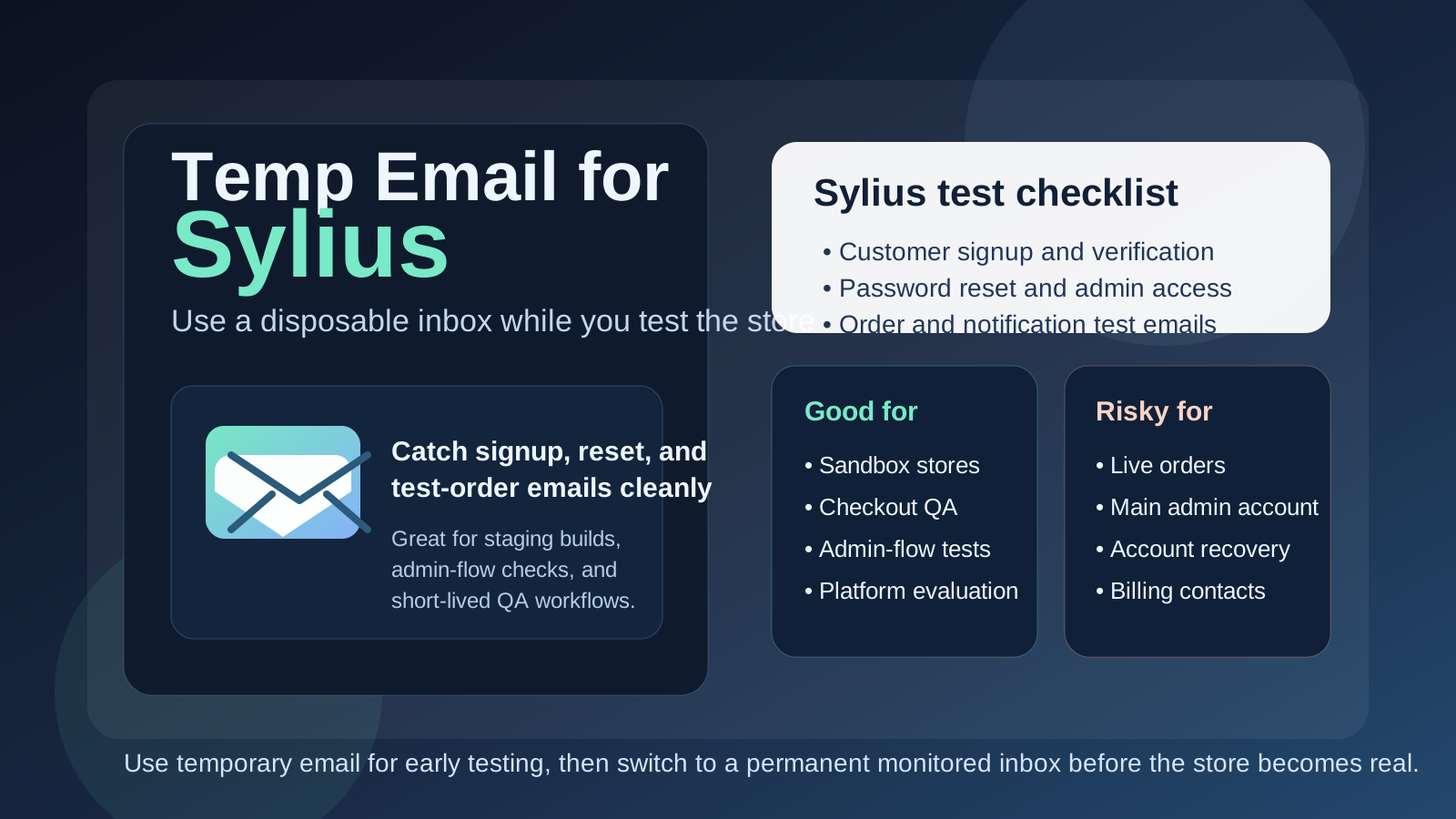
Yes, you can use a temp email for Sylius when you are testing a store build, checking account flows, or validating short-lived staging work. It is useful for early evaluation and QA, but it is a poor choice for live orders, long-term admin ownership, billing contacts, and anything you may need to recover months later.
That is the simplest rule: temporary email works well for disposable Sylius experiments, not for production responsibilities. If the inbox only needs to catch signup, reset, and test-order messages during setup, it can help. If the inbox is going to own a real store or a real team workflow, use a permanent monitored address instead.
Why people look for a temp email for Sylius
Sylius usually enters the picture when someone is doing more than casual browsing. A developer may be building a proof of concept, an agency may be evaluating an ecommerce stack for a client, or a product team may be comparing a few frameworks before committing to one direction. In all of those cases, email shows up earlier than people expect.
You may need inbox access for account creation, password resets, test customer registrations, admin handoffs, extension trials, demo requests, or order-notification checks. None of that is unusual. The problem is that early research gets noisy fast, especially if you are comparing several commerce platforms at once. A disposable inbox keeps those first-round messages out of your everyday email while still letting you see how the email-dependent parts of the setup behave.
That is where a tool like Anonibox makes sense. It helps isolate the testing phase so you can verify flows and gather the messages you need without letting every experiment turn into long-term inbox clutter.
When a temp email makes sense for Sylius
A temp inbox is most useful when the work is clearly temporary, low-risk, or exploratory. Good examples include:
- Comparing Sylius with other ecommerce platforms before your team chooses a stack
- Testing customer signup, confirmation, and password-reset flows on a staging store
- Reviewing admin onboarding or role-based access during a short proof of concept
- Checking order-confirmation emails and basic transactional behavior with fake data
- Trying plugin, integration, or demo workflows without committing your main inbox yet
- Keeping one-off vendor follow-up and setup messages separate from production communication
In those situations, the inbox is supporting a test. It is not the long-term home of anything important. That is exactly when temporary email is helpful.
When a temp email becomes risky
The risk starts when a temporary setup quietly stops being temporary. That happens all the time in ecommerce projects. A quick internal prototype becomes the real build. A staging workflow survives longer than planned. A developer creates the first admin account with a throwaway inbox and no one revisits it because the store keeps moving forward.
A disposable inbox is the wrong tool if it controls or receives messages for:
- The main store owner or long-term admin account
- Live order notifications or customer-facing support workflows
- Team invites that several people will depend on later
- Password recovery, security alerts, or account ownership changes
- Billing notices, renewals, or vendor communication tied to ongoing operations
- Any environment that already matters to customers, revenue, or shared internal work
Once a store becomes operational, inbox stability matters. If the address can disappear, expire, or be hard to access later, it should not sit behind anything your business relies on.
A practical rule that prevents most problems
If the account exists to help you test something, a temp email can be fine. If the account exists to own something, recover something, or receive something important, use a permanent inbox you control.
That rule is boring, but boring is good here. Many avoidable ecommerce headaches come from treating a convenient setup shortcut like a permanent infrastructure decision. With Sylius especially, it is smart to separate the experimentation stage from the ownership stage early.
How to use a temp email for Sylius safely
1. Decide whether the environment is truly disposable
Before you sign up or create the first admin account, ask whether this is a short evaluation, a throwaway test store, or something that could realistically grow into the real project. If there is a real chance the same environment will survive into serious use, start with a stable permanent address instead of a disposable one.
2. Use separate inboxes for separate environments
One inbox per test environment makes life easier. If you reuse the same temporary inbox for multiple store experiments, reset links, verification messages, and order checks quickly become hard to track.
3. Save the messages that matter immediately
During early testing, you usually only need a few emails: the verification message, the first login details, maybe a reset email, and perhaps one or two test transactional messages. Capture those right away. A temp inbox is convenient because it is lightweight, but that also means you should not treat it like permanent storage.
4. Switch before the store becomes shared or customer-facing
The right time to move to a permanent inbox is earlier than most teams expect. Do it before you invite more teammates, before you attach important workflows, and definitely before the store begins handling real operational responsibility.
What to test while the temporary inbox is still in place
If you are going to use a temp email during the evaluation phase, use that window well. The goal is not just to prove that one email lands in one inbox. The goal is to learn whether the email-dependent parts of the Sylius setup feel reliable and manageable.
Customer account creation
Create a test customer account and walk through the full signup flow. If confirmation is involved, see whether the steps are obvious or annoying. If your eventual store experience depends on user registration, this is one of the first places friction shows up.
Password resets
Do not stop after the first successful login. Trigger a reset on purpose and make sure it arrives promptly and makes sense. Password recovery is one of the most important email-dependent paths in any commerce setup, and it is often more revealing than initial signup.
Admin access and invites
If several people will touch the store during evaluation, test how access changes and invites behave before the environment grows complicated. A temp inbox can be fine for a short proof of concept, but it is exactly the kind of place where you should notice early when a temporary address is no longer appropriate.
Order and notification emails
If you are running safe non-production checkout tests, use the disposable inbox to inspect order-confirmation emails, customer notices, and other basic transaction-related messages. This helps you evaluate wording, timing, and obvious workflow issues without mixing test mail into a permanent operations inbox.
General workflow fit
The bigger question is whether the platform works for your real team and store model. Are account flows easy to test and maintain? Does the setup feel manageable for whoever will own it later? A temp inbox helps you examine those questions cleanly, but it should not hide the long-term ownership decisions underneath them.
Common mistakes people make
- Leaving the temp inbox attached too long: the test setup quietly becomes the real one.
- Using one inbox across multiple store experiments: reset links and test notifications get mixed together.
- Forgetting who created the first admin account: later, no one remembers which disposable address owns the original access.
- Testing signup but not recovery: reset and security flows often matter more than the first login.
- Using a disposable inbox for live operations: the needs of a sandbox and the needs of a working store are not the same.
Temp email vs a separate permanent project inbox
It helps to keep two different privacy tools separate in your head:
- Temp email: useful for short-term testing, one-off signups, demo access, and disposable experimentation
- Separate permanent project inbox: useful for real store ownership, team continuity, recovery, billing, and operational control
They are not interchangeable. A temp inbox reduces short-term clutter and exposure. A permanent project inbox creates durable control. For serious Sylius work, you often want both at different stages rather than pretending one tool solves every problem.
A workflow that usually works well
- Create a temporary inbox for the proof of concept or staging environment.
- Use it to test verification, resets, account creation, and basic order-related emails.
- Decide whether the environment is disposable, ongoing, or likely to become production.
- If the project survives the test phase, transfer ownership to a permanent monitored inbox.
- Only then attach real team processes, operational alerts, billing, or live store responsibility to that account.
This keeps the early evaluation clean without turning convenience into long-term admin risk.
Where Anonibox fits in the process
Anonibox is most helpful at the front of the workflow. It gives you a clean place for early Sylius experiments when you want to test account flows, compare platforms, or check how email behaves during setup without handing your permanent address to every short-lived trial.
What it should not become is the lasting control point for a store that matters. If the store is real, the inbox behind it should be boring, durable, and monitored on purpose. That is a better outcome than keeping a disposable shortcut in place because it happened to work during the first week.
Final takeaway
A temp email for Sylius is a smart choice when you are evaluating the platform, testing customer flows, or running short-lived QA in a non-production environment. It keeps your main inbox cleaner and makes the early stage easier to manage.
But once the store becomes important to a team, a customer, or a revenue workflow, switch to a permanent inbox immediately. Temporary email is useful for early store testing. It is the wrong foundation for live operations, long-term admin ownership, and account recovery.