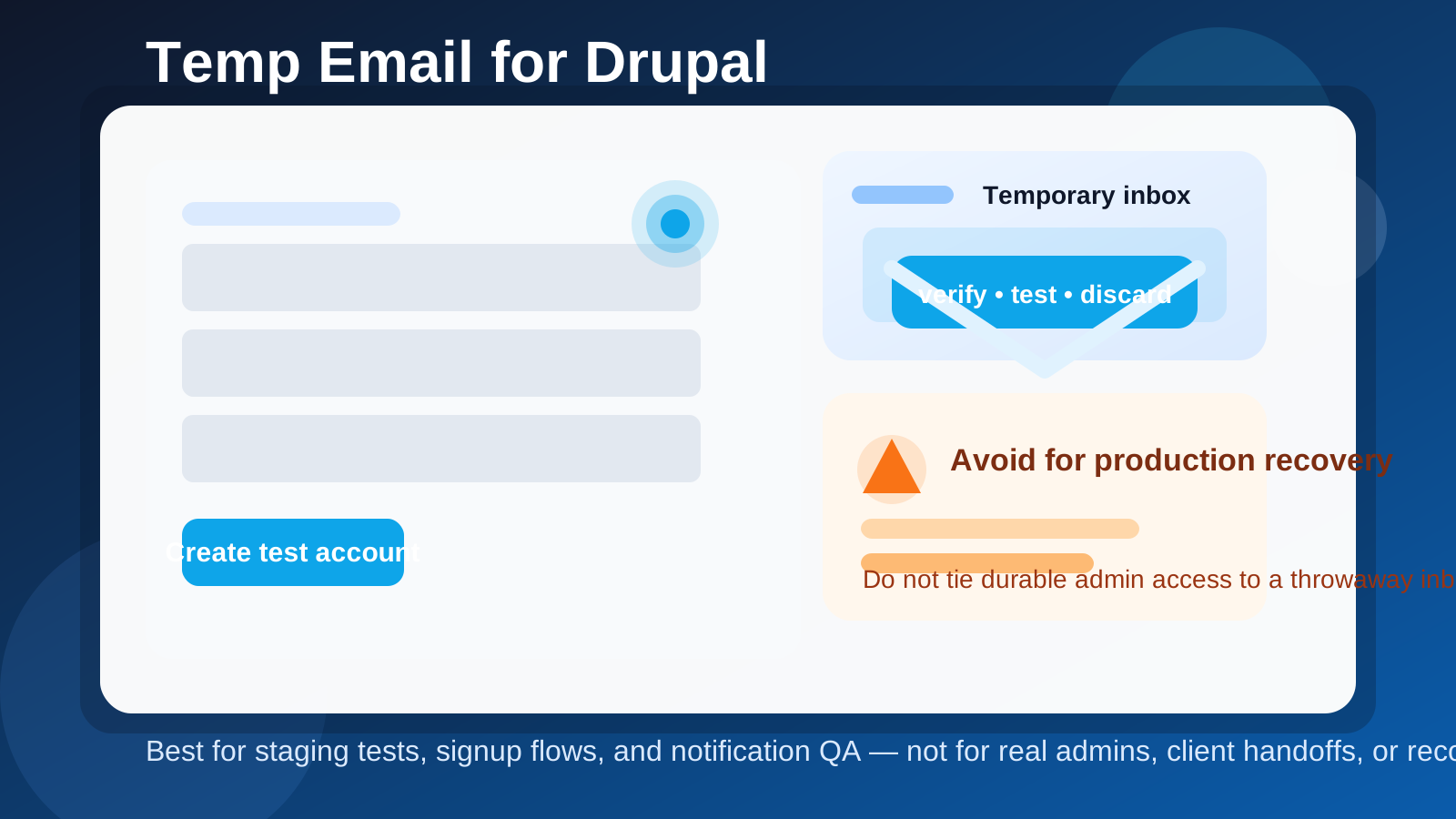
If you are building or testing a Drupal site, a temp email for Drupal is useful for short-term signup checks, staging notifications, and account-flow QA. It is a bad choice for production admin users, real client handoffs, password recovery, or any mailbox you may need months later.
That is the practical answer. A disposable inbox helps during early Drupal testing because you can verify email-dependent features without exposing your main address everywhere, but once the site, team, or business process becomes real, you need a durable mailbox you control long term.
Why someone would use a temp email for Drupal in the first place
Drupal is flexible enough to power everything from small content sites to large editorial platforms, member portals, documentation hubs, and custom web applications. During setup, you may need email addresses for admin accounts, user-registration tests, password-reset checks, moderation notifications, contact forms, or module configuration. That creates a simple problem: you want to test email-dependent behavior without turning your main inbox into a dumping ground.
A disposable inbox solves that early-stage problem neatly. You can create a test account, confirm that the message arrives, click the verification or reset link, inspect formatting, and move on. If you are trying a few different hosting environments, multisite setups, or staging builds, that separation is even more useful.
When a temp email makes sense for Drupal
Used in the right places, a throwaway inbox is a practical testing tool rather than a gimmick. Here are the most sensible Drupal use cases.
1. Testing account registration and email verification
If your site allows user registration, you should verify what new users actually receive. A temp inbox lets you test registration emails, account-activation messages, and welcome flows without mixing them into your everyday address book.
2. Checking password-reset behavior on staging
Drupal sites often rely on password resets during QA because it is the fastest way to confirm that outbound email, token links, and expiry rules are working. For a staging environment, a temporary inbox is fine. For a production owner account, it is not.
3. Reviewing form notifications and webform routing
Many Drupal builds use contact forms, lead forms, support forms, or internal workflow forms. A throwaway address can help you confirm that notifications fire, subjects make sense, and templates render properly before real messages start going to the right team.
4. Testing role-based user flows
Drupal is often configured with multiple roles such as editor, reviewer, publisher, marketer, member, or customer. Temporary inboxes let you create realistic test users so you can see what each role receives during onboarding or content workflow.
5. Trying a new Drupal environment before it matters
If you are spinning up a sandbox on a managed host, prototyping a client build, or experimenting with a fresh stack, a service like Anonibox can keep those early signups separate from your main email until you know the project is worth keeping.
When a temp email is the wrong choice
This is where people get themselves into avoidable trouble. Drupal may begin as a quick test, but many sites become important quickly. The inbox tied to the wrong account can become the reason access gets messy later.
Do not use it for the primary admin account
If an account can install modules, change site configuration, reset other users, or otherwise control the site, that account should point to a durable email address you own and can recover. If the inbox disappears, recovery gets much harder at exactly the wrong time.
Do not use it for client handoffs
Agency and freelance Drupal work often starts in staging and ends with a handoff. The accounts that matter at handoff time should use stable email addresses from the right organization, not something disposable that vanishes after testing.
Do not use it for billing, hosting, or domain-related access
Even if the Drupal site itself is open source, the surrounding stack is not. Hosting dashboards, SMTP providers, CDN accounts, form plugins, backups, and domain controls need long-term ownership. A throwaway inbox is a terrible foundation for those accounts.
Do not use it for real lead capture or customer communication
If a Drupal site is collecting actual inquiries, orders, support requests, or subscriber actions, you should route those messages to a monitored inbox. Temporary mailboxes are for testing whether the flow works, not for operating the real flow.
A safer workflow for Drupal testing
If you want the benefits without the cleanup headache, use a staged approach.
Step 1: Keep testing and ownership separate
Create temporary inboxes only for test users, sample registrations, QA resets, and sandbox notifications. Keep ownership accounts, production admins, and infrastructure accounts on permanent mailboxes from the start.
Step 2: Label the environment clearly
When possible, make it obvious that the Drupal site or account is staging, local, QA, or demo. That reduces the chance that a disposable inbox accidentally stays attached to something people later treat as production.
Step 3: Test the full email path, not just delivery
A message arriving in the inbox is only the first check. Open it and review the details:
- Is the sender name clear and trustworthy?
- Does the subject line explain the action?
- Are links clickable and correct?
- Does the message render cleanly on desktop and mobile?
- Is any wording confusing, outdated, or too technical for end users?
That kind of testing is where a temporary inbox actually earns its keep.
Step 4: Replace throwaway addresses before launch
Before a Drupal environment becomes client-facing or business-critical, review every important account and swap disposable inboxes for durable ones. That includes top-level admins, security contacts, workflow owners, and anything tied to recovery.
Practical Drupal examples
To make the distinction clearer, here are some everyday examples.
- Good use: testing a new-user registration flow on a staging site before opening registration publicly.
- Good use: checking whether password-reset links, moderation messages, or webform notifications arrive correctly.
- Good use: creating temporary reviewer or editor accounts to test permissions and email notifications.
- Bad use: assigning the main site owner or super-admin account to a disposable mailbox.
- Bad use: using a temp inbox for the client contact attached to a live Drupal project.
- Bad use: routing real lead or support traffic into a mailbox that might disappear.
What about privacy?
Privacy is a fair reason to use temp email with Drupal, especially when you are evaluating different tools, demos, or environments and do not want your main address scattered everywhere. That said, privacy is only one side of the decision. The other side is continuity. If the account or workflow needs to remain accessible, continuity wins.
A good rule is simple: use disposable email to test systems, not to own them.
Limitations you should expect
A temporary inbox is not magic. Some sites block disposable domains, some messages may arrive slowly, and some testing still works better with a permanent mailbox you control. Also, a disposable inbox tells you whether the message arrived, but not whether your long-term operational process is sound. You still need proper monitoring, sender authentication, and durable account ownership before launch.
In other words, temp mail helps with tactical testing. It does not replace good email operations.
Quick checklist before you use a temp email for Drupal
- Is this a staging, sandbox, or QA account rather than a real owner account?
- Are you testing a specific flow such as registration, reset, or notification delivery?
- Would losing this inbox later create an access or recovery problem?
- Have you identified which accounts must be moved to durable email before launch?
- Are real leads, clients, or staff relying on this mailbox? If yes, stop and use a permanent one.
Bottom line
A temp email for Drupal is most useful when you are testing account creation, password resets, form notifications, or other email-dependent behavior on staging. It is not the right tool for production admins, client ownership, billing, or long-term recovery.
If you treat it as a short-lived QA aid, it can save time and protect your main inbox. If you treat it as a permanent identity layer for an important Drupal site, it can come back to bite you. Use it to test, verify, and discard — then switch critical accounts to durable email before the site actually matters.