Yes, you can use a temp email for Sitecore when you are opening a sandbox, testing admin access, or checking invite and reset flows during early evaluation. No, you should not leave a disposable inbox attached to the people, roles, or recovery paths that a real Sitecore project will depend on later.
That makes temporary email a practical privacy tool for short-lived testing, not a safe long-term home for production ownership. If the Sitecore environment might become operational, the smart move is to switch to a stable inbox before real editors, admins, or client stakeholders start relying on it.
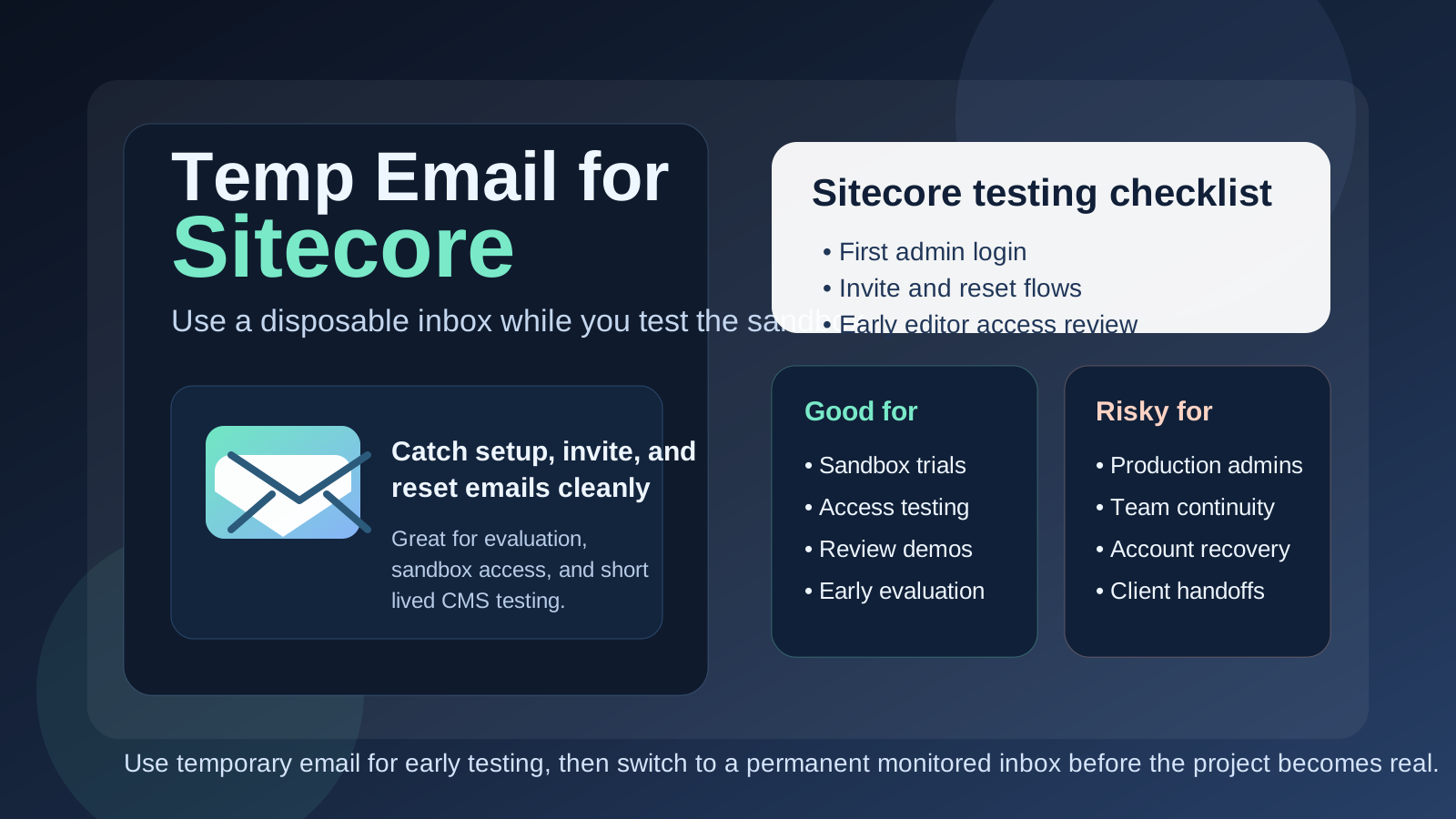
Why people look for a temp email for Sitecore
Sitecore usually enters the picture in a serious evaluation context. A team may be comparing enterprise CMS platforms, testing how editorial workflows feel, reviewing admin setup, or opening a proof of concept before deciding whether the platform fits long-term content operations. That early phase often creates more email than people expect.
You may need inbox access for account verification, admin setup, password resets, invite testing, review access, stakeholder demos, or messages tied to a short-lived sandbox. If you are comparing several platforms at once, it is easy to turn one normal inbox into a dumping ground for every experiment. A temporary inbox helps you isolate the Sitecore trial so you can receive the messages you need without committing your everyday address too early.
That is where a tool like Anonibox fits naturally. It lets you keep the early evaluation private and tidy while you decide whether the project is just a test or something that deserves a permanent monitored email strategy.
When a temp email makes sense for Sitecore
A temp email for Sitecore is most useful when the work is clearly exploratory, time-limited, or low-stakes. Good examples include:
- Opening a sandbox or evaluation environment to understand the platform better
- Testing first-login, invite, verification, or password-reset behavior
- Reviewing early admin setup before a real governance plan exists
- Checking whether editorial or review access emails arrive as expected
- Running internal proofs of concept without tying your main inbox to every vendor and platform test
- Keeping client or stakeholder demo work separate from the inboxes that handle real production responsibility
In those cases, the inbox is helping you test something, not own something. That is exactly where temporary email is useful.
When a temp email becomes a bad idea
The risk shows up when a disposable inbox stays attached after the project stops being disposable. Sitecore projects can move from a technical evaluation into a real working environment faster than people expect, especially when a proof of concept starts collecting real stakeholders, real workflows, and real internal momentum.
A temp email is the wrong tool if it controls or receives messages for:
- The primary admin or long-term owner account
- Production content operations or shared editorial access
- Client handoffs or agency-to-client transitions
- Password recovery and security-related notifications
- Important team invites that multiple people depend on
- Billing, support, or vendor-account communication tied to the live project
Once an environment matters, inbox stability matters too. If the address can disappear, be forgotten, or become hard to access later, it should not sit at the center of your recovery path or account governance.
A simple rule that keeps the decision clear
If the inbox exists to help you test the environment, a temp email can be reasonable. If the inbox exists to own the environment, recover the environment, or support people who depend on the environment, use a permanent address you control.
That rule sounds basic, but it prevents most of the avoidable mess. A lot of account headaches start with one throwaway decision that nobody revisits after the project becomes real.
How to use a temp email for Sitecore safely
1. Decide whether the environment is disposable before signup
Do not start with a temp inbox just because it is convenient. First ask what this environment is actually for. Is it a short evaluation, a sandbox, a training setup, or something that might survive into a real long-term implementation? If there is a serious chance the same account will become operational, start with a durable inbox instead.
2. Use separate inboxes for separate test tracks
If your team is comparing multiple CMS options or running multiple internal sandboxes, do not mix them all into one temporary inbox. One inbox per project or environment keeps verification messages, reset links, and invite flows easy to trace. That matters more than it seems when several people are testing at once.
3. Save the messages you actually need
Temporary inboxes are convenient because they are lightweight, but that is also why you should not treat them as permanent records. If you receive a useful verification link, invite, or setup instruction, save what matters right away. That way, the short-lived nature of the inbox does not become a problem later in the same testing cycle.
4. Switch before real users or real operations depend on it
The right time to migrate away from the temp inbox is earlier than most teams think. Move to a permanent address before you invite real content editors, before you rely on the environment for daily work, and definitely before the project becomes the version people assume will be kept.
What to test while you still have the disposable inbox
If you are going to use a temp email during the evaluation stage, use that window properly. The point is not only to prove that an email arrives. The bigger goal is to see whether the email-dependent parts of the Sitecore setup behave the way your team would expect in practice.
Initial account access
Test the first-login path on purpose. Does the setup process feel clear? Does the account workflow create confusion for non-technical stakeholders, or is it straightforward enough for people who will eventually use the system every day?
Invite and password-reset behavior
Do not stop after the first successful login. Trigger the reset flow deliberately. Review any invitation or onboarding messages carefully. These are some of the most important email-driven paths in a CMS environment because they affect both usability and operational continuity.
Editorial and review access
If your evaluation includes marketers, content editors, reviewers, or client stakeholders, test how access is granted and how those users experience the process from the inbox side. A workflow that looks fine to an administrator can still feel clumsy or fragile to the people who have to accept invites and use it later.
Notification quality and expectations
Any workflow that depends on email should be judged not just by delivery but by clarity. Are the messages understandable? Do they create the right expectation about what the recipient is supposed to do next? A disposable inbox is a low-risk place to answer those questions.
General operational fit
The most important test is still the broad one: does Sitecore fit the kind of content operation your team wants to run? Does access feel manageable? Do workflows seem realistic for the people who will actually use them? A temp inbox can support this testing phase, but it should not hide the long-term ownership decisions underneath it.
Common mistakes people make
- Leaving the temp email in place too long: the sandbox quietly becomes the real environment.
- Using one inbox for too many experiments: invite links and resets become hard to track.
- Forgetting who owns the original account: later, nobody remembers which inbox controls the admin path.
- Testing only signup but not recovery: recovery flows often matter more than the first login.
- Assuming privacy and permanence are the same thing: a disposable inbox reduces early exposure, but it does not create durable account governance.
Temp email vs a separate permanent project inbox
It helps to separate two different tools that solve two different problems:
- Temp email: good for short-lived signups, sandbox testing, and early evaluation
- Separate permanent project inbox: good for real admin ownership, team continuity, recovery, and long-term operational control
People sometimes treat them like interchangeable privacy tactics, but they are not. Temporary email keeps the testing phase tidy. A permanent project inbox keeps the production phase stable. For serious Sitecore work, you usually want both at different stages rather than expecting one approach to do everything forever.
A practical workflow that works well
- Create a temporary inbox for the Sitecore sandbox or proof of concept.
- Use it to test account access, resets, and invite-driven workflows.
- Decide whether the environment is disposable, ongoing, or likely to become operational.
- If the project survives the test phase, move ownership to a permanent monitored inbox.
- Only then attach real team access, client reliance, or production responsibility to that account path.
This keeps the early evaluation private and organized without turning convenience into a long-term support problem.
Where Anonibox fits in the process
Anonibox is most useful at the front of the workflow. It helps you receive the messages that matter during evaluation without spreading your primary inbox across every trial, vendor conversation, or sandbox account you open. That is genuinely helpful when a team is researching multiple enterprise tools at once.
What it should not become is the permanent control point for a Sitecore environment that now matters to editors, admins, or clients. Once the environment becomes important, the inbox behind it should be stable, shared appropriately, and monitored on purpose.
Final takeaway
A temp email for Sitecore is a smart move when you are evaluating the platform, testing access flows, or opening a short-lived sandbox that you do not want tied to your main inbox forever. It gives you privacy, cleaner organization, and an easy way to review email-dependent setup steps without long-term clutter.
But once Sitecore becomes a real working environment, switch to a durable inbox immediately. Temporary email is great for early CMS testing. It is the wrong foundation for production admins, shared team access, client continuity, and account recovery.