A temp email for Mintlify is fine for early docs testing, quick product evaluation, and low-stakes portal exploration.
It becomes a risky choice once production docs, shared team access, custom domains, or account recovery depend on that inbox.
If you are comparing API documentation platforms, developer portal tools, or knowledge-base-style docs builders, it is easy to create several accounts in one week and forget how much email that creates. Verification messages are harmless enough, but after that come welcome sequences, product tips, webinar invites, release emails, pricing nudges, and “book a demo” follow-ups that hang around long after you have already ruled a tool out.
That is why a temp inbox can be genuinely useful during the first pass. A service like Anonibox lets you receive the verification email, open the dashboard, and test the core documentation workflow without immediately tying every trial to your long-term inbox. For Mintlify, that can make sense when you are simply checking the editor, portal layout, search experience, or publishing flow. But documentation platforms stop being disposable much faster than people expect. Once a Mintlify account is attached to real docs, shared ownership, or a live developer-facing portal, the email behind it becomes part of the operational setup.
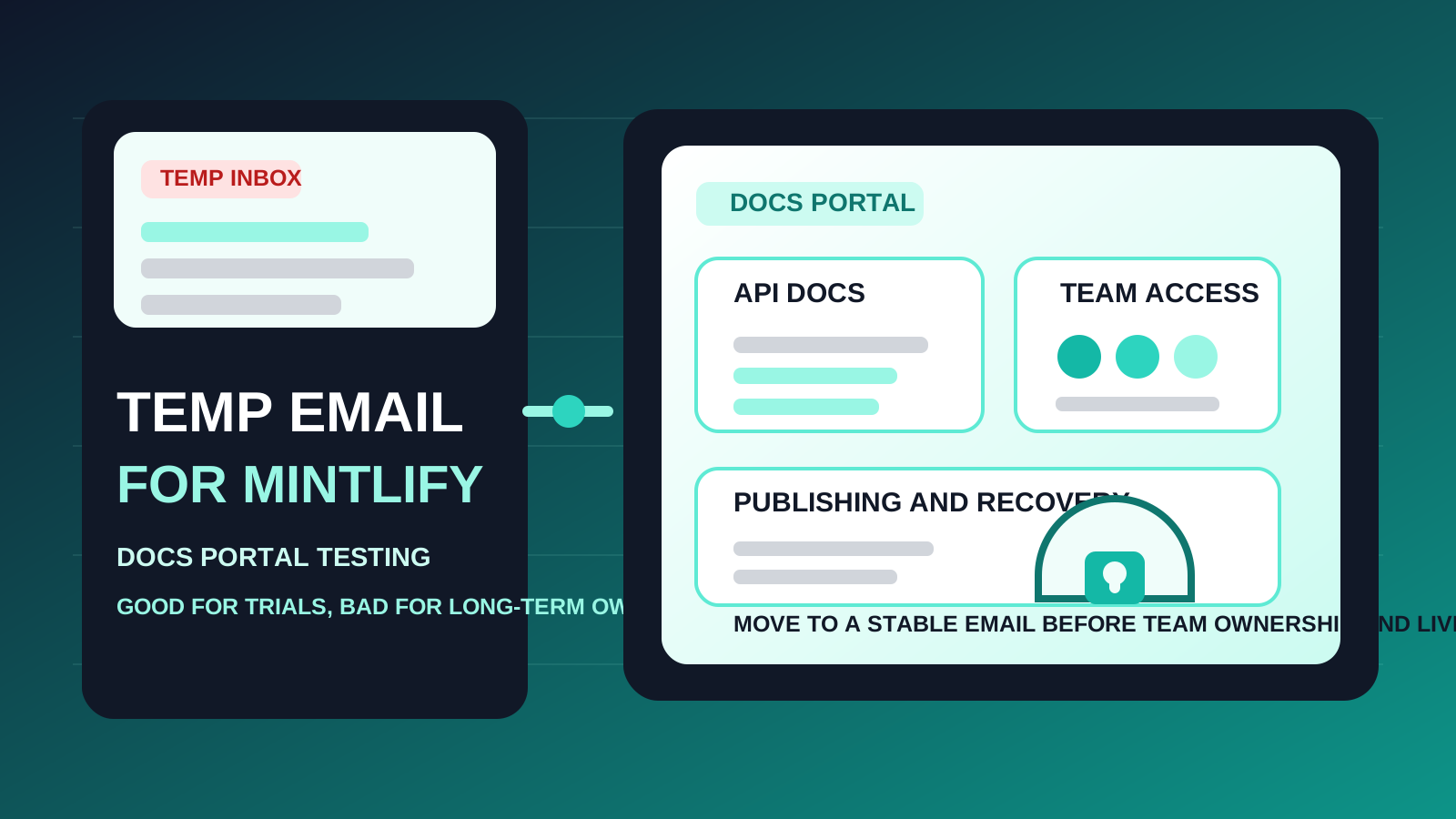
The practical answer is simple: use a temp email for Mintlify when the account itself is temporary. Once the docs are likely to stay, the inbox should too.
When a temp email for Mintlify makes sense
There are several low-risk situations where a disposable inbox is reasonable.
- Quick product comparison: you are testing Mintlify alongside tools like Redocly, SwaggerHub, Stoplight, or Postman and want clean separation between each signup.
- Low-stakes exploration: you mainly want to inspect the editor, preview the docs experience, and decide whether the product deserves more time.
- Short-lived trials: you only need account verification, a first look at the interface, and a quick test of the portal workflow.
- Inbox hygiene: you do not want your permanent address added to another stream of product marketing before you know if the tool fits your team.
In those cases, a temporary inbox does exactly what it should do. It helps you move quickly and keeps your real inbox from becoming the default storage room for abandoned trials.
Why Mintlify becomes riskier than a casual trial account
Mintlify is not just another one-off SaaS signup. If the product clicks, it can quickly become part of your real documentation stack. That is where disposable email stops being a convenience and starts becoming a liability.
1. Documentation ownership needs continuity
If your docs start becoming the public source of truth for customers, developers, or internal users, the account behind them stops being throwaway. Even if the first signup felt casual, a documentation platform quickly becomes part of how people learn your product. That kind of asset should be tied to an inbox you actually control long term.
2. Team access rarely stays solo for long
Docs work often begins with one person and expands from there. Product managers, engineers, technical writers, support leads, and reviewers may all become involved. Once invitations, permission changes, and admin decisions matter, a temporary inbox is the wrong foundation for that workspace.
3. Publishing and domain decisions raise the stakes
A docs tool matters more once it is tied to branding, a customer-facing portal, or a production publishing workflow. Even if you start with a simple evaluation, the moment you begin treating the docs as something public and durable, email stability matters more than signup privacy.
4. Account recovery becomes a real problem later
The first login is usually easy. The frustrating part comes weeks later when you need to reset a password, confirm a security change, approve a new device, or recover access after a long gap. Disposable inboxes are good at letting you in once. They are much worse at helping you get back in when the account has become important.
A practical rule of thumb
Use a temp email for Mintlify if you are evaluating the platform. Do not use one if you already expect the account to become part of real documentation, a shared portal, or ongoing team workflow.
That rule cuts through most of the confusion. Temporary inboxes are useful during the research stage. Stable inboxes are better for ownership, collaboration, and recovery. Trouble starts when people keep a trial mindset after the docs themselves have stopped being temporary.
How to use a temp email for Mintlify without creating a mess later
1. Decide whether this is a trial or the start of adoption
Before you sign up, be honest about the goal. If you are only checking how the platform feels, a disposable inbox is fine. If you already think there is a strong chance Mintlify could become your real docs home, starting with a permanent address is usually the smarter move.
2. Save the messages that matter
During a short evaluation, you usually only need a few emails:
- the verification message
- the initial onboarding or setup email
- any plan or workspace details worth keeping
- links or notes you may want later if you recreate the account properly
Do not assume you will remember everything or that the inbox will still be convenient later. Capture the useful details while the test is fresh.
3. Test the real decision points, not just the first impression
If you are going to use a temporary inbox, make the evaluation deliberate. Look at the parts that actually determine whether Mintlify is a fit:
- how easy it is to structure and edit documentation
- whether navigation and search feel intuitive for readers
- how polished the public portal experience looks
- whether collaboration seems workable for your team
- how confident you feel about using it for docs people will depend on
A temp inbox is most valuable when it helps you make a fast, clear decision instead of leaving another half-used workspace behind.
4. Switch before the docs become operationally important
The safest time to move from a disposable inbox to a permanent one is before the account matters, not after. Do it before teammates rely on access, before any public docs link gets shared broadly, before internal ownership becomes fuzzy, and before recovery notices matter.
When a permanent inbox is the better choice from day one
Start with a normal long-term address if any of these are true:
- you expect to keep the account beyond a quick trial
- the docs may become customer-facing or production-facing
- multiple teammates may need access or admin rights
- you want dependable password resets, billing notices, and security alerts
- the account should clearly belong to your company rather than a one-person experiment
Once those conditions are on the table, the convenience of a temporary inbox is usually smaller than the future cleanup cost it creates.
Realistic examples
Example 1: comparing docs tools in one afternoon
You want to open a few developer documentation products, inspect the portal experience, and decide which one deserves deeper evaluation. A temp inbox works well here because the goal is speed and comparison rather than long-term adoption.
Example 2: solo founder testing docs for a side project
If you are experimenting with how your product docs might look, a disposable inbox can help keep exploratory signups separate from your permanent business address. The key is remembering that the account should stay disposable too unless the project becomes real.
Example 3: platform team choosing a production docs home
This is where temporary email usually stops making sense. If the platform may end up hosting real docs for customers or developers, the smarter move is to use an inbox your organization can keep, audit, and recover without drama.
Common mistakes to avoid
- Using a throwaway inbox for non-throwaway docs: public documentation is often more durable than people expect.
- Waiting too long to migrate: if the product starts looking like a keeper, switch early before more settings and collaborators get attached.
- Thinking only about marketing spam: inbox clutter matters, but ownership and recovery matter more once the portal is real.
- Letting team access grow around a weak foundation: collaboration amplifies the cost of a casual signup decision.
- Treating documentation software like a simple landing-page tool: docs platforms often become operational systems, not just content experiments.
A clean way to evaluate Mintlify
- Use a temporary inbox only for first-pass evaluation.
- Verify the account and review the initial setup flow.
- Test navigation, search, editing, collaboration, and publishing in one focused session.
- Decide quickly whether the tool is forgettable or strategically useful.
- If it is useful, recreate or update the account with a permanent inbox before shared ownership and public documentation start depending on it.
That workflow gives you the privacy and inbox-control benefits of temporary email without pretending a disposable address is a solid long-term foundation for real documentation work.
Final takeaway
A temp email for Mintlify is useful when you want to explore the platform, compare it against other docs tools, and keep trial noise out of your main inbox.
It is a poor long-term choice once production docs, shared access, publishing ownership, or account recovery matter. Use temporary email for the trial stage, then switch to a stable address before the account becomes part of your real documentation workflow.