A temp email for Tourial is usually fine for early interactive demo testing, solo evaluation, and quick vendor comparison.
It becomes a bad long-term choice once shared workspaces, buyer-facing demo links, team access, billing, or account recovery start to matter.
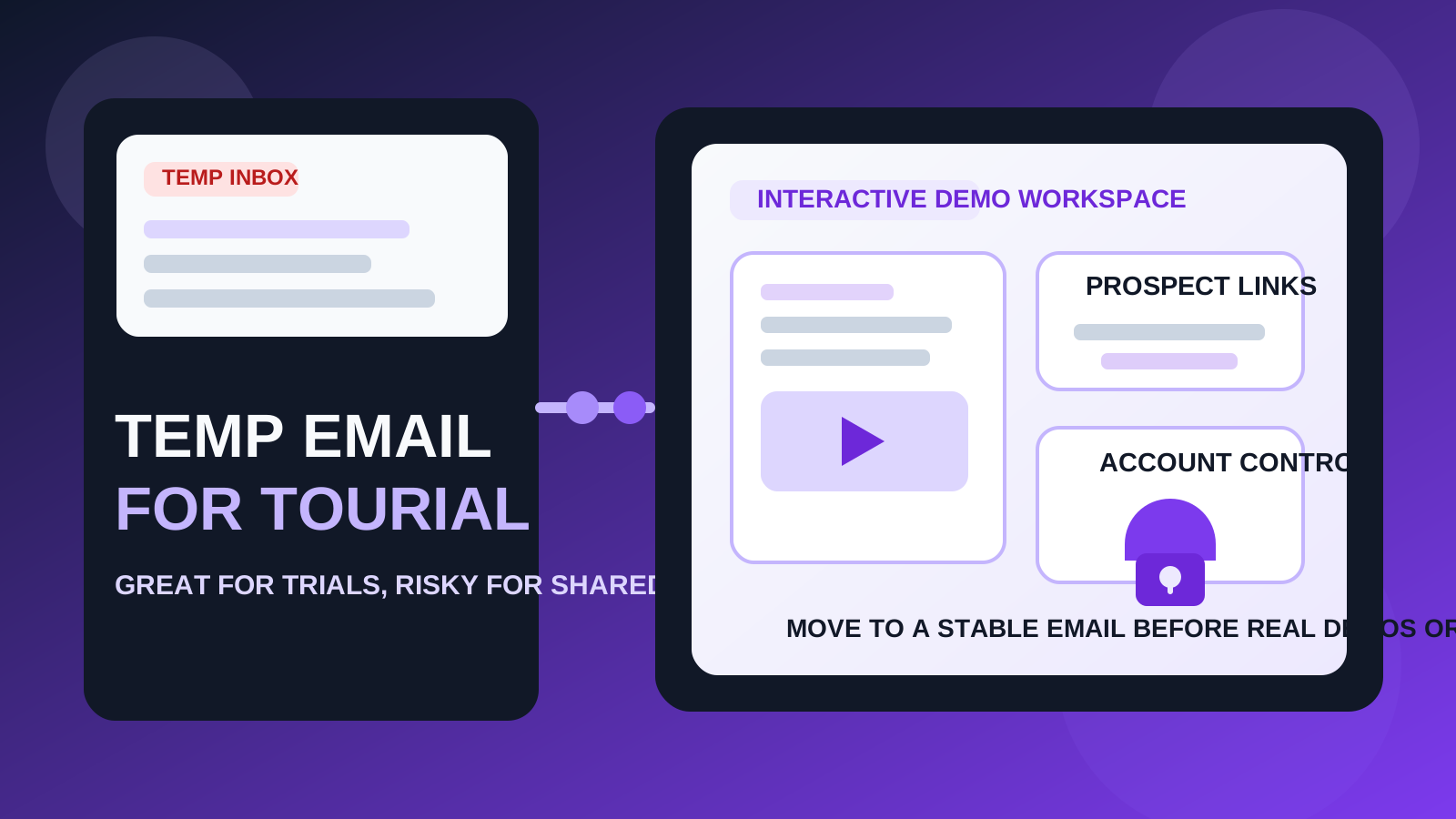
That trade-off is easy to miss because interactive demo tools often begin as casual experiments. Someone on product marketing wants to compare two or three vendors. A sales leader wants to see whether self-serve product stories could improve qualification. A founder wants to test whether guided demos can reduce the number of repetitive live walkthroughs. In that early stage, it is reasonable to protect your main inbox from yet another stream of verification emails, onboarding prompts, webinar invites, and follow-up messages.
But Tourial is also the kind of product that can stop being “just a trial” very quickly. If the tool seems promising, the account may become tied to demo assets, internal collaboration, prospect-facing links, or admin-level ownership. That is the moment when a disposable inbox stops feeling clever and starts becoming a liability.
If you are only trying to get through the front door and see whether Tourial deserves serious attention, a temporary inbox can be a practical move. If you already expect the workspace to become part of your go-to-market workflow, starting with a permanent business email is safer. The right answer depends less on the signup form and more on what you plan to do after the first login.
Why people look for a temp email for Tourial
Interactive demo software tends to attract high-intent evaluation. Teams often compare several vendors in a short window, especially when they are exploring product-led sales, self-serve demos, or buyer education. That creates a familiar problem: multiple platforms, multiple verification emails, multiple follow-up sequences, and a lot of inbox noise before you have even decided whether the product is worth a second look.
That is why temporary email is appealing in the first place. It helps you:
- separate research from your real work inbox
- verify the account quickly without committing your primary address too early
- compare several demo tools side by side without mixing every welcome email together
- avoid long sales nurture clutter from tools that never make the shortlist
- keep early testing lightweight while you are still deciding whether the category itself is a fit
That same logic is why people use temp inboxes for adjacent tools like Storylane, Navattic, or Reprise. Early evaluation is exactly where a disposable address has the most value.
When a temp email for Tourial makes sense
A temporary inbox is most useful when the account itself is temporary. In practice, that usually means one of these situations:
- First-pass product evaluation: you only want to see how the platform feels, how quickly you can get oriented, and whether it deserves deeper testing.
- Solo testing: you are experimenting alone and do not plan to invite teammates yet.
- Vendor comparison: you are reviewing Tourial alongside several interactive demo platforms and want cleaner inbox hygiene.
- Low-stakes research: you are curious about the category but not yet committed to adoption.
- Short-lived signup value: you mainly need the verification email and early onboarding instructions.
In those cases, the disposable approach is doing real work for you. It reduces clutter while keeping the test focused. If you walk away after a day or two, nothing important is lost.
Where the temp-email approach starts breaking down
The moment Tourial begins to matter to other people, not just to your own curiosity, the risk profile changes.
Shared workspaces need stable ownership
If teammates may collaborate on demos, review content, or rely on the workspace later, the account should sit behind an email address your organization can actually keep. A throwaway inbox is fine for one person clicking around. It is not a strong foundation for shared business software.
Prospect-facing assets raise the stakes
Once demo links may be shown to buyers, leads, or customer-facing teams, the workspace becomes more than an experiment. Losing easy access because the signup email was disposable is an avoidable problem. The account behind anything prospect-facing should be deliberately owned.
Account recovery stops being theoretical
Temporary inboxes feel harmless when everything is new. Later, password resets, suspicious-login checks, admin changes, or billing updates can make that missing inbox painful. Recovery is one of the biggest reasons people regret leaving an important SaaS account tied to a short-lived address.
Internal workflow creep is real
A trial account can become operational faster than expected. A quick test turns into a real proof of concept. A proof of concept turns into a pilot. A pilot accumulates demo assets, comments, internal notes, and expectations. At that point, the original inbox choice matters far more than it did on signup day.
A practical rule you can actually use
Use a temp email for Tourial if you are evaluating the product. Do not use one if you already expect the account to survive beyond the trial stage.
That rule is simple, but it handles most situations well. If losing the inbox tomorrow would not hurt you, temporary email is probably fine. If losing the inbox would be annoying, expensive, or embarrassing, use a stable address from the beginning.
How to use a temp email for Tourial without causing future problems
1. Decide whether this is research or adoption
Before you sign up, be honest about the goal. Are you just exploring? Or are you already half-expecting to use the platform with real buyers or teammates if it looks good? If the second answer is true, skip the disposable phase and start with a permanent work email.
2. Keep the test narrow
A temp inbox works best when you use it to answer a short list of real questions quickly, such as:
- Does the platform feel easy to learn?
- Can you imagine building a useful demo without a huge setup burden?
- Does the sharing experience seem credible for real buyer journeys?
- Is it clearly better than the other tools you are evaluating?
- Would your team realistically maintain it after the novelty wears off?
The more purposeful your evaluation is, the less likely you are to accidentally build something important on top of a disposable account.
3. Save the useful messages early
In many trials, only a few emails actually matter:
- the verification message
- the welcome or setup guide
- a first-run checklist
- any onboarding note that helps you compare tools intelligently
If one of those emails contains something useful, save it while you still have easy access. Do not assume you will remember the details later.
4. Do not invite teammates from the throwaway version
This is where people create unnecessary mess. The moment you think another person may need access, treat the account like a real account. If Tourial looks promising enough to share internally, switch to a stable email first.
5. Move to a permanent address before the workspace becomes valuable
Many teams wait too long. They keep telling themselves the trial is temporary even after they have created useful demo structure, internal context, or buyer-facing assets. If the product makes the shortlist, change course early rather than after other people depend on it.
What you should evaluate during the trial before switching to a permanent email
The point of a trial is not to admire the signup flow. It is to decide whether Tourial earns a place in your stack. Focus on questions like these:
Can you build a demo that feels helpful instead of gimmicky?
Interactive demos should clarify the product, not just animate screenshots. Test whether the experience feels believable for a real buyer and not only exciting during a five-minute internal review.
Would a teammate realistically maintain it?
A tool can look impressive during the first walkthrough and still become a burden later. Pay attention to whether updating content, reshaping the story, and keeping demos current would feel sustainable.
Does it fit your sales or product marketing workflow?
Think beyond the demo itself. Ask how the platform fits into the way your team educates buyers, qualifies interest, handles handoffs, and manages shared content. A polished trial does not guarantee a good workflow fit.
Would you care if this workspace disappeared?
This is the hidden decision point. If the answer is already yes, then your disposable phase should probably end now.
When you should skip temporary email entirely
Do not bother with a temp inbox for Tourial if any of the following are already true:
- you plan to invite teammates immediately
- you expect demos to be shared with prospects soon
- you are evaluating on behalf of a company, client, or revenue team
- you care about long-term admin control
- you may need reliable recovery later
- you already know the trial could turn into a live rollout if it goes well
In those cases, the privacy benefit is real but smaller than the ownership risk. Use a stable business email and keep the evaluation organized in other ways.
Common mistakes people make
- Confusing inbox hygiene with account strategy: avoiding email clutter is useful, but it should not outrank long-term ownership.
- Keeping the throwaway account too long: a harmless test can quietly become a real dependency.
- Inviting other people too early: collaboration changes the stakes immediately.
- Forgetting about recovery: the problem often appears later, not during signup.
- Judging the vendor only by the trial email sequence: the product fit matters more than the follow-up cadence.
A low-drama workflow that usually works well
- Create a temporary inbox first.
- Use it only to verify the account and test the core product quickly.
- Decide whether Tourial is disposable to you or genuinely promising.
- If it is promising, move to a stable work email before real assets, teammates, or buyer-facing links depend on the account.
If you like using a short-lived inbox for first-pass research, a tool like Anonibox can keep those low-stakes signups separate from the email you actually depend on for long-term collaboration. That gives you the privacy benefit at the right stage without creating a messy ownership problem later.
Final takeaway
A temp email for Tourial is a smart choice for quick evaluation, early interactive demo testing, and protecting your main inbox while you compare vendors.
It stops being smart once the account becomes shared, buyer-facing, or something you would genuinely need to recover later. Use temporary email for the research phase, then switch to a stable address before the workspace becomes part of real team or prospect workflows.