A temp email for BrightHire can help with early evaluation, quick signup verification, and keeping your main inbox out of another hiring-tech follow-up sequence.
It becomes a poor long-term choice once shared candidate feedback, team access, interview notes, or account recovery depend on that address.
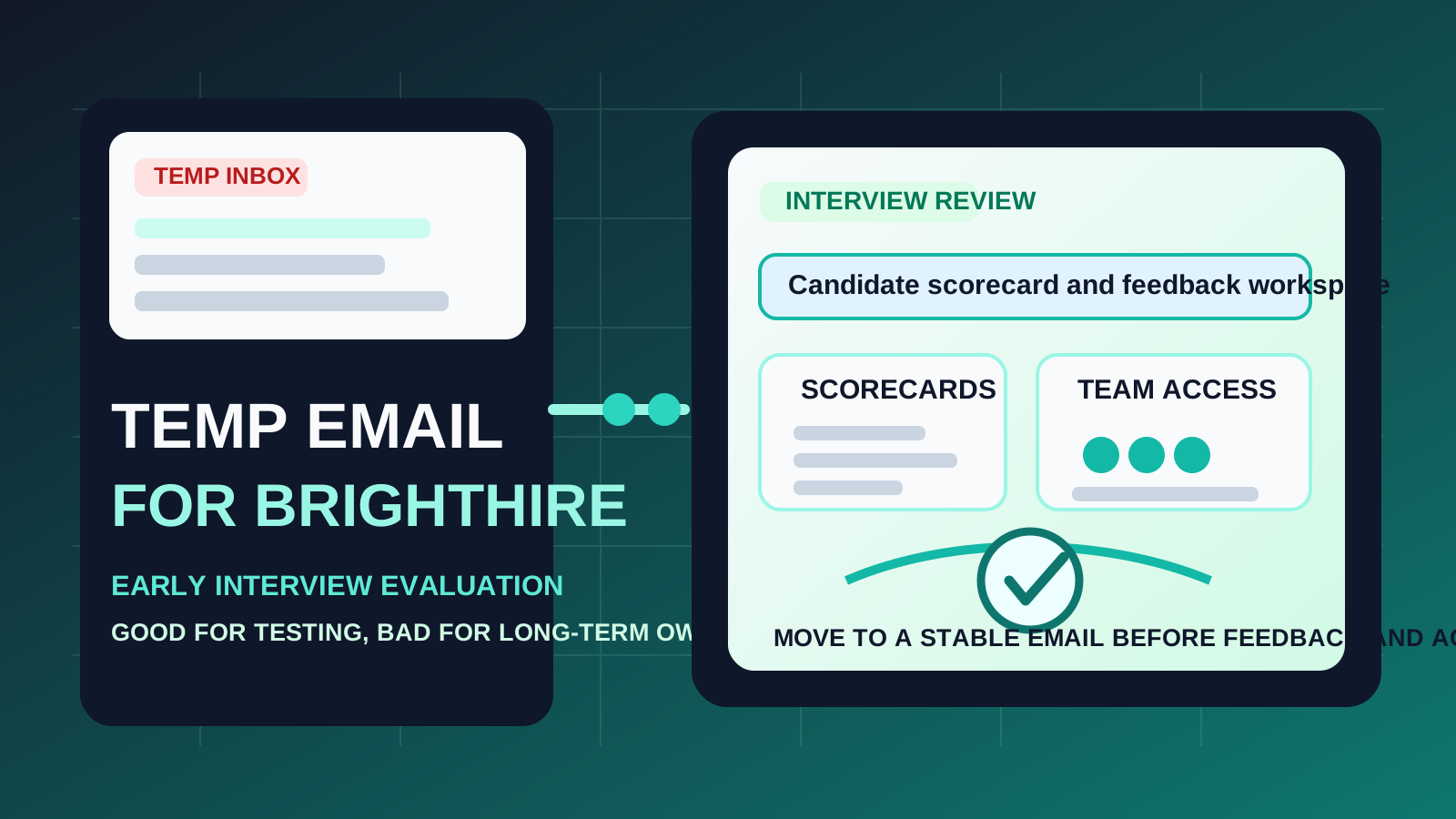
That is the practical answer. If you only want to see how BrightHire feels before committing a real work address, a temporary inbox can be a smart first step. It lets you get through signup, open the workspace, and judge whether the platform deserves a deeper look without turning your everyday inbox into a home for trial confirmations, sales follow-ups, webinar invites, and long nurture sequences.
But BrightHire sits close to real hiring operations. It is not just another throwaway app you click once and forget. Interview intelligence tools quickly become places where notes, scorecards, interviewer feedback, and hiring process observations start accumulating. That is exactly where a disposable email can stop being helpful and start becoming fragile.
If you are comparing hiring tools and interview workflows, BrightHire may show up alongside platforms such as Ashby, Greenhouse, Teamtailor, or VidCruiter. In that first-pass evaluation stage, a separate inbox from a service like Anonibox can help you keep vendor research organized. The important thing is knowing when the evaluation is still temporary and when the account has quietly started becoming operational.
Why people look for a temp email for BrightHire
Most people searching this are not trying to do anything shady. They usually want one or more of these normal benefits:
- Inbox control: they do not want every hiring-tech trial to create weeks of onboarding and follow-up email in their main mailbox.
- Lower commitment during evaluation: they want to see the product before tying it to a long-term work identity.
- Cleaner side-by-side comparison: they may be reviewing several recruiting or interview tools at once and want each test isolated.
- Privacy during early research: they prefer not to hand their main work address to every vendor before the shortlist is real.
All of that is reasonable. Hiring teams often evaluate tools in bursts, and the email noise adds up quickly. A temporary inbox gives you breathing room while you decide whether the product is worth more time.
When a temporary inbox makes sense for BrightHire
A temp email for BrightHire usually makes sense when the account itself is still temporary too. Good examples include:
- Quick first-look evaluation: you mainly want to see the signup flow, first dashboard, and general product direction.
- Vendor comparison: you are screening BrightHire alongside other hiring or interview workflow tools and want to keep the trials separated.
- Low-stakes solo research: one person is exploring whether the platform is worth bringing to the rest of the hiring team.
- Inbox hygiene: you want trial confirmations, product education, and sales follow-up somewhere other than your daily work inbox until the platform proves itself.
In those situations, a disposable inbox is doing exactly what it should do. It gets you through the front door without forcing a long-term commitment too early.
Where a temp email starts becoming risky
The weakness appears when the account shifts from “quick evaluation” to “something the hiring team may actually rely on.” That shift can happen fast.
Shared candidate feedback changes the stakes
Once interviewers begin adding feedback, scorecards, or structured observations, the account matters more than it did on day one. Candidate feedback is not throwaway clutter. It becomes part of a process people may want to revisit, compare, and build around. A disposable inbox is a weak foundation for that kind of continuity.
Team access needs stable ownership
If other recruiters, hiring managers, or coordinators might need access, the owner account should live on an address you expect to keep. A throwaway inbox is fine for one person quietly testing a tool. It is much less sensible once multiple people care who controls the workspace.
Interview notes and scorecards can become operational fast
BrightHire is useful because it helps teams get more structure around interviews, not because it looks pretty during signup. The moment the account starts holding interview notes, scorecards, interviewer guidance, or process observations, the email attached to it stops being a minor detail. It becomes part of access, recovery, and internal trust.
Account recovery is the long-tail problem
The most common failure point is not the first hour. It is the later moment when you want to log back in, reset a password, confirm a security change, or prove account ownership after the trial already became useful. If those messages go to an inbox you no longer control, a small privacy shortcut turns into a larger operational headache.
A practical rule of thumb
Use a temp email for BrightHire if you are only evaluating whether it deserves a place in your hiring workflow. Do not keep using one once the workspace starts collecting real feedback, shared access, or anything you may need to recover later.
That rule keeps the decision simple. Temporary inboxes are useful for early filtering. Stable work addresses are better for continuity, collaboration, and ownership.
How to test BrightHire responsibly with a temp email
1. Decide whether this is a screen or a serious pilot
Before you sign up, be honest about the goal. Are you just checking whether the product looks promising, or are you already expecting a more formal pilot? If it is only a first screen, a temporary inbox makes sense. If adoption already seems likely, starting with a stable address may be cleaner.
2. Save the early messages that matter
During the temp-email phase, keep the few messages that are actually useful:
- the verification email
- the welcome or onboarding links
- any setup guidance that helps you compare the product fairly
- notes about what looked strong, confusing, or incomplete in the first session
Do not assume the inbox will always be available later. If the evaluation matters, capture the useful details while the trial is fresh.
3. Evaluate the product with focused questions
Instead of just wandering through the interface, use the trial to answer practical questions such as:
- Does the onboarding explain the value clearly?
- Would recruiters and hiring managers actually use the workflow?
- Does the product seem helpful for structured interview feedback, or mostly like another layer of process?
- How easy would it be to move from solo evaluation to shared team use?
- Would you trust the account model enough for a real pilot later?
This is where a temporary inbox helps most. It gives you a cleaner environment to make a go-or-no-go decision before the vendor becomes part of your long-term communication load.
4. Switch before shared hiring work depends on it
If BrightHire starts looking useful, move early. The best time to switch from a disposable inbox to a permanent one is before teammates join, before meaningful candidate feedback accumulates, and before account recovery becomes important.
When a permanent inbox is the better choice from day one
You should probably skip the temp-email shortcut and use a stable work address immediately if any of these are true:
- you already expect the account to survive beyond a short trial
- you may invite recruiters, hiring managers, or coordinators quickly
- you want dependable recovery and admin continuity
- the evaluation is part of a real buying or rollout process
- you are likely to save shared interview observations or workflow decisions inside the platform
Once one of those conditions is true, the convenience of a throwaway inbox is usually smaller than the cleanup it can create later.
Three realistic scenarios
Scenario 1: one recruiter doing a first-pass comparison
You are comparing several hiring tools in one week and mostly want to see which ones deserve a second meeting or deeper review. A temp email for BrightHire is reasonable here. You can verify the signup, explore the workspace, and keep vendor follow-up out of your primary inbox until you know whether the tool is serious shortlist material.
Scenario 2: curiosity turns into a real pilot
This is where people get burned. They sign up with a disposable inbox “just to look around,” then the product turns out to be genuinely useful. A few days later the team wants to discuss scorecards, interview quality, or hiring-process consistency, but the account is still attached to an inbox nobody intends to keep. If that happens, switch immediately instead of waiting for recovery or ownership questions to force the issue.
Scenario 3: shared hiring evaluation from the start
If multiple people are involved from day one, a temporary inbox is usually the wrong foundation. Team-based evaluation means team-based ownership questions arrive early. In that case, the cleaner move is starting with a durable work-controlled address right away.
Common mistakes to avoid
- Using a disposable inbox for a non-disposable workspace: the account starts as a trial but quickly becomes something people rely on.
- Waiting too long to switch: once shared feedback and access build up, changing ownership becomes more annoying.
- Thinking only about inbox spam: follow-up noise matters, but recovery and workspace control matter more.
- Ignoring team context: a harmless shortcut for one evaluator can become messy for a hiring panel.
- Failing to save useful setup details: if you are using a temp inbox, do not treat the trial like you will remember everything later.
A safer evaluation checklist
- Create a temporary inbox for the first-pass BrightHire test.
- Use it only for low-stakes verification and initial product review.
- Save any onboarding details or notes that matter.
- Decide quickly whether the product is disposable to you or strategically useful.
- If it is strategically useful, move to a stable work address before team access, candidate feedback, or recovery needs become important.
That workflow gives you the privacy benefit without pretending a temporary inbox is the right long-term answer for a real hiring workspace.
Final takeaway
A temp email for BrightHire is a practical choice for early evaluation, quick signup verification, and keeping exploratory hiring-tool signups out of your main inbox.
It becomes risky once the account is something you want to keep, share, recover, or build real hiring process around. Use temporary email for the research phase, then move to a stable inbox before shared candidate feedback and team workflows depend on the account.