Yes — a temp email for QuickBooks Online can be useful if you only want to verify the trial, inspect the dashboard, and keep early vendor follow-up out of your main inbox.
No — you should not leave a disposable inbox attached once invoices, bank feeds, bookkeeping history, accountant access, or account recovery start to matter.
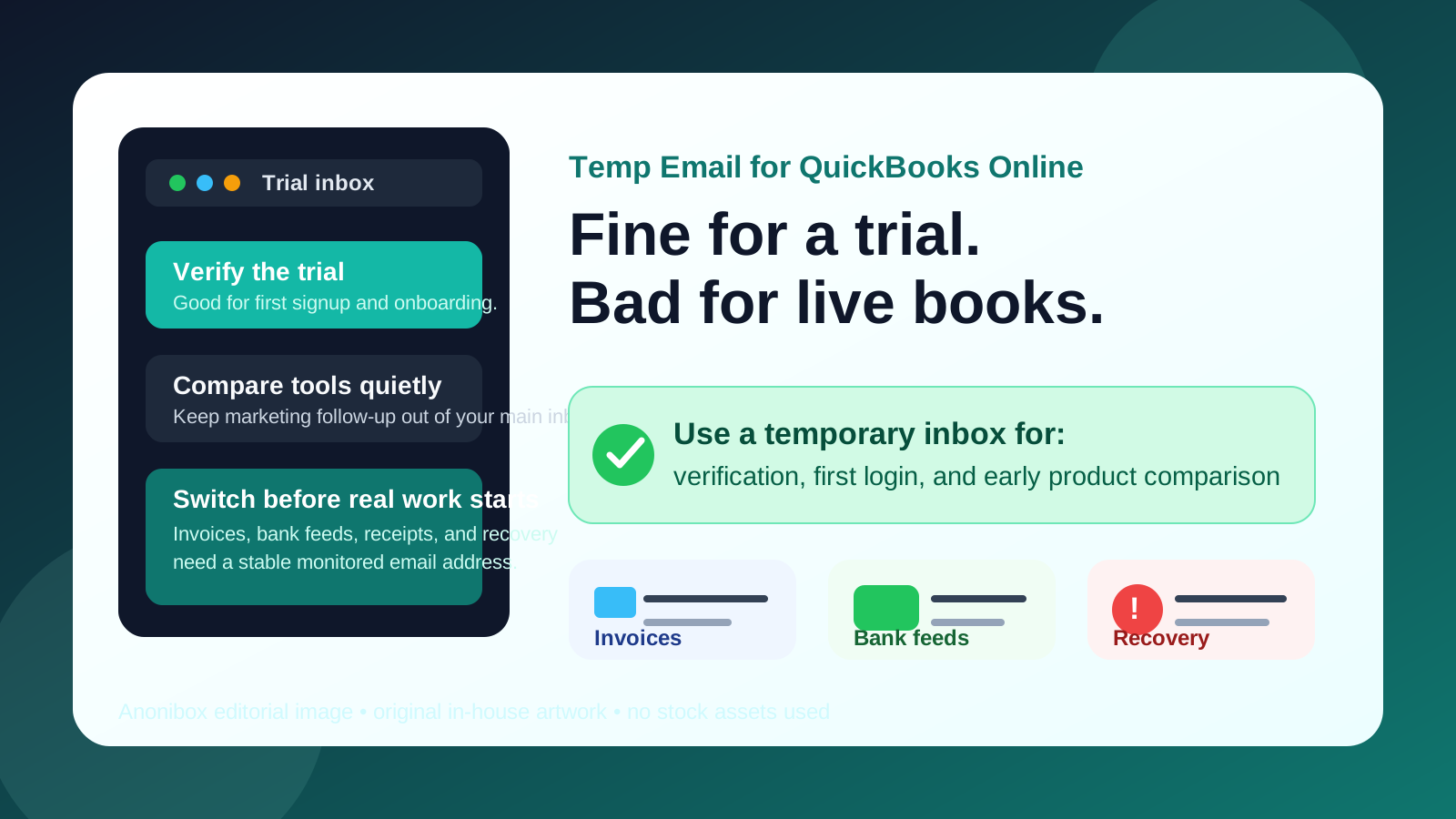
That is the real answer behind searches for temp email for QuickBooks Online. Most people are not trying to do anything shady. They usually want a fast way to open the trial, receive the verification email, look around the product, and avoid turning a simple software test into months of sales follow-up in their main business inbox.
That is a fair goal. A service like Anonibox fits that early stage well because it gives you a clean inbox for signup confirmation, welcome emails, and the first onboarding steps without immediately tying your long-term address to another product you may never adopt. The important limit is that accounting software stops being disposable very quickly. Once an account begins to hold real operational value, the owner inbox becomes part of the account’s reliability.
QuickBooks Online is a good example of that shift. A harmless test account can turn into a live workspace surprisingly fast: invoices get drafted, bank accounts get connected, receipts get uploaded, an accountant gets invited, and suddenly the email attached to the account is no longer just a signup detail. It is part of how the business proves ownership, receives critical notices, and recovers access when something goes wrong.
Why people look for a temp email for QuickBooks Online
Most searches around this keyword come from a practical place. People want to compare accounting tools without handing their permanent inbox to every vendor in the process. One trial can trigger confirmation emails, setup tips, demo offers, product tours, upgrade nudges, webinar invitations, and sales outreach. If you are also testing alternatives such as Xero, FreshBooks, Wave, or other finance tools, the messages stack up fast.
A temporary inbox can make sense when you want to:
- open the trial and receive the first verification email without exposing your main address immediately,
- compare multiple accounting platforms side by side during a short evaluation window,
- keep exploratory signups separate from your real finance or operations inboxes,
- reduce long-tail follow-up from products that never make the shortlist, and
- decide whether QuickBooks Online deserves a deeper look before attaching a permanent work email.
That is a very different goal from trying to run live bookkeeping on a throwaway address. The first use case is reasonable. The second is where problems begin.
When a temp email for QuickBooks Online makes sense
1. You are only doing a first-pass product review
If your goal is simply to answer basic questions — does the interface make sense, do the menus feel workable, is invoicing easy to understand, does the dashboard fit the way you think about your books — then a temporary inbox is usually fine. At that stage, the email address is mostly a gate to the trial and the first-run experience.
2. You are comparing more than one accounting tool
Separate inboxes make comparison cleaner. Each vendor sends its own verification message, setup prompts, and follow-up email without polluting your regular business inbox. When you are evaluating several tools in one buying round, that separation saves time and reduces noise.
3. You are testing before involving a bookkeeper or accountant
A solo exploratory review is low risk compared with a real implementation. If no one else depends on the account yet and there is no real company data inside it, a temporary inbox is a manageable way to inspect the product before you decide whether it is worth bringing other people into the conversation.
4. You want to avoid vendor follow-up until you know the product is a fit
This is one of the strongest reasons to use a disposable inbox. Plenty of business buyers want to inspect the workflow first and only share their durable contact details after the product earns a place on the shortlist. That is a sensible privacy and inbox-management habit, not a red flag.
When it becomes a bad idea
The downside usually does not appear during signup. It appears later, when the account becomes important while still being tied to an email address that was never meant to last.
Invoices and customer-facing documents raise the stakes immediately
The moment you start drafting real invoices, estimates, payment reminders, or other customer-facing documents, the workspace stops being a casual test. Even if you only “meant to try a few things,” the account now matters to revenue workflow and client communication. A disposable inbox is a weak foundation for that.
Bank feeds and connected financial data need continuity
QuickBooks Online becomes much more valuable when you move beyond a surface-level tour and start connecting bank accounts, importing transactions, or testing reconciliation in a way that mirrors real operations. If the owner inbox expires or stops being monitored, recovery becomes harder exactly when the data starts to matter.
Bookkeeper or accountant access changes the risk profile
An account you control alone is one thing. A workspace shared with an accountant, bookkeeper, finance lead, or operations teammate is another. Once multiple people may rely on the account, ownership needs to be tied to a stable business-controlled email address, not a throwaway inbox you used for convenience during week one.
Receipts, history, and audit trails are not throwaway data
Many small businesses underestimate how quickly accounting history becomes valuable. Uploaded receipts, categorization work, notes, linked apps, and reporting preferences all take time to rebuild. If access gets messy because the owner email was temporary, you can lose momentum at exactly the point when the platform starts becoming useful.
Account recovery is a delayed problem people forget about
This is the trap most often missed. The temporary inbox feels harmless on day one. Then two weeks later someone needs a password reset, a login confirmation, or an ownership verification link. If the inbox has expired or is no longer monitored, what looked like a tiny shortcut during signup becomes an annoying access problem in the middle of real work.
QuickBooks Online-specific situations where you should switch early
Even during evaluation, there are a few signs that tell you the account is about to outgrow a temporary inbox:
- you are about to connect a live bank or card feed,
- you want to invite an accountant or bookkeeper,
- you are preparing real invoices or estimates for customers,
- you are enabling payroll-adjacent or tax-related workflows,
- you are adding apps or integrations that would be annoying to reconnect later, or
- you are thinking, “we might actually use this one.”
That last point matters more than it sounds. Once a trial becomes a likely implementation candidate, it is usually smarter to move to a permanent email sooner rather than trying to remember to fix it after more settings, data, and people are attached.
A safer way to evaluate QuickBooks Online with a temp email
Use the temporary inbox only for the first stage
If privacy and inbox control are your main goals, use the temp email to get through verification and your initial product walkthrough. Keep the first session focused on learning, not on building a half-live environment.
Do not connect real financial infrastructure too early
A common mistake is opening the trial “just to look around” and then immediately connecting live bank feeds, importing real data, or setting up real customers. That is the point where the disposable email stops being an advantage and starts becoming technical debt.
Save your notes outside the platform
Write down what you liked, what felt clumsy, what questions came up, and what would need testing in a second round. That way, if you later reopen or transfer the evaluation under a permanent email address, you keep the learning without depending on the original inbox forever.
Move finalists to a permanent business address before team use
The best time to switch is before someone else depends on the account and before important data accumulates. If QuickBooks Online makes the shortlist, move ownership to a monitored business-controlled inbox early. That gives you a cleaner recovery path and fewer surprises later.
A quick decision checklist
Before you sign up, ask yourself these simple questions:
- Am I only testing the product, or do I already think it may become part of live operations?
- Will I connect real bank data, invoices, or customer records during this session?
- Will anyone else need access soon?
- Would it be annoying or risky if I lost the inbox tied to this account later?
- Am I using the temp email to control spam, or am I about to rely on it for something durable?
If your answers point toward a short, low-stakes evaluation, a temporary inbox is reasonable. If they point toward real bookkeeping, shared access, or live customer and banking workflows, start with a permanent address or switch to one immediately.
Final answer
A temp email for QuickBooks Online is useful for early evaluation and inbox protection, but it is a poor long-term choice once the account begins holding real financial work. The smarter approach is not to avoid temp email completely. It is to use it only at the stage where it actually solves the right problem: fast, low-stakes trial access.
Use a disposable inbox to verify the signup, inspect the dashboard, and compare the product without feeding your main address into another long follow-up sequence. Then, if QuickBooks Online becomes a serious candidate, switch to a stable monitored email before invoices, bank feeds, receipts, team access, or account recovery depend on it. That gives you the privacy benefit upfront without creating a preventable mess later.