Yes, you can use Tutanota for job referrals if the address is stable, professional, and checked regularly. It is usually a better choice than a disposable inbox for referral conversations, because referrals often turn into interviews, recruiter follow-ups, and offer-stage paperwork.
Tutanota makes the most sense when you want a privacy-conscious inbox without using your everyday personal address everywhere. The key is to treat a referral like an ongoing professional relationship, not like a one-off signup you can ignore later.
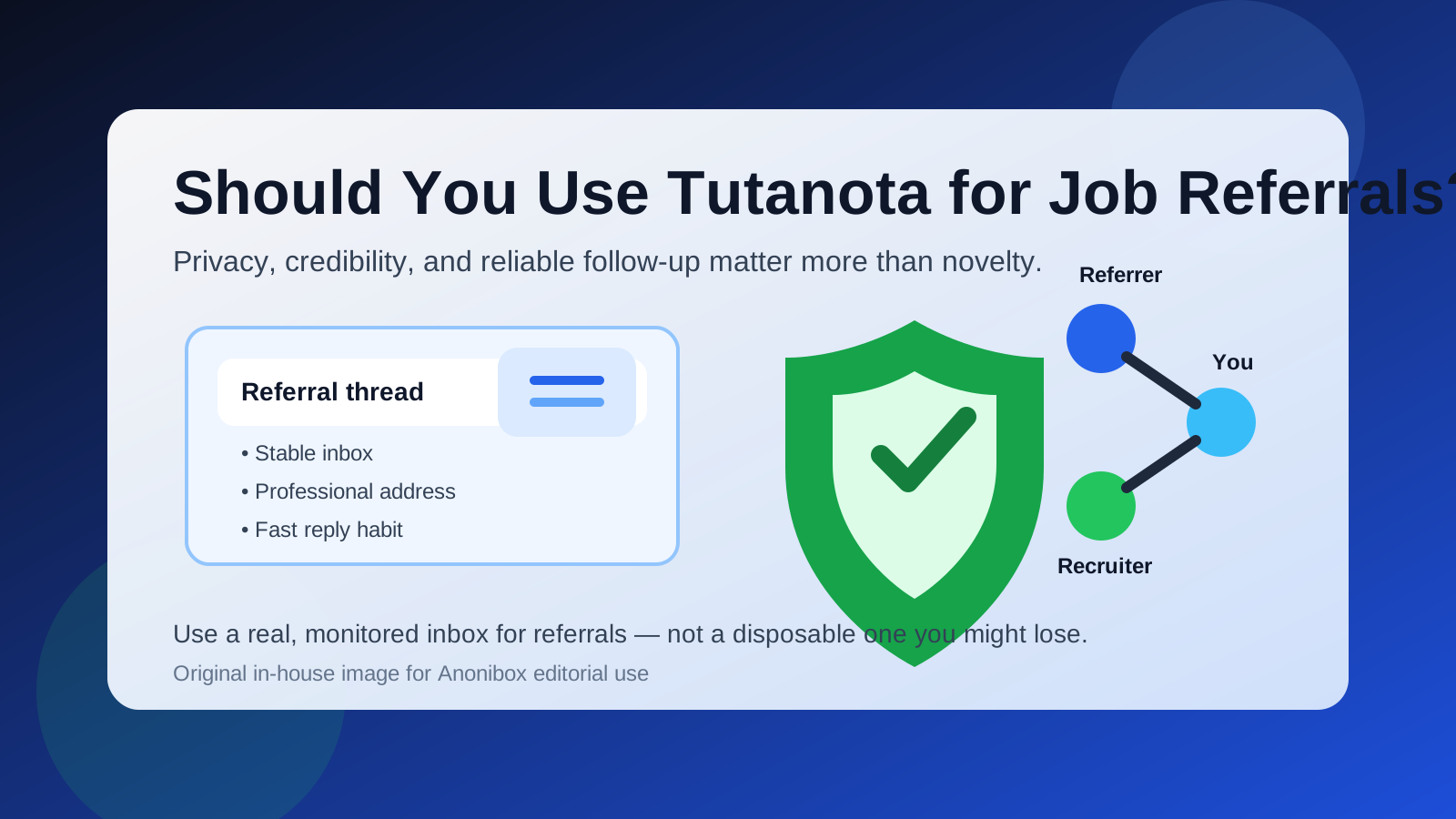
Why this question matters
A job referral is different from a random application on a public job board. When someone refers you, there is usually a real human connection behind it: a former colleague, a friend, a recruiter you know, or an internal employee willing to vouch for you. That means the email address you use has to support trust, continuity, and quick replies.
If you disappear from the thread, miss a follow-up, or use an address that looks disposable, you create friction not only for yourself but also for the person referring you. That is why the right answer is not simply “use the most private inbox possible.” The better answer is “use the most private inbox that still feels stable and professional.”
When Tutanota is a good fit for job referrals
Tutanota can work well for job referrals in a few common situations:
- You want a separate inbox for job-search communication instead of mixing referrals into your everyday email.
- You care about privacy and do not want every professional contact tied to your long-term personal address.
- You are switching careers, freelancing, or testing the market quietly and want more separation from your main inbox.
- You already use Tutanota comfortably and check it consistently.
- You have a clean, human-looking username that does not feel random or throwaway.
In those cases, Tutanota can give you the separation many job seekers want without forcing you into disposable-email behavior. That separation matters, especially if you expect your referral process to stretch across multiple weeks and several rounds of communication.
What makes Tutanota better than a disposable inbox for referrals
Referrals need follow-through. A disposable inbox can be useful when you are protecting yourself from low-trust signups, lead magnets, or unknown forms. That is where a service like Anonibox fits naturally. But a real referral thread usually deserves a persistent mailbox, because you may need to revisit it later for recruiter replies, scheduling, salary discussions, or document requests.
Tutanota is better suited to that kind of ongoing thread because it is a real inbox you control over time. You can keep the conversation in one place, preserve context, and stay reachable if the referral turns into an interview loop or an offer conversation. That stability is the main reason Tutanota can be a smart choice here.
Where Tutanota can create friction
Even when a privacy-focused email service is legitimate and useful, it is not automatically perfect for every referral situation. A few trade-offs matter.
1. Familiarity and perception
Some recruiters are used to Gmail, Outlook, or company-domain addresses. A Tutanota address is still perfectly usable, but it may feel less familiar to people who rarely see it. That usually is not a deal-breaker. Still, if your username looks odd or overly defensive, it can add unnecessary friction.
2. You have to monitor it consistently
A separate inbox only helps if you actually check it. If referrals are landing in Tutanota while your attention stays on another email account, the privacy benefit becomes irrelevant because you are simply slower to respond.
3. Referrals often move fast
A referred candidate can move quickly from “someone on the team wants to introduce you” to “please send availability for a screen this week.” If your inbox setup is too fragmented, you can miss the moment when speed matters most.
How to decide whether Tutanota is the right inbox for this referral
Ask yourself four simple questions before you use it:
- Is this a real inbox I plan to keep active? If yes, good. If not, use another stable address.
- Does the username look professional? Your name or a clean variation is much better than something random or joke-like.
- Will I check it daily? If the answer is no, it is the wrong inbox for a referral.
- Do I want separation from my main personal email? If yes, Tutanota may be a strong choice.
If you can answer those questions confidently, Tutanota is probably a reasonable option.
Best practices if you use Tutanota for job referrals
Use a clean address format
Choose an address that looks like a person, not a burner account. Ideally, use your name or a straightforward professional variation. The point is not to impress anyone with the provider. The point is to remove doubt and make replying easy.
Set a clear display name
Make sure the sender name matches the name on your résumé and LinkedIn profile. Referral chains often bounce between an employee, a recruiter, and a hiring manager. Consistency helps all three connect the dots quickly.
Reply quickly and stay in the same thread
Referrals work best when they feel low-friction. If someone introduces you by email, respond promptly, thank them, and keep your answer in the same thread whenever possible. That preserves context and shows professionalism.
Do not use a referral inbox like a disposable address
This is the biggest mistake to avoid. Even if you prefer privacy, a referral is not the place for an address you may delete, abandon, or stop checking next week. Once a referral is active, think long-term.
Keep your signature simple
You do not need a flashy signature block. Your full name, a phone number you monitor, and optionally a LinkedIn or portfolio link are usually enough. Simplicity feels more trustworthy than clutter.
When another address may be better than Tutanota
Tutanota is not always the best answer. Another inbox may be better if:
- You already have a polished custom-domain email you use for professional networking.
- You rely heavily on one mainstream inbox for calendar, recruiter follow-up, and fast notifications.
- Your Tutanota account is new, rarely checked, or tied to an awkward username.
- You know the referral may lead directly into formal onboarding with a company that expects a single stable contact channel from day one.
In those cases, the better move is not “avoid privacy.” It is “use the most reliable professional inbox you already manage well.”
Should you ever use a temporary email for job referrals instead?
Usually no. Temporary or disposable email is better suited to low-trust exposure: anonymous signups, one-time downloads, or situations where you genuinely do not expect an ongoing relationship. A referral is the opposite. It is built on continuity and trust.
If you want to protect your main inbox from broad exposure, you can use Anonibox selectively for lower-trust situations and keep Tutanota for real referral conversations. That split can make sense: disposable inboxes for noisy surfaces, stable private inboxes for serious opportunities.
Common mistakes to avoid
- Using a novelty username: privacy-conscious does not have to look evasive.
- Checking the inbox too rarely: even a strong referral can go cold if you respond late.
- Switching addresses mid-process without reason: consistency helps everyone involved.
- Over-explaining your provider choice: most people do not care which service you use if your communication is clear and timely.
- Pairing a stable email with an unstable phone setup: referrals often move to calls and scheduling, so keep the rest of your contact details reliable too.
A practical setup that works well
If you want a simple system, this is a solid one:
- Use a separate Tutanota inbox for job referrals and other serious job-search communication.
- Use your real name as the display name.
- Check the inbox every day and turn on the notifications you actually trust.
- Use a stable phone number in your signature or résumé.
- Reserve disposable inboxes for lower-trust signups, not for referral relationships.
That setup gives you privacy without sacrificing responsiveness, which is exactly what a referral process needs.
Final answer
Tutanota can be a good choice for job referrals when you want a separate, privacy-conscious inbox that still behaves like a real professional contact point. The biggest requirement is stability: keep the address active, make it look professional, and reply quickly.
If you treat Tutanota as a long-lived referral inbox, it can work very well. If you treat it like a disposable shield you might abandon, it is the wrong tool. For real referrals, privacy helps — but continuity and credibility matter just as much.