Usually, no—Microsoft Teams is not the best default way to handle networking-event follow-up unless the event itself is already running inside Teams or the other person explicitly prefers it.
For most networking events, Teams adds account, workspace, and visibility complications that make a separate email address or a cleaner one-to-one channel more practical.
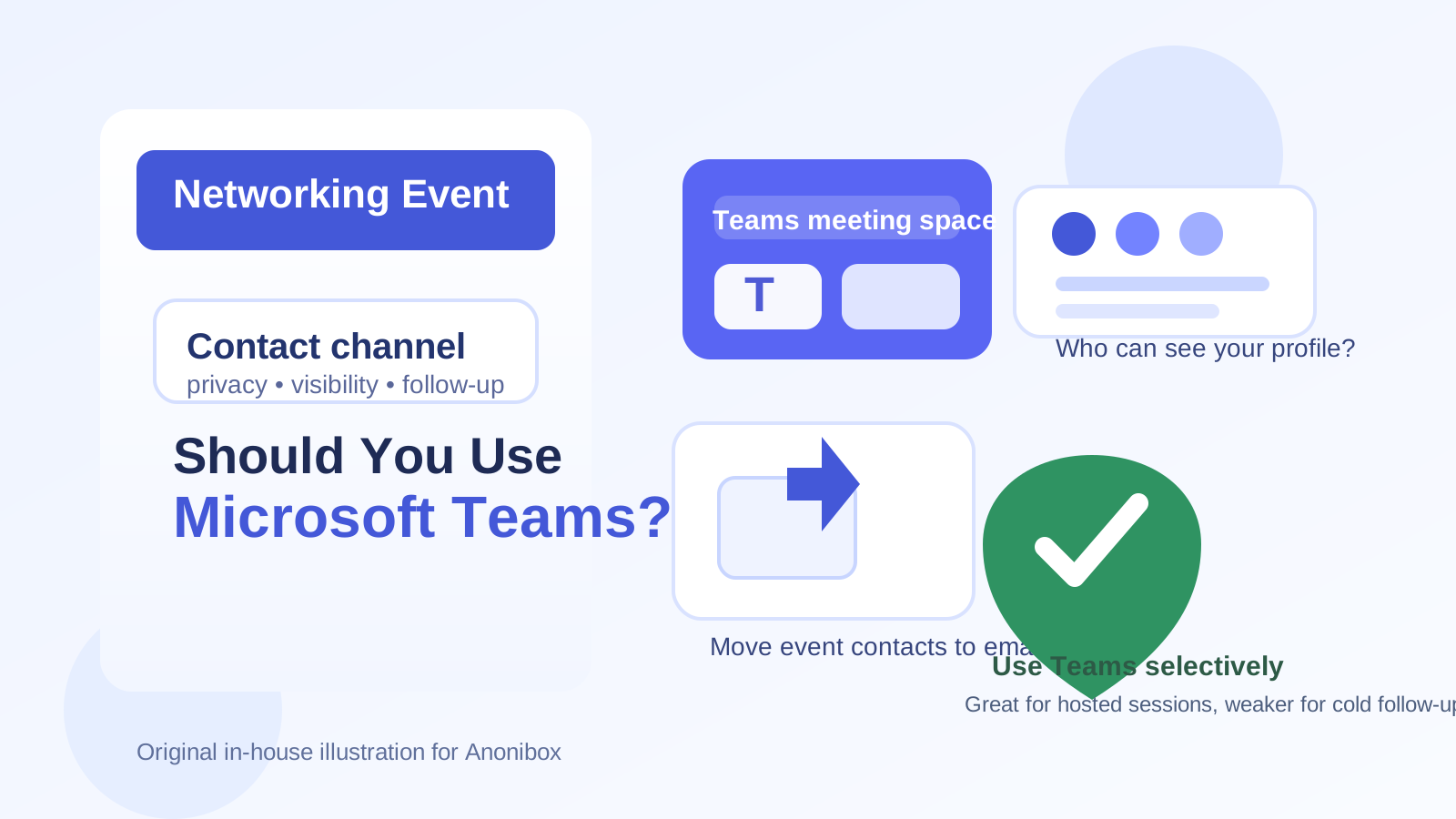
Why people consider Microsoft Teams after networking events
Microsoft Teams feels convenient because many professionals already use it at work. If you meet someone during a virtual panel, an industry meetup, a university alumni session, or a hiring-related networking event, it can seem natural to keep the conversation in the same ecosystem. You may already have Teams installed, your contacts may recognize it, and some events are hosted through Microsoft 365 environments anyway.
That convenience is real—but it is also limited. Networking events are not the same as internal team meetings. In a networking context, you are usually trying to create a low-friction, professional, portable way to follow up with people you may not know well yet. That is where Teams can become awkward.
Short answer: use Teams only in specific situations
If the networking event is explicitly hosted in Teams, the organizer shares official Teams meeting links, and the next step is a scheduled follow-up conversation, then using Teams can be reasonable. In that case, everyone is already in the same environment and the tool is serving a clear purpose.
Outside of that situation, Teams is usually a secondary option, not the best first one. A lot of networking follow-up works better over email, LinkedIn, or another contact method that is easier to carry across companies and personal/work boundaries.
The biggest privacy and practicality issues with Teams
1. Your work identity can leak into a casual networking conversation
Many people reach for the Teams account they already use at work. That creates a problem immediately: your employer-controlled identity may become part of a conversation that has nothing to do with your current job. Depending on the setup, other people may see your company name, internal profile details, or a work-managed account that you do not fully control.
That is especially risky if you are networking while quietly exploring new opportunities, building your professional circle, or attending events that are not tied to your employer. A work account can expose more context than you intended.
2. External messaging in Teams is inconsistent
Teams works smoothly inside one organization. It gets less smooth when you are messaging across organizations, mixing personal and work accounts, or dealing with external access settings. Some people can receive outside messages. Some cannot. Some tenants block or limit communication. Some users rarely check Teams unless the message is tied to an active meeting.
That makes Teams weaker as a general networking channel. You do not want your first follow-up note to disappear into someone’s half-monitored work chat environment.
3. It is not ideal for long-term relationship management
Good networking is not just about the first message. It is about being easy to reach six weeks later, after a conference, after a panel, or after a recruiter says, “Let’s reconnect later.” Teams is often too tied to workplace context for that kind of long-term relationship-building. People change companies, lose access to old tenants, or simply stop checking the chat thread once the event is over.
4. It can feel heavier than the relationship needs
There is also a tone issue. A Teams chat can feel more formal, operational, or internal than a simple networking follow-up deserves. If you just want to say, “Great meeting you—here is the article I mentioned,” email is often cleaner. If you want to stay lightly connected, LinkedIn may be more natural. Teams can feel like you are moving into meeting mode before there is actually a reason to do that.
When Microsoft Teams does make sense
Even with those drawbacks, Teams is not always the wrong choice. It can work well when the context already supports it.
- The event itself is hosted in Teams: If the organizer is already using Teams for panels, breakout rooms, or follow-up sessions, staying there for the next step can be efficient.
- You are scheduling a defined conversation: For example, a 20-minute informational follow-up, mentoring call, or hiring-related discussion with a clear meeting invite.
- The other person explicitly prefers Teams: If they say, “Send me a Teams invite,” that removes the guesswork.
- You are using a dedicated personal or professional Microsoft account: This is better than casually using your employer-managed identity.
In short, Teams is best when it is supporting a real meeting workflow—not when it is replacing basic networking contact information.
When Teams is usually the wrong tool
- Cold follow-up after meeting someone once: Email or LinkedIn is usually easier and less intrusive.
- Networking while job-searching discreetly: A work Teams account can create unnecessary employer visibility risk.
- Events with broad public signups: You may want clearer separation between registration, outreach, and long-term professional contact.
- Situations where you need a portable channel: Teams is less portable than email when people switch jobs or organizations.
Better alternatives for most networking events
Use a separate email for follow-up
A separate professional email is usually the cleanest option. It gives you portability, better long-term control, and fewer account-bound surprises than Teams. If you are registering for multiple events, panels, webinars, or community meetups, a separate inbox can also keep your networking activity from mixing with your personal or work email.
That is where Anonibox can help in the early stage. If you are signing up for event newsletters, gated networking sessions, or follow-up resource downloads and you are not yet sure which contacts will matter long term, using a temporary or separate inbox can reduce clutter and protect your main address. Once a relationship becomes meaningful, you can move it to the inbox you want to keep long term.
Use LinkedIn for lightweight contact
For many event contacts, LinkedIn is a better bridge than Teams. It is designed for professional identity, light follow-up, and low-pressure connection. You are not forcing a meeting tool into a relationship that may only need a quick thank-you note and a future reconnect.
Use calendar links only when the conversation is real
If networking turns into a real follow-up meeting, then a calendar invite or Teams meeting link can make sense. But that step should come after the initial connection is established—not as the default first move.
Best practices if you decide to use Teams anyway
1. Avoid your employer-managed account when possible
If you have a personal Microsoft account or a separate professional account you control, use that instead of your everyday work identity. This reduces the chance that your employer, company branding, or tenant policies shape the conversation in ways you did not intend.
2. Check what the other person can see
Before you send a Teams message or invite, review your display name, profile image, status, and account label. Make sure you are showing the version of yourself you actually want a networking contact to see.
3. Keep the first message simple
Do not overcomplicate it. A short note like “Great meeting you at the event—thanks for the conversation. If helpful, I’d be happy to continue by email or set up a quick follow-up call” works better than a long chat dump inside a tool they may barely monitor.
4. Move important conversations to a more durable channel
If the contact matters, do not leave the relationship trapped in an event-era Teams chat. Move it to email or another dependable professional channel once the conversation becomes ongoing.
5. Be cautious with files and personal details
Do not treat a networking chat like a secure document portal. If you are sharing a resume, portfolio, or sensitive job-search context, verify the recipient and use the channel that gives you the most control.
A practical decision checklist
Before using Teams for networking-event follow-up, ask:
- Was the event actually hosted in Teams?
- Did the other person explicitly invite Teams contact?
- Am I about to use a work account I do not fully control?
- Would email or LinkedIn be simpler and more portable?
- Is this a one-time chat, or a real follow-up meeting?
If most answers point toward convenience rather than necessity, Teams is probably not the best default.
Final answer
Microsoft Teams can work for networking events, but it is usually a situational tool rather than the best first choice. It is strongest when an event is already running inside Teams or when both sides are ready to schedule a specific follow-up conversation. It is weaker for first-contact networking, light relationship-building, and privacy-sensitive outreach.
For most people, the safer and more flexible approach is simple: use a separate professional email for follow-up, keep event signups segmented when possible, and only bring Teams into the process when there is a clear reason to do it. That gives you better control over privacy, account boundaries, and long-term reachability.