Yes — StartMail can be a good email choice for LinkedIn if you want a private, separate inbox that you can keep long term. It is usually a better fit than a temporary email because LinkedIn accounts need ongoing access for recruiter replies, security alerts, and account recovery.
That said, StartMail only makes sense if you monitor it consistently, keep recovery access under control, and use an address that feels straightforward and professional to the people contacting you.
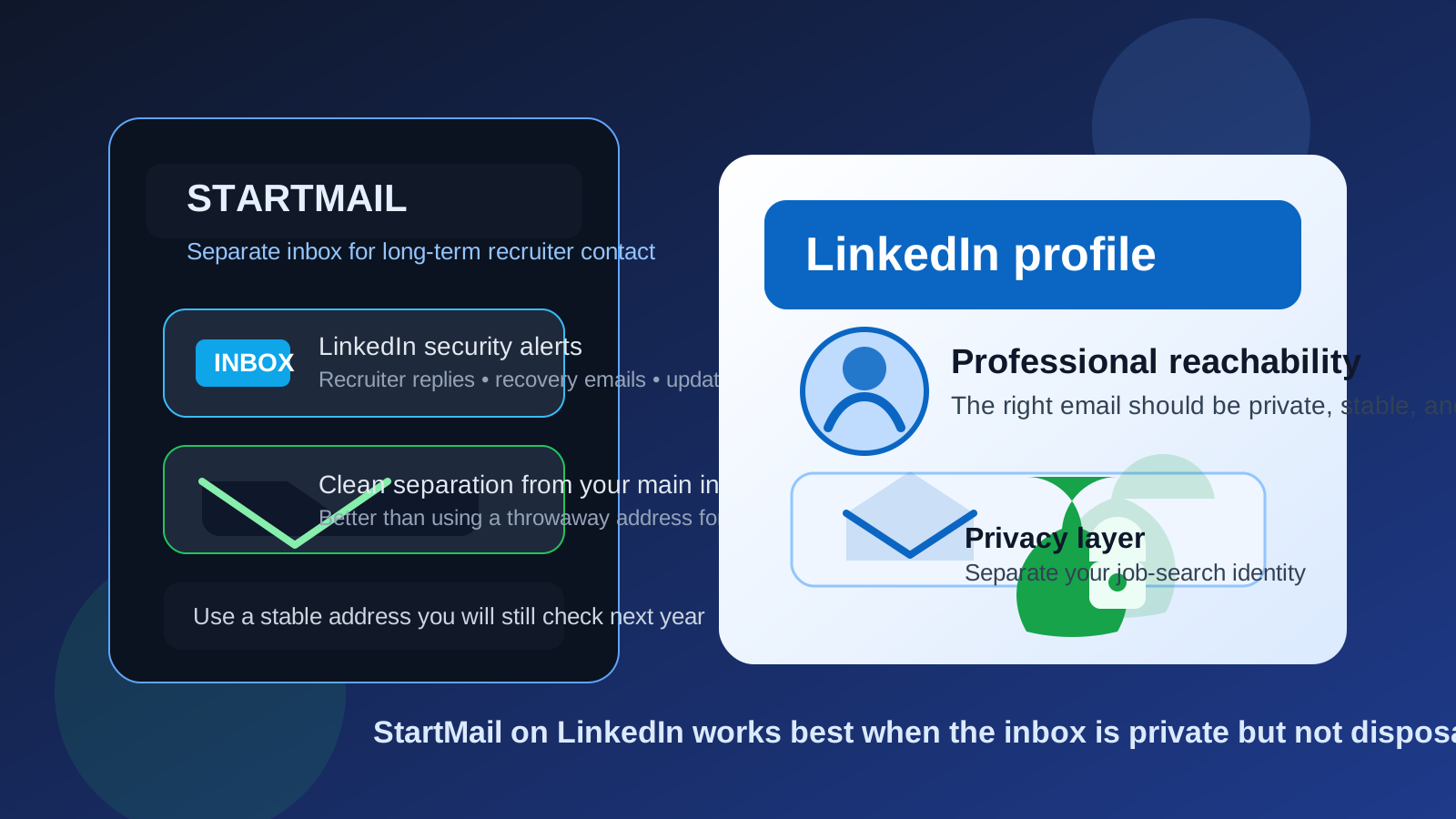
People ask this question because LinkedIn sits in an awkward middle ground. It is not as private as a personal notes app, but it is not as disposable as a coupon signup or a one-time download gate either. The same account can stay attached to your professional identity for years. A recruiter might message you next week, a former coworker might reconnect six months from now, and a security alert might matter long after you have forgotten when you first created the profile.
That is why the real question is not just whether StartMail is private enough. It is whether it is stable enough, practical enough, and credible enough for a long-lived professional account. In many cases, the answer is yes. StartMail can give you useful separation from your main inbox while still acting like a real mailbox you control, which makes it much more appropriate for LinkedIn than a true disposable inbox.
Why people consider StartMail for LinkedIn
Most people are not looking at StartMail just to be different. They usually have a concrete reason:
- They do not want LinkedIn alerts, recruiter follow-ups, and cold outreach mixed into the same inbox as banking, travel, or family accounts.
- They want a dedicated professional-contact inbox without tying LinkedIn to a work or school address they might lose later.
- They care about privacy and want more separation than their oldest personal email address provides.
- They want something more durable than a temporary inbox but less exposed than their everyday main address.
Those are reasonable goals. LinkedIn can generate a lot of noise over time: connection notifications, newsletter subscriptions, event reminders, sales outreach, recruiter messages, and account-security emails. A separate inbox helps you keep that activity in its own lane.
Why LinkedIn is different from a temp-email use case
A temporary inbox is often perfect for one-off trials, coupon signups, gated downloads, or low-stakes forms you may never revisit. LinkedIn is different because the account is supposed to stay useful. If someone sends an interview request, referral follow-up, partnership inquiry, or account-recovery message months later, you still need access.
That is the key distinction. A privacy-minded long-term mailbox like StartMail can work well for LinkedIn because it is durable. A throwaway inbox usually does not. If you use Anonibox for short-lived signups to keep spam out of your main inbox, that is a smart habit for disposable situations. LinkedIn just is not one of those disposable situations.
What makes StartMail a sensible fit
StartMail makes sense on LinkedIn when you want three things at the same time: separation, long-term reachability, and more control over where professional-contact traffic lands.
1. It gives you separation without disappearing later
The biggest advantage is that StartMail can be a dedicated inbox instead of a temporary one. That means you can keep recruiter messages, network follow-up, and LinkedIn account notices away from your main email while still preserving access over time.
2. It helps you avoid work-email and school-email traps
LinkedIn accounts tied to employer or university addresses can become awkward later. You might change jobs, lose mailbox access after graduation, or simply decide you do not want your professional network tied to an organization-controlled account. A personally controlled mailbox avoids that problem.
3. It supports a cleaner privacy boundary
Even if you are comfortable being visible on LinkedIn, you may not want every professional notification mixed into your oldest personal inbox. A separate mailbox can reduce clutter and make it easier to decide how often you want to engage with platform messages.
Will recruiters think StartMail looks strange?
Usually, no. Most recruiters care far more about whether your address works, whether you respond, and whether the local part of the email looks normal than whether you chose Gmail, Outlook, or another provider. A clean address based on your name is usually more important than the brand behind the domain.
That said, you still want to avoid making the address look experimental or anonymous. An address like firstname.lastname or another simple professional variation is easier to trust than something cluttered with numbers, jokes, or random words. If you choose a less common provider, keep everything else about the address calm and readable.
When StartMail is a good choice for LinkedIn
- You want a dedicated inbox for networking, recruiter contact, and professional follow-up.
- You do not want to use a work or school address that could disappear later.
- You care about privacy, but you still want a stable mailbox you can check for years.
- You are active enough on LinkedIn that the platform would otherwise create too much noise in your main inbox.
- You want clearer boundaries between personal life and public professional activity.
In those cases, StartMail can be a practical middle ground. It is more durable than a burner setup and more private than exposing a long-used personal inbox everywhere.
When StartMail is not the best fit
StartMail is not ideal just because it is private. It still has to match your actual habits.
- If you rarely check the inbox, you may miss recruiter replies or security alerts.
- If you set it up only as an experiment and never maintain recovery access, you are creating future account-risk.
- If you use a confusing or overly anonymous-looking address, you may add unnecessary friction to first contact.
- If you already have a clean separate mailbox you trust and monitor, switching providers may not improve much.
A separate email only helps if it remains monitored and reachable. Privacy without consistency turns into missed opportunities.
Best practices if you use StartMail on LinkedIn
Use a professional-looking address
Keep it simple. Use your name or a close variation. Avoid nicknames, old gaming handles, or anything that makes a recruiter hesitate before replying.
Turn LinkedIn notifications into a system, not a flood
A separate inbox works best when you also control notification volume. Review which alerts you actually want, so the account stays useful instead of becoming another noisy inbox you stop checking.
Check it on a schedule
If LinkedIn matters to your job search or networking, check the inbox deliberately. You do not need to live in it all day, but you do need to treat it as a real communication channel.
Protect recovery access
Your LinkedIn email is part of account security, not just message delivery. Keep the mailbox secure, maintain recovery options, and avoid setting it up in a way that future-you cannot easily untangle.
Keep your broader contact strategy consistent
If you are using a separate email for LinkedIn, think about whether your resume, portfolio, or outreach messages should use the same inbox or a closely related one. Consistency reduces confusion and makes follow-up easier.
Common mistakes to avoid
- Treating LinkedIn like a throwaway signup. It is a long-lived profile, not a one-time form.
- Using a mailbox you never check. A private inbox that goes unread is worse than a noisier inbox you actually monitor.
- Overcomplicating the address. Privacy does not require a weird-looking email.
- Relying on a work or school email for convenience. Convenient now can become fragile later.
- Ignoring security and recovery. The right inbox should help you stay in control of the account over time.
A quick decision checklist
Before you use StartMail on LinkedIn, ask yourself:
- Do I want LinkedIn activity separate from my everyday personal inbox?
- Will I realistically keep this mailbox long term?
- Will I check it often enough for recruiter replies and security notices?
- Does the address look simple and professional?
- Am I choosing this because it improves my workflow, not just because it feels more private in theory?
If the answers are mostly yes, StartMail is probably a solid fit.
Final verdict
Yes, you can use StartMail on LinkedIn, and for many privacy-conscious people it is a smart choice. It gives you more separation than a main personal inbox, more long-term stability than a temporary email, and more control than tying your profile to a work or school address you may not keep.
The important part is not the brand name alone. It is how you use it. If the inbox is stable, secure, easy to monitor, and attached to a professional-looking address, StartMail can work very well for LinkedIn. If you treat it like a disposable shortcut, it stops being an advantage.
In short, LinkedIn usually deserves a real long-term mailbox. If StartMail is the inbox you are willing to keep and monitor, it is a reasonable and often very practical option.