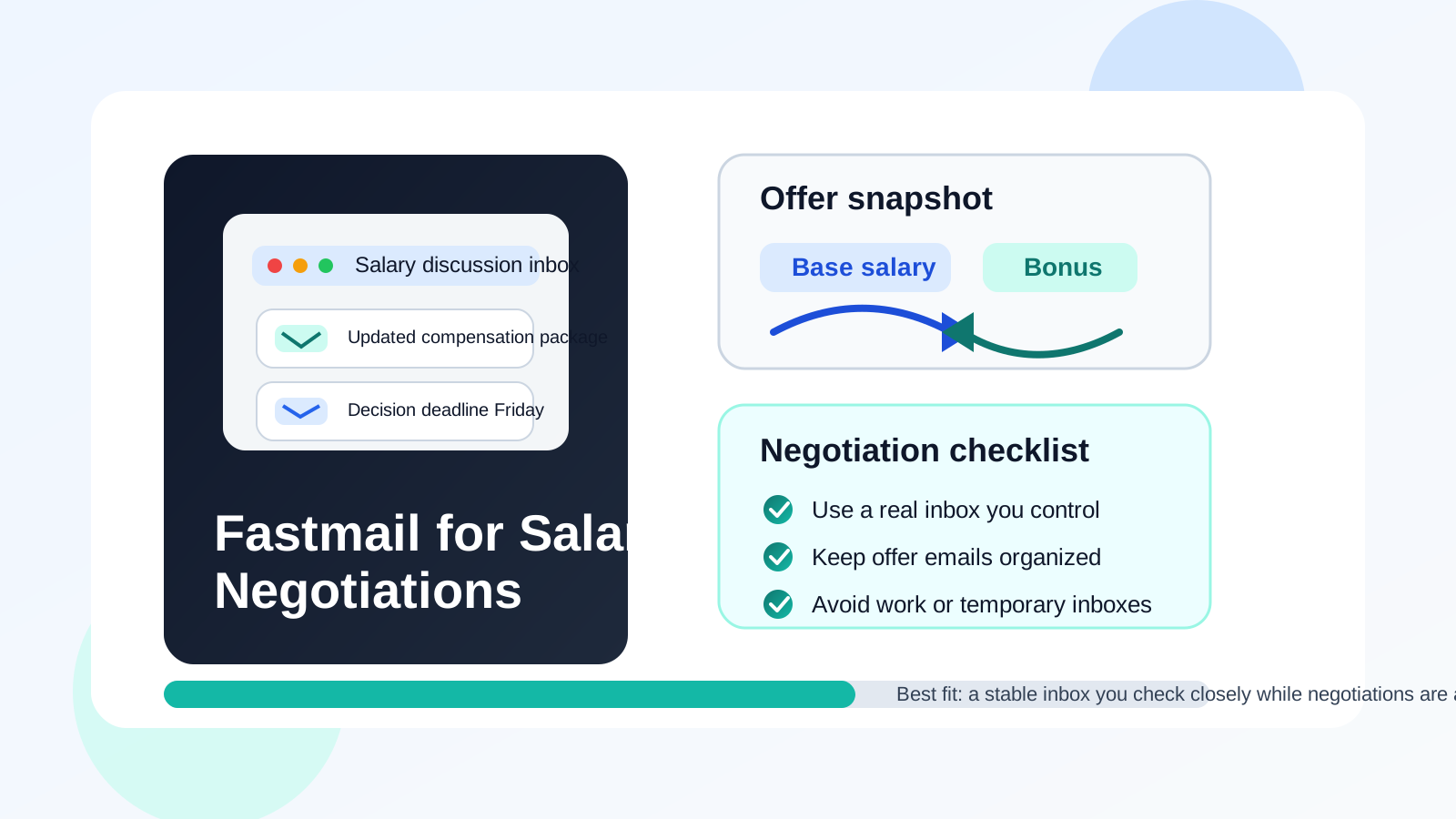
Yes, usually. Fastmail can be a very good choice for salary negotiations if it is a real inbox you control, monitor closely, and plan to keep active through the offer stage.
It is usually a better fit than a temporary inbox because compensation discussions need continuity, clear organization, and a place where important replies will not vanish or get lost.
Why salary negotiations need a dependable inbox
Salary negotiations are one of those job-search moments where email suddenly matters more than people expect. Early in the process, email is often just a way to receive application confirmations, interview scheduling notes, or recruiter outreach. Once compensation enters the conversation, the inbox becomes part of the written record for real decisions.
You may receive an initial offer summary, a revised number after a counterproposal, follow-up questions about bonus structure, benefits details, start-date options, equity explanations, or deadlines for a final decision. None of that is the kind of communication you want buried under junk mail, tied to a work account you do not truly own, or trapped in a disposable inbox you only created for one quick signup.
That is why the question is not just “Is Fastmail private?” The more useful question is whether Fastmail gives you the right combination of reliability, separation, and organization for a hiring conversation that may stretch across several days or even a few weeks.
Short answer: Fastmail is often a strong fit
In most cases, yes. Fastmail is usually a strong fit for salary negotiations because it is a stable long-term email service, not a throwaway mailbox. It can give you a cleaner space for offer-related communication without forcing you back onto a current employer’s inbox or a cluttered personal address you have been using for everything since forever.
Employers and recruiters generally care far less about the brand of inbox you use than people assume. They care about whether you respond on time, whether the thread stays consistent, and whether the account looks professional enough that it does not create friction. A normal, well-managed Fastmail address usually passes that test without trouble.
Why Fastmail works well for salary negotiations
It is stable enough for an ongoing negotiation
This is the biggest advantage. Salary negotiations are rarely a single email and done. A recruiter may send an offer, call you later, then follow up with revised terms the next day. HR might attach a benefits summary after you ask a question about total compensation. A hiring manager may confirm one number verbally and send the written revision later. Fastmail is built for exactly that kind of ongoing inbox use.
Because it is a normal long-term mailbox, it gives you continuity. That is important. You do not want a compensation thread living in an account you might abandon, forget to check, or lose access to right when details matter most.
It can keep negotiations separate from your main inbox noise
Many job seekers do not need a more “secure-looking” address. They need a quieter one. If your oldest personal inbox is full of receipts, newsletters, family messages, social notifications, and random account alerts, offer details can get buried fast. A separate Fastmail inbox can solve that practical problem better than a flashy privacy argument ever will.
A clean negotiation inbox makes it easier to spot the messages that actually matter: revised offer letters, decision deadlines, calendar updates, and clarifying notes about compensation components.
It is usually more appropriate than a work-managed account
If you are currently employed, using your work email for salary negotiations with another employer is a bad habit. Even if nobody is actively reading it, that account still belongs to your current employer. Policies, retention, device management, and access controls are not yours to set.
Fastmail gives you a personal alternative that you control directly. That alone makes it a much safer and more professional choice than discussing a new offer through company infrastructure you do not own.
It supports organized communication
Fastmail is well suited to the boring kind of organization that matters during negotiations. You want one folder, one thread per employer when possible, clear notifications, and easy search when you need to find the exact email where a number changed. Those small workflow details matter more than grand privacy claims.
If you are comparing multiple opportunities at once, keeping each one organized becomes even more valuable. A separate inbox or a dedicated folder can make the difference between calmly reviewing your options and feeling like every recruiter message is piling into one chaotic stream.
When Fastmail is a particularly good choice
- You already use it for the rest of your job search. If applications, interviews, and recruiter follow-up already run through Fastmail, keeping salary negotiations there reduces confusion.
- You want separation from your everyday personal inbox. A dedicated inbox can make compensation threads easier to manage.
- You care about privacy but still need continuity. Fastmail gives you a long-term mailbox, which is usually much more practical than a disposable address at this stage.
- You are still employed and want to avoid work systems completely. A personal Fastmail account is far more appropriate than a company-managed email account.
- You are juggling several late-stage opportunities. A clean inbox helps you compare messages, attachments, and deadlines without missing details.
Where Fastmail can still create friction
If the address looks odd or overly casual
Fastmail itself is not the problem here. The problem is presentation. A negotiation inbox should look normal and professional. If the address includes an old joke, random extra numbers, or a handle that reads more like a forum account than a real contact address, it can distract from an otherwise straightforward hiring process.
The safest move is a clean address based on your name or a simple professional variation.
If you rarely check the inbox
A separate inbox only helps if it is part of your routine. If you create a Fastmail account for “organization” but only remember to open it once a day, you can still miss time-sensitive replies. Negotiations often move in short bursts. A recruiter might send a revised package in the afternoon and want an answer the next morning. That is not the time to realize your notifications were off.
If you keep switching addresses mid-process
Consistency matters. If your resume used one inbox, interviews happened in a second, and negotiations suddenly move to a third, people can usually adapt, but it adds friction. If you want Fastmail to be your negotiation inbox, it works best when the switch happens early and clearly, not halfway through a document-heavy back-and-forth.
If you treat it like a disposable account
This is where people sometimes confuse privacy with temporary usage. Fastmail is a good fit because it is a real inbox, not because it lets you mentally classify the account as “separate, therefore disposable.” Salary negotiations can lead directly into formal offers and onboarding steps. Use an inbox you are prepared to keep active for the full process.
Fastmail versus temporary email for salary negotiations
This is the distinction that matters most for Anonibox readers. Temporary email and long-term private email solve different problems.
A temporary inbox is useful earlier in the funnel when you are testing low-trust forms, signing up for gated resources, or protecting your main inbox from spam-heavy exposure. That is where Anonibox fits naturally. If you are browsing job boards, trying career tools, or exploring channels you do not fully trust yet, inbox separation can be smart.
Salary negotiations are not that stage anymore. By the time compensation is being discussed, you usually need stability more than distance. You need the thread to persist, the attachments to remain accessible, and the account to stay available if someone follows up after a phone call. That is why Fastmail is usually a better tool than temporary email for negotiation itself.
Best practices if you use Fastmail for salary negotiations
Use one clean address for the whole late-stage process
If possible, keep the same inbox for recruiter follow-up, offer details, revised terms, and onboarding-adjacent communication. Fewer handoffs means fewer opportunities for confusion.
Create a dedicated folder or label
Do not rely on memory or search alone. Put offer-related messages in one obvious place. If you are speaking with more than one employer, create separate folders or filters so you can compare details calmly.
Turn notifications on during active negotiations
You do not need to be glued to your phone, but you do need to know when something important arrives. Time-sensitive replies are common once compensation terms start moving.
Save important documents locally
Offer letters, benefit summaries, and compensation breakdowns should not live only in your inbox. Download the files that matter so you can review them without hunting through messages later.
Reply in-thread when possible
Keeping one conversation thread per employer makes it easier for everyone to follow what changed, what was requested, and what still needs a decision. It also gives you a clearer written record.
Do not negotiate from employer-owned devices if you can avoid it
Even if your Fastmail account is personal, using it on a managed work laptop or phone may still blur privacy boundaries. A personal device is usually the better choice for sensitive compensation discussions.
Practical examples
Good use case: dedicated Fastmail inbox you already check daily
This is a strong setup. The address is professional, the inbox is quiet, and you are already using it for the hiring process. Negotiations can continue there without any special explanation.
Okay but not ideal: switching to Fastmail right before the offer stage
This can still work if you communicate the switch clearly and then stay consistent. It is better to move once, intentionally, than to bounce between accounts every few days.
Bad use case: Fastmail inbox created in a rush and barely monitored
If you only remember the account exists when you manually check it, the privacy benefits do not matter much. A stable inbox is only useful when it is also an actively used inbox.
A quick checklist before you use Fastmail for salary negotiations
- Is this a real long-term inbox you control personally?
- Does the address look professional and easy to recognize?
- Will you check it closely during active negotiations?
- Can you keep the full compensation thread in one place?
- Are you avoiding a current employer’s email and devices where possible?
- Would this inbox still work for offer letters and follow-up after verbal discussions?
If the answer is yes to most of those, Fastmail is probably a very reasonable choice.
Final answer
Yes, usually. Fastmail is often a strong choice for salary negotiations because it gives you a stable, private, and organized inbox without the fragility of temporary email or the obvious problems of a work-managed account.
The key is to use it like a serious communication channel: keep the address professional, monitor it closely, stay consistent through the negotiation, and save the details that matter. Do that, and Fastmail can make salary discussions cleaner and easier to manage without turning the process into inbox chaos.