Yes — Tutanota can work for salary negotiations if you want a privacy-focused inbox and you monitor it closely.
It is usually better than a disposable address for an ongoing negotiation, but you still need a stable, professional setup so you do not miss time-sensitive replies.
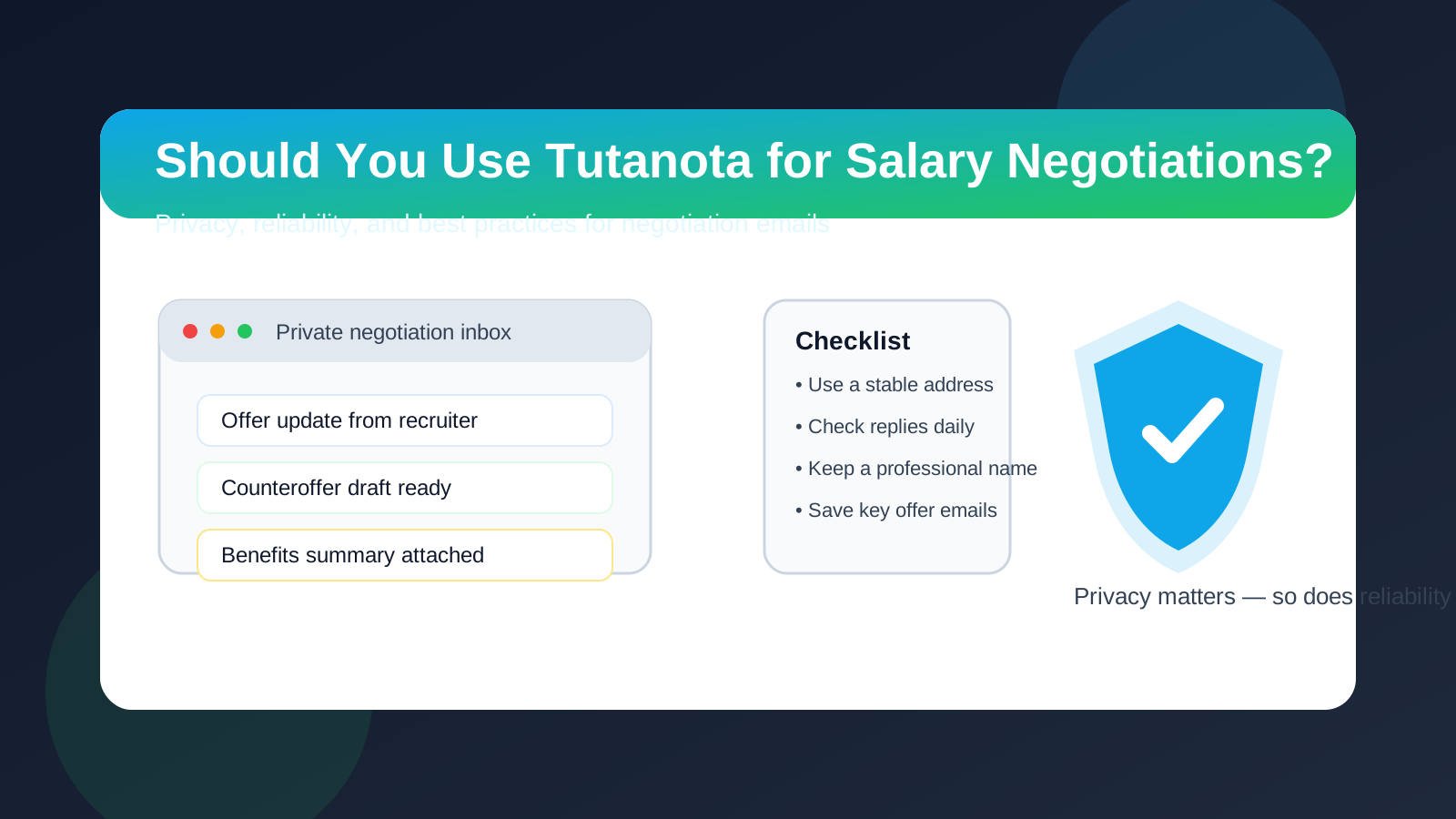
Why people ask about Tutanota for salary negotiations
Salary negotiations are not like one-off signups. Once compensation talks begin, the email thread can include revised ranges, benefit summaries, start-date questions, follow-up calls, and written counteroffers. If you care about privacy, it is reasonable to wonder whether you should keep those conversations away from your oldest personal inbox.
Tutanota appeals to job seekers for a simple reason: it feels more privacy-conscious than handing out a long-used address that is already tied to shopping accounts, social apps, and years of personal correspondence. That instinct is understandable. The real question is not whether Tutanota is “allowed.” The real question is whether it gives you the right balance of privacy, continuity, and professionalism for a conversation that may directly affect your pay.
Short answer: good for privacy, fine for negotiation, bad as a throwaway
If you already use Tutanota as a real inbox, or you set it up carefully as a dedicated job-search address, it can be a reasonable choice for salary negotiations. In many cases, employers care far more about whether you reply promptly and communicate clearly than about which mainstream provider sits behind your email address.
Where people get into trouble is treating a negotiation address like something temporary or half-monitored. Compensation discussions can move fast. A recruiter may send an updated package late in the afternoon and expect a reply the next morning. A hiring manager may answer a counteroffer with a short deadline. Privacy helps, but not if it costs you reliability.
When Tutanota makes sense for salary negotiations
Tutanota is usually a sensible choice when you want separation between your job search and your everyday inbox, but you still need a real, persistent mailbox.
- You want privacy without going fully disposable: salary negotiations often last days or weeks, so a stable private inbox is more practical than a short-lived temp email.
- You are talking with multiple employers at once: a separate negotiation mailbox can keep compensation threads easier to track.
- You prefer a dedicated job-search identity: that can reduce clutter and limit how widely your long-term personal address gets shared.
- You already check the inbox regularly: any provider is more useful when it is part of your normal routine rather than an afterthought.
In those cases, Tutanota can be a solid middle ground. It gives you more privacy than reusing an old personal address everywhere, while still supporting an ongoing conversation in a way that a temporary inbox often does not.
When Tutanota may create friction
Tutanota is not automatically the wrong choice, but there are situations where a negotiation email address needs to be boring, obvious, and extremely easy to maintain.
- Final-stage offer paperwork is coming soon: once discussions shift from “what are your expectations?” to signed documents and onboarding steps, stability matters more than experimentation.
- You barely use the inbox: if you do not have notifications set up, do not check it often, or are not comfortable managing it on every device you use, that is a bigger risk than the provider itself.
- Your address looks improvised: an overly random handle can look less professional than a clean name-based address, even if the provider is fine.
- You are likely to switch addresses mid-process: negotiating from one inbox and then moving to another can create confusion unless you do it carefully.
The goal is not just privacy. The goal is privacy without needless friction.
What matters more than the provider
People sometimes over-focus on the domain name and under-focus on the behavior that actually shapes recruiter perception. In practice, most employers judge your communication by a few simple things:
- Do you respond within a reasonable time?
- Do your messages sound clear and professional?
- Can they continue the thread without delivery problems or long silences?
- Does your display name match the identity they know from your résumé and interviews?
If those basics are in place, Tutanota is usually just an email provider. If those basics are missing, switching to a more conventional address will not fix the larger problem.
Tutanota vs a temporary email for salary negotiations
This is where many privacy-minded job seekers need to separate two different tools. A temporary inbox is useful when you want quick signups, one-time verification emails, or early-stage insulation from spam. Salary negotiations are different because they involve continuity, written records, and deadlines.
That is why a provider like Tutanota usually makes more sense for negotiations than a classic disposable address. You need a mailbox you can return to, search, archive, and trust over the course of the conversation.
A practical workflow can look like this:
- Use a temporary inbox or a privacy buffer like Anonibox for low-trust signups, job boards, or early experimentation.
- Use a stable dedicated inbox such as Tutanota once a real employer conversation becomes active and worth preserving.
- Move to your most dependable long-term address if the process reaches final offer execution or formal onboarding and you want maximum continuity.
That approach keeps privacy where it helps most without treating an important negotiation like a disposable interaction.
Best practices if you use Tutanota for salary negotiations
1. Use a professional address format
A clean variation of your name is better than a joke handle, a random string, or something that looks like a spam account. Recruiters do not need a flashy inbox. They need one that looks normal and easy to trust.
2. Check the inbox several times a day
Negotiation windows can tighten quickly. Even if you prefer email over phone calls, you should still treat the inbox as active while compensation conversations are happening.
3. Keep your display name consistent
The name on your messages should match the name the employer knows from your application materials. Consistency reduces confusion and helps the thread feel professional.
4. Save key messages locally or in a secure archive
Important salary messages should not live only in your head. Keep records of offer details, counteroffers, dates, and benefit explanations so you can compare terms clearly.
5. Reply from the same thread whenever possible
Negotiation becomes smoother when everything stays in one visible chain. Starting new threads for each question can slow things down and make details easier to miss.
6. Do not disappear behind privacy
Privacy should make you more organized, not harder to reach. If a recruiter asks for a quick scheduling call or clarification, respond like a serious candidate, not like someone hiding behind a burner inbox.
Red flags to watch during negotiation emails
Whether you use Tutanota, Gmail, Outlook, or anything else, some warning signs matter more than the provider question itself:
- The employer pushes you to move to unofficial channels immediately.
- The compensation details stay vague even late in the process.
- You are asked for sensitive personal or financial data before the role is clearly verified.
- The sender changes addresses repeatedly or avoids a company domain without explanation.
- You feel rushed to accept before receiving a clear written summary.
In those cases, the bigger issue is the process, not the inbox brand. A privacy-conscious address can help you manage exposure, but it cannot turn a suspicious process into a trustworthy one.
Should you switch to another address later?
Sometimes, yes. If the negotiation is wrapping up and the employer is about to send final offer documents, onboarding instructions, payroll setup links, or benefits enrollment steps, some candidates prefer to continue from their most established long-term address. That is not always necessary, but it can make sense if you want absolute continuity for the most important administrative messages.
If you do switch, do it cleanly. Tell the recruiter plainly that you would like final documents sent to a different address, and make sure the transition happens before critical deadlines start stacking up.
A simple decision checklist
- Is this a real negotiation with a legitimate employer rather than an early-stage signup?
- Will I check this inbox often enough to catch fast-moving replies?
- Does the address look professional and stable?
- Do I want separation from my personal inbox for privacy reasons?
- Would I feel comfortable receiving an updated offer here tomorrow morning?
If your answers are mostly yes, Tutanota is probably fine. If the inbox feels experimental, rarely checked, or too disposable, choose a more stable setup.
Final answer
Tutanota can be a good choice for salary negotiations when you want more privacy and a dedicated space for recruiter communication. It is usually more appropriate than a throwaway address because negotiations require continuity, record-keeping, and quick follow-up.
The key is to treat it like a real professional inbox. Use a clean address, monitor it closely, save important messages, and be ready to shift to your most dependable long-term address if the conversation moves into final offer and onboarding territory. Done that way, Tutanota can help you protect your privacy without getting in the way of a serious negotiation.