Usually not as your first-contact default. iMessage can work for recruiter outreach after trust is established, but email or LinkedIn is usually better for privacy, professionalism, and verification.
If you do use iMessage, share it selectively, expect your phone number to be exposed, and move anything important or sensitive back to email as soon as the conversation becomes real.
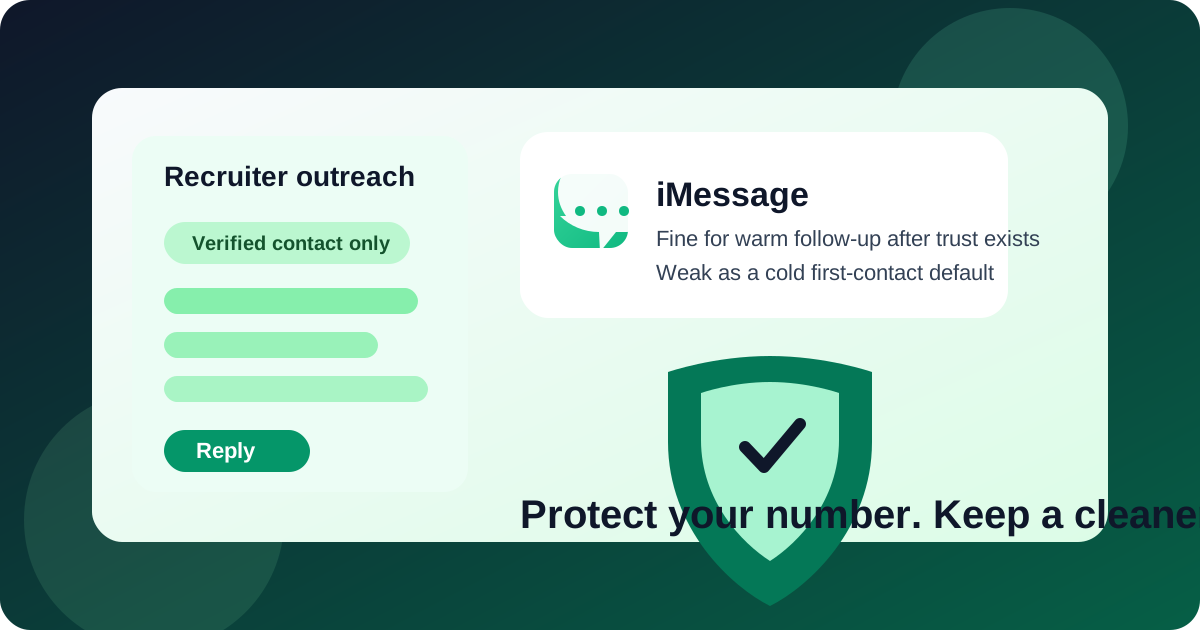
Recruiter outreach sits in an awkward middle ground. It is not as formal as an offer letter, but it is not casual either. You may want a quick reply, a low-friction scheduling channel, and a way to stay reachable without turning your personal number into another job-board data point. That is exactly why people consider iMessage in the first place.
The problem is that convenience and privacy do not always point in the same direction. iMessage is fast, familiar, and easy to answer from a phone or laptop. But it also reveals more than many job seekers realize, especially if you are contacting recruiters before there is any real relationship or mutual trust. Here is how to think about it clearly.
When iMessage can work for recruiter outreach
There are situations where iMessage is perfectly reasonable. The key is that the relationship or context is already real.
- A recruiter already contacted you through a verified channel and asked whether texting is easier for scheduling.
- You met at a career fair, alumni event, or conference and the recruiter personally offered a number for quick follow-up.
- You are already mid-process and the conversation is about logistics, such as confirming a call time or letting someone know you are running a few minutes late.
- You are speaking with an internal recruiter you know is legitimate because you applied directly through the company and already verified the role.
In those cases, iMessage is not automatically unprofessional. It can be useful for short, practical coordination. The mistake is treating it like the best default for first contact, cold outreach, or anything that deserves a clear professional paper trail.
Why iMessage is usually a weak first-contact default
It exposes your phone number immediately
Email lets you decide which inbox to use. LinkedIn lets you separate your messaging identity from your personal phone line. iMessage does not. If you start there, you are handing over a direct personal identifier before you know whether the recruiter is trustworthy, organized, or even legitimate.
That matters because recruiter outreach often happens at scale. Some contacts are excellent. Some are sloppy. Some are third-party agencies that spray messages across multiple channels. And some are outright scams. Once your number is in circulation, it is much harder to take it back.
It creates weaker professional boundaries
A text thread feels more personal than an email thread. That can make communication faster, but it can also make it harder to control your time and expectations. Recruiters may text during evenings, weekends, or while you are at work. You may feel pressure to answer quickly because a text feels more urgent than an email, even when the message is not actually urgent.
It is not ideal for formal details
Recruiter outreach often starts simple, then quickly turns into something that should not live only in a text thread: job descriptions, compensation ranges, process details, interview links, or requests for materials. Email handles those better. It is easier to search, easier to archive, and easier to keep organized across multiple opportunities.
Verification is weaker
A company email address gives you at least one trust signal. A LinkedIn profile gives you context. A phone number in iMessage gives you much less to work with. Even if the message looks polished, it is easier for someone to pretend to be a recruiter over text than through a verified company domain with a public profile behind it.
The main privacy risks of using iMessage for recruiter outreach
If privacy is part of why you use Anonibox or a separate inbox during a job search, the same thinking applies here. iMessage is convenient, but it can quietly expand your exposure.
1. Personal-number exposure
Your phone number can follow you long after one conversation ends. It can be reused for future outreach, shared internally, added to recruiter notes, or simply remembered as another way to contact you later.
2. Spam and low-quality follow-up
Not every recruiter text is harmful, but low-quality follow-up is common once your number gets around. That can mean repeated check-ins about irrelevant roles, mass texts about openings you did not ask for, or generic requests to “reply ASAP.”
3. Scam pressure
Job scams work well over text because they feel immediate. A scammer can push urgency, direct you to a fake form, ask you to move to another app, or pretend that a fast reply is required to “stay in the process.” Texting makes that pressure feel more intimate than email does.
4. Cross-channel identity leakage
Your phone number may already be tied to messaging apps, people-search databases, and other public or semi-public traces of your identity. Sharing it early in a job search may reveal more of your personal footprint than you intended.
When iMessage is a better choice than email
There are a few narrow cases where iMessage actually beats email.
- Last-minute scheduling: “Can we move your call 15 minutes later?” is a great text message and a mediocre email.
- Same-day logistics: travel delays, parking confusion, or a quick “here is the updated meeting link” message.
- Warm follow-up after explicit permission: if a recruiter said, “Text me if that time works,” then texting is fine.
Notice what these examples have in common: they are short, practical, and already grounded in a verified relationship. They are not cold outreach, document exchange, or anything that should define the whole hiring conversation.
When you should avoid iMessage entirely
- You have not verified the recruiter.
- The first outreach came from an unknown number with no credible company context.
- The recruiter wants to skip email completely.
- The conversation turns quickly toward sensitive information such as identity documents, background-check details, banking, or tax forms.
- You are trying to keep your job search private from your current employer or broader personal network and do not want your main number spread around.
Those are strong signals to slow down and move the conversation to a more professional, more verifiable channel.
A better approach for most job seekers
For most recruiter outreach, the cleanest setup looks like this:
- Use email or LinkedIn for first contact. That gives you a better record, better context, and more control.
- Use a separate inbox for job-search communication if you want stronger privacy and less clutter. A separate address or an Anonibox workflow can help you protect your main inbox during early outreach.
- Only move to iMessage later if the recruiter is verified and the text thread serves a clear practical purpose.
- Consider a separate phone strategy if you expect a lot of outreach and want better boundaries between your search and your personal life.
This approach gives you flexibility without overexposing yourself too early.
How to use iMessage safely if you choose it
Verify first
Before replying, check the recruiter’s name, the company careers page, and the job listing. If the text mentions a role you never applied for, that is not necessarily fake, but it does mean you should verify independently before sharing anything else.
Keep the first replies short
A safe first reply can be simple: confirm who you are, ask for the company email address, or suggest moving details to email. You do not need to send your résumé, home address, or personal documents in a text conversation.
Do not let text become the only record
If scheduling happens in iMessage, fine. But when the conversation shifts to interview details, compensation, take-home tasks, or official next steps, ask for those details by email. That protects both clarity and searchability.
Watch for urgency tactics
Be cautious if the recruiter pushes you to act immediately, refuses to answer basic verification questions, or insists on moving to another app for no clear reason. Legitimate recruiters can be busy and direct, but they usually do not panic when you ask sensible questions.
Do not share codes or sensitive personal data
No real recruiter needs a one-time login code from your phone. And they should not be collecting your banking details, tax information, or identity documents over iMessage early in the process.
Quick decision checklist
Before using iMessage for recruiter outreach, ask yourself:
- Do I know who this recruiter is and can I verify them independently?
- Am I comfortable giving this person my personal phone number?
- Would email or LinkedIn do the job just as well with less exposure?
- Is this message about quick logistics, or is it the start of the whole relationship?
- If this opportunity goes nowhere, am I okay with this number staying in circulation?
If those questions make you hesitate, that is useful information. The safer default is usually email first.
Final answer
Should you use iMessage for recruiter outreach? Usually only as a secondary channel. It can be helpful once a recruiter is verified and the conversation is mostly about fast coordination, but it is weak as a cold-contact or early-stage default because it exposes your phone number, blurs professional boundaries, and gives you fewer trust signals than email or LinkedIn.
If your goal is a cleaner, more private job search, keep first contact in a channel that is easier to verify and easier to control. Then, if the recruiter is real and texting genuinely helps, use iMessage narrowly for convenience instead of building the whole relationship around it.