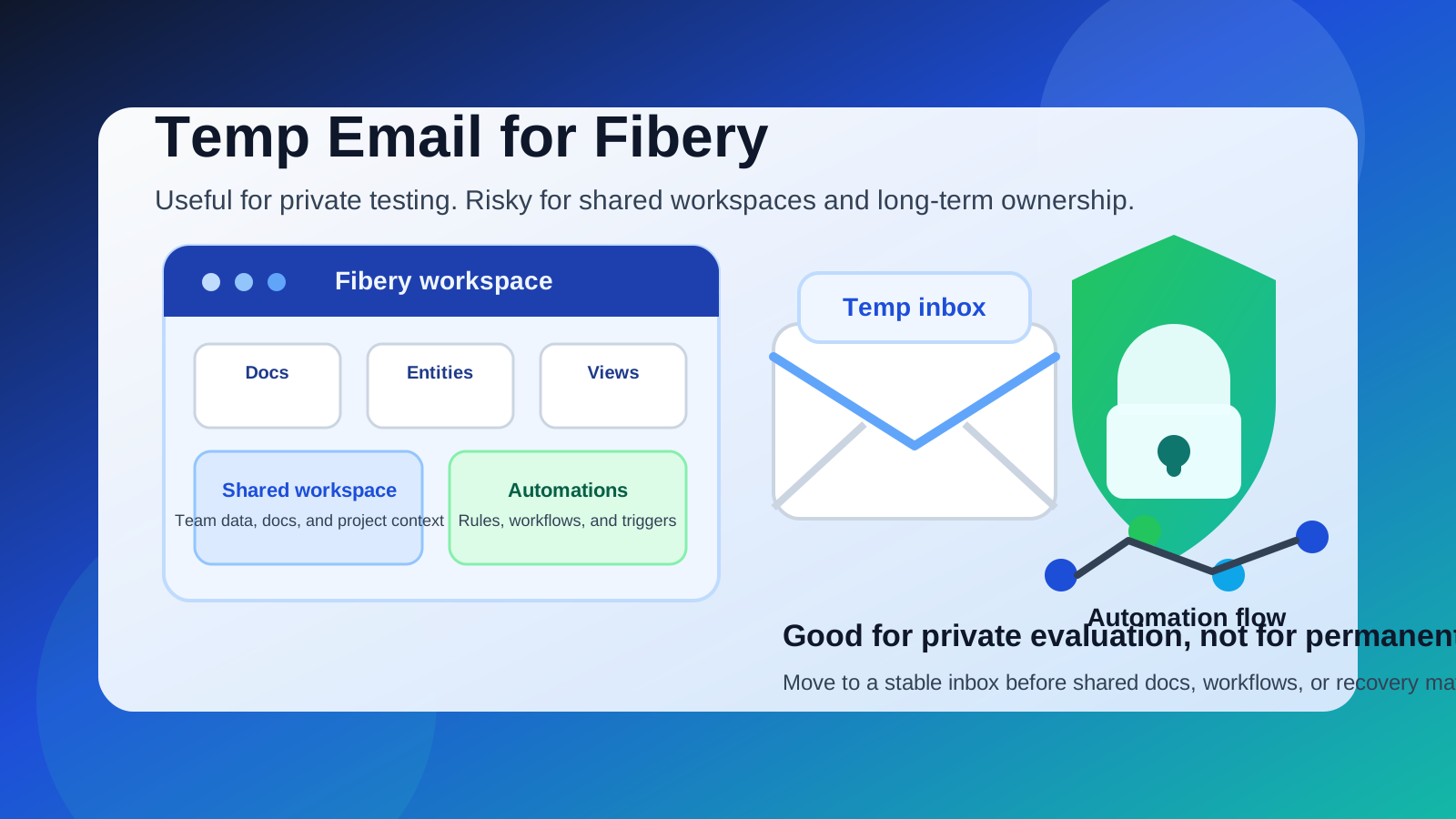
Yes, you can use a temp email for Fibery if you only want private sign-up access while testing the platform.
It stops being a good idea once shared workspaces, automations, docs, or account recovery become important to your real workflow.
Why people look for a temp email for Fibery
Fibery sits in the category of tools people usually want to evaluate before they trust with real work. It can become a home for project planning, docs, structured data, team workflows, and internal process design, which means the first sign-up can feel low stakes but the long-term account can become important surprisingly fast.
If you are comparing modern work platforms, it is reasonable to want some privacy at the beginning. You may be testing several tools in the same week, collecting trial emails, or trying to avoid another long sales and onboarding sequence in your everyday inbox. A temporary address can help you clear the initial verification step, open the welcome email, and explore the product without immediately tying it to your main account.
That is the upside. The downside is that Fibery is not a throwaway kind of app once you start building anything useful inside it. A workspace platform can move from “interesting experiment” to “important internal system” very quickly, and that is where a disposable inbox becomes a weak foundation.
Short answer
A temp email for Fibery is fine for low-stakes testing, quick product comparison, and early sign-up privacy. It is a poor long-term choice if you expect to create shared spaces, connect workflows, invite teammates, manage docs, or rely on the account for ongoing work.
The practical middle ground is simple: use a disposable inbox for the first evaluation if you want, then move the account to a permanent inbox before the workspace starts to matter.
When using a temp email for Fibery makes sense
There are a few situations where a temporary inbox is genuinely useful.
- You are comparing several work platforms: If you are looking at options like Notion, Coda, Airtable, monday.com, ClickUp, or similar systems, a temp inbox keeps the first-wave sign-up messages separate.
- You only want to inspect the product: Sometimes you just want to see the workspace structure, interface, and setup flow before deciding whether the tool deserves more attention.
- You are protecting your main inbox from trial noise: Evaluation-stage messages are often helpful, but they can still become clutter if you are reviewing multiple tools.
- You have not decided who should own the account: Early testing may happen before your team knows whether the long-term owner should be a founder, operator, admin, or shared team mailbox.
- You want privacy while exploring: Using a service like Anonibox for first-pass sign-up can help you verify the account and read onboarding messages without exposing your main address immediately.
In those situations, the email address mostly acts as a gatekeeper for initial access. A disposable inbox can do that job well enough.
Why it becomes risky once the workspace is real
The moment Fibery starts holding meaningful work, the registered email matters more than most people expect.
1. Shared workspaces outgrow throwaway access
Fibery is designed for collaboration. Even if you begin alone, the natural next step is often to invite other people, create shared views, or collect process knowledge in one place. Once teammates depend on the workspace, the owner email should be stable. A temporary inbox is fine for curiosity, but it is fragile for a living system other people may rely on.
2. Docs and internal knowledge are not low-stakes assets
Many tools in this category stop being “just another signup” because they end up holding notes, project decisions, process documents, or internal context. When that happens, access recovery matters. If you lose the inbox attached to the account, a future password reset or identity check becomes much more annoying than it needed to be.
3. Automations raise the cost of mistakes
Workflow tools become more valuable when they trigger actions, connect processes, or structure team operations. That also means a forgotten login or broken ownership chain can cause real operational friction. A disposable inbox may help on day one, but it is a weak place to anchor something that could later support recurring work.
4. Team continuity matters more than personal convenience
One of the biggest mistakes people make with trial software is leaving the account tied to whichever individual signed up first. If that first person used a throwaway inbox and the workspace later becomes useful, the team inherits an avoidable admin problem. You want clean ownership before the platform becomes part of your operating rhythm.
5. Account recovery is where the shortcut hurts
Temporary inboxes are great when the cost of losing access is basically zero. They are bad when you need a reset link, an ownership confirmation, billing communication, or a support conversation later. The privacy gain can be real, but it only stays worth it while the account remains disposable in practice, not just in theory.
A better way to test Fibery privately
If your real goal is privacy rather than chaos, a staged workflow works better than treating the disposable address as permanent.
Start with the temp inbox for the first sign-up
Use the temporary address only for evaluation. Let it receive the verification email, first-run guide, and early onboarding messages. That keeps your normal inbox clean while you decide whether the platform is even worth your time.
Keep the evaluation narrow at first
Before you build a real system, test the basics. Create a sample space, inspect how entities and views feel, open a doc, and see whether the interface actually fits how your team thinks. The point of a trial is to judge the product honestly, not to over-invest before you know it is a match.
Decide early whether the account is staying
Ask a simple question after the first serious session: is this still an experiment, or is it becoming a possible home for real work? If it is moving toward real use, that is the right moment to switch the account to a permanent inbox you control.
Switch before inviting teammates
Do not wait until several people are inside the workspace. Changing account ownership is easier before the platform becomes tied to daily work, shared docs, and ongoing process design.
Signs it is time to stop using the temp email
- You plan to keep using Fibery beyond a short evaluation.
- You are creating shared workspaces for real projects.
- You are adding docs, process notes, or structured team knowledge.
- You are experimenting with automations or recurring workflows.
- You want colleagues, clients, or collaborators inside the same setup.
- You would be annoyed if you could not recover the account next month.
If any of those are true, the account has already outgrown a throwaway inbox.
When you should skip the temp email idea entirely
Sometimes the right answer is not “start private, then switch later.” Sometimes the better answer is simply to use a real address from the beginning.
- You already know the tool is headed toward team adoption.
- You are evaluating it for a client or company rather than personal curiosity.
- You expect shared ownership or admin responsibility right away.
- You are likely to forget to update the email later.
- You want support, billing, and recovery to be straightforward from day one.
In those cases, the privacy win is modest and the cleanup risk is bigger than it looks.
Temp email vs. alias vs. secondary permanent inbox
A disposable inbox is not the only way to protect your privacy during software evaluations. In many cases, one of these options is better:
- Temp email: best for short trials, quick sign-up privacy, and avoiding inbox clutter while you explore.
- Email alias: better when you want separation and spam control but still need reliable long-term access.
- Secondary permanent inbox: strongest choice if you regularly evaluate tools and want a stable place for trials, support messages, and recovery links.
For a platform like Fibery, the second or third option often becomes the smarter answer once the workspace starts to hold real value.
Common mistakes to avoid
Forgetting to change the email later
This is the classic problem. People sign up with a temp address, keep the tool around “just for now,” and only think about the risk when they need account recovery.
Building a real workspace too early
There is a big difference between poking around and creating something your team actually depends on. Keep that distinction clear while you are still evaluating.
Inviting teammates before ownership is clean
If multiple people start using the workspace, the account should already point to an inbox you plan to keep.
Treating a workflow platform like a newsletter signup
Some accounts never matter after day one. A collaborative workspace often does. That is why the email choice deserves more thought than it would for a casual download or one-off web app.
Quick checklist before you use a temp email for Fibery
- Am I only testing the product, or do I expect to keep it?
- Will other people need access soon?
- Am I likely to store useful docs, workflows, or process knowledge inside it?
- Would an alias or secondary inbox work better than a disposable one?
- Would losing the sign-up inbox create account recovery pain later?
If your answers point to short-term evaluation and low stakes, a temp inbox is reasonable. If they point to real collaboration and long-term use, move to a permanent address early.
Final verdict
Using a temp email for Fibery is a practical move for sign-up privacy and low-stakes product testing. It lets you open the account, review the workspace, and decide whether the tool deserves more attention without pushing another trial sequence into your main inbox.
It is not a strong long-term choice for a platform that may end up holding team structure, docs, and workflow logic. Use the disposable address for early evaluation if you want, then switch to a stable inbox before shared work or recovery depends on it. That gives you the privacy upside without creating a future ownership headache.