Usually not as a cold first-contact default. FaceTime can work for recruiter outreach after the recruiter is verified, but email or LinkedIn is usually safer for the first step.
The main tradeoffs are Apple ID or phone-number exposure, personal-device spillover, and weaker documentation than written channels. If the outreach is still vague, rushed, or unverified, do not let the familiarity of FaceTime replace basic trust checks.
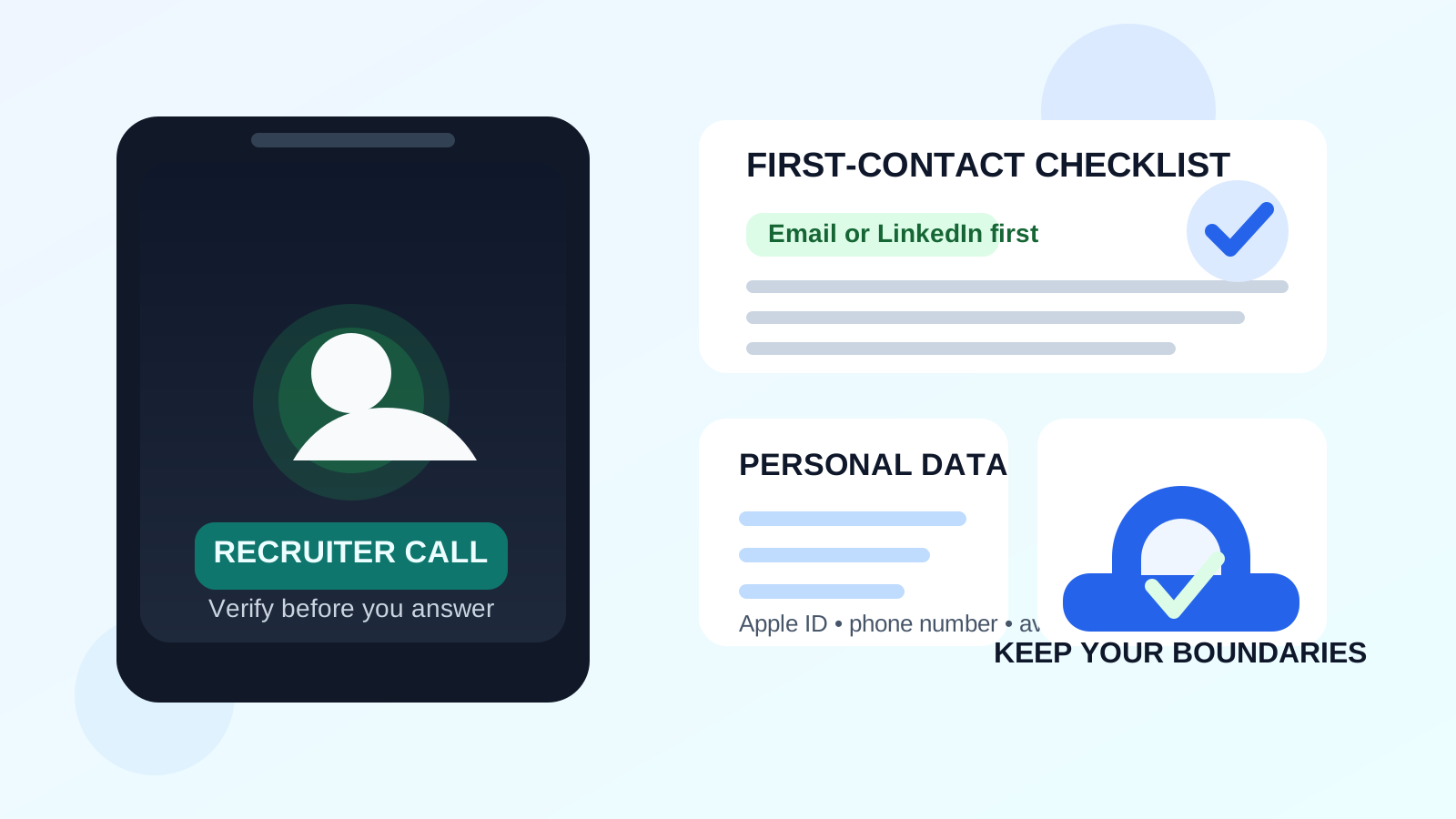
FaceTime feels casual and familiar, which is exactly why job seekers can underestimate the privacy cost. A recruiter can suggest a quick call, you tap once, and suddenly a conversation that should have stayed in writing starts pulling in your personal phone number, Apple identity, profile details, and live availability. That does not make FaceTime unsafe by itself. It just means it is a poor default for cold outreach and a tool that makes more sense later in the workflow.
The distinction matters. A recruiter outreach conversation happens earlier than a job interview. At that stage, you may still be figuring out whether the recruiter is legitimate, whether the role is real, and whether the opportunity is worth your time. That is exactly when written channels give you more control.
Short answer: possible sometimes, but usually not the best first move
If a recruiter is already verified and there is a clear reason to have a short live call, FaceTime can be acceptable. That might happen with a founder-led company, a small team moving informally, or a recruiter who already introduced the role properly by email.
But for true first contact, FaceTime is usually weaker than email or LinkedIn. It asks for live attention too early, leaves a thinner paper trail, and exposes more of your personal identity than a normal written message does. Most job seekers are better off verifying the outreach first and only then deciding whether a live call makes sense.
Why FaceTime comes up in recruiter outreach
There are a few legitimate reasons someone might suggest FaceTime:
- Speed: a recruiter wants to ask a few screening questions without a long email chain.
- Convenience: both sides already use Apple devices and the recruiter treats FaceTime like a quick phone call.
- Small-company informality: startups, agencies, and founder-led teams sometimes use whatever tool is already in their daily routine.
- Last-minute scheduling: a recruiter wants to clarify availability or confirm whether you are interested before setting up a formal interview.
Those reasons are plausible, but none of them automatically make FaceTime the right first-touch channel. Convenience for the recruiter should not force you to give up privacy and documentation that you would normally keep during a job search.
Why FaceTime is usually a weak first-contact channel
It exposes more personal identity than most job-search tools
FaceTime is closely tied to an Apple ID, a phone number, or both. Depending on how your setup works, the other side may see details you would not normally reveal in an early job-search exchange. That could include your personal number, an old email address, a profile image, or a display name that is fine for friends but not ideal for a professional context.
With email or LinkedIn, you can choose a cleaner identity surface. With FaceTime, the personal context is much closer to the interaction from the start.
It creates live pressure before you have enough context
A written message lets you pause, check the company, review the role, and respond on your own timeline. A FaceTime request nudges you toward immediate engagement. That is fine once trust exists. It is not great when you still need to verify whether the recruiter is real, why they contacted you, and whether the role fits what you want.
It gives you a thinner record
Recruiter outreach often includes details that matter later: salary range, remote expectations, sponsorship limits, team structure, location, and next steps. If everything starts in a casual live call, it is easier for small but important facts to stay fuzzy. Email is not glamorous, but it gives you a durable record you can check later.
It pulls you into a personal-device environment
Most people use FaceTime on an iPhone, iPad, or personal Mac. That means notifications, text messages, shared contact cards, personal photos, and other everyday-device clutter are closer to the conversation than they would be in a cleaner browser-based workflow. Again, that is not a disaster. It is just unnecessary exposure when the conversation is still at the “is this even worth pursuing?” stage.
When FaceTime can make sense
FaceTime is usually reasonable only when the outreach has already moved past cold first contact. That often means all of the following are true:
- The recruiter has already contacted you from a company domain or another verifiable professional channel.
- You understand the role, company, and reason for the conversation.
- The call is narrow in scope, such as a quick introduction or scheduling clarification.
- You are comfortable with the identity details FaceTime may expose.
- You plan to move important facts back into email afterward.
In that situation, FaceTime is more of a convenience layer than a trust-building layer. That is the right order. Verification first, live conversation second.
When you should stay in email or LinkedIn instead
Stick with written channels if any of these apply:
- The role is still vague. You should not need a live call just to learn basic facts that belong in writing.
- The recruiter is unverified. If you cannot independently confirm the person or the company, slow down.
- You do not want to expose a personal phone number. That is a valid boundary, not an overreaction.
- You want a clearer record. Written outreach is easier to search, compare, and revisit later.
- The message feels pushy. Scammers and low-quality recruiters often try to create urgency before they provide substance.
Email and LinkedIn win early because they are slower in a useful way. They give you space to verify identity, evaluate the opportunity, and decide whether the conversation deserves your time.
Specific privacy issues to think about with FaceTime
Apple ID exposure
Your Apple identity can be more revealing than you expect. Even if the visible address looks harmless, it may still connect to older usernames, personal recovery details, or a general digital identity you would rather keep separate from a job search.
Phone-number exposure
If your FaceTime setup is tied to your main number, recruiter outreach can become another path for long-term calls and texts. That matters because recruiter traffic rarely ends neatly. Good opportunities are worth taking seriously, but low-quality leads and vague follow-ups can keep coming long after you stop caring about them.
Profile spillover
Display names, profile images, shared contact cards, and connected Apple services can all make the interaction feel more personal than it needs to be. Recruiter outreach should start with enough professionalism and distance to protect both sides.
Current-employer boundary problems
If you are job searching while employed, do not use a work-managed device or work-linked account context for recruiter outreach. Even without extreme monitoring, that is the wrong environment for a private search. Keep outside opportunities on hardware and accounts you control yourself.
How to use FaceTime more safely if a recruiter suggests it
- Verify the recruiter first. Confirm the company, role, and recruiter identity independently before you accept a live call.
- Ask for the basics in writing. A job title, team, location expectation, and short summary of the opportunity should not require a video call.
- Check what FaceTime will expose. Review the phone number or email tied to the call, along with your visible display name and profile image.
- Use a personal device you control. Avoid work-managed hardware or accounts for private job-search activity.
- Keep the first call short. Treat it as a narrow screening conversation, not a reason to share your full work history or personal details immediately.
- Move important details back into email. Ask for next steps, logistics, and any documents in writing after the call.
A cleaner workflow for privacy-conscious job seekers
For most people, a better process looks like this:
- Receive the first contact by email or LinkedIn.
- Verify the recruiter and the role before sharing more than necessary.
- Use a separate job-search inbox if you want stronger organization and less spam spillover.
- Move to a live call only when there is a clear reason and enough trust.
- Choose the least revealing live channel that still feels professional.
This is where compartmentalization helps. If you expect a lot of recruiter or application noise, tools like Anonibox can help protect your primary inbox during the early, lower-trust stages of outreach or form submissions. Once a conversation becomes real, though, it is smarter to move to a stable inbox that you monitor consistently for interviews, scheduling, and offer-stage follow-up.
Red flags that make a FaceTime request a bad idea
- The recruiter wants a live call before sharing basic role details.
- The company identity is hard to verify outside the call request.
- You are pressured to answer immediately or move the conversation off-platform too fast.
- The recruiter avoids company-domain email.
- The role description is vague, unusually lucrative, or inconsistent.
- You are asked for sensitive information before a normal hiring process exists.
When those signs appear, the issue is bigger than FaceTime itself. The app just makes it easier for a weak outreach attempt to feel casual and legitimate.
Final answer
FaceTime can work for recruiter outreach, but it is usually not the best first-contact default. It makes the most sense after the recruiter is verified, the role is clear, and you are comfortable with the identity details that the call may expose.
For early outreach, email or LinkedIn usually gives you better control, better records, and fewer privacy surprises. If a FaceTime call does happen, keep it deliberate: verify first, protect your personal number and Apple identity, and move the important details back into writing before the process goes any further.