Usually not as a cold first-contact default. Google Meet can work for recruiter outreach after the recruiter is verified and there is a clear reason to talk live, but email or LinkedIn is usually safer for the first step.
For early outreach, Meet is best used as a scheduled follow-up channel, not the place where you do your first identity check. That keeps you from exposing the wrong Google account, calendar context, or meeting details before you know the opportunity is real.
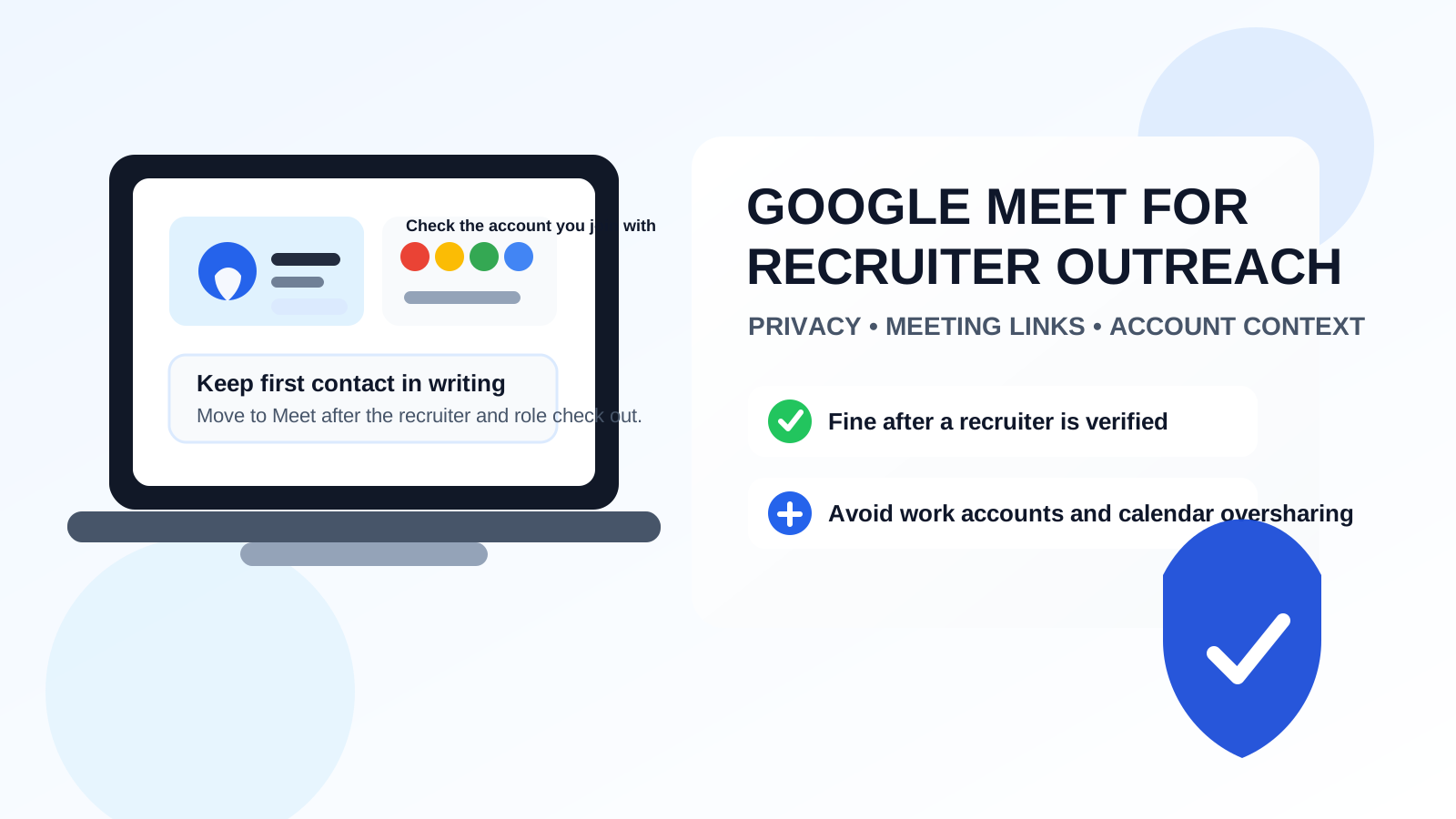
Google Meet feels easy because so many people already live inside Google products all day. A recruiter can send a link quickly, you can join from almost any device, and a short call can seem more human than another inbox thread. That convenience is real. The trouble is that convenience can make people skip the boring but important parts of recruiter outreach: verifying the recruiter, checking the role, deciding which account to use, and keeping a clean written record of the conversation.
That does not make Google Meet a bad tool. It just means its strongest role usually comes after some trust already exists. If a recruiter has introduced themselves clearly, used a real company identity, and given you enough context to decide the opportunity is worth your time, a Meet call can be an efficient next step. If none of that has happened yet, leading with Meet usually creates more friction and privacy risk than it solves.
Why people think about Google Meet for recruiter outreach
There is an obvious appeal to live conversation. Job seekers want to stand out, recruiters want to move quickly, and both sides may feel they can learn more in ten minutes of real-time conversation than in several back-and-forth messages. Google Meet also feels familiar in a way some other video platforms do not. If you already use Gmail, Calendar, or Google Workspace, a Meet invite can seem like the lowest-friction way to talk.
That familiarity is exactly why it deserves a little extra caution. Many people have multiple Google identities open at once: a personal Gmail account, a current employer account, maybe an old school account, and sometimes a second browser profile they barely remember is active. When a recruiter conversation starts in Google Meet too early, it is easy to join from the wrong context or reveal more about yourself than you intended.
When Google Meet makes sense for recruiter outreach
Meet can be a reasonable choice when the conversation is already warm enough to justify real-time interaction. That usually means at least one of the following is true:
- the recruiter contacted you first from a real company channel and the role is clear
- you already exchanged a few messages by email or LinkedIn
- a mutual contact introduced you and both sides know why the conversation is happening
- the meeting has a specific purpose, like a short screening call or role overview
- you need a quick cross-time-zone conversation once the basics are already established
In those situations, Google Meet can be useful because it removes logistics without replacing common sense. The key is that Meet should support an already-legitimate conversation, not create the illusion of legitimacy on its own.
Why Google Meet is usually a weak first-contact channel
It asks for more commitment too early
A written message is easy to scan and easy to ignore until you are ready. A meeting link asks for more. It introduces scheduling, device setup, camera readiness, and live social pressure before you have even decided whether you want the opportunity. That is a bigger ask than most first-touch recruiter outreach deserves.
It reduces the usefulness of basic verification
Email and LinkedIn are not perfect, but they make identity checks simpler. You can review a domain, check a profile, reread the role details, and respond on your own timeline. A Meet invite gives you less context and encourages speed. If the recruiter turns out to be vague, mismatched to the company, or simply a poor fit, you have already spent more energy than necessary.
It can reveal the wrong Google identity
This is one of the biggest Google Meet-specific problems. Depending on how you join, the other side may see your display name, profile image, and the account context tied to that session. If you join from a work-managed Google account, an old school identity, or a cluttered personal profile, you may reveal details that have nothing to do with the hiring conversation.
It can expose more calendar context than you intended
Meet is often connected to Calendar invites, which means names, timing, scheduling habits, and meeting titles can become part of the experience earlier than they need to be. None of that is automatically dangerous, but it is still part of your privacy footprint. For cold outreach, a simple written exchange keeps that footprint smaller.
Privacy issues that are easy to miss with Google Meet
Multiple Google accounts can bleed into each other
Many people already know the feeling of opening a Google link and realizing too late that the wrong account is active. For recruiter outreach, that small mistake can matter. You might expose a current employer identity, a personal photo you would rather not use professionally, or an email-linked name you never intended to share. The risk is not that Google Meet is uniquely unsafe. The risk is that its convenience makes careless account mix-ups more likely.
Browser-profile confusion is real
Even if you do not sign in directly through Meet, your browser profile may still shape what gets surfaced or what defaults are used. A dedicated browser profile or a clean guest window can be a better choice than reusing the same profile you use for daily work, personal browsing, and existing Google sessions.
Meeting links can travel farther than you think
Like any meeting platform, Meet links can be forwarded, copied into calendar entries, or left sitting in inboxes. That does not make them dangerous by default, but it does mean they should be treated like shared access details rather than casual throwaway links.
Shared docs and follow-up links can widen the exposure
Google-based recruiting conversations sometimes expand into Drive links, calendars, forms, or scheduling workflows very quickly. Once that happens, the account context you chose at the start matters more. If you began from the wrong identity, the cleanup can be annoying and sometimes embarrassing.
Do not use your current employer’s Google account
If you are employed, this is the cleanest rule in the whole article: do not use your employer-managed Google account for recruiter outreach unless there is an unusually strong reason and you fully understand the visibility tradeoffs. Work accounts can carry admin oversight, retention policies, branded identity cues, and account details that blur the line between your current employer and your private search.
Even when nobody is actively monitoring you, using a work-managed account can still create a bad boundary. It tells the recruiter more than they need to know, and it ties an outside conversation to an environment you do not fully control.
Guest join, personal account, or separate browser profile?
If you do move to Meet, the cleanest option is often to join in the least revealing way that still feels professional. For some people that is guest join with a professional display name. For others it is a personal Google account that is already tidy and appropriate for job-search use. If you use a signed-in account, check the name, image, and any visible details first.
A separate browser profile is also underrated. It reduces the chance that the wrong account auto-joins, the wrong avatar appears, or unrelated tabs and notifications leak into the interaction. You do not need a complicated operational-security ritual here. You just need a cleaner boundary than most people use by default.
How to use Google Meet safely if a recruiter suggests it
1. Verify the recruiter in writing first
Before accepting a Meet invite, make sure you know who contacted you, what company they represent, and what role they want to discuss. If the role is vague or the identity is hard to confirm, keep the next step in writing until it becomes clearer.
2. Ask for the basics before the call
You do not need to jump into live conversation just because a meeting link exists. It is reasonable to ask for the job title, team, location expectations, and a short summary of why they reached out. That helps you decide whether the call deserves your time.
3. Choose the right account deliberately
Do not click a link and hope the browser picks the correct identity. Decide first whether you are joining as a guest, from a personal Google account, or from a separate browser profile created for job-search use.
4. Keep the first call focused
The first recruiter call does not need your whole career story. It usually needs basic mutual fit, process clarity, and next steps. A tighter call reduces oversharing and makes it easier to decide whether the opportunity is real.
5. Move important details back to email
After the meeting, ask for the role details, next steps, and any important documents by email. That gives you a better record and makes follow-up easier to manage later.
When email or LinkedIn is still the better move
If the recruiter is cold, the role is unclear, the outreach feels rushed, or you would need to use an identity you are not comfortable exposing, do not force Google Meet into the workflow. Email is usually the strongest default because it is searchable, slower in a useful way, and easier to verify. LinkedIn can also work well when you want professional context before giving someone live time.
This is also where inbox organization matters. Some people keep a separate job-search inbox so recruiter traffic does not mix with everything else. That can be more practical than putting early-stage opportunity traffic into your main everyday address. A tool like Anonibox can help with low-trust forms, one-off registrations, or early lead capture where spam is likely, but once a recruiter conversation becomes real, it is smarter to move to a stable inbox you monitor consistently.
Red flags that make a Google Meet invite a bad idea
- the recruiter wants a call before sharing basic role details
- the company identity is hard to verify outside the meeting link
- you would have to join from a work-managed account you do not want to expose
- the outreach feels urgent, vague, or oddly secretive
- the recruiter resists moving important details into email
- the meeting appears to be doing the job that written verification should have done first
Any one of those is enough to slow down. Several together are a good reason to stay in writing and reassess.
A practical workflow that usually works better
- Receive first contact by email or LinkedIn.
- Verify the recruiter, company, and role.
- Ask a few written questions if the basics are still fuzzy.
- Move to Google Meet only after the opportunity seems worth live time.
- Join with a clean guest or personal setup instead of a work account.
- Keep follow-up, documents, and next steps in email afterward.
That workflow preserves the convenience of Meet without letting convenience make the trust decision for you.
Bottom line
Yes, you can use Google Meet for recruiter outreach, but it is usually better as a scheduled follow-up channel than as the first place the conversation begins.
When the recruiter is verified, the role is clear, and you control which account and context you are exposing, Meet can be perfectly useful. Just keep the first identity check in writing, avoid work-managed Google accounts, and treat meeting links as a next step rather than proof that the opportunity is legitimate.