Usually no—at least not as the main channel until you have independently verified the recruiter and the company. iMessage can work for quick scheduling with a legitimate employer, but it exposes your phone number, gives you limited context, and makes scammy outreach harder to evaluate than email or a verified company meeting invite.
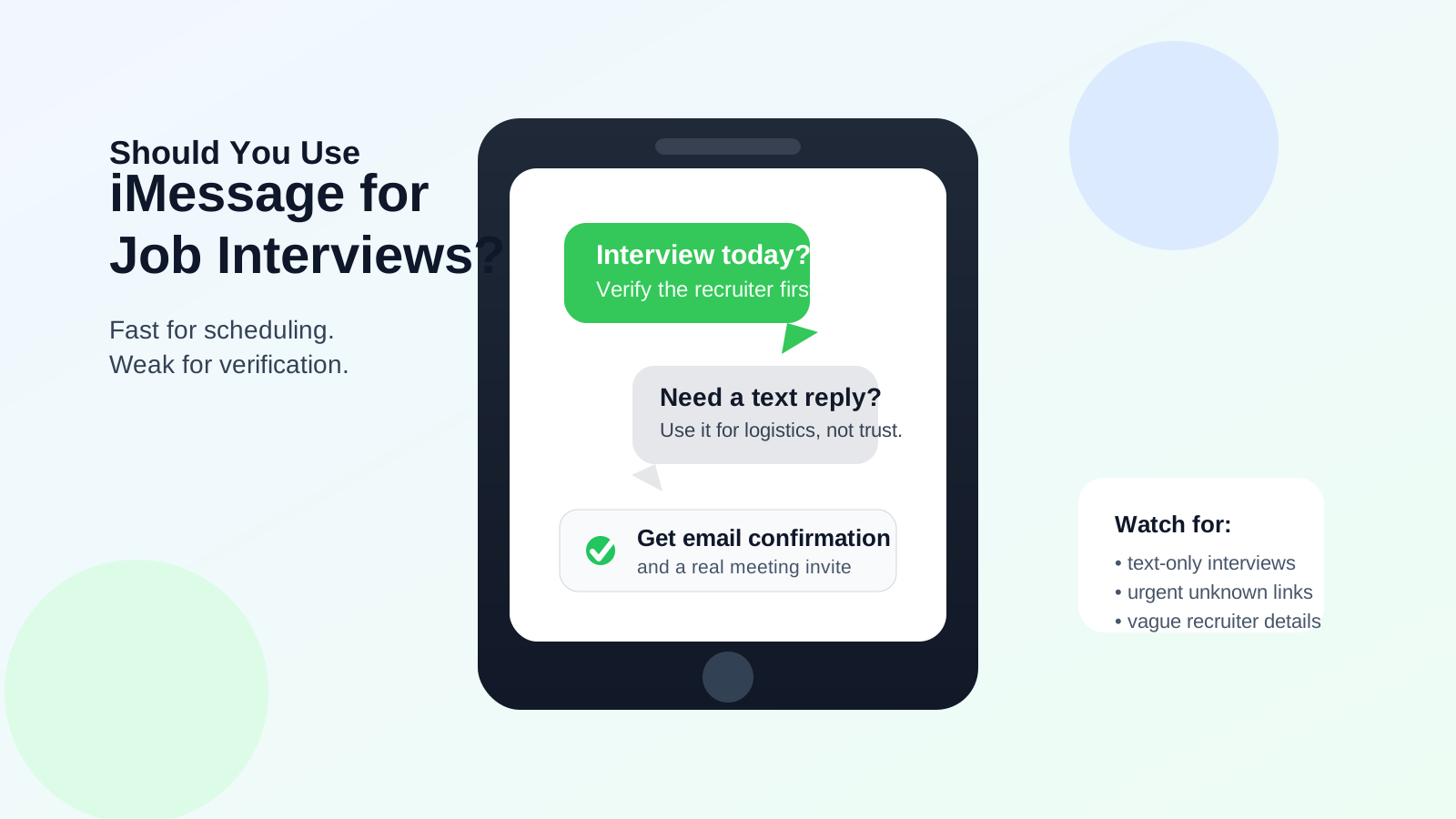
That does not mean every recruiter who texts you through iMessage is fake. Some hiring teams move fast, some recruiters genuinely prefer text for last-minute coordination, and some interviewers use iPhones in a very casual way. The problem is that iMessage combines convenience with weak identity signals. You can see that a message came from an Apple-enabled number, but that tells you almost nothing about whether the sender really works for the company they claim to represent.
If you are job searching, the smartest approach is not a blanket yes or a blanket no. It is a layered approach: verify first, protect your number, keep records of real interview details, and move important communication into channels that are easier to authenticate and manage.
Short answer: acceptable for logistics, weak for trust
iMessage is most useful for simple, low-risk coordination after a real interview process is already underway. For example, it can be fine if a recruiter you already verified texts to say they are running ten minutes late or asks whether you can move a call from 2:00 to 2:30. That is very different from a stranger texting you out of nowhere with a “job interview” link, vague role details, and pressure to respond immediately.
As a primary channel, iMessage has three weaknesses:
- Identity is hard to verify: a blue bubble is not proof of legitimacy.
- Your phone number is exposed: once shared, it is harder to take back than a separate email address.
- It encourages informal communication: that can blur professional boundaries and make scam attempts feel more believable.
Why employers sometimes use iMessage
Not every text-based interview interaction is suspicious. Some real employers and recruiters use text because it is fast, especially for:
- confirming interview times
- sending a quick “please check your email” nudge
- coordinating same-day changes
- sharing a contact point when the formal meeting invite is already in your inbox
In other words, iMessage can be a support channel. It is usually a poor substitute for the core interview workflow, which should still include a company email, a calendar invite, a clearly named interviewer, and enough context for you to verify who you are talking to.
What makes iMessage risky for job interviews?
1. Your personal phone number becomes part of the process
Your phone number is more revealing than most people think. It can follow you across job boards, old recruiter databases, and spam lists for months. If you use your everyday number everywhere, job-search activity can bleed into your personal life long after the interview process ends.
That is why many privacy-conscious candidates separate channels. They use a dedicated job-search inbox for applications and a dedicated number, when possible, for interviews and recruiter outreach. A tool like Anonibox can help with the email side of that early-stage privacy strategy, while your phone strategy should focus on limiting who gets direct access to your main number.
2. It is easy for scammers to sound urgent
Text messages feel immediate. Scammers know that. A fake recruiter can claim there is an urgent opening, a rescheduled interview, or a link you must tap right now. Because iMessage looks familiar and personal, people often lower their guard compared with how they would react to a strange email.
That does not mean all text outreach is fake. It means urgency over iMessage should increase your skepticism, not reduce it.
3. iMessage does not give you strong company context
A real recruiting email usually comes from a recognizable domain, includes a title, references the role clearly, and often ties back to a calendar invite or applicant tracking system. An iMessage thread usually gives you much less context. You may get a first name, a phone number, and a short sentence. That is not enough to build trust on its own.
4. Records are less organized than email
Interview processes create details you may need later: role names, interview stages, meeting links, names of panelists, reschedules, preparation instructions, and follow-up commitments. Email handles that better than text. iMessage can work for quick coordination, but it is a poor home for the full paper trail.
When iMessage is probably fine
Using iMessage for a job interview process is usually reasonable only after several legitimacy checks are already in place. It is often fine when:
- you applied through a real company careers page or trusted referral path
- the recruiter has already emailed you from a company domain or a credible agency domain
- the role details match what you already know
- the text is just coordinating logistics, not replacing the entire interview process
- you already have a calendar invite or written confirmation elsewhere
In that situation, iMessage is just a convenience layer. That is very different from letting it become the only proof that the interview is real.
When you should slow down or say no
Be much more cautious if any of these show up:
- the first contact is an unsolicited iMessage with no supporting email
- the sender refuses to identify the company clearly
- the interviewer wants to keep everything inside text messages
- you are pushed toward unusual links, apps, or downloaded files
- the role sounds vague, overly urgent, or too good to be true
- they avoid giving you a company website, job description, or interviewer name
- they ask for personal information that is not needed for scheduling
If those signs appear together, the real question is not whether iMessage is acceptable. The real question is whether the opportunity itself is legitimate.
How to verify an iMessage-based interview request
Check for an independent company trail
Search the company website and confirm the role exists. If the sender claims to work for a staffing agency, verify that agency outside the text thread. Do not rely on the phone number alone.
Ask for an email confirmation
A legitimate recruiter should be able to send a confirmation from a real business email account. That one step filters out a lot of low-effort scams.
Match the names and details
The recruiter name, role title, and interview timing should line up across the text, the email, and any meeting invite. Inconsistencies matter.
Inspect the meeting link carefully
If a link is sent by text, make sure the domain makes sense before tapping it. A real Zoom, Google Meet, or Teams link should still match the platform being named. Random lookalike domains are a bad sign.
Keep sensitive documents out of text
Do not send ID documents, payroll details, banking information, or verification codes through iMessage. Real interviews do not require that.
Should you use your personal number?
If privacy matters to you, using your main personal number for every interview workflow is not ideal. A separate job-search number gives you cleaner boundaries, a professional voicemail, and an easier exit if the number starts attracting spam. Even if you do not create a fully separate line, being selective about which employers get your main number is still worth it.
Think of it the same way candidates think about email. Many people would not use their everyday inbox for every trial signup, newsletter, or sketchy form. Interview communication deserves similar boundaries.
Best practices if a recruiter wants to use iMessage
- Move core details to email: role name, interview stage, names, and meeting links should exist somewhere more formal.
- Use text only for coordination: confirmations, delays, or “check your inbox” messages are fine.
- Save evidence of the process: screenshots can help if a thread disappears or gets confusing.
- Do not let urgency override verification: a rushed interview is still supposed to be legitimate.
- Watch for channel switching tricks: scammers often hop between text, WhatsApp, Telegram, and other apps to keep you off traceable company systems.
Safer alternatives to iMessage for job interviews
If you want a more professional and safer workflow, a better stack looks like this:
- Email for official communication, preparation details, and follow-up
- Calendar invites for time, participants, and meeting links
- Verified meeting platforms like Zoom, Google Meet, Teams, or Webex when the invite source is credible
- A separate phone number if you want to limit exposure of your personal line
That combination gives you much better records, stronger verification, and fewer privacy surprises.
A quick checklist before agreeing to iMessage coordination
- Have I already verified the recruiter or employer independently?
- Do I have a matching email or calendar invite?
- Is the text about logistics, not replacing the whole interview process?
- Am I comfortable sharing this phone number?
- Does anything feel rushed, vague, or inconsistent?
If you answer yes to the first three and no to the last one, iMessage may be fine as a supporting channel. If not, push the conversation back to email and verify before continuing.
Final answer: should you use iMessage for job interviews?
Use it cautiously, not casually. iMessage is acceptable for light scheduling with a recruiter or employer you already trust, but it is a weak primary channel for establishing legitimacy. It reveals your number, creates a thinner record, and makes scam pressure easier to deliver.
If a real opportunity is in motion, iMessage can be one small part of the process. Just do not let it become the only part. Keep formal details in email, verify the sender independently, protect your main phone number where possible, and treat any text-only “interview” flow as something that deserves extra scrutiny.