Yes — Mailbox.org can work for job referrals if you use a stable, professional-looking address and monitor it closely.
It is usually a better choice than a disposable inbox, but only if it makes introductions, follow-up, and recruiter replies easier rather than harder.
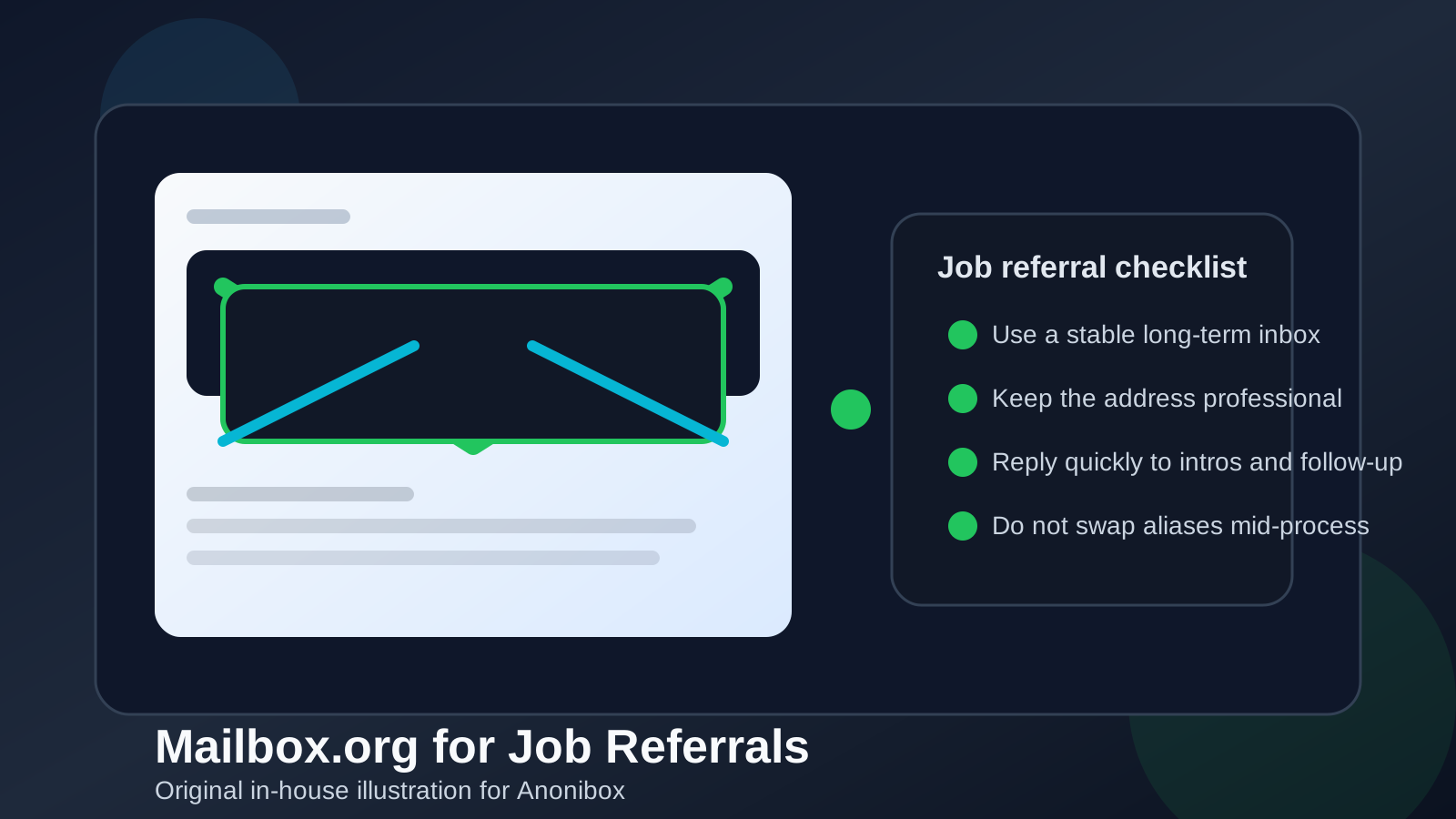
That is the real answer behind searches for should you use Mailbox.org for job referrals. A referral is different from a cold application. Someone is usually putting their name next to yours, forwarding your résumé, introducing you to a recruiter, or nudging a hiring team to take a closer look. Because of that, the inbox you use should feel dependable, professional, and easy to reach. Privacy still matters, but credibility and continuity matter just as much.
Mailbox.org can fit that job well. It is a real long-term email account, not a throwaway address built for one-time signups. That gives it a major advantage over temporary inboxes when a referral turns into a live conversation with a recruiter, hiring manager, or internal employee contact. At the same time, a smaller provider can create a little friction if you barely check it, use a messy username, or switch addresses in the middle of the process.
Why job referrals need a different email strategy
A referral usually creates warmer, faster communication than a standard application. Instead of sending your information into a generic applicant tracking system and waiting, you may get direct contact from a recruiter, a note from an internal employee, or an invitation to continue the conversation quickly. That means your inbox is not just a place for passive updates. It becomes part of your professional first impression.
In a referral flow, people often care about three things more than anything else:
- Can they reach you easily? If someone refers you internally, they do not want the next step to stall because you missed an email.
- Does your contact info look trustworthy? The address does not need to be from Gmail or Outlook, but it should look clean and intentional.
- Will the thread stay consistent? Referrals often move from one person to another. A stable email helps everyone stay on the same page.
That is why a referral is usually the wrong place for a temporary inbox. A disposable address may help you protect your primary inbox during low-trust signups, but a referral is supposed to open a real relationship. Once a real person is making an introduction for you, continuity matters more than anonymity.
What Mailbox.org does well in this situation
1. It gives you privacy without looking disposable
Some job seekers want separation from their oldest personal inbox. That is reasonable. A job search can spread your contact details across recruiters, staffing agencies, referral links, scheduling tools, and résumé databases surprisingly fast. Mailbox.org can help create a cleaner boundary without sending the signal that your inbox might vanish tomorrow.
That middle ground is valuable. You get more distance from your long-term personal address, but you still present a real account that can handle an extended back-and-forth if the referral turns into interviews, an offer, or onboarding later.
2. It can support a dedicated job-search inbox
A separate inbox often makes referrals easier to manage. If you keep referral introductions, recruiter follow-up, calendar invites, and notes in one place, you are less likely to lose a thread in a crowded everyday inbox. This becomes especially helpful when several people are helping at once or when you are juggling multiple roles.
A dedicated inbox also makes it easier to search later. If a recruiter references an old introduction, an internal employee offers to reconnect you, or you want to compare messages across companies, having everything organized in one channel saves time.
3. It can feel more intentional than a random backup address
A real referral should not point to an email address that feels improvised. If your Mailbox.org address is simple and name-based, it can look more deliberate than an old throwaway account you barely use. That matters because referrals are partly about reducing friction. The easier you are to trust and contact, the better the referral works.
Where Mailbox.org can create friction
1. You do not check it often enough
This is the biggest risk. A privacy-conscious inbox is only helpful if it behaves like a primary communication channel during an active search. If you check it once every few days, you may miss time-sensitive recruiter replies, interview options, or follow-up questions from the person referring you.
Referral momentum can disappear quickly. A warm intro is strongest when you respond promptly and make it easy for the other person to keep helping.
2. The address format looks awkward
The provider name usually is not what hurts you. The address itself is. A clean address built around your name or initials feels far more professional than something packed with random numbers, jokes, or privacy-themed gimmicks. If you want Mailbox.org to help rather than distract, keep the address simple.
3. You switch contact methods halfway through
If someone first refers you with one address and later you ask them to use a different alias, another provider, or a temporary inbox, that creates avoidable confusion. Referral threads often get forwarded between employees and recruiters. Consistency helps everyone.
4. You expect the provider itself to do all the work
Mailbox.org does not automatically make you look more credible. Your results still depend on basics: a polished résumé, a professional tone, quick replies, and consistent details across email, LinkedIn, and application materials.
When Mailbox.org is a strong choice for job referrals
- You already use it regularly and trust yourself to see important messages fast.
- You want a dedicated job-search inbox that is separate from your oldest personal address.
- You care about privacy but still need a stable inbox that can last through multiple hiring stages.
- Your address looks professional and matches the rest of your job-search identity.
- You are applying while employed and want cleaner separation from work-managed systems and everyday personal traffic.
In those situations, Mailbox.org can be a practical, credible option. The key is treating it as a real professional inbox, not as a side experiment.
When another option may be better
If you already have a clean Gmail, Outlook, Fastmail, or custom-domain inbox that you monitor constantly, switching just for the sake of switching may not help. Familiarity is valuable. The best referral email is often the one you reliably use, provided it is not tied to your employer and does not look unprofessional.
You should also avoid using a temporary inbox at the referral stage unless the situation is still low trust and you are not yet comfortable sharing a stable address. Tools like Anonibox can make sense earlier when you are testing unknown job boards, downloading gated resources, or screening low-confidence outreach. But once a real person is referring you, you usually want a durable inbox that can support ongoing conversation.
Best practices if you use Mailbox.org for job referrals
Use a name-based address
Your email should look boring in the best way. A simple address based on your name, initials, or a clean professional variant is usually best.
Turn on notifications and check it daily
Do not let a separate inbox become a forgotten inbox. If you use Mailbox.org for referrals, treat it like an active workstream until the process ends.
Keep it consistent across materials
If your résumé, LinkedIn messages, portfolio, and referral note all point to the same email address, people will have an easier time helping you.
Reply quickly and clearly
A fast, professional reply does more for your credibility than the provider name ever will. If someone refers you, acknowledge it, thank them, and make next steps easy.
Do not overcomplicate your privacy setup
Good privacy should reduce noise and exposure, not create new coordination problems. If aliases, forwarding layers, or multiple inboxes make you slower to respond, simplify the setup.
A quick decision checklist
- Is the Mailbox.org address professional and easy to read?
- Will you actually monitor it closely during the referral process?
- Can you keep using the same address through interviews and possible offers?
- Does it help you stay organized without making you harder to reach?
- Are you using it as a real inbox rather than a disposable shield?
If most of those answers are yes, Mailbox.org is probably fine for job referrals. If several are no, your issue is less about the provider and more about workflow.
Final answer
Should you use Mailbox.org for job referrals? Yes, it can be a solid choice if the address is professional, stable, and actively monitored. It gives you more privacy and separation than dumping every referral into your oldest personal inbox, while still offering the continuity that real hiring conversations need.
Just do not confuse privacy with disposability. Referrals work best when the people helping you can trust that you will see the message, reply quickly, and keep the same contact details throughout the process. If Mailbox.org helps you do that, it is a good fit. If it adds friction, a simpler long-term inbox is the better move.