Yes, you can use Yahoo Mail for informational interviews if the address looks professional and you check it reliably, but it is usually better for lower-stakes networking than for your entire long-term career identity.
If you are asking should you use Yahoo Mail for informational interviews, the practical answer is: it can work fine, but a separate job-search inbox often gives you cleaner organization, better privacy boundaries, and less inbox clutter.
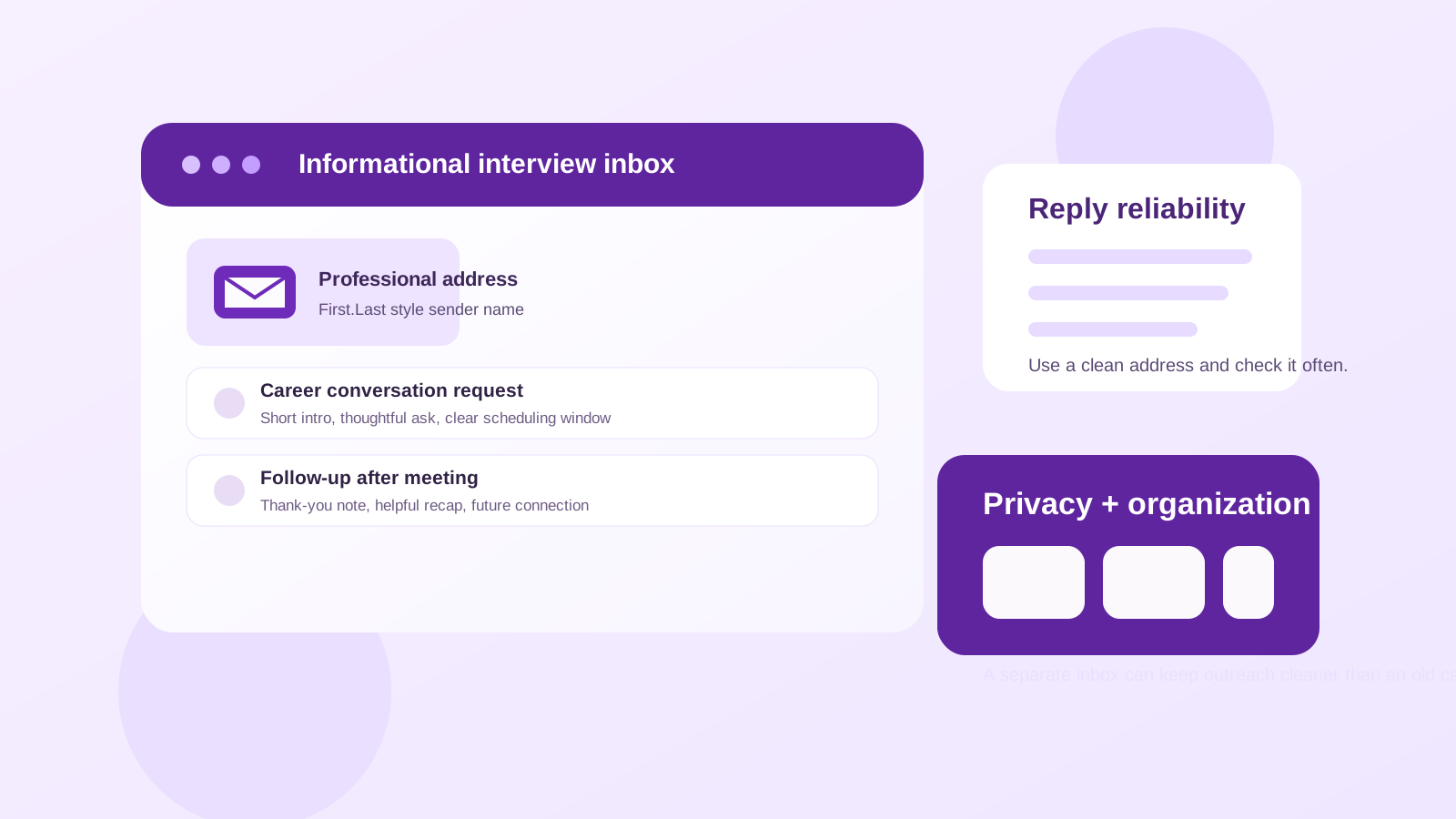
Why this question comes up in the first place
Informational interviews sit in a different category from formal job applications. You are usually reaching out to learn, build a relationship, and get a clearer view of a company, role, or industry. Because the interaction is more conversational, the email address you use matters a little differently than it does on a structured application form.
With an informational interview, the other person is deciding whether you seem thoughtful, organized, and easy to respond to. They are not usually screening you through an applicant tracking system yet. That means your inbox choice is less about passing a form and more about making follow-up simple and professional.
Yahoo Mail is not automatically a problem. Plenty of people still use it every day, and most professionals will not reject a helpful outreach email just because it comes from Yahoo. What matters more is whether the address looks credible, whether your message is well written, and whether you can actually keep up with the replies.
When Yahoo Mail is perfectly fine
Yahoo Mail can work well for informational interviews when the account is clean, active, and clearly yours. If your address looks like a real adult address rather than a forgotten personal account from years ago, most contacts will focus on your note rather than the provider.
- The address is professional: something close to your real name is ideal.
- You check it consistently: reply speed matters more than provider brand.
- Your inbox is organized: important replies do not get buried under old newsletters and retail promos.
- You are using it intentionally: not just because it happened to be the oldest account you still remember.
If your Yahoo account already meets those conditions, you do not need to overthink it. A well-written outreach email from a stable Yahoo address is usually better than a messy or neglected inbox from a more fashionable provider.
Where Yahoo Mail can create friction
The real issue is usually not Yahoo itself. It is how people tend to use old personal email accounts. Many Yahoo addresses have years of baggage attached to them: random subscriptions, shopping receipts, forgotten forums, coupon emails, and legacy spam. That clutter can make informational interview follow-up harder than it needs to be.
You may also run into problems if the address itself feels casual or outdated. If your email looks like something you created in middle school, the provider is not the biggest concern — the username is. An informational interview request asks someone to spend time helping you. A professional-looking sender identity makes that easier.
Another drawback is boundary control. If your main Yahoo inbox is where all of your everyday personal communication already lives, career conversations can quickly mix with family messages, account notices, and low-value marketing email. That does not make the account unusable, but it can make you slower and less organized.
What matters more than the provider
When someone decides whether to answer an informational interview request, they usually care about five things more than your provider:
- Your subject line — clear, respectful, and specific.
- Your opening — do you explain why you are reaching out?
- Your ask — short, realistic, and easy to say yes to.
- Your tone — curious, appreciative, and not demanding.
- Your follow-up reliability — do you respond promptly if they reply?
That is good news. It means you do not need a perfect provider to do this well. You need a professional presentation and a communication setup you can actually manage.
When a separate inbox is the smarter choice
Even if Yahoo Mail can work, it is not always the best option. A separate inbox becomes a better choice when your current Yahoo account is cluttered, your username is awkward, or you want a cleaner divide between personal life and career outreach.
A dedicated job-search inbox helps with:
- Faster follow-up: replies are easier to spot.
- Better privacy: fewer unrelated services already know that address.
- Cleaner records: notes, meeting invites, and thank-you emails stay in one place.
- Less stress: you do not need to dig through years of old messages to find one recruiter or alum reply.
This does not have to mean abandoning Yahoo forever. You could create a fresh Yahoo account used only for professional networking, or you could choose another provider if that gives you a better starting point. The main goal is control, not brand loyalty.
Should you use a temporary email instead?
Usually not for the actual informational interview itself. Informational interviews often lead to follow-up, future introductions, occasional job alerts, or later referrals. That kind of relationship needs a stable inbox you can keep.
A temporary address is more useful earlier in the funnel — for example, when you are joining talent communities, signing up for employer newsletters, or testing whether a company’s outreach is helpful before you want a real conversation. In that stage, a privacy buffer like Anonibox can make sense. But once you are reaching out to a real person for a genuine career conversation, you should use a dependable address you control long term.
How to make Yahoo Mail look more professional
If you decide to use Yahoo Mail, spend a few minutes making it work for this purpose instead of just sending from whatever is already there.
1. Clean up the sender identity
Use your real name in the display name field. If the username itself looks unserious, consider a new account with a cleaner format before you start networking heavily.
2. Create a dedicated folder or filter
Set up a folder for informational interviews, alumni outreach, or networking contacts. This makes it easier to find replies, meeting notes, and thank-you threads later.
3. Check spam and promotions regularly
Not every helpful reply lands exactly where you expect. If you are waiting on responses, check the whole inbox, not just the default view.
4. Add a simple signature
Your name, current role or area of study, and optionally your LinkedIn profile are usually enough. Keep it short and human.
5. Turn on account recovery and notifications
A reliable inbox is more important than a trendy inbox. Make sure you can recover the account and notice replies quickly.
Good outreach habits matter more than the domain
If you want better results from informational interviews, focus your energy on the message itself:
- Explain why you chose this person specifically.
- Keep the request brief — usually 15 to 20 minutes is enough.
- Show that you did basic homework before writing.
- Ask thoughtful questions, not vague ones.
- Send a thank-you note after the conversation.
A contact is much more likely to remember your curiosity and professionalism than the mail provider in your address.
When not to use your old Yahoo account
There are a few situations where using Yahoo Mail is probably the wrong call:
- Your address looks immature, joke-based, or anonymous.
- You rarely log in and may miss replies for days.
- Your inbox is overloaded and you already lose important messages.
- You want strong separation between personal life and networking activity.
- You are using the same inbox for every newsletter, promo, and low-value signup on the internet.
In those cases, changing the workflow is usually easier than trying to force an old account into a new professional role.
A simple decision rule
If your Yahoo address is clean, professional, and actively managed, it is fine for informational interviews. If it is messy, embarrassing, or overloaded, create a separate networking inbox before you start reaching out. That one step will usually improve your response handling more than switching providers for prestige alone.
Final answer
Should you use Yahoo Mail for informational interviews? Yes, you can — and for many people it will work just fine. But the better question is whether your specific Yahoo account helps you look organized and stay responsive.
If it does, use it confidently. If it does not, move to a cleaner dedicated inbox and keep temporary addresses for low-commitment signups rather than real relationship-building. That gives you the privacy benefits you want without making follow-up harder when an informational interview turns into something valuable later.