A temp email for 123FormBuilder can be useful when you want to test signup flows, sample forms, and automations without putting your main inbox into another long trial sequence.
It becomes a bad long-term setup once real lead capture, notification rules, payment forms, and account recovery start to matter.
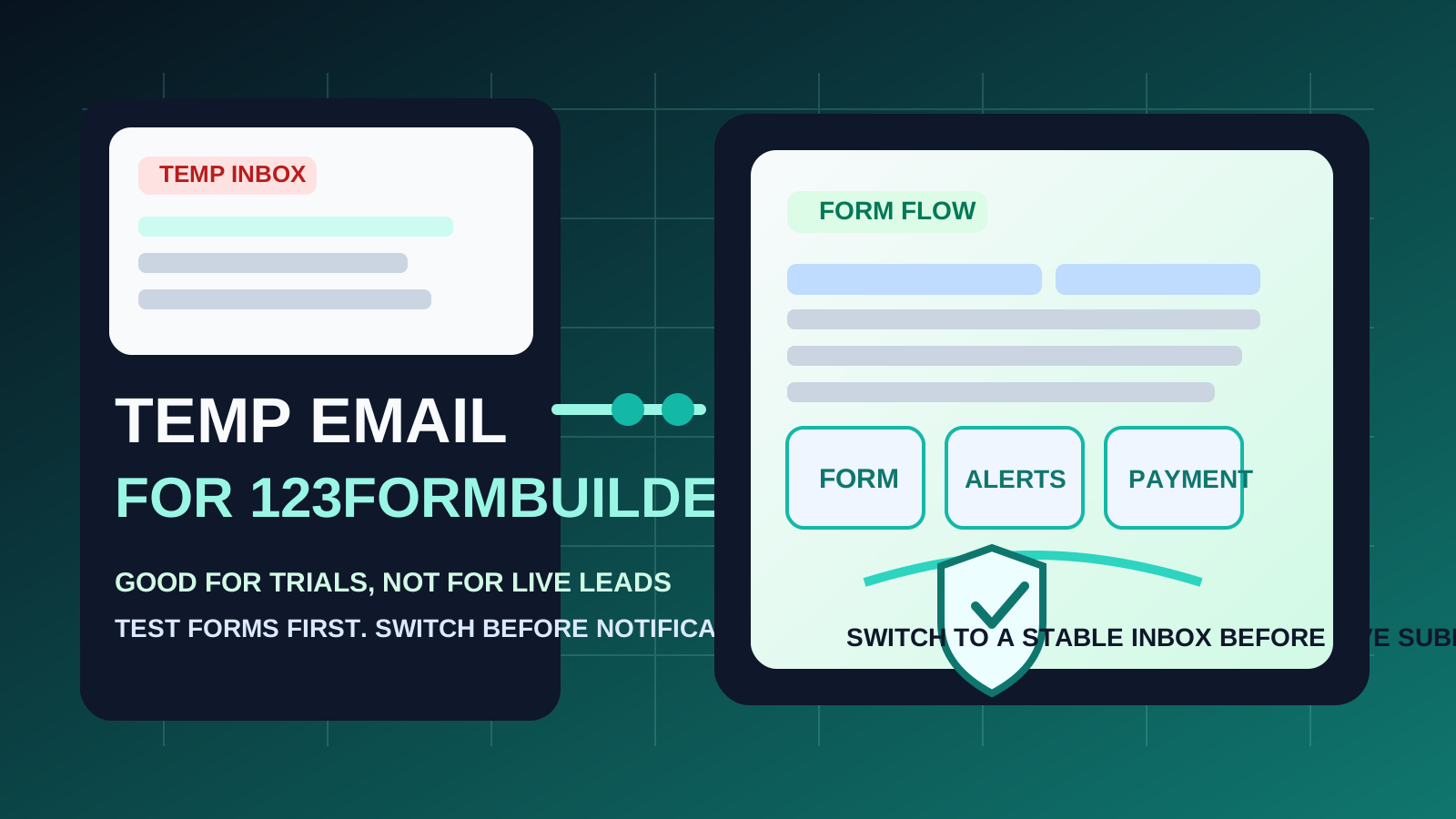
If you are comparing online form tools, it is easy to end up with a lot of extra email fast. Verification links, onboarding drips, template suggestions, workflow tips, webinar invites, and sales follow-ups can pile up before you have even decided whether the platform belongs in your stack. That is why some people look for a temp email for 123FormBuilder in the first place.
The idea is simple: use a disposable inbox for early evaluation, keep your main address out of another trial funnel, and decide whether the product is worth deeper setup before you attach it to your real work. A service like Anonibox can help during that first-pass stage. But 123FormBuilder is also the kind of platform where email continuity becomes important quickly, especially if you are using forms for real leads, notifications, approvals, integrations, or payment collection.
Why people use a temp email with 123FormBuilder
123FormBuilder sits in a category where curiosity often comes before commitment. You may be comparing several tools at once, building rough internal prototypes, or checking which platform handles your workflow best. In those cases, a temporary inbox can be a clean privacy filter.
- Trial isolation: you can test the platform without tying the entire trial to your long-term inbox right away.
- Less inbox clutter: onboarding emails, feature announcements, and promotional follow-ups stay out of your everyday mail.
- Faster comparison: when you are also reviewing tools like Typeform, Paperform, Formstack, or Fillout, a disposable address makes it easier to keep trials separate.
- More privacy in the research phase: you can verify the account and inspect the workflow before giving out a work or personal address you intend to keep using.
That makes sense when your goal is evaluation. It makes less sense when your goal is running a live process people will actually depend on.
When a temporary inbox makes sense
There are a few situations where a temp email for 123FormBuilder is genuinely practical.
1. You are only testing the product
If you want to inspect the dashboard, build one or two sample forms, review template quality, or see how conditional logic feels, a disposable inbox is usually fine. The account itself is still part of a test, so the email behind it can be part of a test too.
2. You are comparing multiple form builders
Form software trials can get noisy because every platform wants to teach, upsell, and re-engage you. If you are doing side-by-side research, isolating those messages keeps the comparison cleaner. You can judge the product on its form builder, workflows, and reporting instead of drowning in nurture email.
3. You are doing internal mockups
Sometimes the goal is not launch readiness. You may just be sketching an intake flow, a registration page, or a payment form concept for internal review. In that case, the inbox mainly exists to confirm the account and collect a few setup messages. A temp email can work well there.
4. You want to reduce long-term spam risk
Even good software companies send plenty of follow-up mail. If you are not sure you will keep the product, protecting your main inbox during the earliest stage is reasonable.
Where a temp email starts breaking down
The weakness shows up the moment the account stops being disposable.
1. Lead notifications need reliability
If a form is collecting real inquiries, support requests, bookings, or client intake, missing even one email can matter. A short-lived inbox is a poor match for lead capture because the important messages are often not the first ones. They arrive later, after the form is live.
2. Payment forms raise the stakes
As soon as money or payment-related workflows are involved, your setup needs more stability. Even if payments themselves happen through a processor, account notices, workflow confirmations, and admin messages still need a dependable inbox behind them.
3. Workflow and approval emails may arrive long after setup
It is easy to think, “I only need the verification email.” That is rarely true for long. Notifications about integrations, approvals, form edits, access issues, submission routing, and account changes can become important later. Disposable inboxes are fine for short experiments, not for systems you plan to revisit.
4. Account recovery gets harder
If you forget a password, return to the project weeks later, or need to confirm access, the email address becomes part of the product’s reliability. That is exactly where temporary inboxes become fragile.
A practical rule of thumb
Use a temp email for 123FormBuilder when you are testing the platform, not when you are depending on the platform.
If you are only evaluating templates, logic, notifications, or design options, disposable email is reasonable. If you are about to collect real submissions, route actual leads, or run payment-enabled forms, move to a stable inbox before launch.
How to use a temp email for 123FormBuilder safely
1. Decide whether this is a trial or a real workflow
Be honest at the beginning. Are you doing product research, or are you building something that real people will use? That answer should determine the email strategy. A temporary inbox fits research. A permanent inbox fits production.
2. Use the disposable address only for the early setup window
Create the temp address before signup, verify the account, and move through the first-pass onboarding quickly. Do not let a disposable inbox become your default simply because it was convenient on day one.
3. Save the messages that matter
During an evaluation, keep the useful items:
- verification and activation links
- setup instructions worth comparing to competitors
- template or workflow notes you want to revisit
- feature limits that affect your buying decision
That way you get the benefit of the trial without depending on the inbox to stay available forever.
4. Test the workflows that actually influence your decision
Instead of just clicking around, use the trial to answer real questions:
- How easy is it to build and edit forms?
- Are notifications and autoresponders flexible enough?
- Does the tool handle payment-related flows in the way you need?
- Can non-technical teammates maintain it later?
- Does the reporting or submission management feel usable?
This is where the temp inbox helps. It keeps your evaluation focused on product fit instead of exposing your permanent inbox too early.
5. Switch before anything customer-facing goes live
If the platform makes the shortlist, update the account to a stable inbox before you launch a real form. Do not wait until after submissions, notifications, or payment flows have already started.
Real-world examples
Example 1: agency comparison project
An agency is choosing a new form builder for lead-gen landing pages. They want to compare 123FormBuilder with Typeform, Paperform, and Formstack without turning the operations inbox into a dumping ground for trial follow-up. Using separate disposable addresses for each platform is perfectly reasonable during the evaluation phase.
Example 2: internal prototype for a service intake flow
A consultant wants to mock up a client intake form, test notifications, and show the experience to a teammate before choosing a tool. A temporary inbox still makes sense because the project is not live yet and no one is depending on the workflow.
Example 3: live form collecting real leads and payments
This is where the disposable setup stops being a good idea. If your form is now receiving inquiries, documents, bookings, or payment-related submissions, continuity matters more than inbox privacy. One missed message can cost more than all the trial emails you were trying to avoid.
Common mistakes to avoid
- Treating a production workflow like a throwaway trial: if the form matters, the inbox behind it matters too.
- Forgetting about the later emails: the critical message may be a notification or recovery email that arrives weeks after signup.
- Waiting too long to switch: once a platform is clearly sticking around, move to a permanent inbox early.
- Using one disposable inbox for every software trial: that defeats part of the organizational benefit and makes comparisons messier.
- Confusing privacy with reliability: a temporary inbox reduces exposure, but it also reduces continuity.
Quick checklist before you decide
Before using a temp email for 123FormBuilder, ask yourself:
- Am I only evaluating the tool, or am I about to launch something real?
- Will anyone depend on notification emails from this account?
- Could I lose access or context if I return to the project later?
- Will this form collect genuine client inquiries or payment-related submissions?
- Would a dedicated long-term work inbox be a better middle ground?
If most of your answers point toward testing, a temp email is fine. If they point toward continuity, a stable inbox is the smarter move.
Better long-term alternative: a dedicated permanent work inbox
If your main concern is privacy and clutter, the best long-term compromise is often not “temporary forever.” It is a dedicated permanent inbox for software operations, form administration, or client intake. That gives you separation from your personal inbox without the fragility of a disposable address.
For many teams, that is the cleanest setup: use temporary email to evaluate a product, then move to a durable role-based or work-owned inbox before the workflow becomes important.
Final takeaway
A temp email for 123FormBuilder is useful for early form testing, trial verification, and side-by-side platform comparison.
It is a risky long-term choice once real lead capture, notifications, workflows, approvals, or payment forms depend on the account. Use temporary email for low-stakes evaluation, then switch to a stable inbox before anything live starts flowing through the system.
That gives you the privacy advantage up front without sabotaging reliability later.