A temp email for ClickHelp is useful for short product trials, first-pass knowledge-base testing, and keeping signup messages out of your main inbox.
It becomes a risky long-term choice once shared documentation, team permissions, billing ownership, and account recovery start to matter.
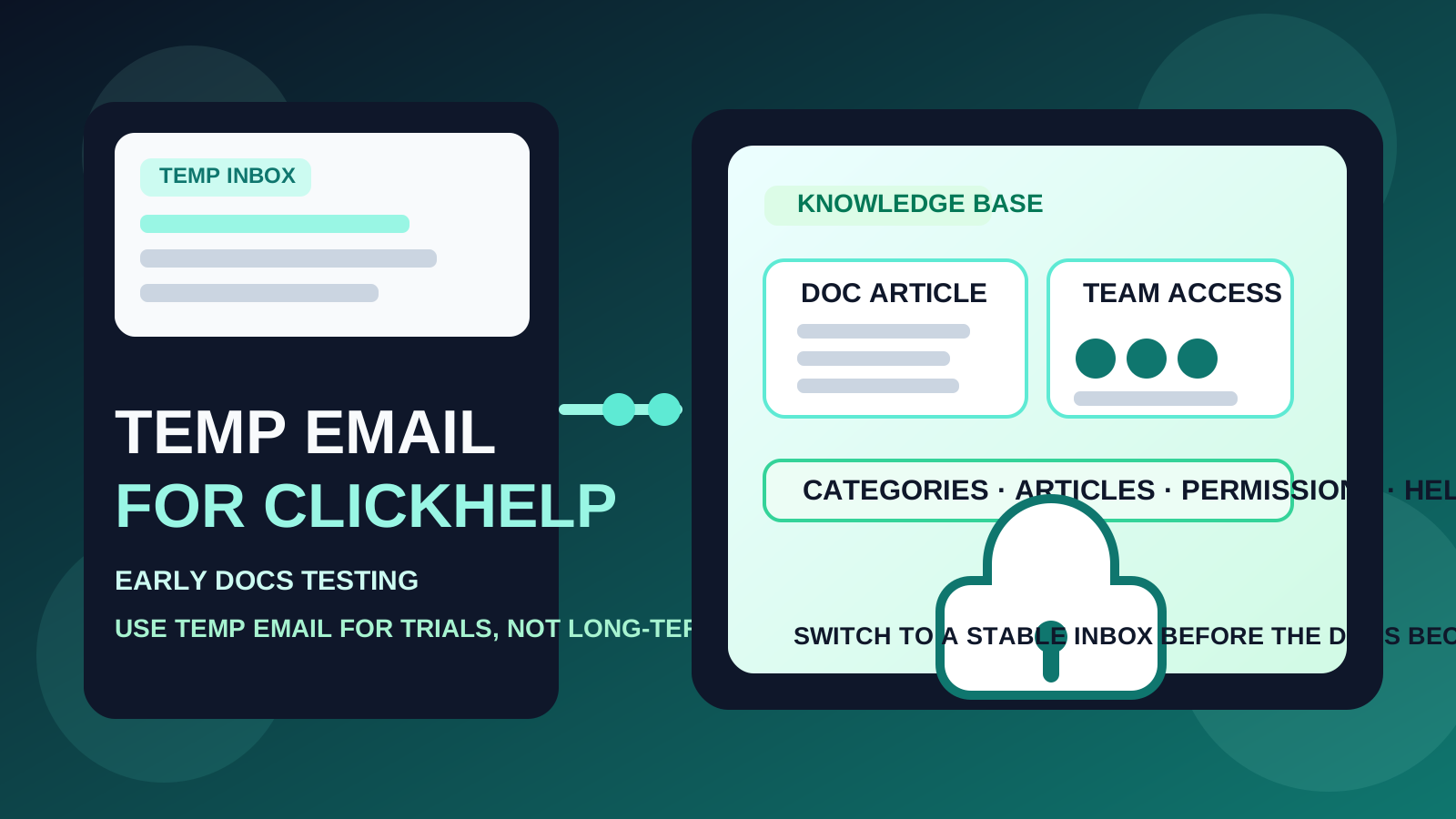
That trade-off is easy to underestimate because documentation software often starts small. You open a trial, create a sample knowledge base, test navigation, write a couple of pages, maybe invite nobody, and tell yourself it is just a comparison exercise. Then the trial goes well, someone pastes a process note into it, a draft article becomes internal documentation, and suddenly the “throwaway” account sits underneath something people may actually depend on.
That is why the question matters. People looking up temp email for ClickHelp usually want a simple way to verify a trial without committing their real inbox to another vendor. That is a fair goal. If you are comparing ClickHelp with tools like Document360, Helpjuice, Archbee, GitBook, or Confluence, a temporary inbox can keep that early research phase cleaner and quieter.
Used well, a service like Anonibox lets you receive the verification message, explore the product, and avoid turning one trial signup into weeks of follow-up email. Used too long, though, the same disposable setup can create avoidable problems around recovery, admin continuity, and shared workspace ownership. The right approach is not to reject temporary email entirely. It is to use it only while the account is still genuinely temporary.
Why someone would use a temp email for ClickHelp
There are a few good reasons to use a disposable inbox during the evaluation phase.
- You only want a quick first impression: maybe you want to see how the editor feels, how categories are structured, or how easy it is to publish a sample article.
- You are comparing several platforms at once: separate inboxes help keep welcome emails, trial reminders, and onboarding sequences from blending together.
- You want to protect your main work inbox: not every test account deserves permanent access to your everyday address.
- You are running a solo experiment: if nobody else depends on the workspace and you may delete it after a short review, the risk is fairly low.
In other words, a temp inbox makes the most sense when the account itself is part of a low-commitment experiment.
When a temporary inbox is a practical choice
1. Short evaluation with no real docs inside
If your plan is simply to verify the account, look around, test the authoring interface, and decide whether ClickHelp deserves a place on your shortlist, temporary email is reasonable. At this stage, the workspace has little or no long-term value.
2. Comparing knowledge-base tools side by side
Documentation teams, support leaders, and product teams often trial several tools in the same week. That creates inbox clutter quickly. A temporary address can keep each trial isolated so you can focus on the product itself instead of sorting vendor email later.
3. Privacy before you commit
Sometimes you are not trying to disappear. You just want to delay sharing a permanent address until you know the tool is serious enough for deeper evaluation. That is a sensible privacy habit, especially if you sign up for many SaaS tools during research.
4. Low-stakes exploration without teammates
If you are the only person touching the trial and losing the workspace later would not matter, a disposable inbox can be a useful filter. The key is honesty: if the account would be painful to lose, it is no longer low-stakes.
Where the temp-email approach starts to break down
The problems usually show up later, not at signup.
Shared documentation stops being disposable
Knowledge bases have a habit of becoming real systems quietly. A few test pages turn into draft SOPs. Draft SOPs turn into onboarding docs. Internal notes become pages teammates start referencing. Once the workspace holds information people actually use, the email behind the account matters more than the convenience you gained on day one.
Account recovery becomes a real issue
Password resets, login alerts, ownership confirmations, and security messages are easy to ignore during a trial. They become much more important later. If the inbox tied to the account was only meant to exist briefly, recovery can become messy right when you need it most.
Team access changes the stakes
The moment you start inviting coworkers, collaborators, or clients, you are no longer testing privately. Now you are dealing with admin responsibilities, permission changes, and ownership clarity. A disposable inbox is weak infrastructure for that job.
Billing and subscription management matter
Even if the workspace starts as a trial, the account email can become the place where invoices, renewal notices, plan-change confirmations, and account-level admin messages go. That is not where you want a temporary address sitting indefinitely.
A simple rule that works well
Use a temp email for ClickHelp only while you are evaluating the tool. Switch to a stable email before the account becomes a real documentation workspace.
That rule handles most edge cases cleanly. If the account is just a test, temporary email is a practical convenience. If the account might become the source of truth for docs, help content, or shared internal knowledge, use a permanent address instead.
How to use a temp email for ClickHelp without creating problems later
Start with a clear objective
Before you sign up, decide whether you are researching or adopting. Research mode means you are checking fit, interface quality, publishing flow, and structure. Adoption mode means you already expect the workspace to matter later. If you are already in adoption mode, skip the disposable inbox.
Keep the trial narrow and intentional
Use the temporary account to answer a short list of useful questions:
- Is the article editor comfortable for the people who will actually write docs?
- Does the category and navigation structure make sense?
- Is the publishing workflow easy to understand?
- Would the permissions model work for your team later?
- Does it feel better than the other tools on your shortlist?
This approach helps you avoid accidentally building valuable documentation in a workspace tied to a disposable inbox.
Save the messages that matter early
During the first session, the inbox usually matters for a small number of things: the verification email, a welcome message, setup guidance, and maybe a trial reminder. If any of that information is worth keeping, save it while you still have access.
Do not invite teammates from the throwaway version
This is the cleanest boundary you can set. As long as the trial stays solo, the risk stays relatively contained. Once coworkers are involved, the account should be tied to an email address you control long-term.
Move early if the tool makes the shortlist
Many people wait too long to switch. They tell themselves they will clean things up later, then discover the temporary workspace already contains real documentation. If ClickHelp looks promising, migrate the account strategy early instead of after the workspace becomes operationally important.
When a permanent inbox is the better choice from day one
- you expect the workspace to become your real knowledge base
- you plan to invite teammates soon
- you need reliable admin ownership and recovery
- you expect billing, publishing, or support messages to matter later
- you are evaluating the product for a department, company, or client rather than for private curiosity
- you want clean control over long-term security notifications
In those cases, the privacy upside of a temporary inbox is smaller than the operational risk it creates.
Practical examples
Example 1: solo support lead comparing three docs platforms
If you want to compare article structure, search behavior, and authoring flow in one afternoon, a temp inbox is fine. The account exists only to help you decide what deserves more time.
Example 2: startup building its first public help center
This is where temporary email becomes a poor fit. Even if the workspace begins as a trial, the intention is already long-term. The help center may become part of customer support operations, so stable ownership matters immediately.
Example 3: agency creating a knowledge base for a client
Again, use a permanent inbox. When the project may be handed off or maintained over time, the account should be anchored to an address with reliable access and clear ownership.
Common mistakes to avoid
- Confusing trial convenience with long-term account strategy: avoiding one stream of marketing emails is not worth losing control of a useful workspace later.
- Inviting people too early: once other users rely on the workspace, the admin account should no longer be disposable.
- Waiting until recovery matters: by the time you care about password resets or admin notices, the switch is usually more annoying.
- Putting real documentation into a test account: the more value the workspace holds, the less sensible a throwaway inbox becomes.
- Forgetting about billing and account ownership: documentation tools are not just editors; they are products with subscriptions, settings, and admin controls.
Quick checklist before using a temp email for ClickHelp
- Is this only a short product trial?
- Would it be harmless if I lost access to this workspace later?
- Am I testing alone, without inviting anyone else?
- Am I comparing tools rather than adopting one already?
- Would I care about recovery, invoices, or admin ownership a month from now?
If most answers point toward a short-term experiment, temporary email is a reasonable tool. If several answers point toward continuity, shared access, and long-term ownership, start with a permanent inbox instead.
Final takeaway
A temp email for ClickHelp is a practical way to protect your main inbox during early knowledge-base testing and product comparison.
It stops being smart once the workspace becomes a real home for shared docs, team access, billing, and recovery. Use temporary email during evaluation, then switch to a monitored long-term address before the account starts carrying real work.