A temp email for Slab is useful for quick workspace testing, low-stakes evaluation, and keeping early trial emails out of your main inbox.
It becomes a poor long-term choice once shared docs, team access, password recovery, and workspace ownership start to matter.
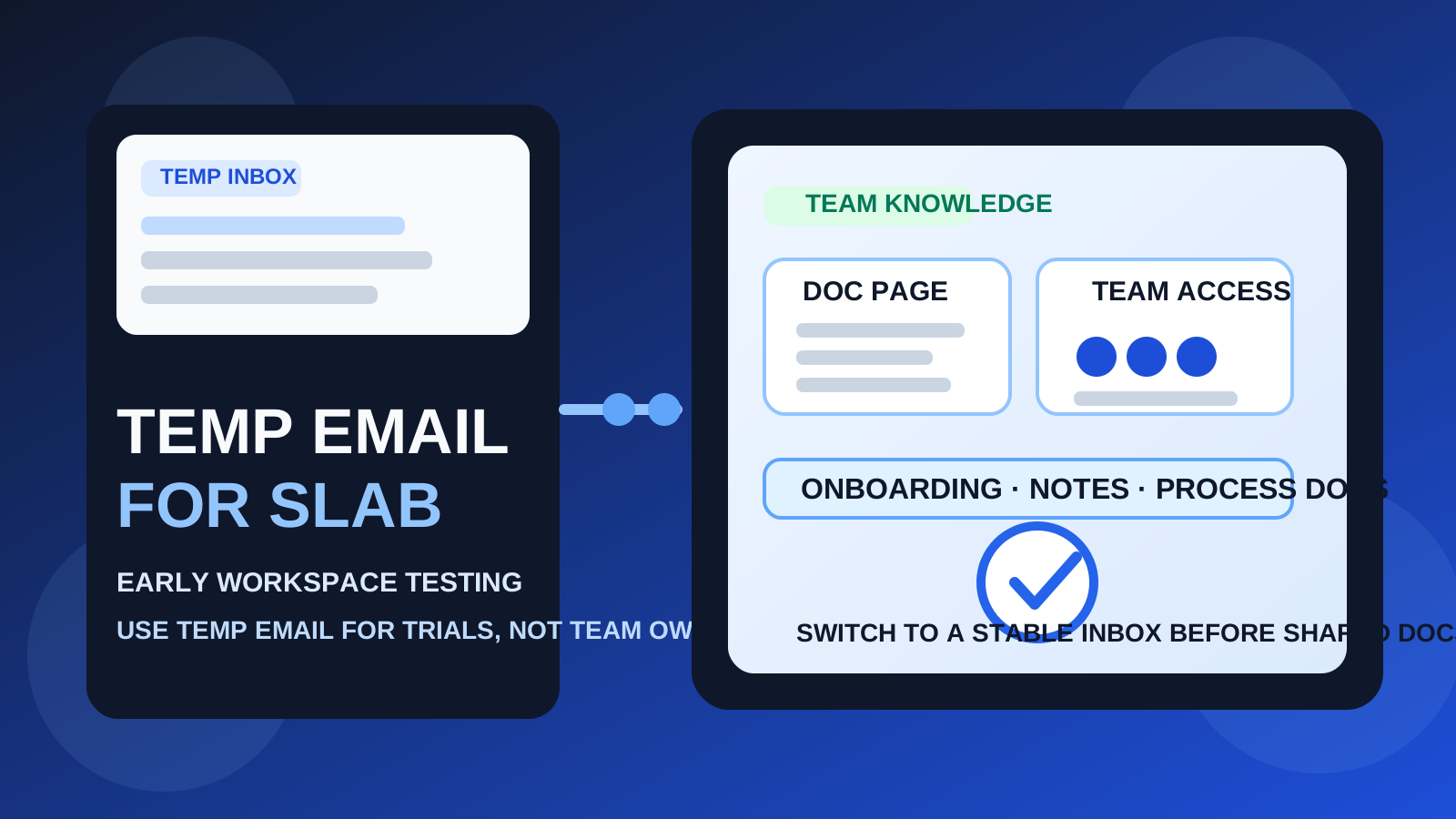
That distinction matters because Slab sits in a category where “just testing” can quietly turn into something important. A team wiki or knowledge-base trial looks harmless on day one. You sign up, open the editor, create a page or two, and maybe compare the structure with a few other tools. A week later, that same workspace can contain onboarding notes, process documentation, meeting decisions, and internal references people do not want to lose.
That is why people search for a temp email for Slab in the first place. They want privacy, less inbox clutter, and a cleaner way to compare products without handing their long-term address to every trial account. A tool like Anonibox can help at that early stage. You still receive the verification email and first-run onboarding messages, but you do not automatically commit your everyday inbox to another software vendor before you even know whether the workspace is worth keeping.
The catch is simple: documentation tools stop being disposable very quickly. The moment a workspace becomes useful to more than one person, the email behind the account matters. So the right answer is not “always use temp email” or “never use temp email.” It is to use a temporary inbox for evaluation and switch to a stable address before the workspace becomes real operating infrastructure.
Why people consider a temp email for Slab
Slab is the kind of product teams often compare side by side with tools like Confluence, Slite, Nuclino, Tettra, and GitBook. That comparison stage creates a few obvious reasons to protect your primary inbox.
- You only want a first impression: maybe you want to see how quickly a workspace can be created and whether the writing experience feels good.
- You are comparing several products at once: a temporary inbox keeps trial confirmations, welcome emails, and follow-ups separated from your daily work email.
- You want less vendor noise: early product research often leads to nurture emails, webinar invites, release notes, and “book a demo” prompts that keep arriving long after the trial is over.
- You are running a solo experiment: if the account is only for brief evaluation, a disposable inbox can be a practical filter.
That is the best-case use of temporary email: low commitment, fast access, and less friction in the evaluation phase.
When a temp email for Slab actually makes sense
A temporary inbox is reasonable when the workspace itself is still temporary.
1. Quick first-pass testing
If your goal is just to verify the account, click through the interface, try the editor, and judge the overall fit, a temp inbox is fine. You are not building a real knowledge base yet. You are only deciding whether Slab deserves more time.
2. Shortlisted product comparison
If you are reviewing multiple internal docs platforms in a single week, a temp inbox can help keep each trial isolated. That makes it easier to judge the product itself instead of letting all of the follow-up email blend together in one inbox.
3. Privacy before commitment
Sometimes you are not trying to hide. You just do not want every trial account to become a permanent line into your work email. Disposable email is useful when you want to delay that commitment until the tool proves it is worth deeper evaluation.
4. Solo research with no team dependency yet
If you are exploring the tool alone and nothing important will live inside the workspace, the risk is relatively low. The account is disposable because the project is still disposable.
Why the disposable approach gets risky fast
The real problem is not the signup flow. The real problem is what happens after the trial if the workspace becomes useful.
Shared docs stop being temporary
A workspace can gain value quietly. A rough note becomes a process page. A process page becomes onboarding material. A comparison test becomes the place where your team stores policies, decision logs, launch checklists, and meeting notes. Once that happens, the email tied to the account is no longer a minor setup detail.
Team invites change the stakes
The moment coworkers enter the picture, the account becomes more than a private experiment. Admin access, permission changes, invite handling, and ownership clarity all depend on reliable account access. A throwaway inbox is weak infrastructure for anything that other people may rely on.
Password resets and account recovery matter later
People rarely regret a disposable inbox during the first hour. They regret it later, when they need to reset a password, confirm a security change, recover an admin account, or prove they still control the original workspace. Temporary email is convenient right up until the platform expects you to still have it.
Notification workflows can become important
Knowledge-base tools often send useful operational email after signup: invites, mention alerts, shared page updates, access changes, and other messages that help teams stay aligned. A temp inbox may be good for one verification message, but it is not a dependable channel for an active shared workspace.
A simple rule of thumb
Use a temp email for Slab if you are evaluating the product. Do not use one if you already think the workspace might become real team infrastructure.
That rule is simple because it solves most edge cases. Temporary inboxes are good for filtering, comparing, and protecting your main address during low-commitment trials. Stable inboxes are better for account ownership, shared access, long-term recovery, and anything tied to real work.
How to use a temp email for Slab without creating a mess
1. Decide what phase you are in before signup
Ask yourself one practical question: am I researching, or am I adopting? If you are only researching, a temporary inbox is reasonable. If you already suspect the workspace may become the team wiki, use a permanent email from the beginning.
2. Keep the evaluation narrow
A trial account stays safer when you use it to answer a short list of questions quickly:
- Is the writing and editing experience smooth enough for your team?
- Does the workspace structure feel intuitive?
- Would people realistically enjoy using it?
- Does it feel better than the other tools on your shortlist?
- Would you trust it for serious internal documentation later?
The more focused the test is, the less likely you are to accidentally build important work inside a disposable account.
3. Save the early messages that actually matter
During evaluation, the inbox usually matters for a small set of messages:
- the verification email
- the welcome or onboarding email
- any setup hints worth comparing later
- the information you would want if you decide to recreate the workspace properly
If something matters, save it while you still have access. Do not assume you will remember the details later.
4. Do not invite teammates from the throwaway version
This is the easiest boundary to enforce. Once you think another person may need access, stop treating the workspace as disposable. Move to a stable inbox first so you do not create admin and ownership confusion later.
5. Switch before the workspace becomes valuable
People often wait too long. They tell themselves they will tidy things up after the trial, then suddenly the test workspace contains real docs they do not want to lose. If Slab feels promising, switch early instead of after the account starts carrying real value.
When a permanent inbox is the better choice immediately
Skip temp email from the start if any of these are true:
- you plan to invite teammates right away
- you expect the workspace to hold company knowledge or client documentation
- you care about long-term admin ownership
- you may need reliable access months from now
- you are evaluating the tool on behalf of a team, department, or client
- you want password recovery and security messages to stay under your control
At that point, the privacy upside of a throwaway inbox is smaller than the operational risk it creates.
Practical examples
Example 1: founder comparing three knowledge-base tools
If you just want to compare editor quality, navigation, and setup flow over one afternoon, a temp inbox is perfectly reasonable. The whole account is part of the research process, not a long-term system.
Example 2: operations manager building an internal handbook
This is not a disposable use case. Even if the project starts as a pilot, it is likely to become shared documentation. Use a stable inbox from day one so ownership and recovery stay clean.
Example 3: consultant preparing a client knowledge workspace
Again, a temporary inbox is the wrong fit. When documentation may become part of a client handoff, admin access and long-term control matter far more than reducing a little trial email.
Common mistakes to avoid
- Treating a real workspace like a temporary one: if the docs matter, the email matters too.
- Waiting too long to switch: migration decisions are easiest before shared pages and invites pile up.
- Confusing inbox hygiene with account strategy: avoiding vendor email is nice, but not more important than keeping control of the workspace.
- Inviting teammates too early: once collaboration starts, the admin account should be tied to a stable address.
- Forgetting about recovery: the downside usually shows up later, not at signup.
Quick checklist before you use a temp email for Slab
- Is this only a short product trial?
- Would it be harmless if I lost access to this workspace later?
- Am I comparing tools, or am I already building real documentation?
- Will anyone else need access soon?
- Would I care about password resets, security notifications, or admin recovery later?
If most answers point to short-term testing, a temp inbox is a reasonable tool. If several answers point toward collaboration and continuity, a permanent inbox is the safer choice.
Final takeaway
A temp email for Slab is useful for first-pass workspace testing, short product comparisons, and keeping early trial messages out of your main inbox.
It becomes a bad long-term fit once the workspace turns into real shared documentation that needs stable ownership, reliable recovery, and dependable team access. Use temporary email for the evaluation stage, then switch to a permanent address before the account starts carrying real work.