A temp email for Dorik is useful when you only want to test the builder, generate a quick draft site, or compare a few website tools without feeding your main inbox more signup email.
It becomes a weak long-term setup once real leads, billing notices, domain settings, or account recovery depend on that inbox.
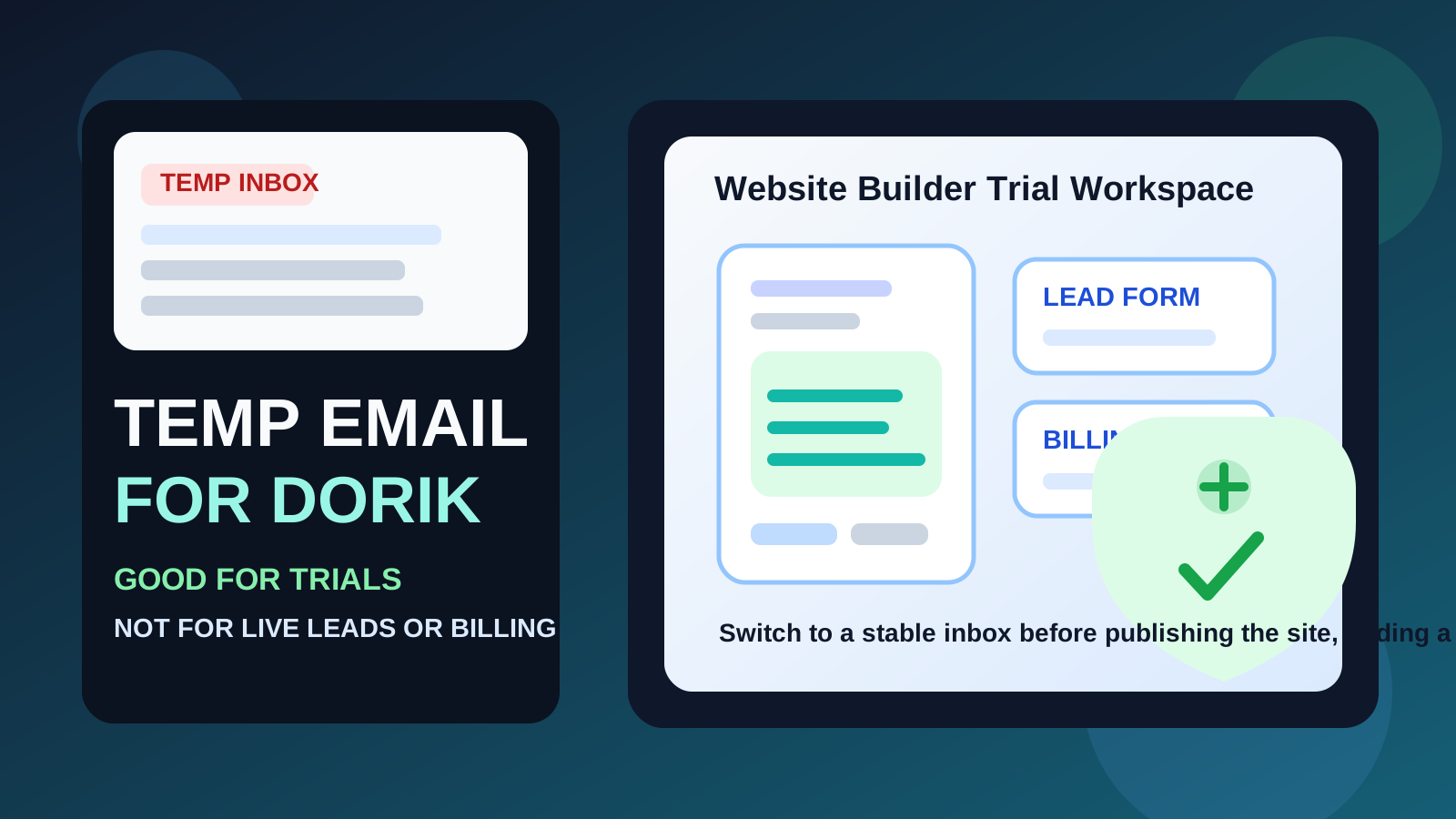
That is the honest answer behind the keyword. Dorik is the kind of website builder people often try on a whim: open the account, browse templates, test AI site generation, preview a landing page idea, or compare it against a few alternatives before deciding what is worth keeping. In that early stage, a disposable inbox can be convenient because it gives you the confirmation email you need without committing your permanent address to another software onboarding sequence.
The catch is that website-builder accounts rarely stay as low-stakes as they look on day one. A quick test can become a portfolio page, waitlist, client site, side-business homepage, or local-service landing page faster than people expect. Once that happens, the email behind the account stops being a minor signup detail. It becomes part of how you recover access, manage billing, respond to account notices, and keep ownership organized.
So the smart approach is not to treat temporary email as automatically good or automatically bad. It is to use it only for the truly temporary part of the workflow, then switch to a durable inbox before the site becomes important.
Why people look for a temp email for Dorik
Most people are not looking for a burner inbox because they plan to do something shady. Usually they just want to create some distance between a casual software trial and the inbox they rely on every day. That makes perfect sense with website builders because the first signup often triggers welcome emails, feature announcements, AI builder prompts, upgrade reminders, template recommendations, and follow-up nudges even if you never publish a single page.
Common reasons people want a temp email for Dorik include:
- Testing the builder before committing: you want to see whether the editing flow feels easier than alternatives.
- Comparing similar tools: you may be evaluating Dorik alongside Carrd, Framer, Webflow, Squarespace, or Duda.
- Building a private proof of concept: maybe it is a mock landing page, internal demo, draft portfolio, or experimental side project.
- Keeping personal and work inboxes cleaner: you want the verification email, not months of messages from a tool you may never use again.
- Separating one-off site experiments: a disposable address can help keep low-commitment tests from blending into your real communication channels.
Those are sensible motives. The trick is recognizing when the experiment is still disposable and when it has quietly become something real.
When a temp email for Dorik actually makes sense
Temporary email is strongest when the account is temporary in practice, not just in theory.
1. You are evaluating Dorik before choosing a builder
If your only goal is to inspect the signup flow, try the editor, preview templates, or see whether the product deserves deeper attention, a temp inbox is fine. You get through verification and the first login without volunteering your main address to another long nurture sequence.
2. You are comparing multiple site builders side by side
Website-builder research often gets messy because every vendor wants to educate, upsell, and re-engage you. If you are testing several builders in the same week, using a separate disposable inbox can keep that comparison cleaner and less noisy.
3. You are building a short-lived private draft
Sometimes the site is never meant to go public. It might be a rough mockup for a team meeting, a trial concept for a side project, or a private page you expect to delete after a quick review. In those cases, a temp email can be a reasonable fit.
4. You only need short-term access
If you simply need to verify the account, click through the setup flow, and decide whether Dorik belongs on your shortlist, there is little reason to overcomplicate the process. A temporary inbox can do that job well.
When it starts becoming a bad idea
The risks change as soon as the project stops being disposable. Dorik can sit underneath real marketing, real customer acquisition, and real business assets. That is the cutoff point.
1. The site is going public
If the page is about to be shared in your social bio, used for lead capture, linked from ads, included on a résumé, or shown to clients, the account should no longer live behind a throwaway inbox. Public websites have a habit of becoming more valuable over time, not less.
2. Real leads or contact forms matter
Even if form submissions go to another address, the account itself may still receive notices, warnings, or configuration-related messages. If the site is supposed to attract real inquiries, your account email should be reliable too.
3. Billing or a custom domain is involved
Once you connect a plan, buy upgrades, attach a domain, or depend on payment-related notifications, you have moved out of casual-testing territory. The value of dependable account access is now much higher than the value of disposable privacy.
4. Other people may depend on the site
Client pages, team-owned projects, and shared marketing assets need clean ownership. A burner inbox can feel harmless when you are alone, but it is a poor foundation when another person may need access or when a project has to be handed off later.
5. You may need recovery later
This is where temporary email fails people most often. The site survives, the project grows, and months later you need a password reset, security confirmation, or billing notice that went to an inbox you no longer control. That delayed downside is why disposable email works better for trials than for real website ownership.
What can go wrong if you keep the temp inbox too long?
- You lose account recovery: reset links and security confirmations become much harder when the original inbox is gone.
- You miss important notices: plan changes, payment issues, domain warnings, or account alerts can disappear into an address you stopped checking.
- You create messy ownership: client or team projects become harder to hand over cleanly.
- You confuse future-you: months later, you may not even remember which inbox was used for the original signup.
- You turn a short-term convenience into a long-term weak point: the site matures, but the account setup never does.
None of these problems feels urgent during signup. That is exactly why they are easy to create.
A safer workflow for using a temp email with Dorik
If you want the privacy benefit without the predictable downside, use a staged approach.
Start with the temp inbox for evaluation only
Create the disposable address first, receive the verification email, and use it to explore the builder. A service like Anonibox is practical here because it lets you separate a low-commitment website test from the inbox that runs the rest of your life.
Test with a clear purpose
Do not just wander around the dashboard. Decide what you are evaluating: template quality, editor speed, AI drafting, landing-page flexibility, CMS needs, or overall ease of use. Temporary email works best when the session has a clear end point.
Save anything useful right away
If an onboarding link, template reference, or setup note matters, capture it while the inbox is active. Temporary inboxes are good at short access, not long-term archiving.
Switch to a permanent inbox before the site becomes real
The right time to change the account email is before launch, before the custom domain goes live, and before billing or real lead generation matter. Waiting until something breaks is the sloppy version of the workflow.
Use a dedicated project inbox if you want separation without fragility
Many people do not actually need pure disposability. They need a separate lane. A dedicated project email can keep builder-related noise away from your main inbox while still giving you reliable recovery and clean long-term ownership.
Three realistic Dorik scenarios
Scenario 1: quick builder comparison
You want to compare Dorik against a few other builders this weekend and decide which one deserves deeper work. A temp inbox is a good fit because the goal is evaluation, not continuity.
Scenario 2: private internal mockup
You are creating a one-off page for a team review, a draft pitch, or a concept test that may never go live. A disposable inbox can still make sense as long as you treat the account as short-lived and switch if the project keeps moving.
Scenario 3: client or business website
This is where the burner approach stops being clever. If the site will collect leads, represent a brand, host a portfolio, or attach to a real business workflow, use a stable inbox you can keep and monitor.
Common mistakes to avoid
- Treating a real site like a throwaway draft: the project grows, but the email strategy never evolves with it.
- Waiting too long to switch: the safest handoff point is before launch, not after a recovery problem.
- Using one temp inbox for every builder trial: that can make comparisons harder and important messages easier to lose.
- Assuming the public site matters more than the account: ownership, billing, and recovery live behind the account, not just on the page visitors see.
Quick checklist before you sign up
- Am I only testing Dorik, or am I likely to keep this site?
- Will real people visit this page or submit a form?
- Will billing, domains, or plan changes matter soon?
- Could someone else need access later?
- Would a separate permanent inbox solve the problem better than a throwaway one?
If your answers point toward a short, private, reversible experiment, a temp inbox is fine. If they point toward a public site, ongoing ownership, or business use, move to a durable address before the project grows teeth.
Final answer
A temp email for Dorik is useful for early website testing, quick builder comparisons, and short-lived draft projects when you want to protect your main inbox from another software trial.
It becomes a bad long-term foundation once real leads, billing, custom domains, team access, or account recovery matter. Use the temporary inbox for the evaluation phase, then switch to an address you trust before the site becomes something you actually care about keeping.
That way you get the privacy and inbox-hygiene benefits of temporary email without building a real website on top of a contact method you may regret later.