A temp email for Glide is useful when you only need a low-stakes signup for early internal app testing, template previews, or a quick first pass through the builder.
It becomes a weak long-term setup once real team access, user invites, billing, workflow notifications, or account recovery start to matter.
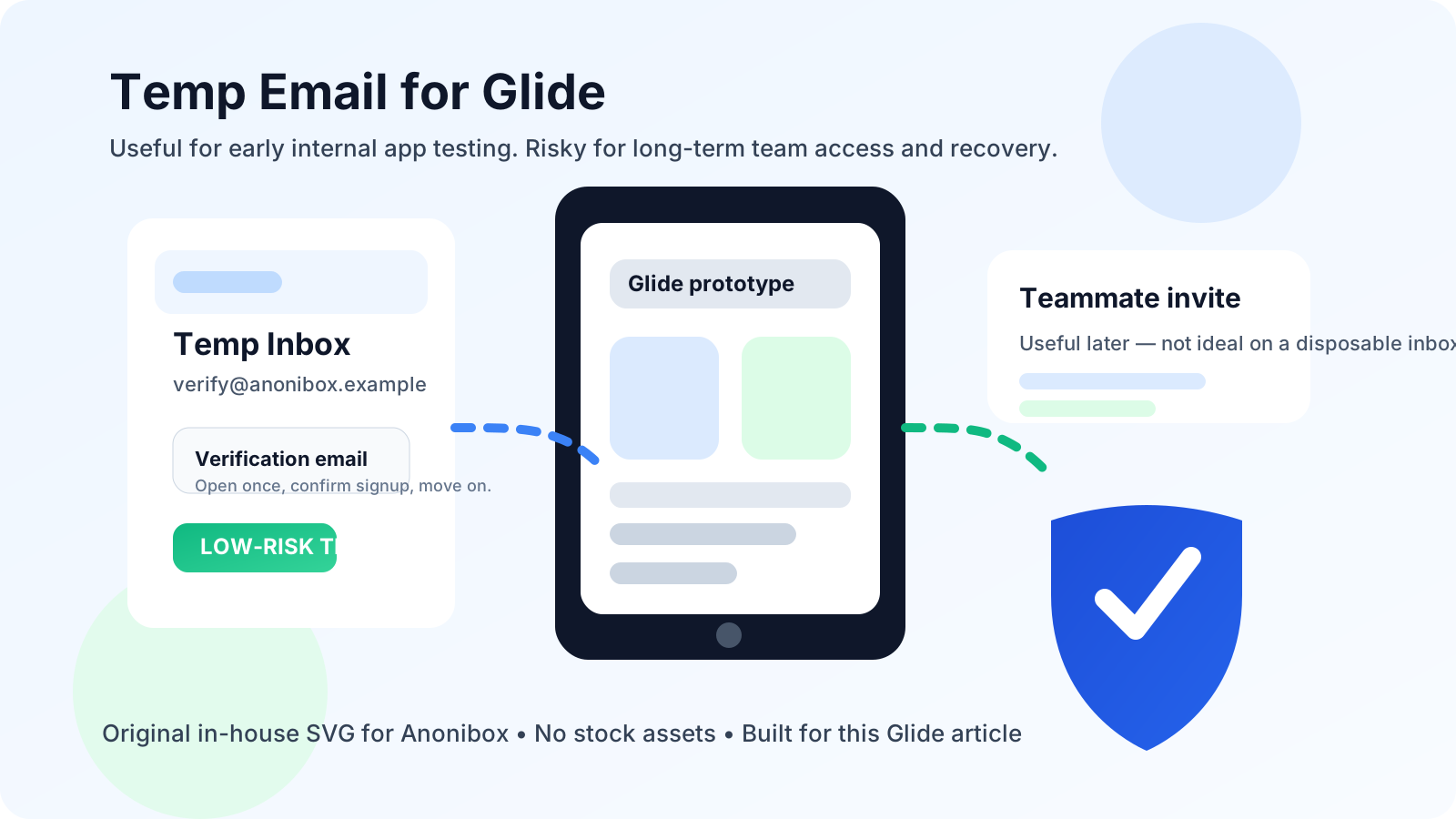
That is the practical answer. Glide is exactly the kind of product people try quickly and then quietly keep. You might open it to explore a template, test whether a spreadsheet-backed app is enough for your team, or compare it with tools like Bubble, FlutterFlow, or Softr. A few hours later, that harmless trial may already hold an operations dashboard, a field-team app, a client portal, or a prototype someone wants to keep using.
That is why temporary email works well for the first stage but can turn risky fast if the project becomes real. The smart move is to treat temporary email as a short-term testing tool, not as permanent account infrastructure.
Why people look for a temp email for Glide
Most people searching for this are not trying to hide anything dramatic. They usually want to evaluate Glide without handing their main work inbox to another software platform before they know whether it belongs in their stack. That is reasonable. Product trials often trigger welcome sequences, feature announcements, collaboration prompts, webinar invites, upgrade reminders, and a steady stream of follow-up email that keeps arriving long after the experiment is over.
A service like Anonibox can help during that evaluation phase because it gives you a clean inbox for verification and first access. You still receive the email you need to get into the product, but you do not immediately attach your primary inbox to another long-term nurture sequence.
For Glide specifically, this matters because the platform often sits at the border between casual experimentation and real operations work. Someone may start with a tiny internal tool and end up building an employee directory, lead tracker, service request app, inventory view, event checklist, or lightweight client-facing workflow. In other words, the account can stop being disposable sooner than expected.
When a temp email for Glide actually makes sense
1. You are only testing the builder
If your goal is simply to see how Glide feels, a temp email is perfectly reasonable. Maybe you want to inspect the onboarding flow, browse templates, connect a sample data source, or judge whether the interface is fast enough for your style of work. At that stage, you are evaluating the tool, not committing to it.
2. You are comparing no-code tools side by side
This is one of the strongest use cases. If you are testing several builders in the same week, your inbox can become the worst part of the process. Separate trial signups help keep the comparison clean. Instead of dumping every welcome email and product update into one permanent inbox, you can isolate early-stage testing until you decide which tool deserves deeper effort.
3. You need one short-lived prototype or demo
Sometimes the account really is temporary. You may need a quick proof of concept for an internal meeting, a rough mobile-style demo for a client conversation, or a one-off experiment to see whether Glide can handle your use case. If losing that account later would not matter, a temporary inbox is practical.
4. You want to avoid long-term marketing clutter
There is nothing unusual about SaaS follow-up email, but that does not mean you have to invite it into your main inbox before you are ready. If you are still deciding whether Glide is a fit, using a disposable address for the first step can reduce long-term clutter without blocking your evaluation.
Where temporary email starts to break down
1. Team access needs continuity
Glide is often used for shared work, even when the first build starts as a solo test. The moment teammates, clients, or collaborators depend on the workspace, the account email stops being a private detail. It becomes part of a real workflow. If the login is tied to a disposable inbox that expires or goes unmonitored, ownership becomes fragile fast.
2. User invites and login flows may matter later
Even if you are not inviting the public into the app, you may still need reliable access for coworkers, testers, or stakeholders. Login links, verification messages, permission changes, and future recovery emails all become more important once the app moves beyond a private experiment. A temporary inbox is a poor foundation for anything people will revisit later.
3. Billing, plan changes, and renewal notices are not throwaway messages
If you upgrade, add seats, connect a paid workspace, or start relying on the app operationally, the email tied to the account matters much more. Missing billing alerts, plan-change confirmations, or account notices is an easy way to create preventable problems. The same inbox that felt convenient for a trial can become the reason something important gets missed.
4. Real workflows generate real notifications
Glide apps often sit close to day-to-day operations. Depending on how the app is used, that can mean form submissions, support intake, internal requests, user activity, workflow updates, or project handoff communication. Temporary inboxes are fine for a signup email. They are weak for anything you may need to monitor consistently.
A safer way to test Glide with temporary email
The most sensible approach is not to ban temp email entirely. It is to use it with a clear boundary.
Start with a temporary inbox only for the evaluation stage
If you are opening Glide just to answer early questions, use a temporary inbox for the verification email and initial access. That keeps the trial separate from your main inbox while you explore the product.
Decide quickly whether the workspace matters
Do not let a temporary setup drift for weeks. After the first serious session, ask a blunt question: is this staying a throwaway test, or is it becoming a real project? If it is becoming real, move to a stable email before other people, billing, or important data depend on the account.
Migrate before inviting other people
This is the step many people postpone too long. It is much easier to switch ownership while the project is still small than after multiple teammates, prototypes, or operational workflows have accumulated around it. If you think someone else may need access, treat that as the migration point.
Document the handoff
If you begin with a temporary inbox, make a note of when you created the account and when you switched it to a permanent address. A little operational discipline prevents the classic problem of forgetting that an important workspace still points to an inbox nobody checks anymore.
Signs it is time to stop using a temp email for Glide
- You are inviting teammates, clients, or outside testers.
- You are storing real business data rather than sample data.
- You upgraded to a paid plan or connected billing.
- You need dependable password resets or account recovery.
- You are handing the app off to operations, support, sales, or another internal team.
- You expect the app to keep running after the initial experiment ends.
Once any of those are true, the email address is no longer a small setup detail. It is part of the reliability of the project.
Mistakes to avoid
Using a disposable inbox for a project you secretly hope to keep
This is the most common mistake. People say the project is “just a test,” but they already know there is a good chance it will become a real workflow. If that is the situation, start with an address you control or migrate early on purpose.
Forgetting that temporary access affects future recovery
Plenty of account problems are not dramatic. Sometimes you simply forget a login, switch devices, or need to confirm ownership later. If those recovery messages go to an expired or abandoned inbox, a small inconvenience can turn into avoidable downtime.
Mixing test identity with real responsibility
Temporary email is for low-stakes testing. It is not ideal for the point where the app is collecting real leads, supporting active customers, coordinating staff, or storing anything important to the business. The more responsibility the app carries, the less sense a disposable inbox makes.
Quick decision checklist
Before using a temp email for Glide, ask yourself:
- Am I only evaluating the builder, or am I already building something I may keep?
- Will anyone else need access to this workspace?
- Could billing, notifications, or recovery emails matter later?
- Would losing this inbox create friction next week, not just next year?
- Do I want privacy for the trial stage, or do I actually need a long-term account setup?
If your answers point to a short, isolated evaluation, a temp email is fine. If the app is likely to live beyond the trial, move to a stable inbox sooner rather than later.
Final answer
A temp email for Glide is useful for the temporary part of the relationship: quick signup, first access, template reviews, and low-stakes internal app testing. It stops being a smart default once the account becomes the home for shared work, user access, billing, notifications, or anything you may need to recover later.
Used that way, Anonibox can help you evaluate Glide without turning one short trial into months of inbox clutter. Just do not confuse a testing convenience with a reliable long-term identity for an app other people may depend on.