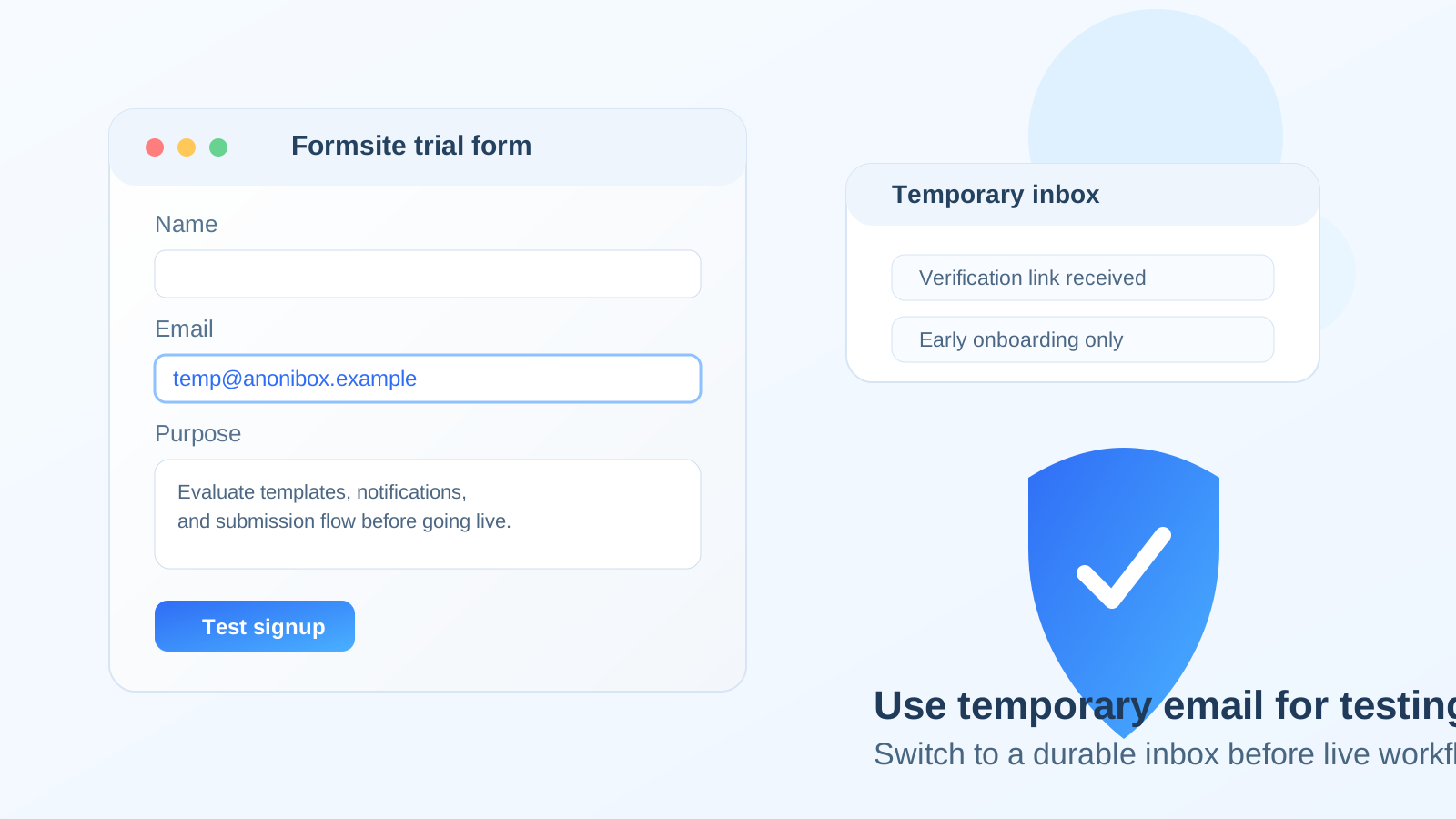
A temp email for Formsite can be useful for early testing and trial signup, but it becomes risky once live submissions, notification emails, or account recovery matter.
Use it for short evaluation, not for production forms you expect real people to use, your team to maintain, or your business to depend on.
Why people look for a temp email for Formsite
Form builders are one of the easiest kinds of software to underestimate. At the start, the goal often seems simple: create a test account, click through the builder, try a template, and see whether the platform feels easier than the alternatives. In that stage, a temporary inbox is appealing for the same reason it is appealing with many software trials: it keeps another onboarding sequence, sales follow-up chain, and promotional drip campaign out of your permanent inbox.
That is especially true if you are comparing several tools at once. Someone evaluating Formsite may also be testing Paperform, Formstack, Fillout, or Google Forms. If every test account uses your main address, your inbox can turn into a pile of welcome sequences before you even decide which product deserves a serious look.
A tool like Anonibox can help in that early phase because it creates separation. You can verify the account, review the first onboarding messages, test the builder, and decide whether Formsite is worth deeper time without automatically committing your main inbox to another long-term vendor relationship.
When using a temp email for Formsite makes sense
There are several cases where a disposable or short-lived inbox is a practical choice rather than a reckless one.
1. You are doing a first-pass product evaluation
If you only want to inspect the dashboard, look at the field options, preview templates, and see how fast you can build a working form, a temp email is completely reasonable. At that point the account exists to support evaluation, not operations.
2. You are comparing multiple form builders side by side
Many buyers do not start with one obvious winner. They shortlist several tools and test them in the same week. Using a separate inbox for each trial can keep those tests cleaner and make it easier to walk away from tools that are not a fit.
3. You are building a low-stakes internal mockup
Sometimes the goal is not launch. You may want to test a request form, internal intake workflow, registration page, or approval concept before anyone relies on it. If the build is clearly temporary and nobody expects long-term ownership yet, a temp inbox can still be fine.
4. You want less inbox clutter during research
This is the most obvious reason and still a good one. A temporary inbox can reduce exposure to sales outreach, feature emails, and promotional follow-ups while you are only trying to answer one question: is Formsite worth using at all?
Where a temp email for Formsite starts becoming a bad idea
The problem is not that Formsite sends email. The problem is that form accounts can quietly move from “trial” to “real workflow” faster than people expect. Once that happens, the email address behind the account stops being a small detail.
Real submissions change the stakes
If your form is collecting actual leads, customer inquiries, intake details, registrations, applications, or support requests, those emails are no longer background noise. Alerts tied to the account may matter to actual people, actual deadlines, and actual revenue. A disposable inbox is weak infrastructure for something meaningful.
Notifications matter more than the signup email
People often think about the verification email and forget everything that comes after it. But ongoing notifications can include submission alerts, account notices, billing messages, password resets, ownership changes, and workflow-related updates. The longer the form lives, the more those messages matter.
Account recovery becomes a real concern
A surprising number of “quick tests” turn into semi-permanent accounts. Someone builds a useful form, shares it with a teammate, embeds it on a page, or decides to keep iterating instead of starting over elsewhere. The moment that happens, access recovery matters. If the owning inbox was only meant to exist for a day, you have created unnecessary friction for yourself later.
Shared workflows need durable ownership
If more than one person may need to manage the account, update the form, or troubleshoot problems, a temporary inbox is usually the wrong foundation. Shared ownership works better when the contact email is stable, intentional, and monitored by someone who actually expects to keep the account.
Payment-related or business-critical forms raise the risk
Even without claiming any special legal or security guarantees, it is obvious that some forms are more important than others. The closer a form gets to money, sensitive client intake, official registrations, approvals, or operational handoffs, the less sense a temp inbox makes.
A practical rule that works better than “always” or “never”
The most useful rule is simple:
- Use a temp email for Formsite when the account is part of short-term evaluation.
- Use a stable email when the account is part of a workflow you want to keep.
That sounds obvious, but it prevents a very common mistake: treating a test account and a production account as if they have the same ownership needs. They do not.
How to test Formsite safely with a temporary inbox
Decide upfront whether this is a trial or a build
Before creating the account, ask yourself whether you are just exploring or whether you already suspect the form may become real. If there is a good chance the build will survive beyond the test, starting with a durable secondary inbox you control is often smarter than going fully disposable.
Keep the test focused
Temporary inboxes work best when you use them for a deliberate, short evaluation block. Sign up, verify the address, test the editor, create one or two representative forms, inspect the notification flow, and decide whether the product belongs on your shortlist. The longer a disposable account lingers, the more likely it is to drift into unplanned production use.
Save the messages that actually matter
In a short test you usually only need a few emails: the verification link, the welcome or quick-start note, and perhaps one or two onboarding references worth keeping. Save what matters while the inbox is active instead of assuming you can recover it later.
Do not attach real public traffic too early
If you are using a temp inbox, keep the test obviously test-like. Avoid launching the form publicly, routing real customers through it, or making it the official front door for a real workflow until the owning email is stable.
Switch before the workflow becomes important
The best moment to move from a disposable inbox to a durable one is before you actually need to. Switch when the form is clearly useful, before people depend on it. That is much easier than fixing ownership and notification problems after the form is already live.
A dedicated secondary inbox is often the better middle ground
Some people do not want vendors to have their main address, but they also know there is a realistic chance the trial becomes real. In that situation, a dedicated secondary inbox is usually better than a purely temporary one. It gives you separation without sacrificing continuity.
That middle-ground approach works well for form software because form projects often start small and become durable. A dedicated inbox lets you keep Formsite-related messages away from your primary mailbox while preserving account recovery, ownership clarity, and long-term access if the tool proves valuable.
Examples of smart vs risky use
Smart use: comparing builders this week
You want to compare Formsite with a few competitors, evaluate templates, and decide whether the editor feels right. A temp email is fine here because you are testing, not operating.
Still reasonable: internal prototype with fake data
You are mocking up a request form or simple registration flow for internal discussion only. If nobody expects the account to become permanent and no one is relying on real notifications, a temporary inbox can still be acceptable.
Risky use: public intake or lead capture
You publish the form on a real website, share it in email campaigns, or use it for actual customer or applicant intake. At that point the inbox behind the account should be stable. If the form matters, the ownership email matters too.
Bad use: team-owned workflow with approvals or follow-up
If teammates need access, notifications matter, or the form sits inside a repeatable process, a disposable inbox creates avoidable fragility. That is exactly the kind of setup where convenience turns into technical debt.
Common mistakes to avoid
- Letting a trial account quietly become a production account: this is the biggest one.
- Thinking only about signup verification: the ongoing notices matter more than many people expect.
- Waiting too long to switch inboxes: migration is easiest before real traffic starts.
- Confusing privacy with permanence: a temp inbox can reduce clutter and exposure, but it is not a good ownership strategy for long-lived workflows.
- Skipping documentation during testing: save links, notes, and trial details while they are easy to access.
Quick checklist before you use a temp email for Formsite
- Am I only evaluating the platform, or am I already building something I may keep?
- Will real people submit meaningful information through this form?
- Would it be annoying or harmful if I lost easy access to the signup inbox later?
- Will notifications, password resets, or account ownership matter after today?
- Would a dedicated secondary inbox be safer than a fully temporary one?
If most answers point toward short-term testing, a temp inbox is reasonable. If they point toward continuity, real submissions, or shared responsibility, move to a stable email before launch.
Final verdict
A temp email for Formsite is useful when you are exploring the product, testing the builder, and keeping another software trial from spilling into your main inbox. That part is practical and sensible.
It becomes a poor long-term choice once Formsite is tied to real submissions, meaningful notifications, team ownership, or any workflow you would be frustrated to lose control of. Use temporary email for temporary evaluation, then switch to a durable inbox before the form becomes part of real work.