Yes, a temp email for Taplink can make sense during early testing, but it becomes a bad idea once real leads, store orders, or account recovery depend on that inbox.
If you are only building a link-in-bio page privately, a disposable address is practical. If the page is public, monetized, or collecting real contact requests, switch to an email you control long term before launch.
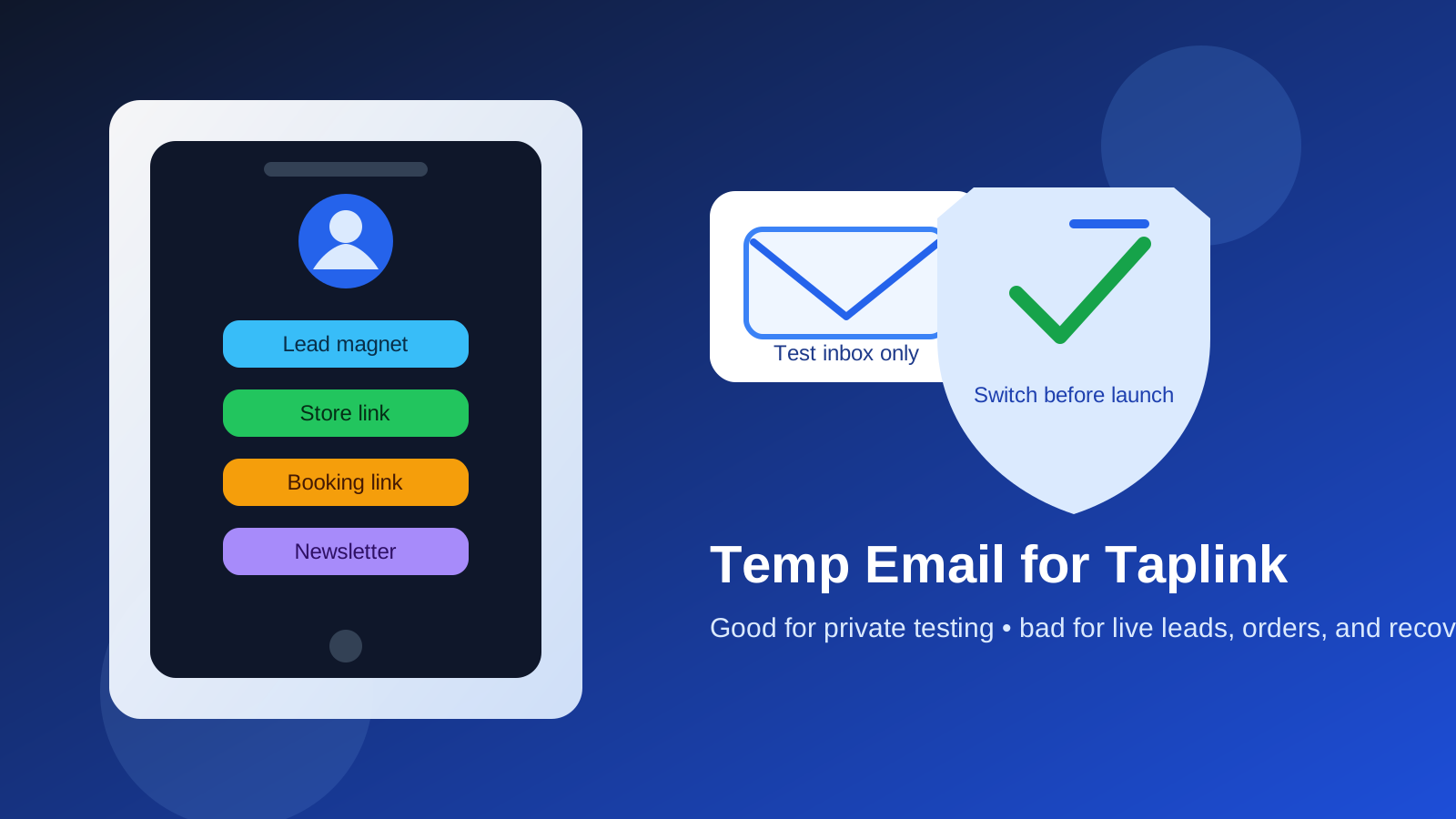
That is the stage-based answer most creators actually need. Taplink is the kind of tool people open quickly because it solves an immediate problem: too many links, not enough space in a social bio, and a need to point visitors toward the right page without making the profile look messy. You might want one page for your Instagram audience, another for a campaign, a simple lead capture block, a digital product link, a booking page, or a compact storefront-style layout. In that first testing phase, a temporary inbox can be helpful because it lets you verify the account and explore the platform without dumping another stream of onboarding emails, feature announcements, and upgrade prompts into your main inbox.
But creator tools have a habit of becoming important faster than expected. What begins as a quick experiment can turn into the page linked from your TikTok bio, your YouTube description, your creator newsletter, or your business card. Once that happens, the email connected to the account is no longer a throwaway detail. It becomes part of login security, recovery, visitor notifications, product delivery workflows, and basic business continuity. That is where temporary email stops being convenient and starts becoming risky.
Why people look for a temp email for Taplink
Most people are not looking for a burner inbox because they are doing anything shady. Usually they just want cleaner boundaries while testing a new tool. A creator may already have a crowded primary inbox full of brand outreach, platform notices, client threads, receipts, and subscriber messages. Adding one more service can feel unnecessary if they are not even sure they will keep it.
Using a temporary inbox during evaluation can help when you want to:
- check the signup and verification flow before committing your real address,
- compare Taplink with tools like Linktree, Beacons, Carrd, or Stan Store,
- test a one-off campaign page for a short promotion,
- separate experimental creator projects from your main business inbox, or
- reduce follow-up email from a platform you may never use long term.
That is a reasonable use case. A temporary inbox from a service like Anonibox can be useful when the goal is short-term verification and private experimentation, not long-term account management.
When a disposable address works well on Taplink
1. Private account setup and early exploration
If you have not published the page anywhere yet, the risk is low. You are just testing layouts, trying blocks, reviewing mobile presentation, and deciding whether the tool fits your audience. At that point, the email mostly needs to receive a verification message and perhaps a few onboarding notes. A temp address can do that job fine.
2. Comparing platforms before you choose one
Many creators do not pick their link-in-bio tool on the first try. They sign up for several options, look at the templates, check which blocks are available, compare customization limits, and see how each page feels on mobile. If Taplink is one of several tools under review, using a disposable inbox can keep the evaluation process tidy.
3. Short-lived pages with no real customer dependency
Sometimes a page is genuinely temporary: a personal experiment, a private portfolio draft, a one-week event page, or a test landing page that is never meant to carry long-term audience traffic. In those narrow cases, a temporary email can be acceptable, especially if no one is relying on you to receive messages or manage purchases through that page.
Where a temp email for Taplink starts to become risky
Real leads and contact requests
Many Taplink pages are not just link hubs. They are lightweight business pages. They can point people toward offers, forms, booking links, messengers, or simple lead capture paths. Once real people are trying to contact you, the connected email matters more. Even if visitor messages are routed elsewhere, platform alerts about account changes, access issues, or broken settings may still go to the account inbox. Losing that inbox can create a blind spot you do not notice until something important breaks.
Store orders, downloads, or paid traffic
If your Taplink page is connected to anything revenue-related, the stakes change. Maybe you are sending people to a product checkout, a digital download, a booking funnel, or a promo page that supports paid ads. If that page is making money or influencing purchases, it should not sit on an email address that may disappear. You do not want to discover that you cannot confirm a security warning or recover the account after a login problem because the original inbox is gone.
Account recovery and security notices
This is the biggest practical issue. Temporary email is fine right up until you need it again. Password resets, suspicious-login notices, email change confirmations, and security prompts are exactly the moments when a stable inbox matters most. If the account is tied to a page your audience depends on, recovery reliability is more valuable than short-term inbox cleanliness.
Team handoff or business continuity
Some creator pages begin as solo projects and then become shared assets. A virtual assistant may update links. A partner may help manage campaigns. A brand manager may need access later. That kind of handoff is much easier when the account is tied to a proper long-term inbox rather than a throwaway address no one fully owns anymore.
A smarter workflow: test with one email, launch with another
The best approach is usually not all-or-nothing. It is staged.
- Use a temporary email only for low-stakes testing. Verify the account, look around, test the builder, and decide whether Taplink is even the right tool for your use case.
- Save anything important during the test phase. If there are setup instructions or confirmation messages you may need later, keep a copy before the temporary inbox expires.
- Switch to a long-term email before the page goes public. Do this before you put the link in your Instagram bio, add it to a creator profile, send it in a newsletter, or run ads to it.
- Use a dedicated creator inbox if privacy still matters. That gives you separation without sacrificing control. A stable secondary inbox is usually better than a fully disposable one once the page has real traffic.
This workflow gives you the privacy benefit of temporary email during evaluation without keeping the long-term risk after launch.
What kind of email should you use after testing?
For most people, the sweet spot is a dedicated permanent inbox for creator tools rather than a burner address and not necessarily your oldest personal email either. That can be useful if you want to keep audience tools, platform accounts, brand communication, and storefront-related notices out of your everyday personal inbox while still keeping access under your control.
A better long-term inbox for Taplink should be:
- easy for you to access consistently,
- not tied to a short-lived experiment,
- monitored often enough to catch alerts,
- appropriate for business or creator communication, and
- protected with strong login hygiene and recovery options.
Common mistakes people make
- Launching publicly without changing the email first. This is the classic mistake. Testing with a burner is fine; forgetting to switch is not.
- Treating a creator page like a throwaway asset. If it is in your social bio, it is part of your public identity.
- Ignoring recovery until there is a problem. If you cannot receive account emails later, the convenience of the original temp inbox will not matter.
- Using the same short-lived inbox for multiple platforms. That turns one disposable address into a single point of failure across several tools.
- Assuming all platform communication is optional marketing. Some emails are routine promos, but some are operational or security-related.
A quick checklist before you publish your Taplink page
- Is the page still private, or are real visitors about to use it?
- Will the page receive leads, contact clicks, bookings, or purchase traffic?
- Would you care if you lost access to the account next month?
- Have you updated the account to a long-term inbox before launch?
- Can you reliably receive password resets and security notices there?
If your answers point toward business use, public use, or any dependence on the page, the email should be permanent.
Final answer
A temp email for Taplink is useful for early link-in-bio testing, private setup, and low-stakes comparison work. It is not a great long-term choice once the page is public, monetized, or tied to real leads and recovery needs.
The practical rule is simple: use disposable email for evaluation, then switch to an inbox you control before the page becomes part of your real creator workflow. That keeps your testing process cleaner without leaving an important audience-facing asset attached to an address that may disappear when you need it most.