A temp email for Stonly is useful for short trial signups, first-pass guide testing, and keeping follow-up email out of your primary inbox.
It becomes a risky long-term choice once the workspace holds real guides, shared docs, teammate access, billing notices, or account-recovery responsibility.
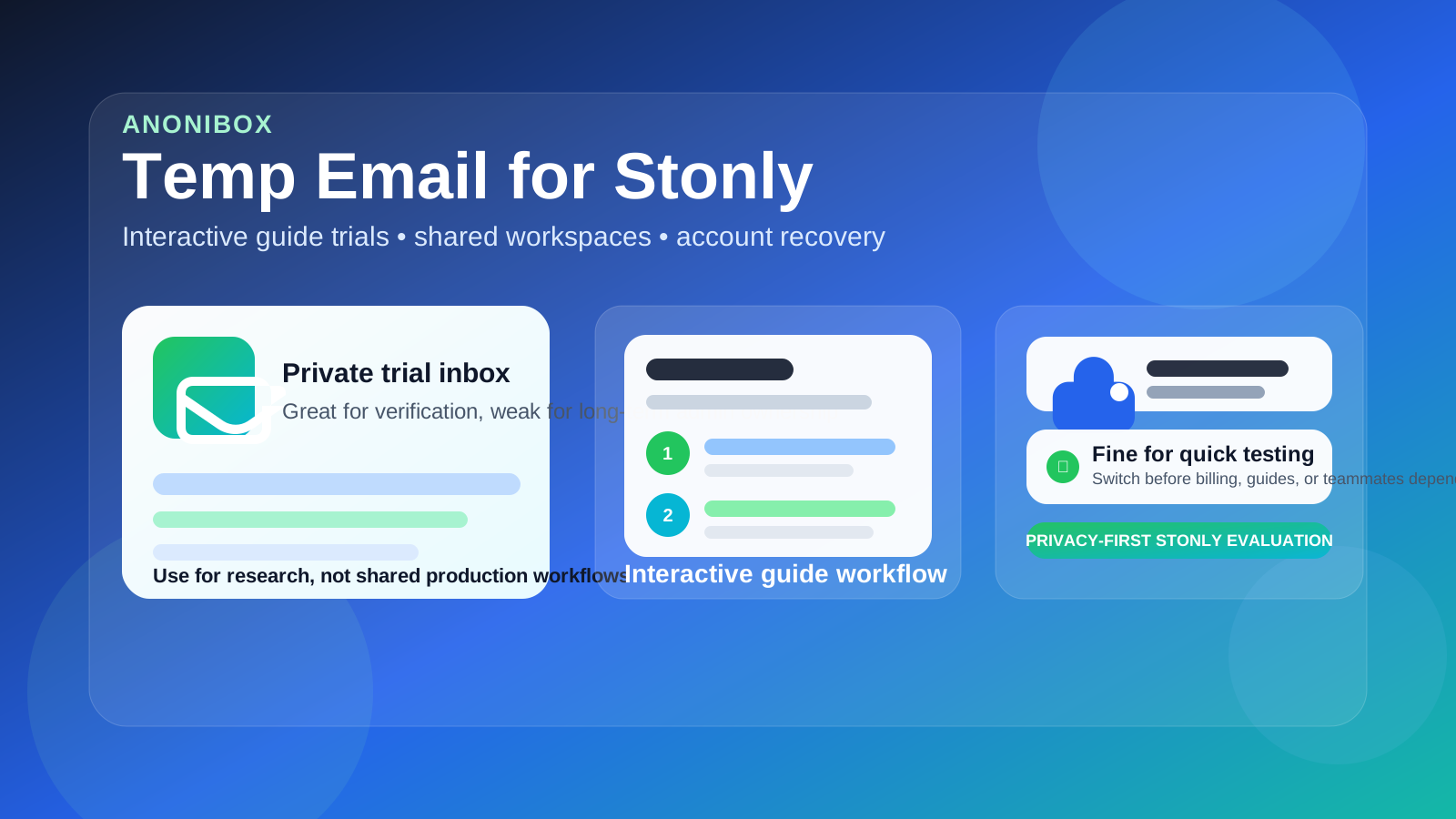
That trade-off shows up quickly with Stonly. A lot of teams start by testing one onboarding flow, one help guide, or one internal walkthrough. The trial feels light: verify the account, inspect the editor, click through a few steps, maybe compare it with another product, and decide whether it deserves a deeper look. In that stage, using a temporary inbox is a perfectly understandable way to keep your main address private and avoid collecting another stream of product-tour email.
But Stonly is the kind of product that can stop being “just a trial” faster than people expect. A draft guide turns into a real support flow. A help article becomes customer-facing documentation. A teammate gets invited in to review copy, then another person owns onboarding, then the workspace becomes something people depend on. Once that happens, the email behind the account is no longer a throwaway detail. It becomes part of ownership, security, recovery, and continuity.
That is why the keyword temp email for Stonly has real practical intent. People are not always looking for a loophole. Usually they want cleaner testing, less inbox noise, and a little more privacy during the research phase. A tool like Anonibox can help with that stage. You still receive the verification email and the first setup messages, but you do not automatically commit your long-term inbox to another vendor before you know whether the product is worth adopting.
Why someone would use a temp email for Stonly
There are a few reasonable situations where a temporary inbox makes sense.
- You are comparing several guide or documentation tools: separate inboxes make it easier to evaluate products one by one instead of mixing every trial together.
- You only want a first impression: maybe you want to test the guide editor, branching steps, embeds, or help-center structure before sharing a permanent address.
- You want less inbox clutter: onboarding prompts, webinar invites, and follow-up email pile up quickly when you test multiple SaaS tools at once.
- You are exploring privately: if nobody else depends on the workspace yet, the downside of using a temporary inbox is much smaller.
This is similar to how people approach other adjacent tools already covered on the site, such as KnowledgeOwl, Helpjuice, Document360, Confluence, Appcues, and UserGuiding. Early testing is one thing. Long-term ownership is another.
When a temp inbox is a practical choice
1. Short evaluation with no real workflow inside
If the account only exists so you can judge whether Stonly belongs on your shortlist, a disposable inbox is reasonable. You verify the account, review the dashboard, inspect the editing flow, and decide whether the product is worth deeper attention. Losing access later would be annoying, but it would not damage a real process.
2. Side-by-side comparison with similar products
Teams often evaluate guide, onboarding, and documentation tools in batches. That creates unnecessary inbox clutter fast. A separate temporary inbox for each tool keeps the comparisons cleaner and helps you judge the product itself rather than constantly sorting follow-up messages.
3. Privacy before commitment
Sometimes you are not ready to attach your normal work inbox to every trial during early research. That is a fair privacy decision. You still want the verification email and the first setup instructions, but you may not want your main inbox drawn into long nurture sequences before the tool has even passed the first test.
4. Solo testing with no teammate dependency
The lower the stakes, the better the temp-email approach works. If you are the only person involved, no customer-facing content exists yet, and no process depends on the workspace, the risk stays manageable.
Where the disposable approach starts to fail
The weakness usually does not appear at signup. It appears later, after the workspace begins to matter.
Shared guides stop being disposable
Guide platforms tend to grow quietly. A rough test flow becomes a real onboarding walkthrough. A support article becomes part of your help experience. An internal checklist turns into a repeatable training resource. Once other people rely on that content, the admin inbox behind the account is not a minor detail anymore.
Team access changes the stakes fast
The moment you invite teammates, reviewers, support staff, or client stakeholders, the account stops being a private experiment. Permissions, ownership, audit trails, edits, and workspace continuity all become more important. A temporary inbox is weak long-term admin infrastructure for something multiple people now depend on.
Password resets and recovery matter later
During a trial, recovery feels theoretical. Later, it is not. If you need to reset a password, confirm an ownership change, respond to a security notice, or recover a neglected workspace, access to the original mailbox suddenly matters a lot. Disposable inboxes are fine until they are not, and recovery is where that problem tends to show up.
Billing and renewal notices are not throwaway messages
If the workspace survives the evaluation stage, messages about subscriptions, invoices, plan limits, and account-level support should not land in a mailbox you may not control later. Once money or operational dependency is involved, you want a durable monitored inbox.
Customer-facing content raises the cost of a bad setup
Stonly can sit close to onboarding, customer education, and support operations. If the workspace becomes customer-facing, the admin setup deserves more care than a throwaway inbox can provide.
A simple rule that works well
Use a temp email for Stonly only while the account is truly a test.
If the workspace might become part of a real onboarding, support, or documentation workflow, move it to a stable monitored inbox before people, process, or billing depend on it.
That single rule handles most edge cases. Temporary email is good for evaluation, screening, and privacy. Permanent email is better for ownership, continuity, and recovery.
How to use a temp email for Stonly without creating cleanup problems
Start with a clear goal
Before you sign up, decide whether you are researching or adopting. Research mode means you are checking fit: editing experience, guide structure, branching logic, embeds, analytics, or general usability. Adoption mode means there is already a meaningful chance the workspace will become part of real operations. If you are already in adoption mode, skip the disposable inbox.
Keep the test narrow
Use the trial to answer a practical shortlist of questions:
- Does the editing experience feel good enough for the people who will maintain the guides?
- Is the guide structure easy to understand and update?
- Does the workflow fit onboarding, support, or internal enablement needs?
- Is the product meaningfully better than the other options on your shortlist?
- Would you trust it for customer-facing or team-facing use later?
A focused evaluation keeps you from accidentally building something valuable on top of a disposable mailbox.
Save the important onboarding messages early
In most trials, only a few emails matter: the verification email, maybe a quick-start guide, and perhaps one or two setup notes you want for comparison. Save those while they are easy to access. Do not assume you will still care about the inbox later or remember every setup step from memory.
Do not invite teammates from the throwaway version
This is one of the cleanest boundaries you can set. A solo sandbox is one thing. A shared workspace is another. Once coworkers might join, move the account to a permanent monitored inbox first.
Switch earlier than feels necessary
Many account problems happen because teams wait too long. They tell themselves the workspace is still temporary, then realize a week or two later that it already contains real guides, real review comments, or real operational knowledge. If Stonly makes the shortlist, move ownership early while cleanup is still easy.
When a permanent inbox is the better choice from day one
- you plan to invite teammates right away
- you expect the workspace to hold real onboarding or support flows
- you care about long-term admin ownership
- you will need dependable password recovery
- billing, plan management, or support communication may matter
- the trial is really the first step toward adoption, not just research
In those cases, the privacy benefit of a temporary address is usually smaller than the operational risk it introduces.
Practical examples
Example 1: solo product marketer comparing guide tools
If you want to evaluate Stonly alongside a few competitors and decide which one deserves a deeper demo, a temporary inbox is a practical choice. The account exists only to support research.
Example 2: support team drafting a live customer flow
This is usually not a disposable use case. Even if the flow begins as a pilot, it already points toward real customer use. Stable ownership matters from the beginning.
Example 3: internal enablement lead testing alone now, inviting teammates later
A temporary inbox can work for the first pass, but only if you switch before collaboration begins. Once the workspace becomes shared infrastructure, stable admin control matters more than early convenience.
Common mistakes to avoid
- Confusing inbox hygiene with account strategy: reducing vendor email is useful, but it is not more important than controlling the account long-term.
- Leaving valuable content in a throwaway-owned workspace: once the guides matter, the setup should change too.
- Inviting people too early: collaboration should not begin from an account you may not be able to manage later.
- Forgetting about billing and support notices: those are operational messages, not clutter.
- Waiting until recovery is urgent: by then, the switch is harder and riskier.
Quick checklist before using a temp email for Stonly
- Is this really just a short evaluation?
- Would it be harmless if I lost access to this workspace later?
- Am I testing alone?
- Will this account stay separate from billing and admin ownership?
- Am I willing to switch to a permanent inbox before the workspace becomes important?
If most answers point to a low-stakes trial, a temporary inbox is a reasonable tool. If several point toward continuity, shared access, and real operational use, use a permanent address instead.
Final takeaway
A temp email for Stonly is a smart way to protect your main inbox during early guide and knowledge base evaluation.
It becomes the wrong tool once the workspace starts holding real flows, shared guides, teammate access, billing responsibility, or recovery risk. Use disposable email during research, then move to a stable inbox before the account becomes part of real work.