Yes, you can use a temp email for Medusa when you are testing a sandbox, preview storefront, or short-lived admin flow. It is useful for early QA and evaluation, but it is a bad choice for production admin access, real team invites, customer-critical notifications, and long-term account recovery.
That makes temporary email a helpful privacy tool for early Medusa experiments, not a safe home for anything your store, team, or launch process will depend on after the testing phase ends.
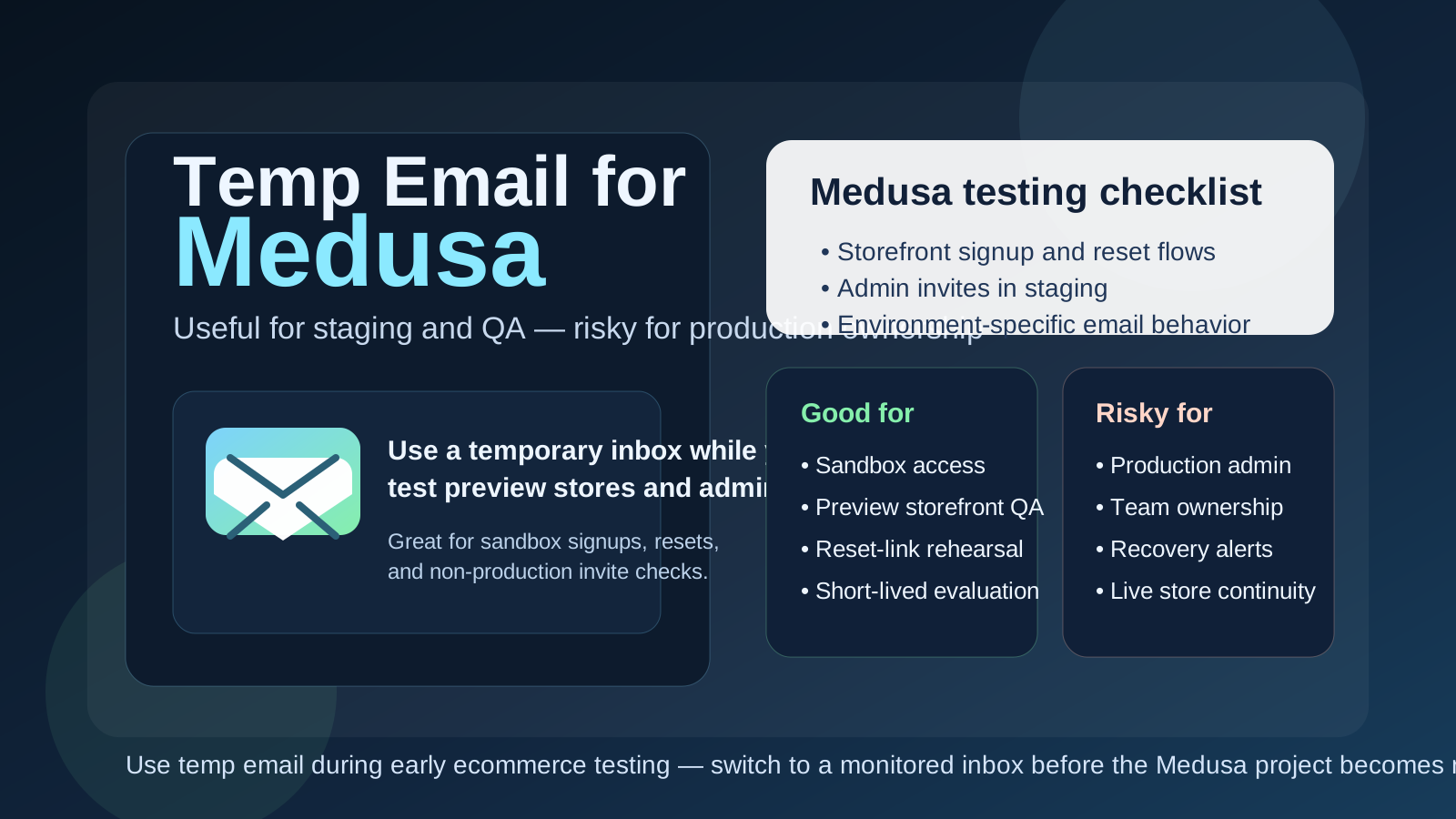
Why people look for a temp email for Medusa
Medusa usually comes up when someone is building or evaluating a modern commerce stack rather than casually trying a simple consumer app. A developer may be spinning up a test environment, an agency may be comparing ecommerce platforms for a client, or a product team may be rehearsing customer-account flows before real traffic exists. Those early steps can trigger a lot of email surprisingly fast.
You may need inbox access for sign-up confirmation, admin onboarding, invite links, password resets, docs-related signups, storefront account testing, or workflow experiments tied to staging environments. If you are comparing multiple commerce tools at once, dropping all of that into your normal work inbox gets messy. A disposable inbox gives you a clean place to catch the first wave of messages without committing your main address to every experiment.
That is where a service like Anonibox is genuinely useful. It helps you isolate early testing so you can see the email-dependent parts of the setup clearly, then switch to a permanent inbox later if the project survives the proof-of-concept phase.
When a temp email makes sense for Medusa
Temporary email is most helpful when the work is clearly limited, exploratory, or non-production. Good examples include:
- Comparing Medusa against other commerce platforms before your team picks a direction
- Checking customer signup, verification, and password-reset behavior in a test storefront
- Reviewing admin onboarding and invite flows in a sandbox environment
- Running short-lived QA or proof-of-concept work for a client or internal product team
- Separating vendor follow-up and one-off setup messages from your real work inbox
- Keeping staging-environment email traffic organized while you test specific scenarios
In those situations, the inbox is supporting an experiment rather than owning something important. That is the sweet spot for a temporary address.
When a temp email is a bad idea
The problem starts when the inbox is attached to something that quietly stops being temporary. Commerce projects have a way of growing legs. A quick Medusa prototype can turn into the actual storefront everyone keeps building on, and then the disposable inbox becomes a long-term risk you did not plan for.
A temp email is the wrong tool if it controls or receives messages for:
- The main admin or owner account for a production Medusa store
- Shared team invites or long-term collaborator access
- Password recovery, login alerts, or security notifications
- Billing, vendor communication, or operational ownership
- Customer-facing workflows that matter beyond a throwaway test
- Any environment where losing inbox access would slow down or block the team
If the account matters to continuity, recovery, or revenue, a disposable inbox is the wrong foundation. Use a monitored permanent inbox instead.
A simple rule that works well
If the Medusa setup exists to test something, a temp email can be reasonable. If it exists to own something, recover something, or support a real team, use a permanent inbox you control.
That rule sounds obvious, but it prevents a lot of avoidable cleanup later. Many access problems are not caused by bad software at all. They happen because a temporary convenience decision quietly became part of production.
How to use a temp email for Medusa safely
1. Decide whether the inbox is for storefront testing or admin ownership
Those are not the same risk level. A throwaway customer-account test in a staging storefront is very different from the inbox attached to a long-lived admin account. Before you sign up or invite anyone, decide exactly what the address is meant to do.
2. Keep one temporary inbox per test scenario
Do not funnel every reset, invite, and verification email into the same catch-all address. If you are testing customer signup in one environment and admin permissions in another, separate them. It makes debugging much easier and reduces the chance that a useful message gets buried under unrelated test traffic.
3. Save the details you actually need right away
Temporary inboxes are intentionally lightweight. If a message contains a link, onboarding step, or piece of information you may need after the session, document it immediately. Do not assume the inbox will still be available when someone asks for it tomorrow.
4. Switch before the project becomes shared or important
The right time to move to a permanent inbox is earlier than most teams expect. Do it before launch, before multiple collaborators depend on the account, and before recovery or security messages matter. Migrating ownership early is much easier than untangling it after people are already using the environment every day.
What to test while the disposable inbox is attached
If you are going to use a temporary inbox, make it useful. The goal is not just to confirm that “an email arrived.” It is to learn whether the email-driven parts of the Medusa experience behave clearly enough for the kind of store you are building.
Customer account creation and password reset
Can a shopper create an account smoothly? Does the reset flow feel clear? Are you getting the right sequence of messages, or are there confusing gaps? Temp email is excellent for this kind of non-production observation because you can trigger the flow repeatedly without polluting your real inbox.
Admin invite and onboarding flow
If a team will eventually manage the store together, use the testing phase to inspect how invites and access confirmations behave. A disposable inbox is fine for the rehearsal, but if the admin account becomes persistent, move it to a durable address immediately.
Environment-specific message behavior
Headless and composable commerce projects often have multiple environments at once: local, staging, preview, demo, and production. A temporary inbox can help you confirm which environment is sending what. That is useful when you are trying to avoid cross-environment confusion during QA.
Sales and follow-up noise during evaluation
Another practical benefit is simple inbox hygiene. Platform research often produces welcome sequences, webinar invites, and sales follow-ups. A temp inbox lets you evaluate Medusa without committing your main address to the long tail of messages tied to a low-commitment experiment.
Common mistakes people make
- Leaving the temp inbox attached too long: the staging setup becomes the real project and nobody notices until recovery matters.
- Using a disposable address for a real admin account: this creates unnecessary access and continuity risk.
- Mixing multiple scenarios into one inbox: storefront resets, admin invites, and docs signups become hard to untangle.
- Failing to document who owns what: later, the team cannot tell which inbox controls which environment.
- Testing only signup but not recovery: password-reset and ownership flows often reveal the bigger operational risk.
Temp inbox vs email alias vs dedicated project inbox
It helps to separate three different tools that solve three different problems:
- Temporary inbox: best for short-lived testing and disposable evaluation work
- Email alias: useful when you want filtering and privacy but still need long-term control
- Dedicated project inbox: best for real operational ownership, team collaboration, and account recovery
If your actual goal is just to reduce clutter from platform research, an alias or a dedicated project inbox may be smarter than a fully disposable address. Temporary email is great when the work itself is temporary. If the project is not temporary, the inbox should not be either.
A practical Medusa workflow that avoids future headaches
- Create a temp inbox for sandbox, staging, or preview-store testing.
- Use it to check signup messages, reset flows, invite behavior, and any non-production email sequence you want to validate.
- Decide whether the project is still experimental or moving toward real ownership.
- Before the environment becomes shared, production-adjacent, or business-critical, move the account to a permanent monitored inbox.
- Only then rely on it for long-term admin access, team invites, and recovery.
This approach gives you the convenience of temporary email during the messy early phase without turning the inbox into a silent production dependency later.
Final takeaway
A temp email for Medusa is useful when you are testing a sandbox, preview storefront, or short-lived admin workflow. It helps keep your main inbox cleaner and gives you a low-friction way to inspect the email-dependent parts of early setup.
But once the store, environment, or admin account starts to matter, switch to a permanent monitored inbox. Temporary email is good for early testing and privacy hygiene. It is not the right base layer for production access, real team ownership, or anything you cannot afford to lose control of.