Using a temp email for Sellfy can make sense for early creator-store testing, signup privacy, and one-off setup checks, but it is a poor long-term choice for real customers, product delivery, and account recovery.
If you are only evaluating Sellfy, a disposable inbox can keep onboarding and promo emails out of your main account; if you plan to actually sell through it, switch to an inbox you control before orders, downloads, or support messages matter.
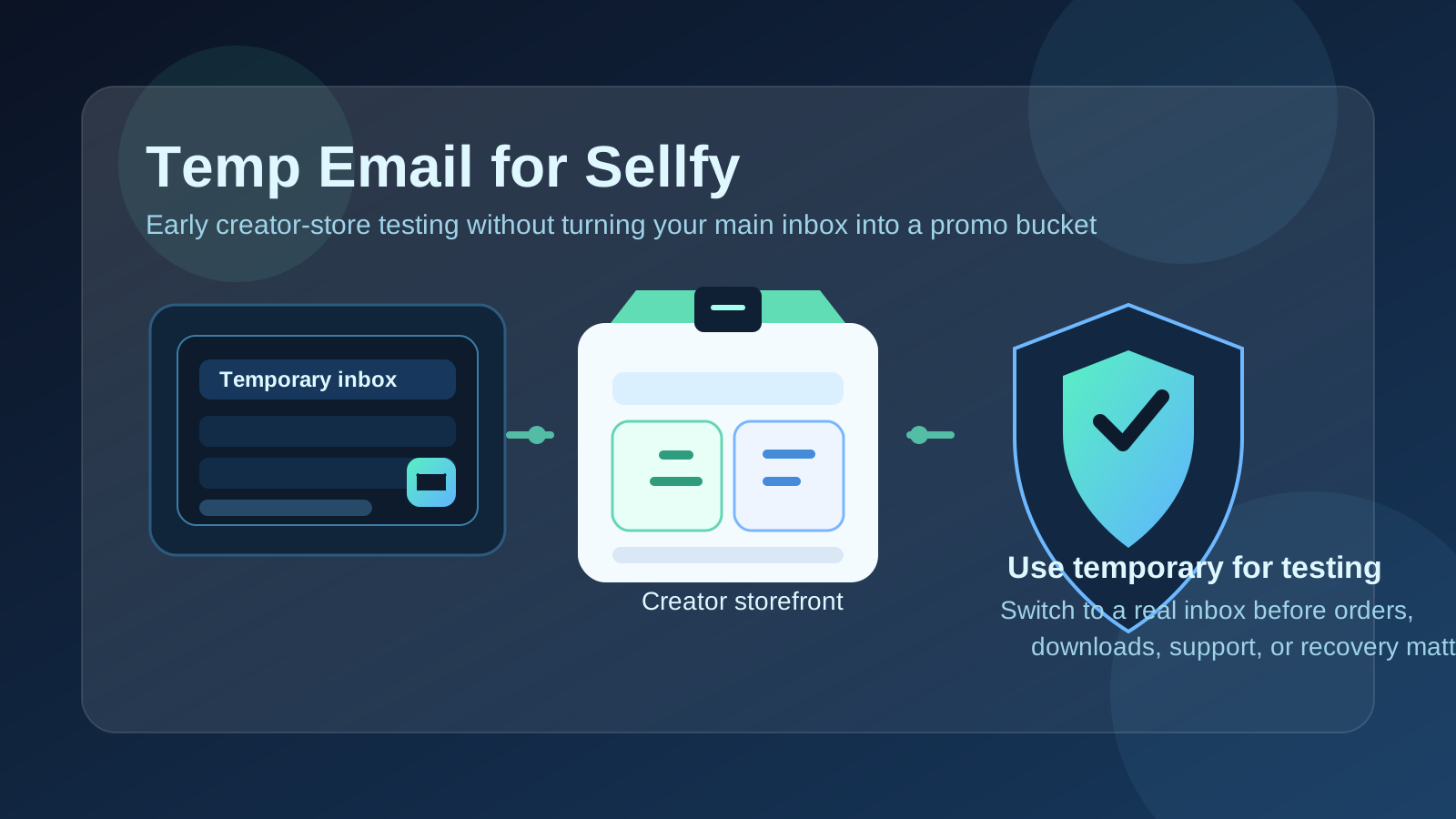
That distinction is the whole topic. Many creators sign up for several platforms in one week, compare dashboards, test how product pages look, and then abandon most of those accounts. In that phase, a temporary inbox is a practical filter. It lets you verify the account, read the first onboarding messages, and keep your primary email from turning into a long trail of follow-up campaigns.
But the moment the account stops being a quick experiment and starts becoming part of a real store, the temporary inbox turns from convenient to fragile. If email becomes part of how you receive security notices, password resets, receipts, download-related messages, plan updates, or support replies, then using a throwaway address is not protecting your privacy anymore. It is creating avoidable operational risk.
The safest rule is simple: use a temp email for Sellfy only while you are testing whether the platform fits you. Once you expect real customers, real products, or long-term ownership, move the account to a permanent inbox immediately. Anonibox fits the early testing part of that workflow well because it helps separate low-stakes evaluation from the email address that runs your actual business.
When a temp email for Sellfy actually makes sense
A temporary inbox is most useful when your goal is short-term evaluation rather than long-term store management. In other words, you want to look around, learn the setup flow, and decide whether Sellfy deserves more attention without handing your main inbox to yet another platform too early.
Reasonable use cases include:
- Checking the signup flow before you decide whether the platform feels worth your time.
- Reviewing the dashboard, store setup screens, and first-run onboarding messages.
- Comparing Sellfy against nearby alternatives like Payhip, Gumroad, Lemon Squeezy, Stan Store, or Podia.
- Testing a draft product page, free download setup, or storefront layout during early research.
- Keeping trial-related marketing emails separate while you narrow down your shortlist.
In those situations, the inbox is not the foundation of your business. It is just the key that unlocks the test. You need the confirmation email, perhaps a welcome message or two, and maybe a setup reminder. After that, the real question is whether the platform fits your workflow, not whether you want weeks of promotional follow-up landing in your main account.
Why creators use temporary inboxes when comparing storefront platforms
Email is one of the first things creator platforms ask for, and that part is normal. They need a way to verify the account, deliver onboarding instructions, and send basic account notices. The problem is that evaluation rarely stops at one message.
If you compare several creator-commerce tools in the same month, your real inbox can quickly fill with:
- welcome sequences,
- feature announcement emails,
- upgrade prompts,
- case studies and creator success stories,
- discount offers,
- webinar invitations, and
- sales nudges encouraging you to finish setup.
A temp email helps you isolate that noise. You still get the messages required to start the evaluation, but you do not automatically volunteer your long-term inbox for every platform you are curious about for ten minutes.
That is especially useful if you are in comparison mode rather than commitment mode. Maybe you are deciding whether you want a simple storefront, a more course-focused platform, or a checkout tool that pairs with something else. In that early stage, using a temporary inbox is less about secrecy and more about keeping your research clean.
Where a disposable inbox becomes risky
This is the part people gloss over. A temporary inbox is good at helping you start quickly, but it is a bad place to leave anything you expect to rely on later.
1. Product delivery and access problems
If your account ends up tied to real digital products, download workflows, subscriber access, or customer-facing delivery steps, the email on the account matters more than it did on day one. Even if the platform itself handles most delivery flows cleanly, your account may still need email-based confirmation, account notices, or update messages that you do not want disappearing into an expired inbox.
If you plan to keep a store live, treat the email like infrastructure, not like a disposable convenience.
2. Billing, plan, and payment-related notices
The early test might feel harmless, but as soon as you upgrade a plan, connect payment-related settings, or expect account notices that affect your store, the stakes change. A temporary inbox is a weak place to receive any message that could affect whether your storefront stays healthy, reachable, or properly configured.
You do not want to discover too late that an important notice went to an inbox you no longer monitor.
3. Password resets and account recovery
This is the most obvious risk. If you forget your password, trigger a security check, or need to confirm a login-related change, your email address stops being a convenience and becomes part of the recovery path. A disposable inbox that felt efficient during signup can become a brick wall when you actually need access back.
Creators often assume they will “change it later.” Sometimes they do. Sometimes they launch a product, get busy, and never circle back until the wrong moment.
4. Support and trust issues
If you expect to contact support, manage a long-lived account, or run anything customer-facing, stable contact information matters. A throwaway inbox can make your own setup harder to manage and can complicate follow-up if you ever need help confirming ownership or resolving an account issue.
You do not need to turn a small privacy choice into a future admin problem.
A practical rule: test with temporary, operate with permanent
If you want one rule you can actually remember, use this:
Use a temp email for Sellfy while you are deciding whether Sellfy belongs in your workflow. Use a permanent inbox the moment the account matters.
That means a disposable inbox is appropriate for actions like:
- creating the account and confirming signup,
- looking through the dashboard,
- building a rough draft listing,
- testing the storefront feel, and
- comparing the platform to close alternatives.
But a durable inbox is the smarter move before actions like:
- publishing products you expect to keep live,
- accepting real customer orders,
- depending on product-delivery or support-related email,
- upgrading plans or changing important account settings, and
- relying on the account for future revenue.
The handoff should happen earlier than most people think. If you are asking, “What if I actually keep this store?” that is already your sign to stop treating the inbox as temporary.
A safe step-by-step workflow
- Create the temporary inbox first. Do not improvise halfway through the signup flow.
- Use it only for verification and first-pass onboarding. Save any setup links or notes you genuinely need during the evaluation.
- Do a focused test. Look at the store setup, draft a sample product, review the creator-facing workflow, and decide quickly whether the platform is a no, a maybe, or a yes.
- If it is a maybe or yes, switch to a permanent email early. Do not wait until products, settings, or customer activity are attached.
- Keep the long-term login organized. Once the store matters, treat the account like a real asset instead of an experiment.
This workflow gives you the upside of temporary email without dragging the temporary part too far into permanent operations.
Example scenarios
Good use case
You are a creator comparing three storefront options for a short digital guide. You want to see which dashboard feels easiest, how the product page flow looks, and whether the setup is light enough for a side project. A temp email is perfectly reasonable here because your goal is quick evaluation, not long-term ownership yet.
Bad use case
You already know you want to sell templates, downloads, or subscriptions through the account and expect buyers, updates, or recovery steps to matter. In that case, using a throwaway inbox is false convenience. You are saving ten seconds now in exchange for future friction when something important lands in the wrong place.
Borderline use case
You sign up “just to test,” then realize the platform might actually work for your next launch. That is not a problem by itself. The mistake is leaving the account on the temporary inbox out of laziness. Once your answer changes from “I am browsing” to “I might really use this,” update the email before the account accumulates value.
Signs you are past the temp-email stage
If any of these are true, it is probably time to switch to a permanent inbox:
- You have published a real product and want it to stay available.
- You expect customer orders, downloads, or subscriber activity.
- You would be frustrated if you lost access to the account tomorrow.
- You have upgraded settings or plan details that affect how the store runs.
- You expect support, security, or account notices to matter.
- You are no longer comparing tools and have effectively chosen this one.
That checklist is more useful than abstract rules. If the account has value, the email on it should be stable.
Mistakes to avoid
- Using one throwaway inbox for every platform. That makes tests harder to track and important messages easier to mix up.
- Leaving a real project on a disposable address too long. The risk often stays invisible until you need recovery or an account notice.
- Forgetting which inbox was tied to which trial. This happens constantly when creators compare several tools in one weekend.
- Assuming you will remember to fix it later. If the store starts to matter, later arrives faster than you think.
- Treating privacy and durability like the same goal. Early privacy matters, but long-term durability matters too. You need both, just at different stages.
So, should you use a temp email for Sellfy?
Yes, if your goal is short-term creator-store testing and you mainly want to protect your main inbox while you evaluate the platform.
No, if the account will matter for real customers, product delivery, subscriptions, support, billing-related notices, or account recovery. At that point, a permanent inbox is not optional window dressing. It is part of running the account responsibly.
Final takeaway
A temp email for Sellfy is a useful tool during the “let me see how this works” stage. It can help you verify the account, review the early setup flow, and compare creator-store options without committing your primary inbox to a long stream of marketing follow-ups.
But disposable email is a testing tool, not a long-term operations tool. If Sellfy becomes part of your real setup, switch to an email address you control before customer activity, account recovery, or important notices depend on it. That gives you the cleanest balance: privacy while exploring, stability once the store matters.