Yes, a temp email for SoapUI can be useful if you only want to compare API tools, get through a low-stakes download or trial flow, and keep follow-up mail out of your main inbox.
No, it is a poor long-term choice if your setup may depend on a SmartBear account, support emails, trial extensions, receipts, or account recovery later.
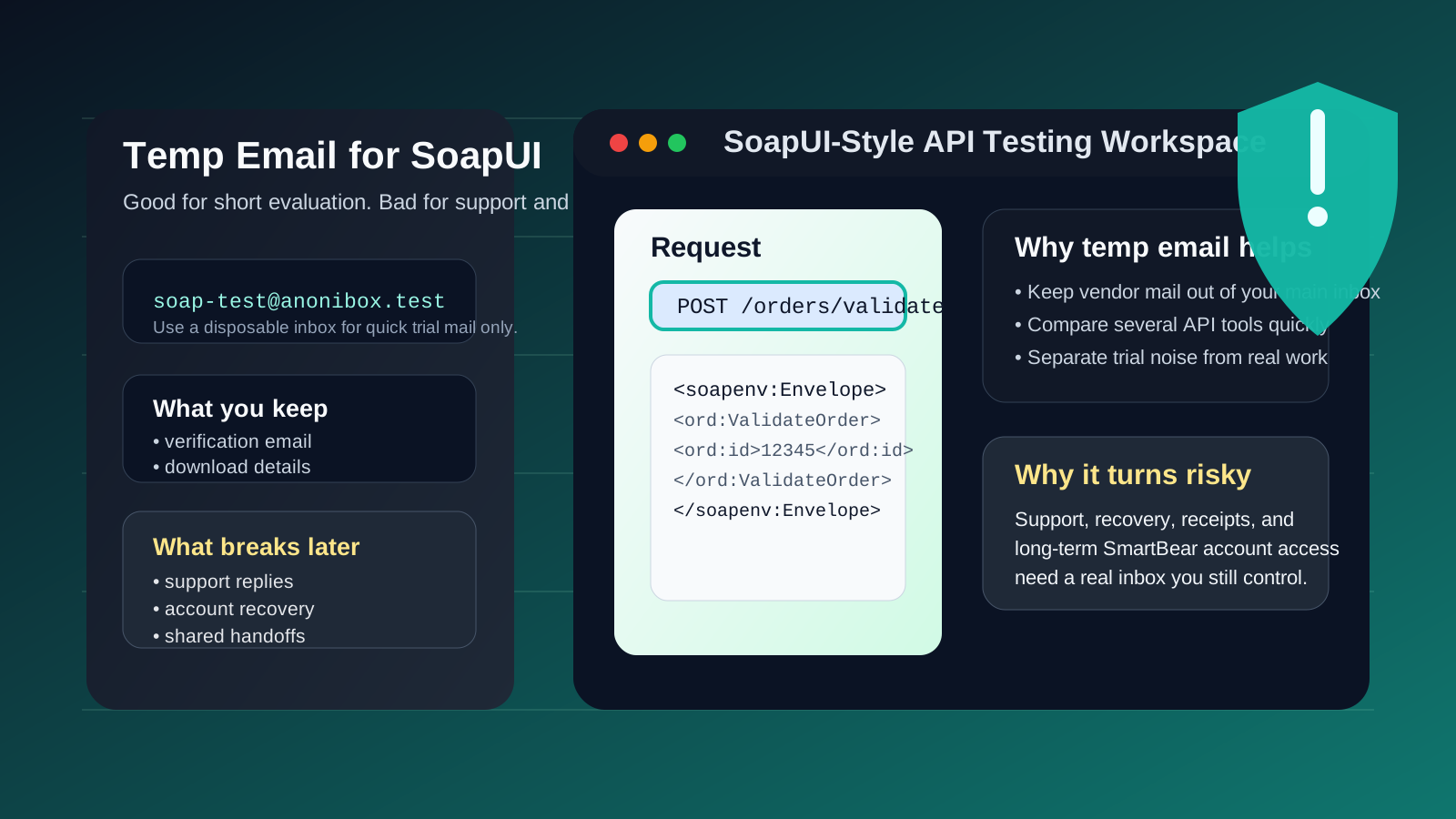
SoapUI is a little different from cloud-first API tools. In many workflows, the actual test projects live locally, not inside a hosted workspace. That means a temporary email does not usually change whether you can write requests, inspect responses, or build a quick testing setup. What it does affect is the vendor side around the tool: account-related emails, trial gating, support conversations, download access, and any linked SmartBear workflow you may care about later.
That distinction matters. If you are only trying to evaluate whether SoapUI fits your API testing style, a temporary inbox can be a practical filter. You can keep your main address out of another software vendor funnel, collect the emails you need, and decide whether the tool deserves deeper attention. But if the account is likely to matter beyond a quick test, the disposable approach becomes fragile fast.
Used carefully, a service like Anonibox can help you separate short-term product evaluation from long-term account ownership. The trick is knowing exactly where that line is.
When a temp email for SoapUI makes sense
There are several realistic cases where a temporary inbox is a sensible choice.
- Quick tool comparison: you want to compare SoapUI against tools like Postman, Insomnia, Hoppscotch, Apidog, Bruno, or ReadyAPI without inviting more marketing mail into your main inbox.
- Low-stakes signup flow testing: you mainly want to see how the download, verification, or onboarding process works.
- Short evaluation window: you are doing a first-pass check of the interface, local workflow, and basic capabilities before deciding whether the tool belongs in your process.
- Inbox hygiene: you want to keep product announcements, webinars, promotions, and nurture emails separate from the address you actually rely on every day.
In those situations, the temporary inbox is serving a narrow purpose: helping you evaluate the product without committing your long-term identity too early.
Why the answer is more nuanced for SoapUI than for cloud-first tools
With cloud products, the email address often sits at the center of everything. It unlocks the account, the team workspace, the saved projects, the billing history, and the recovery path. SoapUI can be different because a lot of work may happen locally on your machine. That changes the risk profile.
If you are only exploring SoapUI as a local testing tool, a temp email might have less downside than it would with a fully hosted API platform. Your requests and test suites are not automatically trapped in a cloud workspace just because you used a throwaway inbox.
But that does not mean the email choice is irrelevant. The moment you depend on vendor-side access—downloads tied to a user profile, support threads, commercial trial messages, product updates you actually need, or recovery emails—the inbox starts mattering again.
Where a disposable inbox becomes risky
1. SmartBear account continuity may matter later
If your evaluation expands into a broader SmartBear relationship, the account behind the email can become more important than it looked on day one. A burner inbox is fine for short-term experimentation. It is a bad foundation for anything you may need to revisit months later.
2. Support replies can get lost
If you submit a question, ask about installation issues, need help with a trial, or follow up on a product problem, those replies may arrive after the temporary inbox is gone or unmonitored. Missing support mail is one of the easiest ways to turn a small evaluation into a dead end.
3. Trial extensions, confirmations, and receipts are not low-value forever
At first, many people assume those emails do not matter. Then the tool turns out to be useful, a commercial feature becomes relevant, or someone on the team asks what account was used. Disposable email is convenient right up until the messages you ignored become the ones you need.
4. Account recovery is the predictable failure point
This is where temporary email decisions usually break down. You might not care about the account for a week or two, but if you later need a password reset, ownership confirmation, or security verification, an expired inbox can become a real blocker.
5. Team handoffs get awkward fast
Even if SoapUI itself is often local-first, evaluation sometimes becomes shared. A teammate asks for the installer details, someone wants to revisit the exact account used, or a manager wants to continue the trial with vendor support. A disposable inbox is rarely a good anchor for that kind of handoff.
A practical rule of thumb
Use a temp email for SoapUI only if the account layer is temporary too.
If you are just doing short evaluation, comparing tools, or checking whether the workflow clicks for you, a burner inbox can be perfectly reasonable. If you already suspect that vendor access, support, or recovery may matter later, start with a stable inbox or switch early.
How to use a temp email for SoapUI without creating problems
1. Decide what you are actually testing
Before you sign up anywhere, ask a simple question: am I evaluating the tool, or am I starting a relationship I may need later? If it is only evaluation, temporary email is more defensible. If it may become operational, choose durability instead.
2. Save the few emails that matter
During a short test, you usually only need a small set of messages:
- verification or welcome mail
- download or access instructions
- trial details you may want to compare later
- any support response tied to your evaluation
Capture those while they are fresh. Do not assume you will still have the inbox when you want to revisit the tool next week.
3. Keep the evaluation focused
A temp inbox is most useful when you test deliberately instead of drifting. For example, you might check:
- how quickly you can install or access what you need
- whether the request/response workflow fits your habits
- how comfortable the tool feels for SOAP and REST testing
- whether the interface feels lighter or heavier than the alternatives
- what, if anything, would make you return to the tool later
The goal is to make a decision while the account is still disposable, not after it has quietly become important.
4. Switch to a permanent inbox before dependency shows up
The best time to move from a temporary address to a stable one is before you need it, not after. If you realize the tool is worth keeping in your stack, update the account path while the situation is still simple.
When a permanent inbox is the better choice from day one
- you expect to open support tickets or rely on vendor replies
- you may need account recovery later
- you are trialing commercial or adjacent SmartBear tooling seriously
- someone else on your team may need continuity around the same account
- you want a durable record of receipts, confirmations, or license-related messages
- you already know this is more than a one-afternoon comparison
If any of those are true, the neatness of a disposable inbox is probably smaller than the future hassle it creates.
Real-world examples
Example 1: comparing API testing tools this afternoon
You want to try several tools, inspect the setup, send a few requests, and move on. This is the ideal use case for a temp inbox. You get quick access without turning your main email into a storage bin for every product you touched once.
Example 2: local-only experimentation for a side project
If you are mostly using SoapUI in a local, throwaway experiment and do not expect to depend on vendor emails later, a disposable address can still be fine. The key is staying honest that the surrounding account is disposable too.
Example 3: evaluating for work with possible vendor follow-up
If there is a good chance you will ask support questions, request guidance, trial adjacent commercial features, or document the account for others, start with a real inbox. That keeps the evaluation cleaner when it turns into something more serious.
Common mistakes to avoid
- Treating local tool usage and account ownership as the same thing: SoapUI can work locally, but vendor-side emails may still matter later.
- Assuming support replies are disposable too: they often become important after the initial setup.
- Waiting too long to switch: the longer you wait, the more annoying recovery and continuity become.
- Forgetting that adjacent SmartBear workflows may depend on the same email identity: what feels isolated at first may not stay isolated.
- Using a burner inbox for a workflow you already know is not temporary: this is the classic own-goal.
Quick checklist before you use a temp email for SoapUI
- Am I only evaluating the tool, or might I keep relying on the account later?
- Will I need support replies, download history, or trial follow-up messages?
- Could this turn into a shared team workflow or internal recommendation?
- Would losing access to the inbox be merely annoying or actually disruptive?
- Do I want privacy now more than continuity later?
If your answers point toward short-term evaluation, temporary email is reasonable. If they point toward continuity, use a real inbox instead.
Final takeaway
A temp email for SoapUI is useful when your goal is simple: compare API tools, get through a low-stakes account or trial flow, and keep extra vendor mail out of your main inbox.
It becomes the wrong choice when SmartBear account access, support threads, receipts, recovery, or team continuity start to matter. For a quick first pass, a temporary inbox can be smart. For anything you may need to control later, use an address you will still have when the easy part is over.