A temp email for Bloomfire is fine for a short trial, a quick workspace walkthrough, or a low-stakes evaluation where you only need the verification link and first onboarding messages.
It becomes risky once real knowledge content, team invitations, admin alerts, or account recovery depend on that inbox, so the safe move is to switch to a permanent address before the workspace becomes operational.
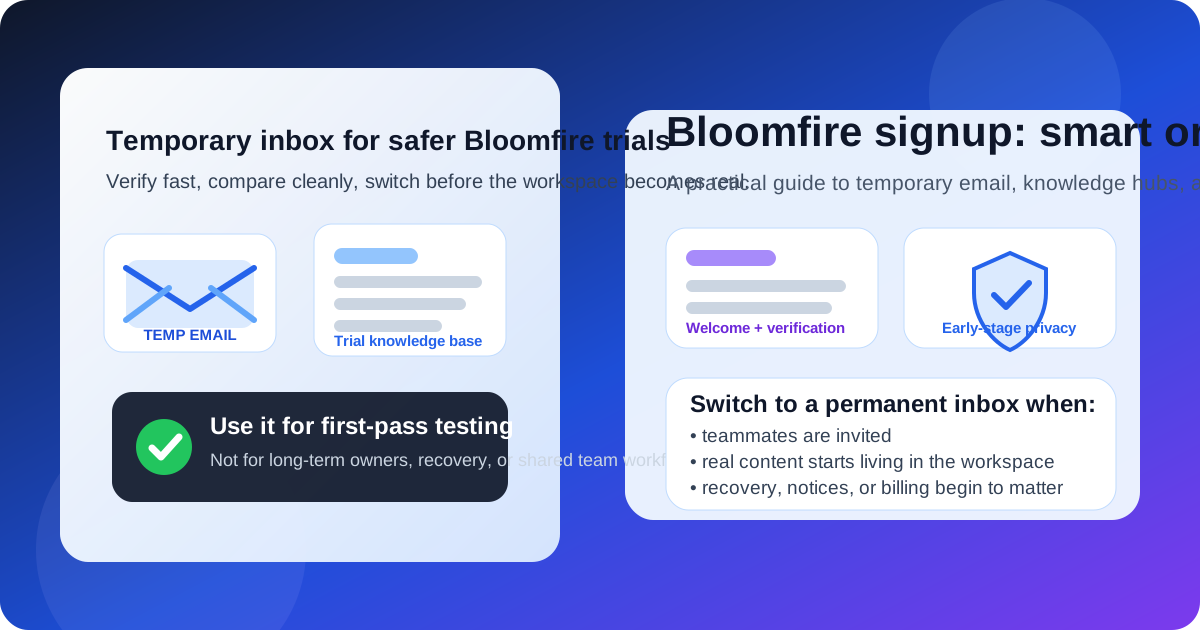
That is the practical answer most people are really looking for when they search for a temp email for Bloomfire. They are not trying to do anything shady. They usually just want to test the product, compare it against other documentation tools, and avoid dumping one more SaaS trial into an already overloaded inbox. That is reasonable. A temporary inbox can help you verify the account, open the dashboard, and see whether Bloomfire feels worth deeper evaluation before you hand over a long-term email address.
The important part is understanding when the temporary approach stops being smart. Bloomfire is not just a throwaway newsletter signup. It is the kind of tool that can turn into a real knowledge hub, customer education space, support resource, or internal documentation system surprisingly fast. Once shared content, permissions, notifications, and long-term ownership enter the picture, the inbox behind the account matters a lot more than it did on day one.
If you already use Anonibox to separate trial signups from your main inbox, Bloomfire fits that early-stage workflow well. The trick is using temporary email as a screening tool, not as the permanent foundation for something your team may rely on later.
When a temp email for Bloomfire makes sense
There are several situations where a temporary inbox is practical and low risk:
- Quick product comparison: you are reviewing Bloomfire alongside tools like Helpjuice, Document360, Confluence, GitBook, or Slite and want each trial to stay isolated.
- Inbox hygiene: you want the verification email and first setup messages without committing your everyday inbox to months of follow-up.
- Solo evaluation: you are testing the platform alone and do not plan to invite anyone yet.
- Shortlist filtering: you want to eliminate weak options quickly before a formal buying process starts.
- Low-stakes sandbox testing: you want to poke around the editor, search, permissions, and content structure without building anything important.
That is the sweet spot for disposable email. The inbox is temporary because your interest is temporary. You want access, not long-term dependence.
Why people use a temporary inbox for knowledge-base trials
Documentation and knowledge-sharing platforms can create a lot of email very quickly. A single signup often turns into:
- welcome messages
- verification links
- product tours and setup prompts
- admin reminders
- webinar or demo invites
- sales follow-ups
- upgrade nudges and re-engagement campaigns
If you are comparing several tools at once, that clutter becomes distracting fast. A temporary inbox solves a real problem: it keeps research from spilling into your main email long before you know which product deserves serious attention.
Used that way, a temp inbox is simply a privacy and organization tool. It lets you judge the workflow, not the drip campaign.
Where a temp email for Bloomfire starts becoming risky
The problem is not the first signup. The problem is what happens when the trial stops being a trial.
1. Real knowledge content can accumulate fast
Maybe you only meant to explore the product for fifteen minutes. Then you add a draft onboarding article, a help-center outline, a few internal FAQs, maybe a training page or a support workflow note. Suddenly the workspace contains content people may actually want to keep. At that point, a throwaway inbox is a weak foundation for something operationally useful.
2. Team invitations raise the stakes immediately
As soon as teammates, contractors, support agents, or stakeholders get invited, the account is no longer just a private experiment. Ownership, permissions, and admin continuity start to matter. If the original signup address disappears or becomes inaccessible, handoffs become harder than they should be.
3. Notifications and admin alerts need a stable home
Knowledge platforms often send more than welcome emails. They may send login alerts, invite confirmations, moderation messages, workflow notifications, or other admin-related updates. Those are easy to ignore when the account is disposable, but not when the workspace has real value.
4. Account recovery is the obvious weak point
The biggest downside usually appears later. It shows up when you need to reset a password, confirm a device, restore access after a long gap, or prove ownership during an admin change. A temp inbox feels efficient until the product expects you to still control it.
5. “Temporary” trials often become permanent by accident
This is the most common mistake. Someone signs up with a burner address for convenience, the workspace turns out to be useful, people start adding content, and nobody circles back to fix the account foundation. Months later, the team is relying on a workspace whose original owner email was never meant to last.
A simple rule of thumb
Use a temp email for Bloomfire if you are evaluating the product. Do not keep using one once the account starts becoming your real knowledge base or shared workspace.
That distinction keeps the decision easy. Temporary email is helpful for filtering, comparing, and reducing inbox clutter. Stable email is better for ownership, recovery, notifications, and continuity. Most problems happen when people blur those two stages together.
How to evaluate Bloomfire safely with a temp inbox
1. Decide whether this is truly a trial
Before you sign up, be honest about the goal. Are you just checking the interface, or is there already a strong chance this workspace could become a real internal or customer-facing knowledge hub? If it is a true first-pass trial, a temporary inbox is fine. If it may become a real system quickly, starting with a permanent address is usually the smarter move.
2. Keep the first session focused
The point of using a temporary inbox is to reduce noise, so use that advantage well. In your first session, test the things that actually determine whether Bloomfire is worth keeping:
- Is the editor comfortable enough for repeated documentation work?
- Does the information structure feel manageable as content grows?
- Can people find answers quickly through search, categories, and navigation?
- Do permissions and admin controls make sense for a real team?
- Is the product clearly better than the other tools on your shortlist?
A temporary inbox helps you get into the product quickly. Use that time to evaluate the actual workflow, not just react to onboarding email.
3. Save what matters early
During evaluation, you usually only need a few messages: the verification link, perhaps a getting-started email, and anything you want for later comparison. Save the useful parts while the trial is fresh. Do not assume you will still have the inbox later.
4. Avoid building production content on a throwaway foundation
If the workspace starts filling with real documentation, pause and fix the account setup before the content becomes important. It is much easier to switch early than after a dozen people are using the space.
5. Switch before you invite anyone else
The best moment to move from a temporary inbox to a stable one is before collaboration begins. Do it before shared editing, before admin roles spread out, and before the workspace becomes part of your real process.
When a permanent email is the better choice from day one
Start with a stable email instead of a temporary one if any of these are already true:
- you expect to keep the workspace beyond a short evaluation
- you plan to invite teammates or clients soon
- you are documenting real procedures, support content, or training material
- you want a dependable recovery path later
- the account may become tied to billing, ownership, or production operations
Once one of those conditions applies, the convenience of a disposable inbox is usually smaller than the future hassle it can create.
Realistic examples
Example 1: comparing documentation tools in one afternoon
You want to review Bloomfire, Nuclino, and Archbee before deciding which one deserves a deeper test. A temp inbox makes sense here. You can verify the account, inspect the admin flow, and avoid long-term marketing noise from products you may never use again.
Example 2: building a real internal knowledge hub
If you are already planning to document policies, onboarding steps, customer support answers, or training material inside Bloomfire, skip the temporary inbox. The account will matter too much too quickly.
Example 3: consultant evaluating tools for a client
A temp inbox can work for the first pass if you are just assessing fit. But once a client-facing recommendation becomes likely, it is better to move the account under a stable address that matches the long-term owner.
Common mistakes to avoid
- Using a throwaway inbox for a non-throwaway workspace: if the content matters, the account foundation should matter too.
- Waiting too long to switch: the later you move to a stable inbox, the more awkward cleanup becomes.
- Inviting people before fixing ownership: collaboration makes later recovery and admin changes more painful.
- Optimizing only for spam reduction: inbox hygiene matters, but continuity matters too.
- Treating every SaaS trial the same way: a knowledge platform that may hold valuable documentation deserves more caution than a casual one-off tool.
Quick checklist before you sign up
- Am I only evaluating Bloomfire, or do I expect to keep this workspace?
- Will anyone else need access soon?
- Could real documentation end up living here?
- Do I need reliable recovery and admin continuity later?
- Would a temporary inbox help me stay organized without creating a future ownership problem?
If this is a short evaluation, temporary email is reasonable. If the answer to any long-term question is yes, use a stable inbox early and avoid having to clean up the account later.
Final takeaway
A temp email for Bloomfire is a practical tool for early evaluation, especially if you want to compare knowledge-base platforms without filling your main inbox with trial follow-up. It works well for verification, short product walkthroughs, and low-stakes screening.
It stops being a good idea once the workspace starts holding real knowledge, inviting real people, or depending on the inbox for recovery and admin control. Use temporary email for the testing phase, then switch to a permanent address before Bloomfire becomes something your team actually relies on.
That approach gives you the privacy benefits of disposable email without turning a small signup convenience into a long-term ownership problem.