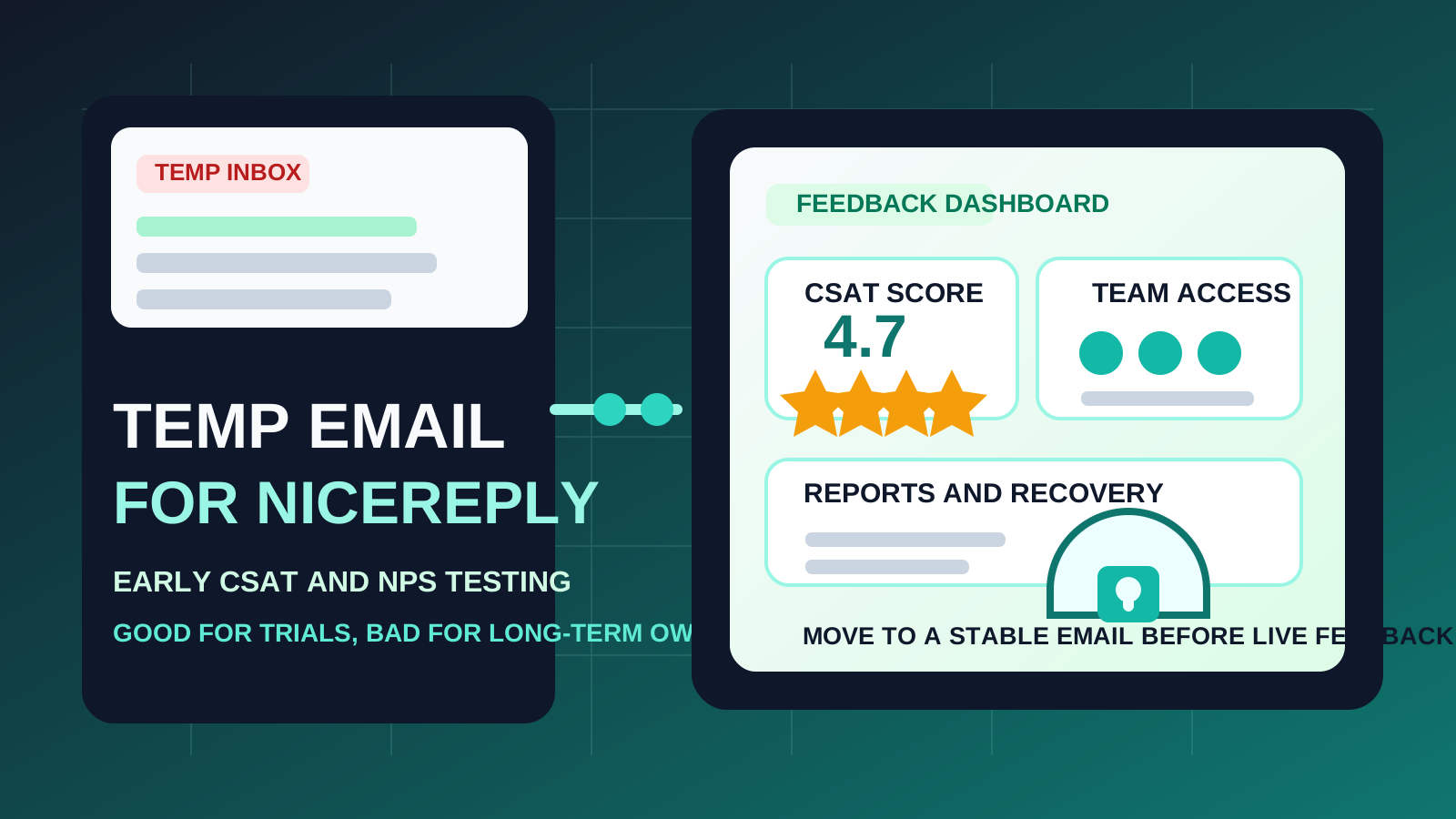
A temp email for Nicereply can make sense for a short product trial, quick workspace evaluation, and early CSAT or NPS setup testing.
It becomes a risky choice once live customer feedback, support-team access, recurring reports, or account recovery depend on that inbox.
If you are comparing customer feedback tools, it is easy to collect too many trial accounts too quickly. A support lead may test several platforms in the same week, a CX manager may want to compare survey workflows before committing, or a founder may just want to see how reporting and automation feel before bringing a team into the loop. In that stage, using a temporary inbox can be a practical way to keep your main email from absorbing another long stream of onboarding messages, webinar invites, pricing nudges, and sales follow-ups.
Nicereply fits that pattern well. The product can be useful when you want to test customer satisfaction surveys, look at reporting, check how response collection works, or compare it with alternatives such as AskNicely, SatisMeter, GetFeedback, Qualaroo, or Survicate. But there is a big difference between testing a tool and depending on it. That difference is what should decide whether a disposable email address is smart or shortsighted.
When a temp email for Nicereply makes sense
There are several low-stakes situations where a temporary inbox is a reasonable choice.
- First-pass evaluation: you mainly want to see how the dashboard looks, how setup feels, and whether the product is even worth a second session.
- Side-by-side comparison: you are testing multiple feedback platforms and want to keep each signup isolated instead of routing every trial into your main work inbox.
- Short-lived research: you need the verification link, a few onboarding emails, and enough access to judge the product without creating another permanent account trail.
- Inbox hygiene: you do not want months of marketing email from a tool you may reject after ten minutes of use.
That is where a service like Anonibox can be helpful. It lets you receive the initial verification and basic onboarding without immediately tying the evaluation to the inbox you use for real customer work, internal support operations, or long-term software ownership.
Why disposable email becomes risky faster with feedback tools
Feedback platforms are not just passive sign-up forms. If you adopt one, it can become part of how your team measures service quality, reviews agent performance, and follows changes in customer satisfaction over time. That means the account often matters more after the trial than it did during the first ten minutes.
1. Live feedback programs need continuity
As soon as you start using real customer touchpoints, a throwaway inbox stops being harmless. If the account controls survey triggers, scheduled reports, or settings tied to live support workflows, you do not want its recovery path pointing to an address that may disappear or become inconvenient later.
2. Team access matters
Support and CX tools usually stop being solo tools once the evaluation gets serious. A support manager, success lead, or operations owner may invite teammates, change permissions, or assign administrative responsibility. That is harder to manage cleanly when the original account is anchored to a disposable inbox rather than a stable address your team actually recognizes and controls.
3. Password resets are the obvious weak point
The problem with temporary email is rarely the first login. It is the fifth login, three weeks later, when you need to reset a password, approve a security change, confirm a new device, or hand ownership to another person. Disposable addresses are great for quick access and bad for the moment when the platform expects you to still have that address under control.
4. Reporting history becomes more valuable over time
Customer feedback tools are often most useful after data accumulates. Trend lines, satisfaction changes, and recurring reports are not one-day assets. If the account becomes part of a real reporting routine, treating its email identity like a throwaway trial decision can create needless friction later.
A practical rule of thumb
Use a temp email for Nicereply if you are evaluating the product. Do not use one if you already expect the account to become part of a real support or customer-feedback workflow.
That line is simple, but it solves most of the confusion. Temporary inboxes are for reducing early clutter and protecting privacy during short trials. Permanent inboxes are for ownership, collaboration, and recovery. Trouble starts when people treat a serious account like a casual experiment long after the experiment is over.
How to use a temp email for Nicereply without making a mess
1. Decide whether this is a trial or the beginning of adoption
Before you sign up, be honest about what you are doing. If you are simply exploring the interface, comparing it against other tools, or checking whether the workflow feels promising, a disposable inbox is reasonable. If you already suspect this platform may become part of your actual support stack, start with a permanent address and skip the migration headache.
2. Save the important early emails
In a short evaluation, you usually only need a small handful of messages:
- the verification email
- initial setup instructions
- any integration notes worth reviewing later
- details you may want if you recreate the account with a permanent inbox
Do not assume you will remember everything or that the inbox will still feel convenient later. Capture what matters during the first session.
3. Test the real decision points, not just the homepage
If you are going to use a temporary email for evaluation, make the evaluation count. Look at the parts that actually drive a buying decision:
- how easy it is to understand survey setup
- whether the reporting is clear or noisy
- how the product handles CSAT, NPS, or customer effort workflows
- whether the interface feels suitable for support teams rather than just solo experimentation
- how comfortable you would feel bringing coworkers into the tool later
The goal is to leave the session with a real opinion, not just another account sitting around doing nothing.
4. Switch early if the tool starts to matter
The safest time to move from a temporary inbox to a stable one is before you depend on the account, not after. Do it before live surveys, before real customer reporting, before shared admin access, and before anything important is trapped behind that temporary address.
When a permanent inbox is the better choice from day one
Start with a normal long-term email address if any of these are true:
- you expect to use Nicereply beyond a quick product review
- the account may become part of a real support or CX workflow
- multiple team members may need access
- you care about dependable password resets and account recovery
- you want the account to reflect real business ownership rather than a throwaway experiment
Once one or more of those conditions apply, the short-term convenience of disposable email is usually not worth the long-term fragility it introduces.
Realistic examples
Example 1: comparing feedback tools in one afternoon
You want to review several products, open the dashboards, scan the onboarding flow, and get a fast feel for what each platform is trying to do. A temporary inbox works well here because the entire point is quick comparison rather than long-term use.
Example 2: solo support consultant doing research
If you are researching options for a client but not yet setting up the client’s real system, a temp inbox can help keep your research organized. You can evaluate the product without tying the early exploration to the client’s permanent operating email too soon.
Example 3: support manager planning a live rollout
This is where disposable email becomes the wrong tool. If the account may soon hold team settings, report subscriptions, and live customer feedback logic, the safer move is to start with a stable inbox that your organization controls.
Common mistakes to avoid
- Using a throwaway inbox for a non-throwaway account: the biggest mistake is letting a quick trial silently turn into a real production account.
- Waiting too long to migrate: if the tool becomes useful, move to a permanent email before more access, reporting, or ownership gets tied to the old inbox.
- Thinking only about signup privacy: inbox clutter matters, but recovery, permissions, and long-term control matter too.
- Ignoring shared ownership: once more than one person may rely on the account, email stability matters much more.
- Treating all survey software as equally disposable: some tools collect real business data quickly, which raises the cost of a casual signup choice.
A clean way to evaluate Nicereply
- Use a temporary inbox only for first-pass evaluation.
- Verify the account and review the initial onboarding.
- Test the key dashboard, survey, and reporting workflows in one focused session.
- Decide quickly whether the product is forgettable or operationally relevant.
- If it is relevant, recreate or update the account with a permanent inbox before live feedback and shared access begin.
That workflow gives you the privacy and inbox control benefits of temporary email without pretending a disposable address is a good long-term foundation for a customer feedback program.
Final takeaway
A temp email for Nicereply is useful when you want to explore the product, compare it against other feedback tools, and keep trial noise out of your main inbox.
It is a poor long-term choice once live support workflows, team access, scheduled reports, or account recovery matter. Use temporary email for the trial stage, then switch to a stable address before the account becomes part of real customer operations.