Yes, a temp email for SatisMeter can make sense when you are only testing signup, previewing NPS workflows, or comparing feedback tools without handing your main inbox to another trial too early.
No, it is a poor long-term choice once real customer responses, workspace ownership, team invites, billing notices, or account recovery depend on that inbox still being available.
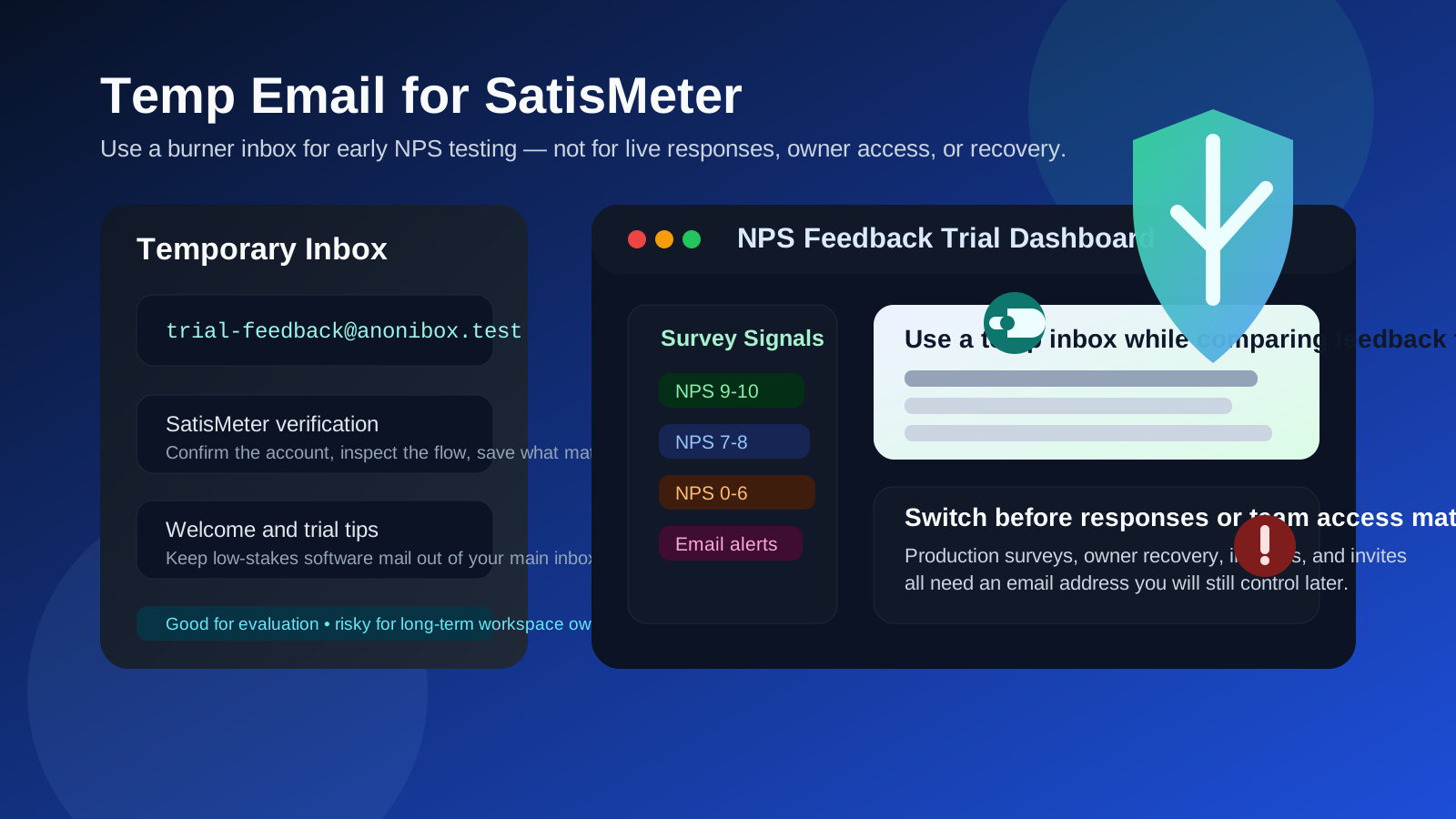
If you evaluate customer feedback software often, you already know how quickly those signups pile up. One trial turns into welcome emails, onboarding prompts, webinar invites, launch updates, product tours, survey examples, and sales nudges that keep landing long after you decided the tool was not a fit. A disposable inbox can be a sane buffer during that early testing stage.
SatisMeter fits that pattern neatly. Teams usually look at it while comparing NPS and feedback workflows, checking how surveys are delivered, reviewing dashboards, or seeing whether the reporting feels practical enough for an actual customer program. In that early phase, using a temporary inbox can help you verify access, inspect the first-run experience, and keep the noise out of the address you use every day.
The key is remembering that the inbox choice should match the account stage. A burner inbox is fine for quick evaluation. It becomes a bad idea the moment the workspace starts holding real survey responses, owner permissions, or anything you would care about getting back later.
When a temp email for SatisMeter makes sense
There are several normal situations where a temporary inbox is a reasonable choice.
- Fast product comparison: you are checking SatisMeter against adjacent tools and want to keep each trial isolated.
- Low-stakes signup verification: you only need the confirmation email and first onboarding steps to see whether the platform is worth more attention.
- Short internal testing: you are exploring survey triggers, response flow, or dashboard layout in a sandbox mindset rather than launching a real program.
- Inbox hygiene: you do not want another SaaS trial attaching months of follow-up mail to your main account.
- Disposable evaluation: the workspace truly is temporary, and nothing valuable will depend on it later.
That is the sweet spot for Anonibox or any similar temporary inbox workflow. You get through verification and early setup, but you do not have to let a casual trial become a permanent source of inbox clutter.
Why people look for a temporary email here
Most people searching this are not trying to do anything exotic. They usually want one of three things: less inbox clutter, better privacy during software evaluation, or a cleaner boundary between “I am just testing this” and “this is now part of our customer feedback stack.”
That is especially reasonable in the NPS and survey category. Feedback tools often look similar from the outside until you actually try the setup flow, survey targeting, notification behavior, and reporting. Teams might compare several products in a single week. If every test immediately feeds a shared work inbox or a founder’s personal address, the follow-up becomes messy fast.
A temporary inbox helps you keep the evaluation phase honest. It reminds you that the account is still provisional and that the real question is whether the product deserves a place in your workflow, not whether you can survive one more onboarding sequence.
What a disposable inbox helps with
1. Cleaner trial management
Multiple feedback-tool trials can blur together quickly. A separate inbox keeps verification links, welcome mail, and setup prompts from merging into your day-to-day work email.
2. Better short-term privacy
You do not have to hand over your main address to every tool the second you become curious. That extra separation is often enough to make evaluation less annoying.
3. Easier cleanup when the trial goes nowhere
If SatisMeter is not the right fit, a temporary inbox means you are not still unsubscribing from trial mail six months later.
4. Clearer distinction between testing and production
This is underrated. Using a temporary inbox for a temporary workspace makes it much easier to see which accounts are experiments and which ones are real operational systems.
Where a temp email becomes risky
The signup itself is not the risky part. The real problem appears later, when a casual test quietly turns into a meaningful account.
1. Real customer responses may matter later
If surveys are going live and responses from actual users start landing in the workspace, the account is no longer disposable. Missing notifications or losing owner access can become a real operational problem.
2. Team invites need continuity
Once multiple people are relying on the account, the owner inbox has to be stable. A throwaway address that felt clever during solo evaluation becomes a liability the minute teammates need continuity.
3. Billing and subscription notices need a monitored inbox
If the account moves onto a paid plan, renewal reminders, invoices, usage notices, or plan-change confirmations should go to an email you actually monitor long term.
4. Recovery is where disposable decisions usually break
Password resets and security confirmations are often the first moment people regret the temporary-inbox choice. Account recovery is easy right up until the system expects you to still control the original address.
5. Workspace ownership should not depend on something temporary
Any account that may become a core feedback workspace deserves an owner inbox with real durability. That matters more than the small convenience you gained during signup.
A practical rule of thumb
Use a temp email for SatisMeter only if the account is temporary too.
If you are simply comparing products, checking the onboarding flow, or testing low-stakes survey behavior, a temporary inbox is reasonable. If the account may become part of your live customer feedback program, switch to a permanent email very early or start with one from day one.
How to use a temp email for SatisMeter without creating future headaches
1. Decide whether this is a trial or a real candidate
Before you sign up, be honest about the likely outcome. Are you only exploring? Or do you already think this workspace might survive beyond a quick test? That answer should shape the inbox decision.
2. Keep the first session focused
A temporary inbox works best when the trial is deliberate. Use the first session to answer practical questions:
- Is setup intuitive enough for your team?
- Do the NPS or feedback workflows match your actual use case?
- Are notifications clear, useful, and manageable?
- Does the dashboard help you act on responses, or just collect them?
- Would you trust this tool enough to attach it to a live customer workflow?
This is where temporary email is genuinely helpful: quick access, less clutter, and a cleaner comparison window.
3. Save the small number of messages that matter
During early testing, you usually only need a few emails: the verification message, maybe a welcome link, and perhaps an onboarding note you want to compare against another tool later. Save what matters and assume the inbox is temporary, because it is.
4. Do not attach real work to a disposable owner
If the account starts accumulating anything important, stop treating it like a throwaway. Move to a durable address before survey programs, customer notifications, or workspace ownership depend on it.
5. Switch before other people rely on the account
The best time to migrate away from a burner inbox is before there is any handoff risk. Early switching is tidy. Late switching is usually irritating.
When a permanent inbox is the better choice from day one
- you expect to keep the workspace beyond a short trial
- the account may collect real customer or user responses
- teammates or clients may need access later
- the workspace may be tied to contracts, billing, or renewal notices
- you want a reliable recovery path for ownership or security problems
- the account could become part of your actual NPS or feedback process
If any of those sound true, the long-term downside is bigger than the signup convenience.
How this compares with adjacent feedback tools
The same pattern shows up with related platforms like AskNicely, GetFeedback, Qualaroo, Survicate, and Crowdsignal. A burner inbox is often useful for early evaluation, but it becomes risky once live work, shared ownership, or account recovery matter.
SatisMeter is not unusual in that sense. What matters is not the brand alone, but the moment the account stops being a test and starts being infrastructure.
Common mistakes to avoid
- Using a disposable inbox for a non-disposable workspace: this is the biggest mistake by far.
- Waiting too long to switch: people often plan to update the email later, then the workspace quietly becomes real.
- Thinking only about signup privacy: recovery and continuity are usually the more important issue.
- Ignoring team consequences: a solo shortcut becomes a shared problem once others depend on the account.
- Letting trial convenience dictate long-term ownership: the easiest signup path is not always the safest operational choice.
Final takeaway
A temp email for SatisMeter is a practical choice when you are doing short-lived NPS or feedback-tool evaluation, low-stakes signup verification, or early workflow comparison work.
It is the wrong choice once the account becomes important for live responses, workspace ownership, billing, support, or team access. Use temporary email during the trial phase if you want inbox privacy, then switch to a stable address before the workspace becomes something your team actually needs to keep.